• VectorStyler 1.2 beta

    Pinned Moved
    11
    12 Votes
    11 Posts
    17k Views
    VectorStylerV
    @Victor-Vector said in VectorStyler 1.2 beta: Just so you know, this works 100% with my keyboard's left ALT but it is jittery on my keyboard's right ALT. Yes, there were some issues in working with the right ALT key on Windows. I will try to improve this.
  • Transform pivot point regression

    4
    1 Votes
    4 Posts
    3k Views
    W
    This issue has been resolved in the latest update. Thank you!
  • Regression when placing images

    4
    1 Votes
    4 Posts
    2k Views
    W
    This is now fixed in the latest update!
  • 1.2.075 Properties Panel resize problem

    2
    1
    1 Votes
    2 Posts
    2k Views
    VectorStylerV
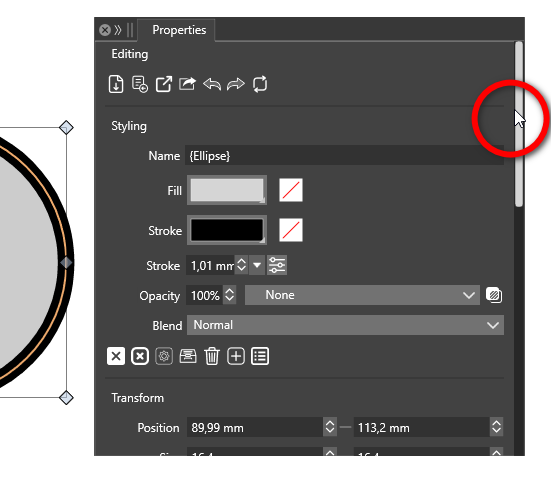
    @larsherold I opened a bug on this.
  • Round Corners Bug

    2
    0 Votes
    2 Posts
    2k Views
    VectorStylerV
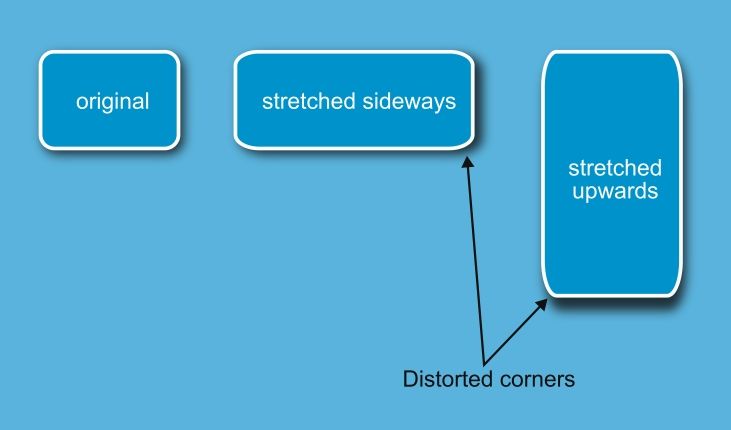
    @William-Kansepa said in Round Corners Bug: Scale Corners option I added this to the features backlog, but I'm not sure yet how this can be done.
  • This topic is deleted!

    1
    0 Votes
    1 Posts
    3 Views
    No one has replied
  • 测试中文版

    4
    1 Votes
    4 Posts
    3k Views
    VectorStylerV
    @朱升品 I added your email to the license server. Please restart VS.
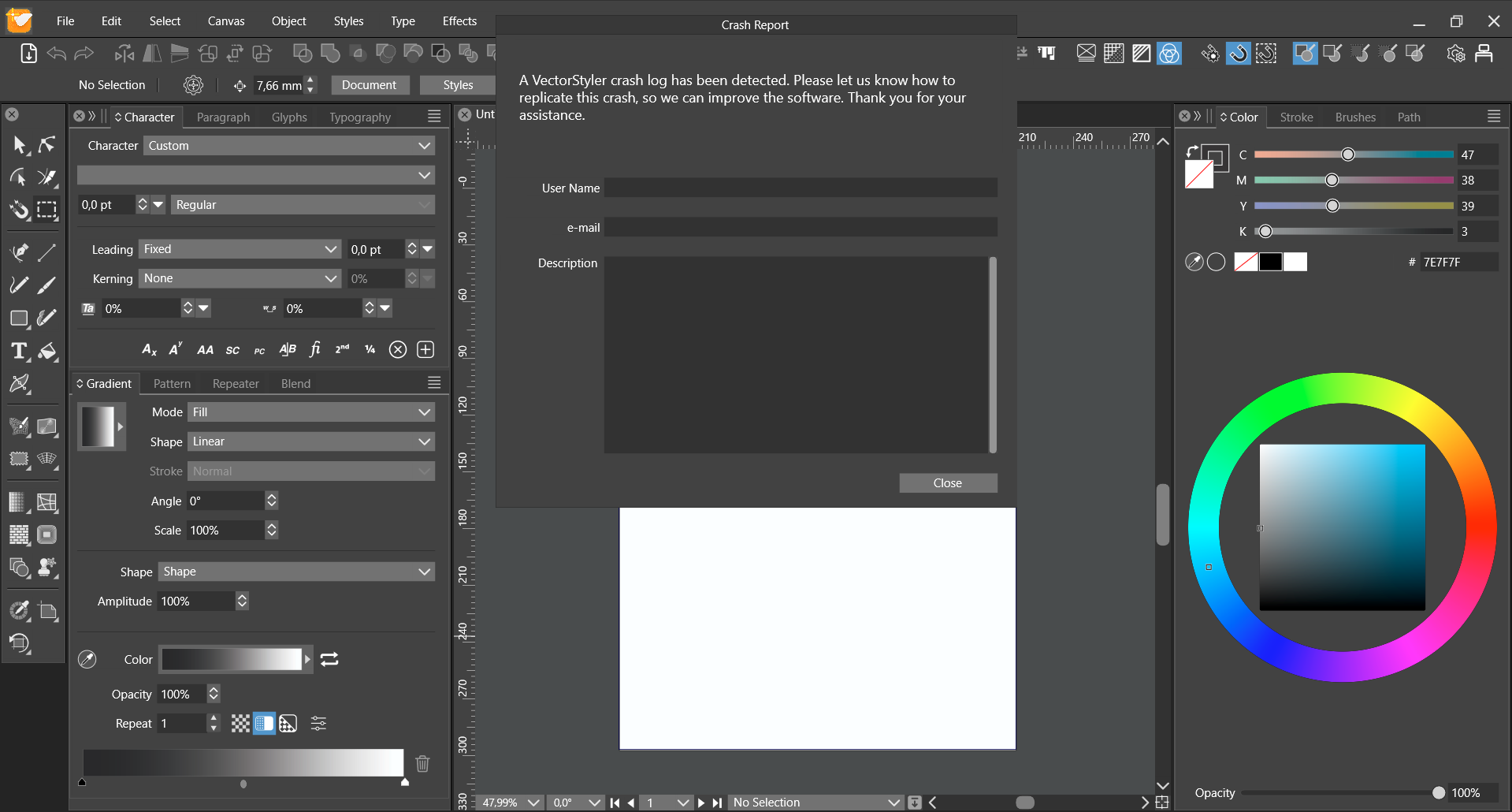
  • Crash report after reopening VS

    Moved
    6
    1
    1 Votes
    6 Posts
    7k Views
    VectorStylerV
    @debraspicher said in Crash report after reopening VS: However, deleting the folder did the trick for me, thankfully. Yes, this might happen if VS cannot delete the previous crash log files. Manual deletion fixes this.
  • stacked Transform shape effects should be independent

    9
    1 Votes
    9 Posts
    10k Views
    J
    @VectorStyler Ah - I had been interpreting the order wrong - I thought it's built "base up". Yes, now it works and makes very much sense. @Devil-Dinosaur I downloaded your preset and now need to find out how to load it I was thinking about shape effects because this can then be wrapped into a Layer style, so there is some kind of workflow of "switch off layer effect visibility to draw -> turn on effect visibility to see" and keep everything live.
  • Crash when objects with Erase blend mode duplicated

    2
    1
    1 Votes
    2 Posts
    3k Views
    VectorStylerV
    @jkwchui Can be replicate here also, will be fixed as soon as possible.
  • Shape Effects / Transform has no parameters

    shape effects transform
    2
    1
    1 Votes
    2 Posts
    4k Views
    VectorStylerV
    @jkwchui I will fix this for the next build.
  • Odd text spacing in imported svg file

    4
    1 Votes
    4 Posts
    6k Views
    P
    Thank you for the fix.
  • Bounding box changes after flipping artwork

    5
    2
    2 Votes
    5 Posts
    7k Views
    debraspicherD
    @William-Kansepa I agree with this. Even if technologically it is working as intended, it's not as intuitive for the user visually.
  • CSV as Data Source does not accept " " escaping

    2
    1 Votes
    2 Posts
    4k Views
    VectorStylerV
    @jkwchui Seems to be a bug, I will try to fix it for the next build.
  • Guidelines, dragging into Artboard group doesn't work.

    2
    1 Votes
    2 Posts
    4k Views
    VectorStylerV
    @larsherold Yes, can be replicated here also. I think this was the same before 032 also
  • VS sometimes fails to interpret text in a pdf file

    2
    2
    1 Votes
    2 Posts
    5k Views
    VectorStylerV
    @William-Kansepa I did not yet receive the file. But from the image it seems that some ligatures (in this case "fi") are not translated back to glyphs.
  • Commands not working

    2
    1 Votes
    2 Posts
    4k Views
    VectorStylerV
    @William-Kansepa Can be replicated on Windows, I will try to find the fix before the next release
  • "Shift+Click to deselect a single selected object" issue

    5
    1
    1 Votes
    5 Posts
    9k Views
    VectorStylerV
    @larsherold Box+Shift Click issue can be replicated here. I will fix this ASAP.
  • Weird colour swatch behaviour

    6
    5
    1 Votes
    6 Posts
    8k Views
    W
    @VectorStyler, thank you for the response.
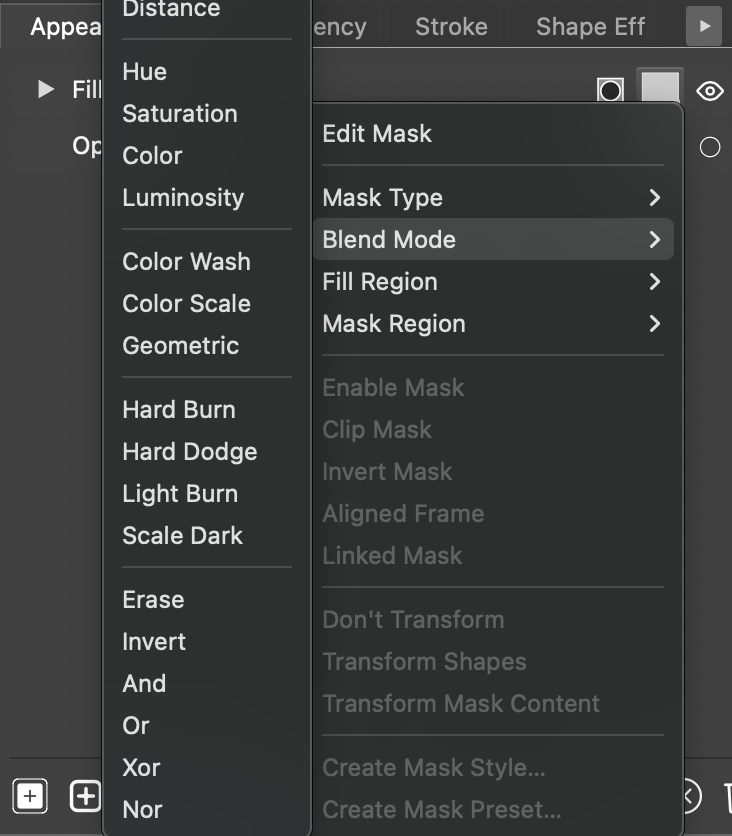
  • Panel Submenus show MacOS system services

    4
    1
    1 Votes
    4 Posts
    9k Views
    IngolfI
    A robot friend says this - may help, may not: To fix unexpected autofill or contacts in macOS context menus using C++ and Objective-C++, check these areas: Context Menu Implementation: Ensure menus only show relevant items for the context. Event Handling: Verify correct handling of right-click events. Input Field Attributes: Disable unwanted autofill attributes (e.g., autocomplete="off"). Custom Menu Items: Remove unwanted system items and ensure custom items are properly defined. Debugging and Logging: Add logs to trace unwanted menu additions. Use Xcode Instruments for profiling. Frameworks and Libraries: Check third-party libraries for side effects. Update to latest versions. Here is an example of how to implement a context menu in C++ with Objective-C++: // ViewController.h #import <Cocoa/Cocoa.h> @interface ViewController : NSViewController <NSMenuDelegate> @end // ViewController.mm #import "ViewController.h" @implementation ViewController (void)viewDidLoad { [super viewDidLoad]; NSMenu *menu = [[NSMenu alloc] initWithTitle:@"Context Menu"]; [menu setDelegate:self]; NSMenuItem *menuItem = [[NSMenuItem alloc] initWithTitle:@"Custom Action" action:@selector(customAction) keyEquivalent:@""]; [menu addItem:menuItem]; [self.view setMenu:menu]; } (void)customAction { // Handle custom action } (void)menuNeedsUpdate:(NSMenu *)menu { [menu removeAllItems]; NSMenuItem *menuItem = [[NSMenuItem alloc] initWithTitle:@"Dynamic Action" action:@selector(customAction) keyEquivalent:@""]; [menu addItem:menuItem]; } @end // main.cpp #include <Cocoa/Cocoa.h> int main(int argc, const char * argv[]) { return NSApplicationMain(argc, argv); } In this example, ViewController implements the NSMenuDelegate protocol to dynamically update the context menu. The menuNeedsUpdate: method ensures that the context menu only contains relevant items. This example combines C++ (in main.cpp) with Objective-C++ (in ViewController.mm), which is commonly used in macOS development.