VectorStyler
    • Categories
    • Unread
    • Recent
    • Tags
    • Popular
    • Register
    • Login

    Programme behaving weirdly
    Scheduled Pinned Locked Moved VectorStyler 1.2 beta
    6 Posts 3 Posters 6.7k Views 3 Watching
    Loading More Posts
    • Oldest to Newest
    • Newest to Oldest
    • Most Votes
    Reply
    • Reply as topic
    Log in to reply
    This topic has been deleted. Only users with topic management privileges can see it.
    • ambrosA Offline
      ambros
      last edited by

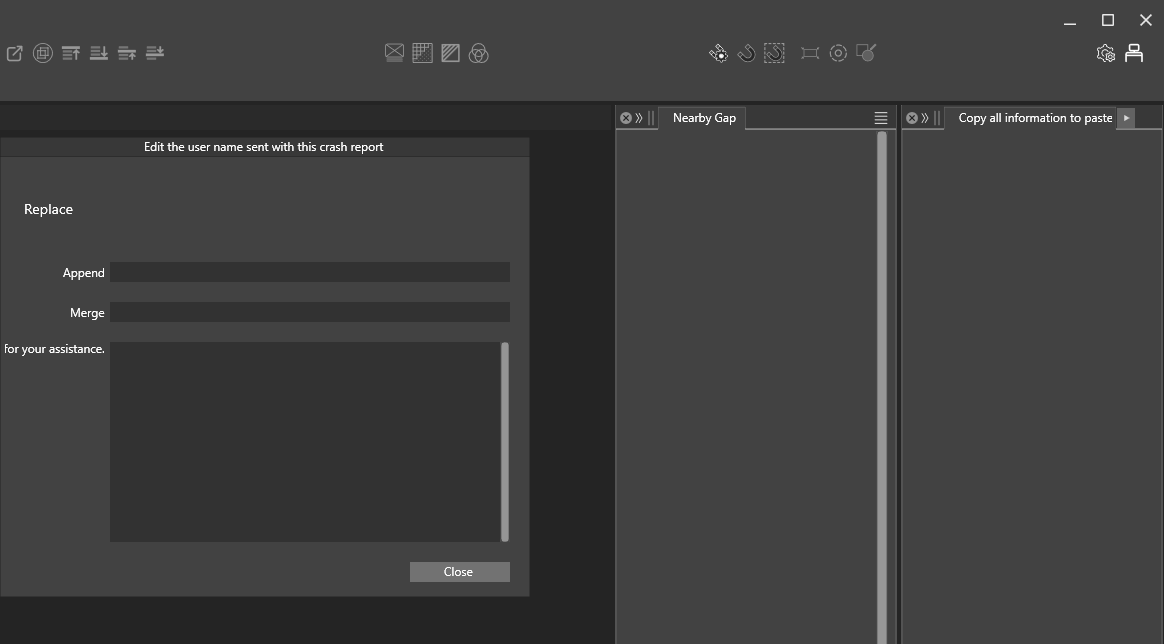
      this is what it looks like when i open
      0_1718377548538_Screenshot 2024-06-14 160538.png

      Windows 11 Home 21H2

      • 11th Gen Intel(R) Core(TM) i9-11900H @ 2.50GHz 2.50 GHz
      • 16Ghz RAM
      • Nvidia GeForce 3060TX
      1 Reply Last reply Reply Quote 0
      • ambrosA Offline
        ambros
        last edited by

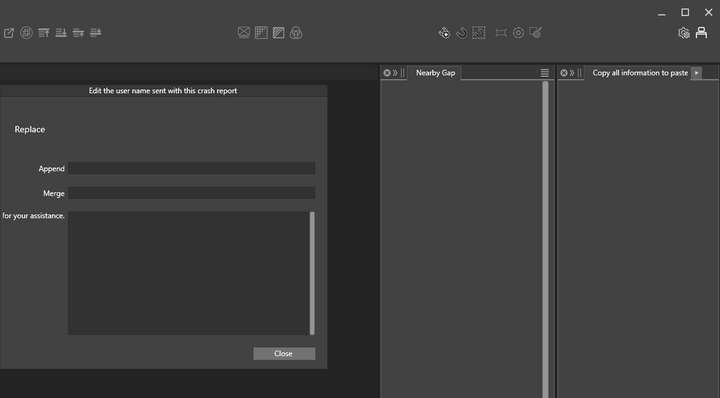
        If I try and create a new document - it's not possible ?
        0_1718377597600_Screenshot 2024-06-14 160623.png

        Windows 11 Home 21H2

        • 11th Gen Intel(R) Core(TM) i9-11900H @ 2.50GHz 2.50 GHz
        • 16Ghz RAM
        • Nvidia GeForce 3060TX
        1 Reply Last reply Reply Quote 0
        • ambrosA Offline
          ambros
          last edited by

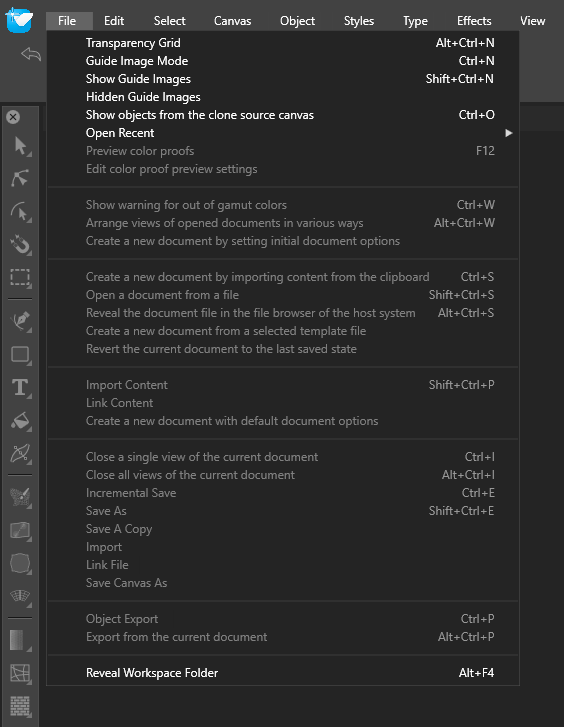
          If I try and import (i.e. click import)
          I see
          0_1718377654829_bf0900a0-1356-40bb-9128-1479a736c24f-image.png

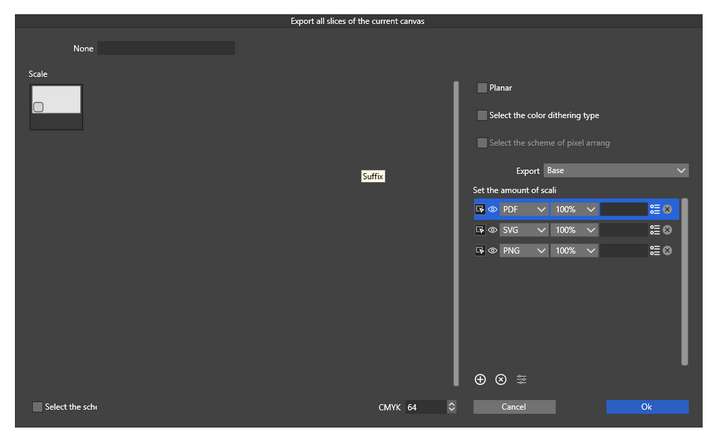
          and if I try and import content I see
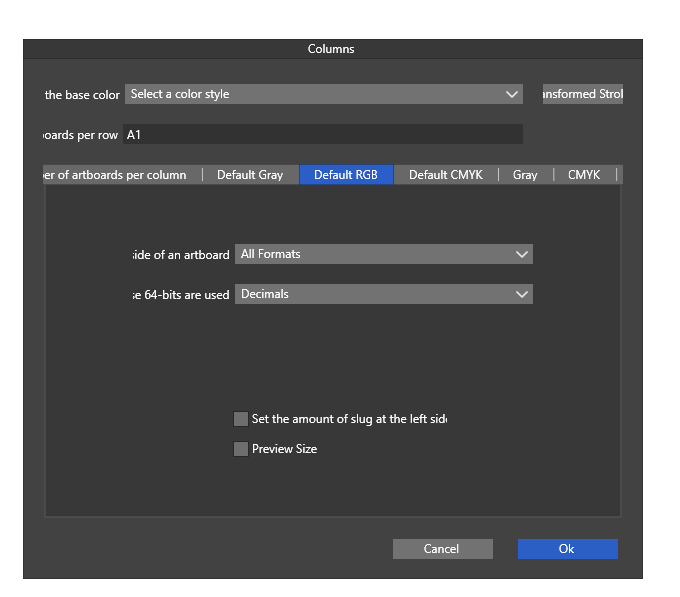
          0_1718377682024_c72de9ab-ed4e-441c-aa59-03d108597358-image.png

          Windows 11 Home 21H2

          • 11th Gen Intel(R) Core(TM) i9-11900H @ 2.50GHz 2.50 GHz
          • 16Ghz RAM
          • Nvidia GeForce 3060TX
          VectorStylerV 1 Reply Last reply Reply Quote 0
          • VectorStylerV Offline
            VectorStyler @ambros
            last edited by

            @ambros Looks like the old text resources were kept by the MSI installer.
            Remove (uninstall) the VectorStyler and install it again.

            1 Reply Last reply Reply Quote 1
            • ambrosA Offline
              ambros
              last edited by

              yes that's sorted it thanks...
              I still get the crash report prompt every time I login though ?

              Windows 11 Home 21H2

              • 11th Gen Intel(R) Core(TM) i9-11900H @ 2.50GHz 2.50 GHz
              • 16Ghz RAM
              • Nvidia GeForce 3060TX
              S 1 Reply Last reply Reply Quote 0
              • S Online
                Subpath @ambros
                last edited by

                @ambros
                You can manually delete the crash files in x:\ProgramData\NumericPath\Crash Logs\

                Win 11
                CPU: AMD Ryzen 5 9600X, 6-core.
                GPU: Nvidia Geforce RTX 5070.

                1 Reply Last reply Reply Quote 0
                • First post
                  Last post
