Navigation

    VectorStyler

    • Register
    • Login
    • Search
    • Categories
    • Unread
    • Recent
    • Tags
    • Popular
    1. Home
    2. Questions and Support
    • Newest to Oldest
    • Oldest to Newest
    • Most Posts
    • Most Votes

    Questions and Support

    • How to set 'My Snapping Preset' as default
      • Ayo  

      2
      0
      Votes
      2
      Posts
      2813
      Views

      @Ayo The current snapping settings should be the default for a new document (unless opened from a template). If other than the current settings are needed as defaults, then the only solution is to use a document template. The default document template for new documents can be changed in Settings -> Document Files -> New Template
    • Shape Builder or Paint Tool integral approach
      • Ayo  

      13
      0
      Votes
      13
      Posts
      9662
      Views

      @Ayo said in Shape Builder or Paint Tool integral approach: Here you see the miracle happen: https://recordit.co/0bc8r77OyW Got it!
    • Why do I lose my text and text frame?
      • Ayo  

      5
      0
      Votes
      5
      Posts
      4366
      Views

      @Ayo Yes, there was a mixup with text duplication. The fix will be in the next build. The text can be reassigned from the Links panel, by double clicking on the text item.
    • How to assign a blend
      • Ayo  

      19
      0
      Votes
      19
      Posts
      14927
      Views

      @b77 Very clear and beautiful! but there are more groups than Blend Mode on the menu
    • Feel like a digital dummy working with Vectorstyler or how to ungroup all groups in layer
      • Ayo  

      8
      1
      Votes
      8
      Posts
      8178
      Views

      @Ayo said in Feel like a digital dummy working with Vectorstyler or how to ungroup all groups in layer: Here the piece of land cover. Thanks! This will help a lot. I have now a bit of a backlog of fixes to do, but I should get to this soon
    • More questions
      • Ayo  

      4
      0
      Votes
      4
      Posts
      3992
      Views

      @VectorStyler (1) Only a frame indicator is sufficient (2) I understand
    • Node selection problem
      • Ayo  

      5
      0
      Votes
      5
      Posts
      4283
      Views

      @Li-Xiao OK! The 'Shift' does the job also. But I think I prefer "select nodes from all objects". Faster and fewer errors (include previously covered points). Thanks.
    • Snapping panels redundancy
      • Ayo  

      10
      1
      Votes
      10
      Posts
      7941
      Views

      @b77 In any case, it does not help to solve this location spaghetti tombola !
    • Node Tool object selection
      • Ayo  

      3
      0
      Votes
      3
      Posts
      3034
      Views

      @VectorStyler My wish/goal is to make the Node Editing tool as versatile as possible, resulting in fewer tool changes during editing.
    • Second color selector options
      • Ayo  

      2
      0
      Votes
      2
      Posts
      2412
      Views

      @Ayo Not possible. The "Edit Color" in the panel menu has such option.
    • How to clear selection while in Node Tool mode?
      • Ayo  

      19
      0
      Votes
      19
      Posts
      14023
      Views

      @b77 said in How to clear selection while in Node Tool mode?: @VectorStyler I would include this among the default node editing shortcuts, for former CDR users. Will be added.
    • Problem with bending of point/shape text
      • Ayo  

      2
      0
      Votes
      2
      Posts
      2329
      Views

      @Ayo I opened a bug on this, and will try to fix it.
    • K

      Brush style
      • Kumr  

      4
      0
      Votes
      4
      Posts
      3803
      Views

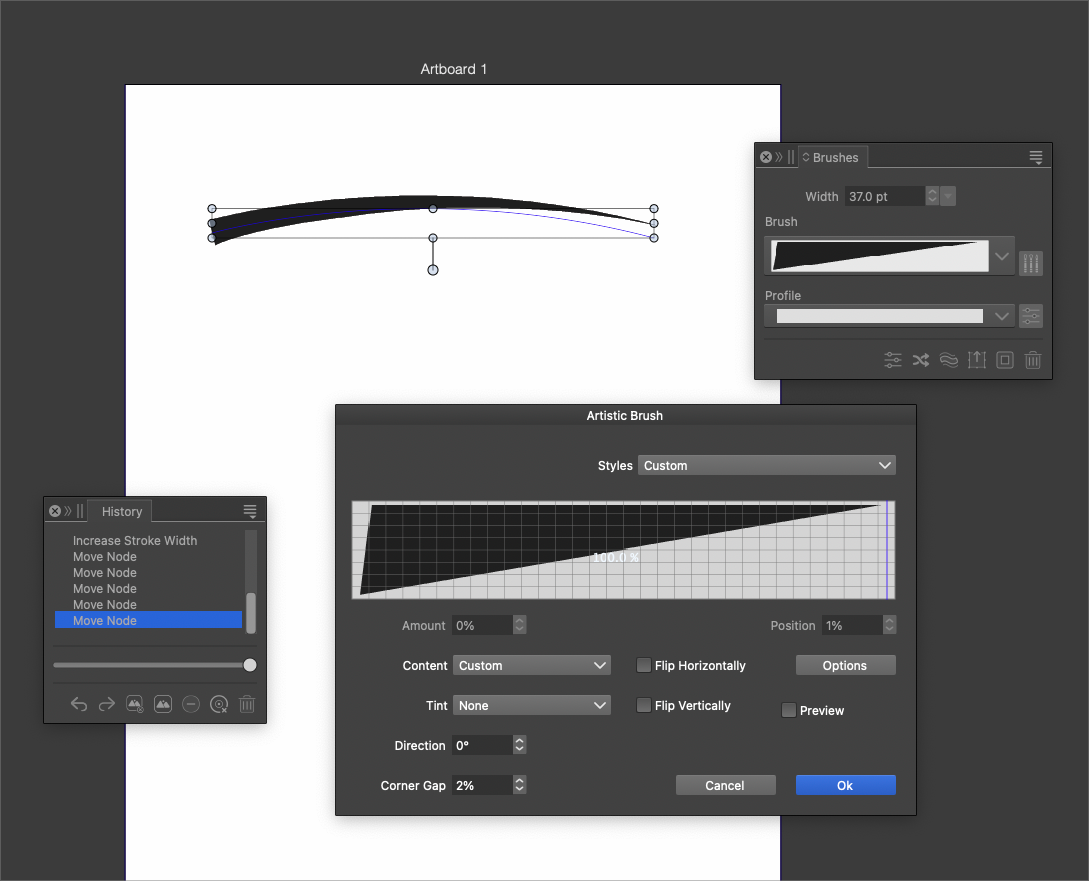
      @Kumr Gradient is not supported in vector brush.
    • Christmas tree lighting
      • Ayo  

      4
      0
      Votes
      4
      Posts
      3480
      Views

      S

      @Ayo said in Christmas tree lighting: @VectorStyler Better! Also with only the Object Snapping Indicator now, again less clutter! The problem arises that you have to keep a logbook or spreadsheet for all the settings and where to find them. how about save snapping presets you could do that and give it a meaningful name
    • B

      "Cut Path at intersections"... what did I do ?
      • B-Vs-V  

      3
      0
      Votes
      3
      Posts
      3450
      Views

      B

      @VectorStyler I'm sure it's not easy to determine the cause of the problem after the fact. I've been dragging this thing around for weeks/months and I still wonder why the "Cut Path at..." feature solved the problem... well, let's move on
    • Zoom to '100% screen size?
      • Ayo  

      3
      0
      Votes
      3
      Posts
      3072
      Views

      @VectorStyler First attempt failed Document Setup -> Resolution to 218 (my screen resolution Apple Studio Display) View -> Display Resolution to 218 Result: view much to big After calculating and measuring the ruler screenshots I came to a scaling factor of 33%. 0.33•218 Equals 72! Second attempt fills the bill Document Setup -> No need to change, leave resolution to 300* (default) View -> Display Resolution to 72 *leave resolution to 300 Better not change, right? Isn't this the resolution for rasterizing effects for HR printwork RIP (Raster Image Processor)? !
    • Icon symbol in blend panel does not look correct and does not allow me to create a blend
      • Boldline  

      7
      0
      Votes
      7
      Posts
      5696
      Views

      @Boldline Yes, that icon creates a single (new) object that is a blend of two objects. This is a 1.2 feature.
    • What modifier do I use with eyedropper to change the stroke of one object using the fill color of another?
      • Boldline  

      2
      0
      Votes
      2
      Posts
      3330
      Views

      @Boldline I don't think there's a modifier for that. Press X to switch to Stroke color, then picking the color from the fill of the other object will assign it to the stroke.
    • How is the option for right-click submenu upon release of the control key best used?
      • Boldline  

      1
      0
      Votes
      1
      Posts
      2881
      Views

      No one has replied

    • K

      Baseline grid options
      • Kumr  

      3
      0
      Votes
      3
      Posts
      3227
      Views

      K

      @VectorStyler Thanks. Will manage with that option.

    Move Topic