VectorStyler
    • Categories
    • Unread
    • Recent
    • Tags
    • Popular
    • Register
    • Login

    Bug List for Version 1.3
    Scheduled Pinned Locked Moved Bugs in VectorStyler
    122 Posts 4 Posters 18.5k Views 4 Watching
    Loading More Posts
    • Oldest to Newest
    • Newest to Oldest
    • Most Votes
    Reply
    • Reply as topic
    Log in to reply
    This topic has been deleted. Only users with topic management privileges can see it.
    • VectorStylerV Offline
      VectorStyler @monsterfox
      last edited by

      @monsterfox I will try to replicate this.

      What is the input method selected in Windows?

      M 3 Replies Last reply Reply Quote 0
      • M Offline
        monsterfox @VectorStyler
        last edited by

        @VectorStyler This has nothing to do with the input method. I was deleting characters without typing any input.

        1 Reply Last reply Reply Quote 1
        • M Offline
          monsterfox @VectorStyler
          last edited by

          @VectorStyler https://youtu.be/MQVmn_gYtuA
          1.vstyler

          1 Reply Last reply Reply Quote 1
          • M Offline
            monsterfox @VectorStyler
            last edited by

            @VectorStyler https://youtu.be/ZGJxd6ebgus
            1.vstyler

            VectorStylerV 1 Reply Last reply Reply Quote 1
            • VectorStylerV Offline
              VectorStyler @monsterfox
              last edited by

              @monsterfox Regression, fix will be uploaded soon

              M 1 Reply Last reply Reply Quote 0
              • M Offline
                monsterfox @VectorStyler
                last edited by

                @VectorStyler https://youtu.be/MrcnUe28vZI
                2.vstyler
                When adding a second graphic symbol in VectorStyler for use in the repeater, it becomes distorted.

                VectorStylerV 1 Reply Last reply Reply Quote 1
                • VectorStylerV Offline
                  VectorStyler @monsterfox
                  last edited by

                  @monsterfox In the grid repeater options set the Adjust field to 0

                  M 1 Reply Last reply Reply Quote 0
                  • M Offline
                    monsterfox @VectorStyler
                    last edited by

                    @VectorStyler https://youtu.be/SLNsOzXtN9w
                    26d62047-3c27-4ca7-a9db-fdbc5d154208-9f099a7d-854d-416a-afe1-b49c6e1caf82.png
                    9a0a42a4-7904-4965-8711-3f36b89472e1-534a5fb1-49f9-4f58-9a52-9b0a1cfeb267.png
                    fcdd8c78-27b1-4b7e-8623-46f4b6e43375-804d2202-3e41-40d7-a041-ba466c261ced.png
                    bc584187-f950-46b8-a267-013d7e293073-e8dc73c0-caf8-40b6-af2a-710c534d9ab0.png
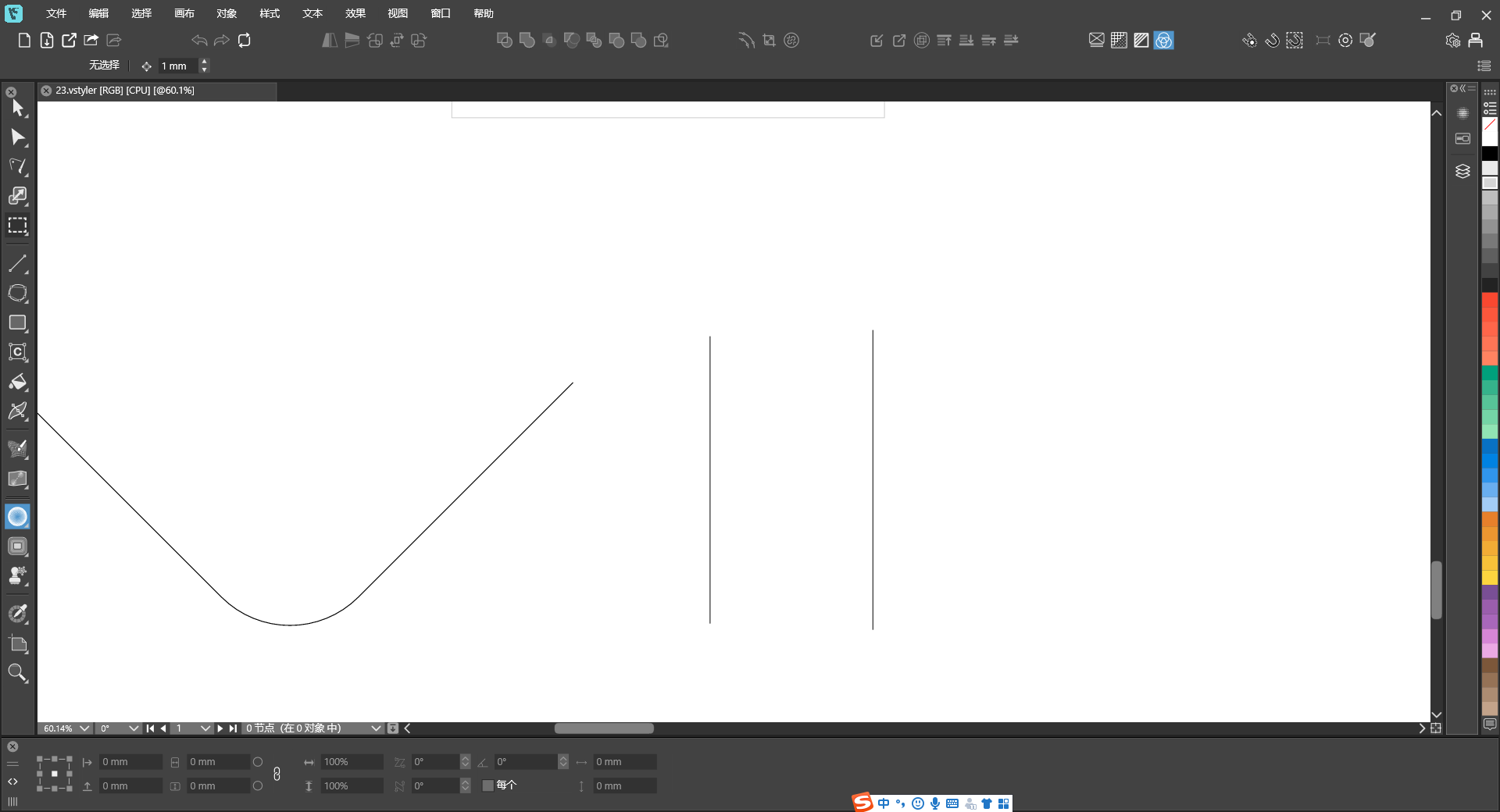
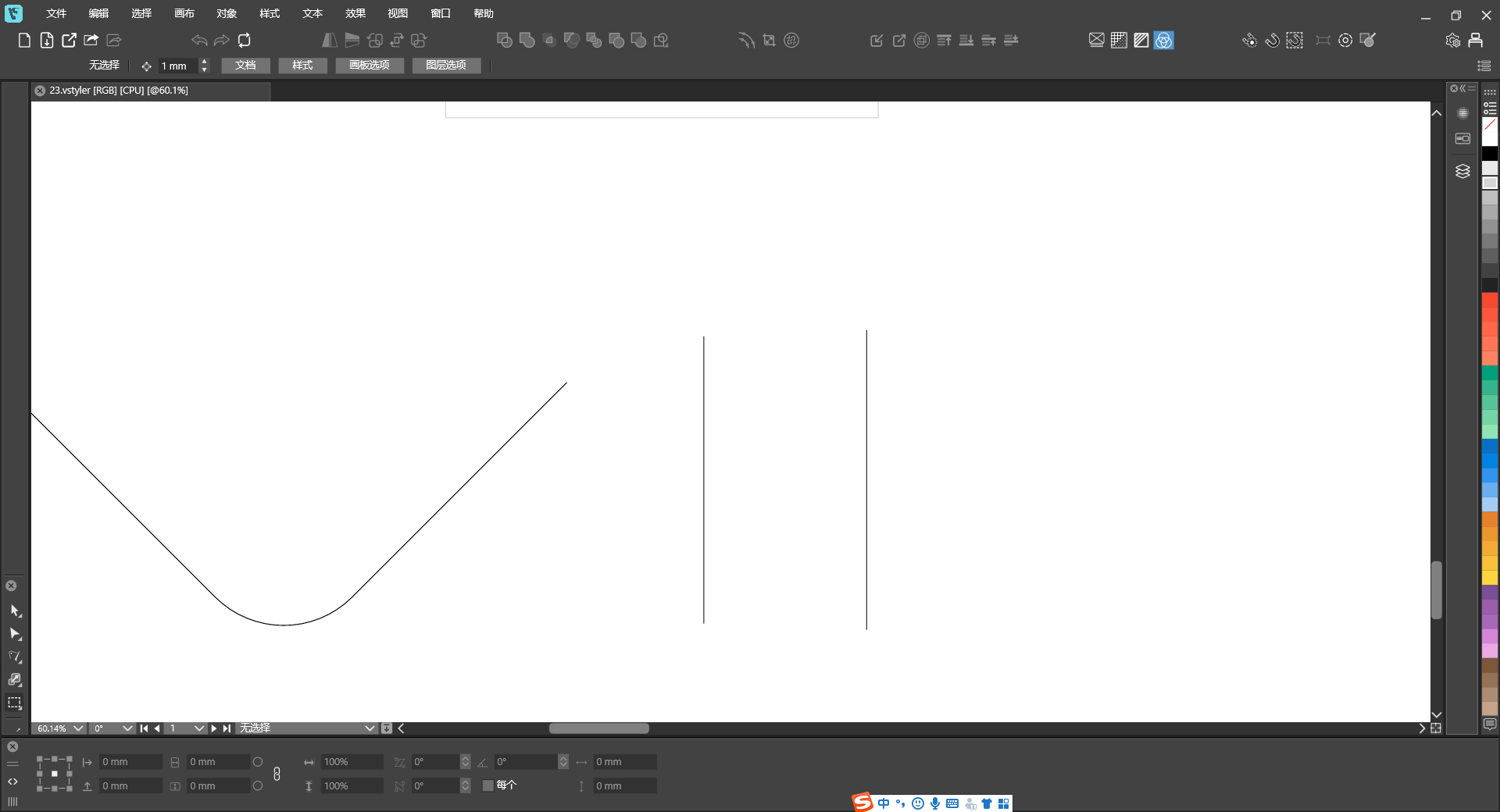
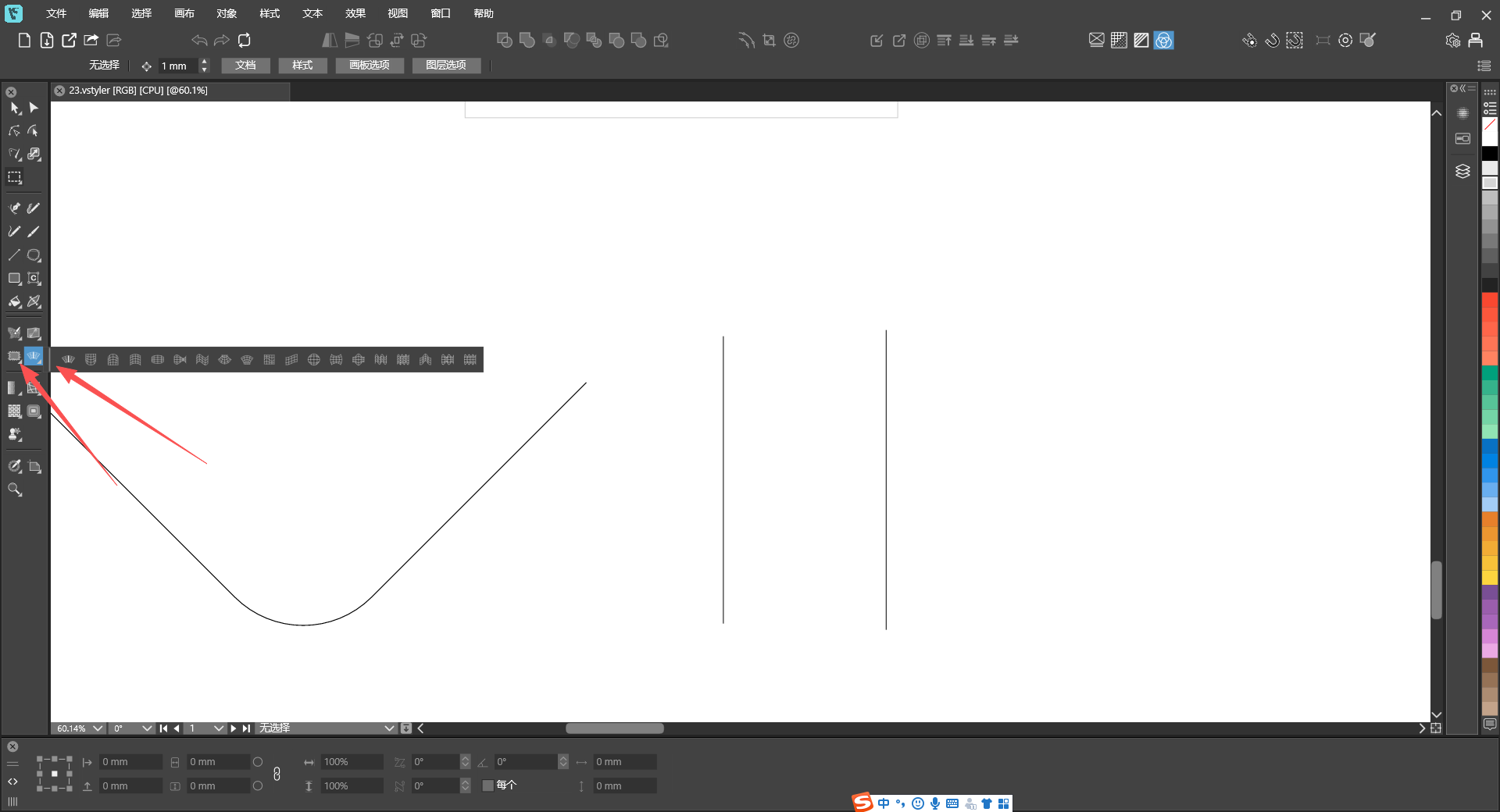
                    When switching the layout of the selection toolbox, some tools go missing and the full set of tools cannot be displayed properly.

                    VectorStylerV 1 Reply Last reply Reply Quote 1
                    • VectorStylerV Offline
                      VectorStyler @monsterfox
                      last edited by

                      @monsterfox If you change the window size, will it reset the layout?

                      M 2 Replies Last reply Reply Quote 0
                      • M Offline
                        monsterfox @VectorStyler
                        last edited by

                        @VectorStyler No. Sometimes even restarting the program has no effect.

                        VectorStylerV 1 Reply Last reply Reply Quote 1
                        • VectorStylerV Offline
                          VectorStyler @monsterfox
                          last edited by

                          @monsterfox I will try to fix this.

                          M 1 Reply Last reply Reply Quote 0
                          • M Offline
                            monsterfox @VectorStyler
                            last edited by

                            @VectorStyler https://youtu.be/TWGHJhvrEtw
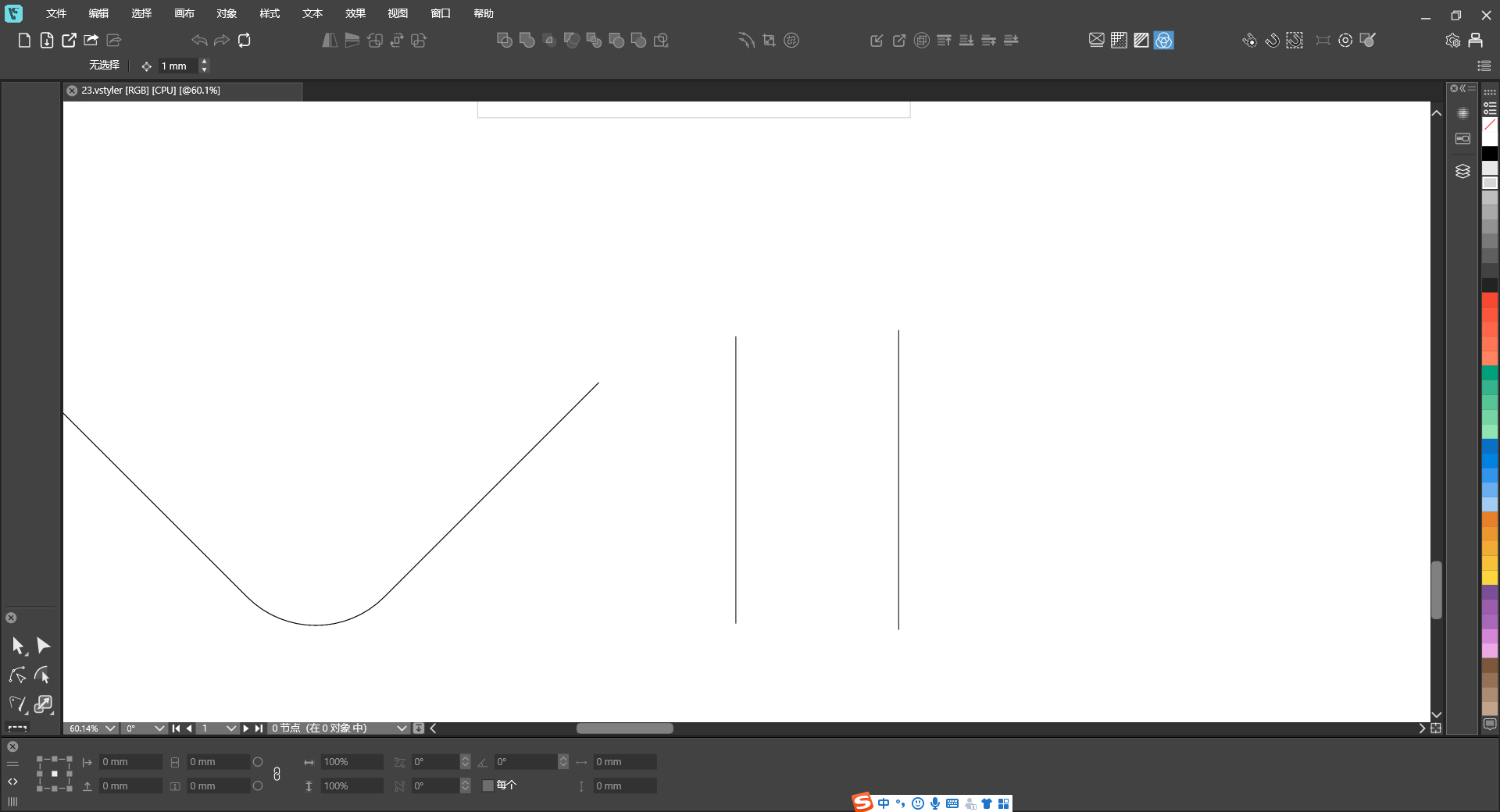
                            23.vstyler
                            I’m not sure if it’s a file issue. I’ve tried other new files, and this tool and panel still don’t work.

                            VectorStylerV 1 Reply Last reply Reply Quote 1
                            • M Offline
                              monsterfox @VectorStyler
                              last edited by

                              @VectorStyler https://youtu.be/wDyIBAdpCI8
                              3.vstyler

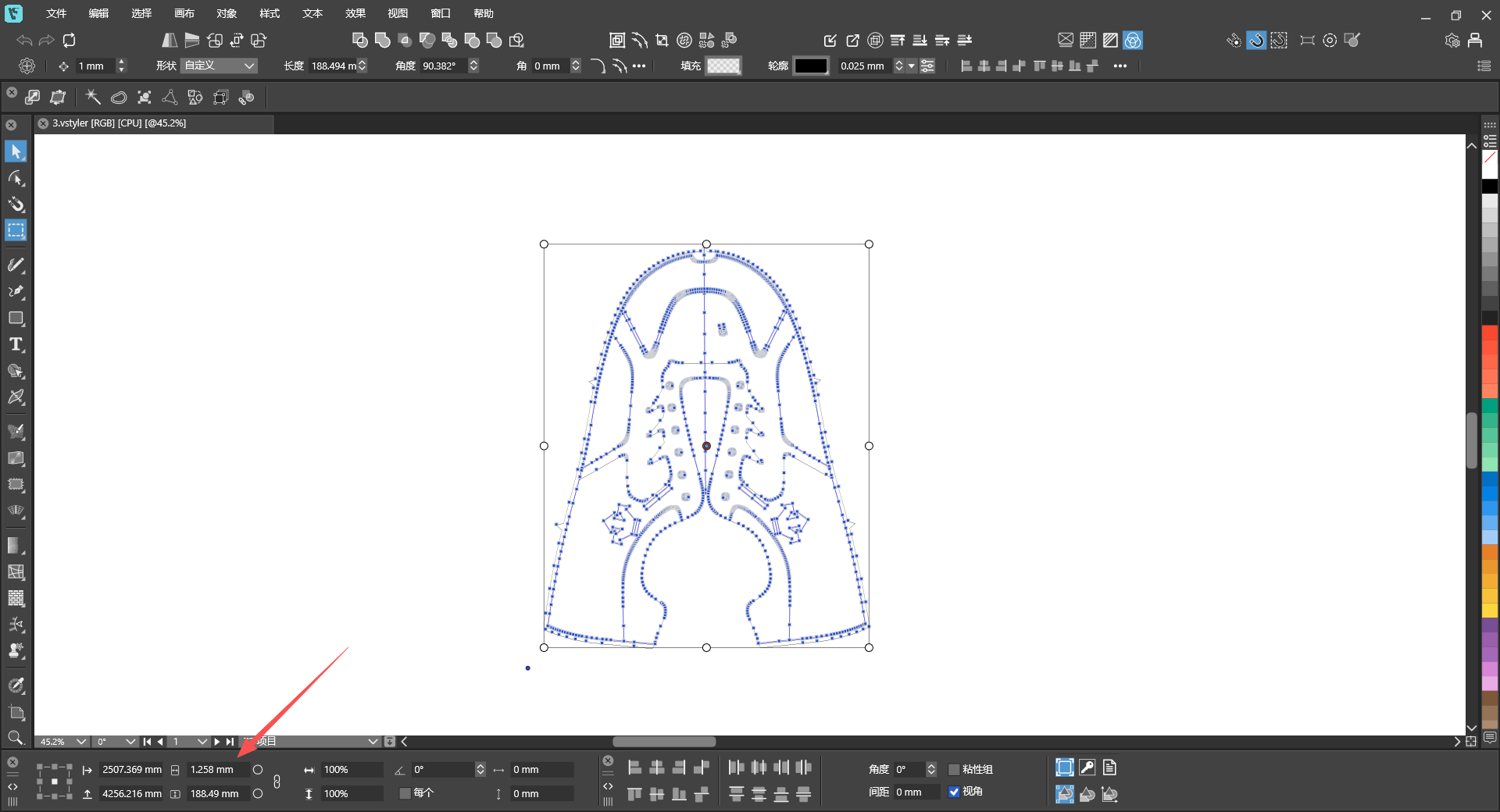
                              The dimensions obtained by clicking to select the shape are different from those by marquee‑selecting the entire graphic.

                              VectorStylerV 2 Replies Last reply Reply Quote 1
                              • VectorStylerV Offline
                                VectorStyler @monsterfox
                                last edited by

                                @monsterfox said in Bug List for Version 1.3:

                                The dimensions obtained by clicking to select the shape are different from those by marquee‑selecting the entire graphic.

                                I opened a bug on this.

                                1 Reply Last reply Reply Quote 0
                                • VectorStylerV Offline
                                  VectorStyler @monsterfox
                                  last edited by

                                  @monsterfox said in Bug List for Version 1.3:

                                  @VectorStyler https://youtu.be/TWGHJhvrEtw
                                  23.vstyler
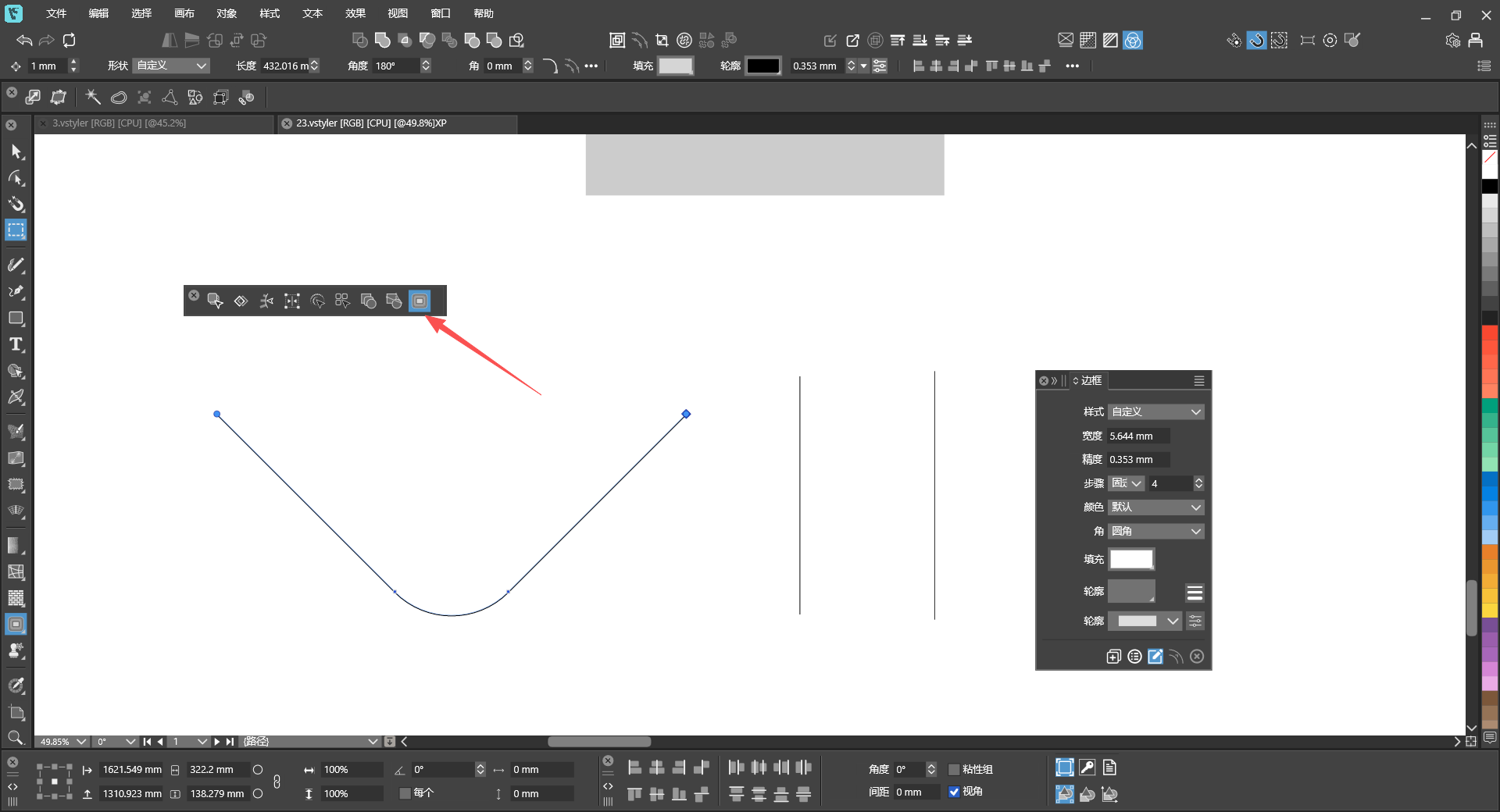
                                  I’m not sure if it’s a file issue. I’ve tried other new files, and this tool and panel still don’t work.

                                  What tool is used in this case? I cannot see this from the video.
                                  M 1 Reply Last reply Reply Quote 0
                                  • VectorStylerV Offline
                                    VectorStyler @monsterfox
                                    last edited by

                                    @monsterfox said in Bug List for Version 1.3:

                                    @VectorStyler https://youtu.be/wDyIBAdpCI8
                                    3.vstyler

                                    The dimensions obtained by clicking to select the shape are different from those by marquee‑selecting the entire graphic.

                                    I cannot replicate this.

                                    What is shown in the transform panel if selecting all with Control+A ?

                                    M 2 Replies Last reply Reply Quote 0
                                    • M Offline
                                      monsterfox @VectorStyler
                                      last edited by

                                      @VectorStyler 34bafec6-7e91-4614-9f34-7ece7edd6f2d-image.png
                                      Control+ASelect all obtained dimensions

                                      1 Reply Last reply Reply Quote 0
                                      • M Offline
                                        monsterfox @VectorStyler
                                        last edited by

                                        @VectorStyler

                                        What tool is used in this case? I cannot see this from the video.
                                        a99a47aa-badb-47fd-99b3-d111fa570b91-image.png

                                        1 Reply Last reply Reply Quote 1
                                        • M Offline
                                          monsterfox @VectorStyler
                                          last edited by

                                          @VectorStyler https://youtu.be/T1P7AtA457c
                                          混合.vstyler

                                          1. Copy these two shapes to a new page, and the gray color will disappear.
                                          2. Scale down two identical shapes; one has Outline checked and the other does not, resulting in different final shapes.
                                          3. Hold Ctrl and left-click the shape, and two identical tools will appear on the top toolbar.
                                          4. This shape’s outline has a gradient fill, and with Rotate Outline enabled, the gradient colors do not rotate along with the shape.
                                          VectorStylerV 2 Replies Last reply Reply Quote 1
                                          • VectorStylerV Offline
                                            VectorStyler @monsterfox
                                            last edited by

                                            @monsterfox The last attached file seems to be corrupted. Can you please send it again. Thanks!

                                            M 2 Replies Last reply Reply Quote 0
                                            • First post
                                              Last post