VectorStyler
    • Categories
    • Unread
    • Recent
    • Tags
    • Popular
    • Register
    • Login

    Just a Pattern

    Scheduled Pinned Locked Moved Tutorials
    42 Posts 7 Posters 60.7k Views 7 Watching
    Loading More Posts
    • Oldest to Newest
    • Newest to Oldest
    • Most Votes
    Reply
    • Reply as topic
    Log in to reply
    This topic has been deleted. Only users with topic management privileges can see it.
    • S Offline
      Subpath
      last edited by

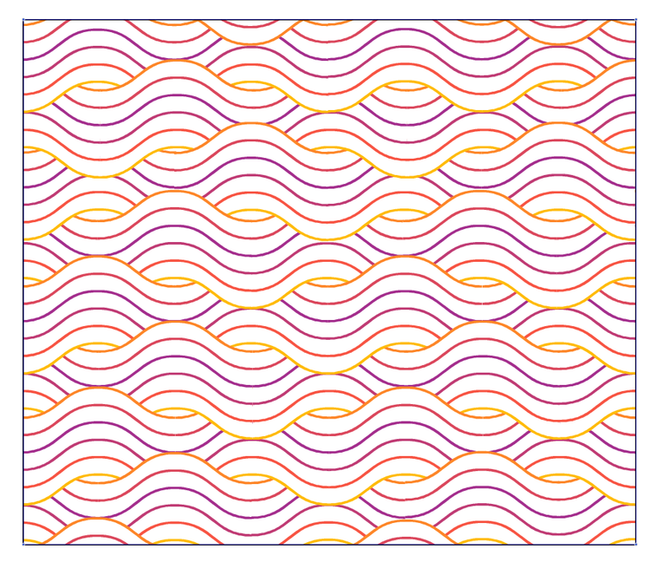
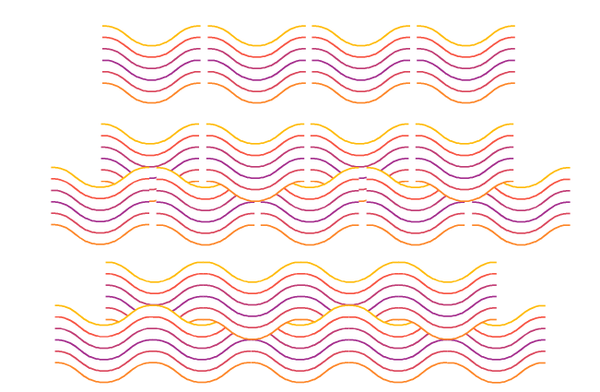
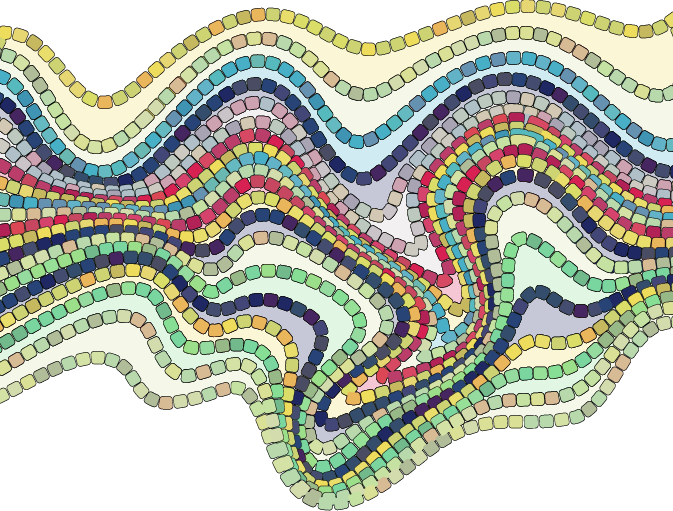
      Been playing around with some lines/paths
      and decided to try a mosaic with them.

      Made two paths and a blend between them
      the deformation was made in CorelDraw because
      they look better, but VectorStyler wants to improve
      the deformation tools

      The rest are made in VectorStyler.
      These are three times the same paths/shapes (layered)
      one for the fill, one for the mosaic and one for the transparent
      and randomly colored mosaic to give it a little more life
      0_1741626138242_twirl-2.png

      Win 11
      CPU: AMD Ryzen 5 9600X, 6-core.
      GPU: Nvidia Geforce RTX 5070.

      H 1 Reply Last reply Reply Quote 3
      • S Offline
        Subpath
        last edited by Subpath

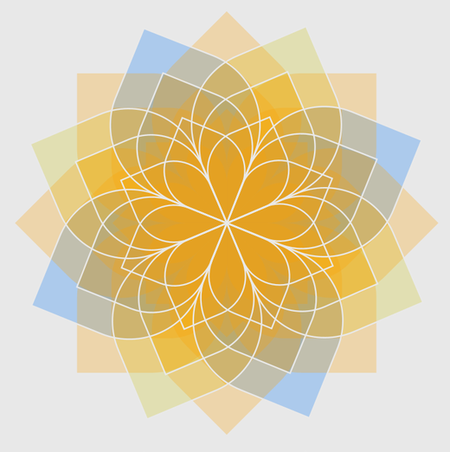
        While browsing through old things I've made, I found this
        variation of the blue floral pattern I posted above.
        0_1743760519071_color_variation2.png

        Win 11
        CPU: AMD Ryzen 5 9600X, 6-core.
        GPU: Nvidia Geforce RTX 5070.

        1 Reply Last reply Reply Quote 6
        • H Offline
          Harry @Subpath
          last edited by

          @Subpath said in Just a Pattern:

          Made two paths and a blend between them
          the deformation was made in CorelDraw because
          they look better, but VectorStyler wants to improve
          the deformation tools
          The rest are made in VectorStyler.
          These are three times the same paths/shapes (layered)
          one for the fill, one for the mosaic and one for the transparent
          and randomly colored mosaic to give it a little more life

          Interesting pattern - it reminds me of a cobbled pavement. In this case "the stones" shouldn't overlap 🙂 - example

          Win 11, XP Pen Deco 01 V2 graphic tablet

          S 1 Reply Last reply Reply Quote 1
          • S Offline
            Subpath @Harry
            last edited by Subpath

            @Harry

            Thanks, you're actually on the right track 🙂
            The pattern you mentioned is one of several experiments that
            should ultimately led to something like a cobblestone/mosaic.

            My goal was to figure out a way how to create something like
            that in Vectorstyler. I'm still experimenting a bit, but when
            everything will fall together, I'll post a tutorial.

            Win 11
            CPU: AMD Ryzen 5 9600X, 6-core.
            GPU: Nvidia Geforce RTX 5070.

            1 Reply Last reply Reply Quote 1
            • S Offline
              Subpath
              last edited by Subpath

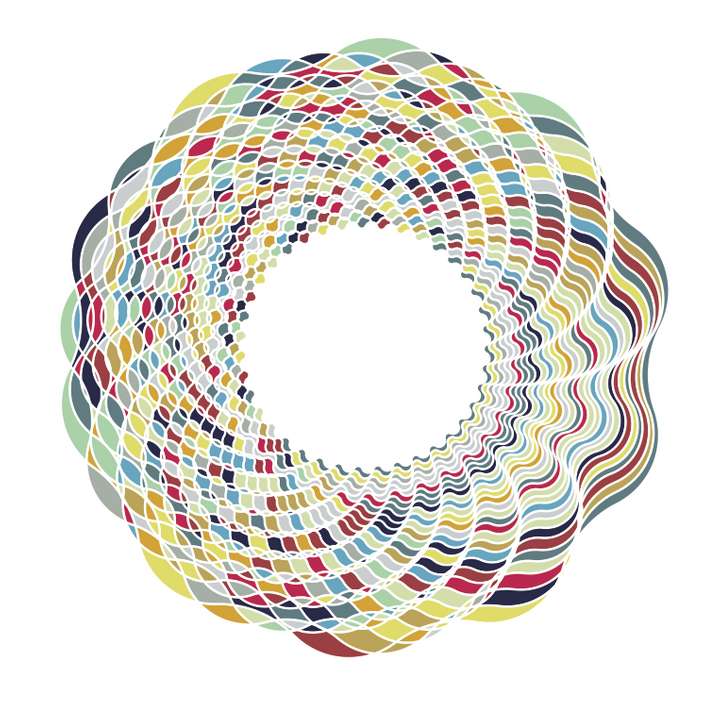
              @Li-Xiao created a few designs in this thread
              https://www.vectorstyler.com/forum/topic/5140/patterns-generated-with-node-bump-effect

              I couldn't resist taking one and trying out Colorize.
              0_1747912264229_Li Xiao Design.png
              .
              .
              Here the needed Steps

              Select the Design
              Expand Appearence
              Ungroup the Design

              Do a Boolean Divide

              Fill the Result, color doesnt matter
              (colorize work on filled objects only)

              Call Colorize

              Call Colorize Options
              deselect "Change Strokes"

              Choose a Palette/or some Colors
              ( you can create your own Palette
              or select some colors using the
              system palette )
              .
              .
              You could also color only the Strokes if you like.
              .
              .
              Here another one
              0_1747912799338_Li Xiao-Design2.png

              Win 11
              CPU: AMD Ryzen 5 9600X, 6-core.
              GPU: Nvidia Geforce RTX 5070.

              L 1 Reply Last reply Reply Quote 3
              • L Online
                Li Xiao @Subpath
                last edited by

                @Subpath Very beautiful 👍 , I also really enjoy using Colorize.

                1 Reply Last reply Reply Quote 1
                • S Offline
                  Subpath
                  last edited by

                  Metaball try made in VectorStyler

                  0_1749016812887_Metalball-try.png

                  Win 11
                  CPU: AMD Ryzen 5 9600X, 6-core.
                  GPU: Nvidia Geforce RTX 5070.

                  Devil DinosaurD 1 Reply Last reply Reply Quote 5
                  • Devil DinosaurD Offline
                    Devil Dinosaur @Subpath
                    last edited by

                    @Subpath Cool ! 👍

                    Fred.
                    MacBook Pro (M1) - MacOs Sonoma 14

                    S 1 Reply Last reply Reply Quote 1
                    • S Offline
                      Subpath @Devil Dinosaur
                      last edited by

                      @Devil-Dinosaur, thank you

                      Indeed.
                      Will do a little Tutorial and show a few Tricks.

                      Win 11
                      CPU: AMD Ryzen 5 9600X, 6-core.
                      GPU: Nvidia Geforce RTX 5070.

                      1 Reply Last reply Reply Quote 2
                      • S Offline
                        Subpath
                        last edited by

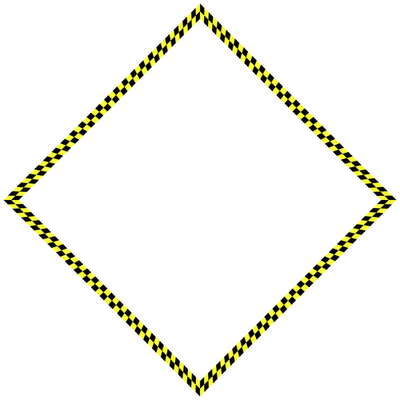
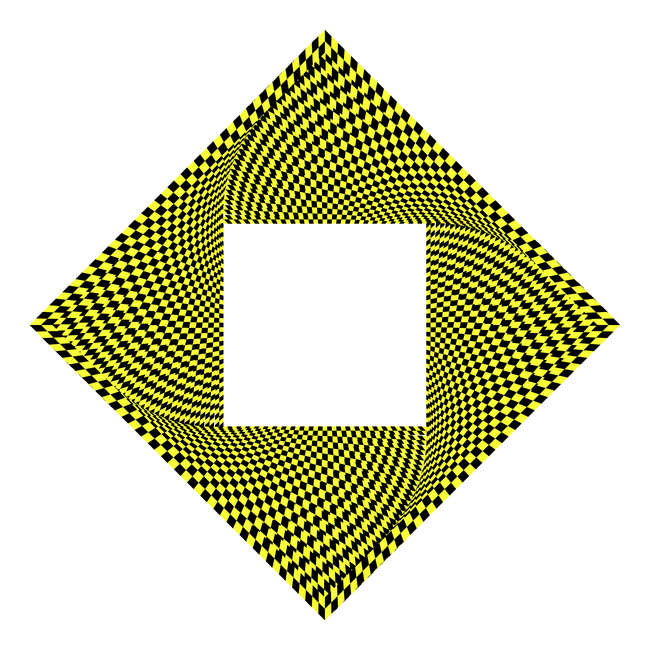
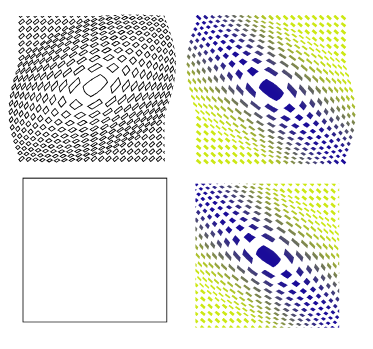
                        Some optical illusion, i made a while ago.
                        The base was simple a yellow stroke where i place a pattern Brush
                        in the same size above and the copy scale and rotate it.

                        Here the Base
                        0_1758708256067_Optical Pattern Base.png
                        .
                        .
                        Here the Pattern
                        0_1758708328792_Optical-Pattern.png

                        Win 11
                        CPU: AMD Ryzen 5 9600X, 6-core.
                        GPU: Nvidia Geforce RTX 5070.

                        1 Reply Last reply Reply Quote 5
                        • S Offline
                          Subpath
                          last edited by Subpath

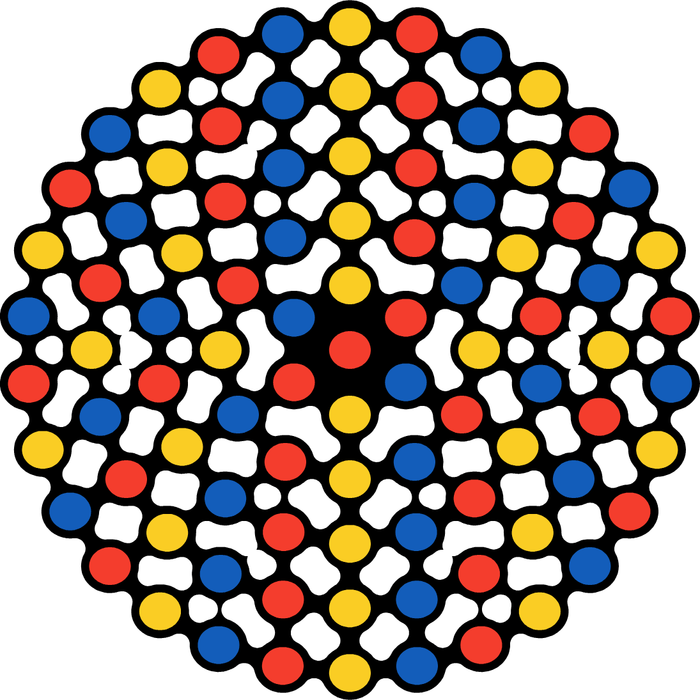
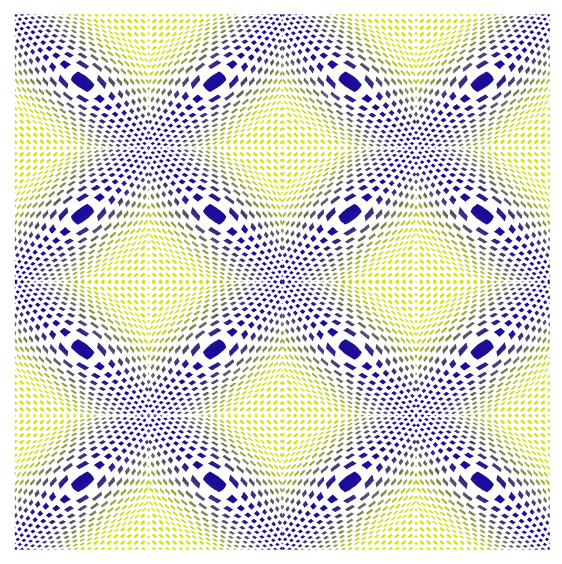
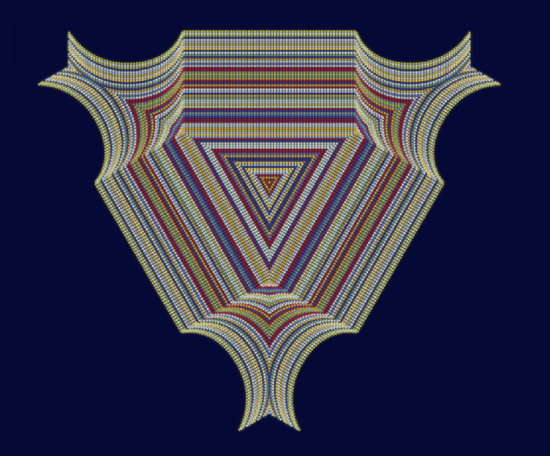
                          Another interesting optical illusion.
                          Made in VectorStyler and Black Ink

                          VectorStyler
                          Dashed Lines, random colorized, the whole thing copied, and
                          two copies placed underneath, each with a Gaussian blur image effect

                          Black Ink
                          Only for Symmetry, because of its symmetry Fusion Feature.
                          0_1760994080904_optic-illusion-3.png
                          .
                          .
                          0_1760994140519_optic-illusion-3b.png

                          Win 11
                          CPU: AMD Ryzen 5 9600X, 6-core.
                          GPU: Nvidia Geforce RTX 5070.

                          1 Reply Last reply Reply Quote 6
                          • S Offline
                            Subpath
                            last edited by Subpath

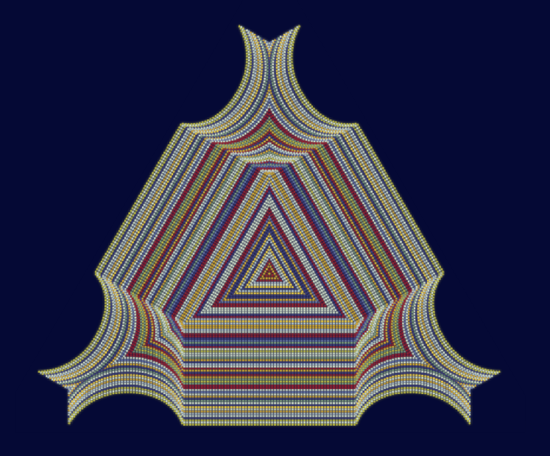
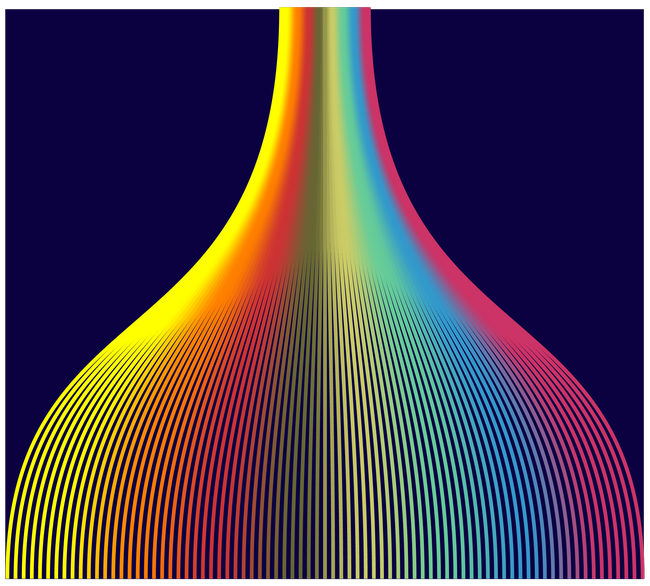
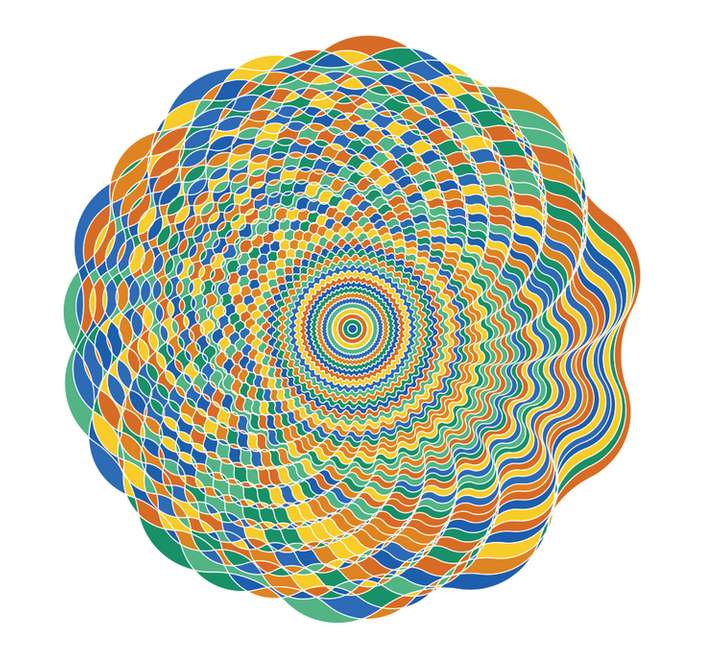
                            Played a bit with a multiccolor gradient in strokes.
                            You could look at this little tutorial of mine
                            https://www.vectorstyler.com/forum/topic/5694/way-to-create-a-multi-color-gradient-from-colors-of-a-color-palette

                            Multicol Pattern.png

                            Win 11
                            CPU: AMD Ryzen 5 9600X, 6-core.
                            GPU: Nvidia Geforce RTX 5070.

                            E 1 Reply Last reply Reply Quote 3
                            • E Offline
                              EricP @Subpath
                              last edited by

                              @Subpath cool effect !

                              S 1 Reply Last reply Reply Quote 1
                              • S Offline
                                Subpath @EricP
                                last edited by Subpath

                                @EricP

                                Thank you.

                                Yes it looks nice and its realtive easy to do.
                                I just had to relocate some stroke gradients

                                Yes, it looks nice and is relatively easy to create.
                                I just had to reposition some of the gradients a bit.

                                I did this with separate strokes that weren't combined or grouped.
                                If you select all the strokes and then apply a gradient (see the method in the link)
                                over them, the gradients will be in slightly different positions.

                                Ultimately, I actually liked the slightly more chaotic result here even better.

                                Btw i used a concentric gradient

                                Win 11
                                CPU: AMD Ryzen 5 9600X, 6-core.
                                GPU: Nvidia Geforce RTX 5070.

                                M 1 Reply Last reply Reply Quote 0
                                • M Offline
                                  marce @Subpath
                                  last edited by

                                  @Subpath Great thread and posts. Thanks. Forum says "you can upvote a user only six times per day", so sorry guys i didnt give the like i wanted meanwhile reading.

                                  Ryzen 9 3900X on Asus prime x570-p
                                  Memory 48gb ddr4
                                  Nvidia gtx 970 on an Asus strix, 4gb gddr5
                                  NVMe CT100p 1TB

                                  S 1 Reply Last reply Reply Quote 2
                                  • S Offline
                                    Subpath @marce
                                    last edited by

                                    @marce said in Just a Pattern:

                                    @Subpath "Forum says "you can upvote a user only six times per day",

                                    Very curious, didn't know that.
                                    But dont worry, if my post inspire people or
                                    are helpful then this is fine enough 🙂

                                    Win 11
                                    CPU: AMD Ryzen 5 9600X, 6-core.
                                    GPU: Nvidia Geforce RTX 5070.

                                    1 Reply Last reply Reply Quote 2
                                    • First post
                                      Last post