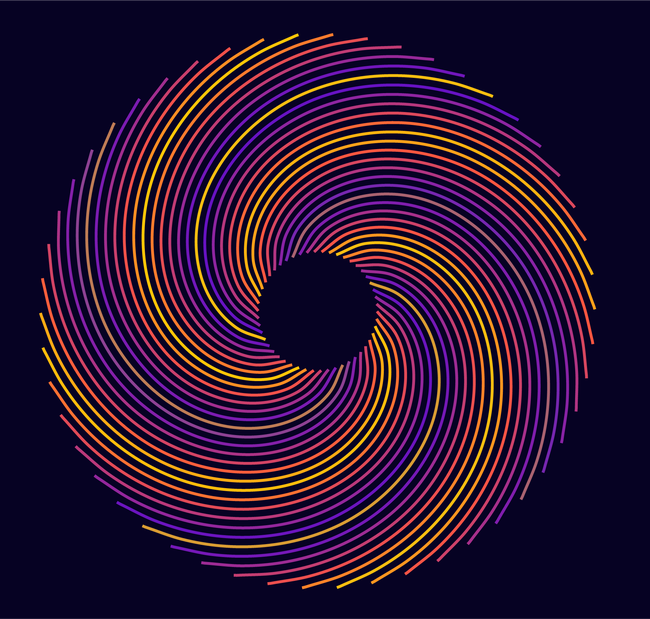
Just a Pattern
-
thank you, i like that too.
-
Been playing around with some lines/paths
and decided to try a mosaic with them.Made two paths and a blend between them
the deformation was made in CorelDraw because
they look better, but VectorStyler wants to improve
the deformation toolsThe rest are made in VectorStyler.
These are three times the same paths/shapes (layered)
one for the fill, one for the mosaic and one for the transparent
and randomly colored mosaic to give it a little more life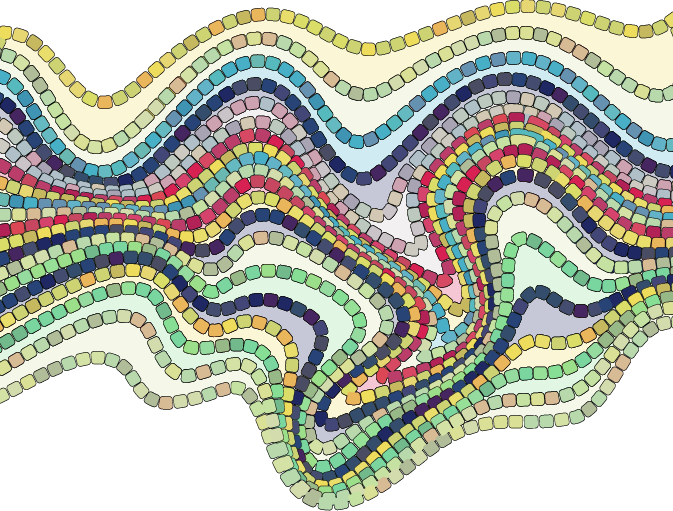
-
While browsing through old things I've made, I found this
variation of the blue floral pattern I posted above.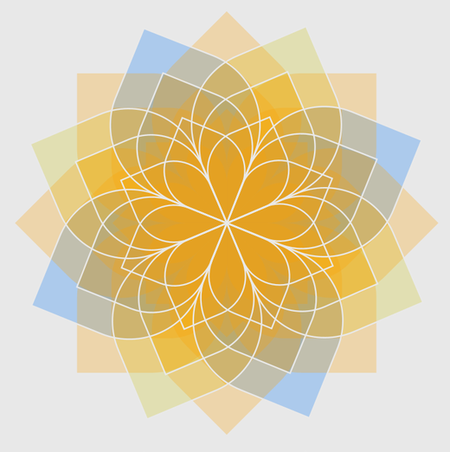
-
@Subpath said in Just a Pattern:
Made two paths and a blend between them
the deformation was made in CorelDraw because
they look better, but VectorStyler wants to improve
the deformation tools
The rest are made in VectorStyler.
These are three times the same paths/shapes (layered)
one for the fill, one for the mosaic and one for the transparent
and randomly colored mosaic to give it a little more lifeInteresting pattern - it reminds me of a cobbled pavement. In this case "the stones" shouldn't overlap
 - example
 -
Thanks, you're actually on the right track
The pattern you mentioned is one of several experiments that
should ultimately led to something like a cobblestone/mosaic.My goal was to figure out a way how to create something like
that in Vectorstyler. I'm still experimenting a bit, but when
everything will fall together, I'll post a tutorial. -
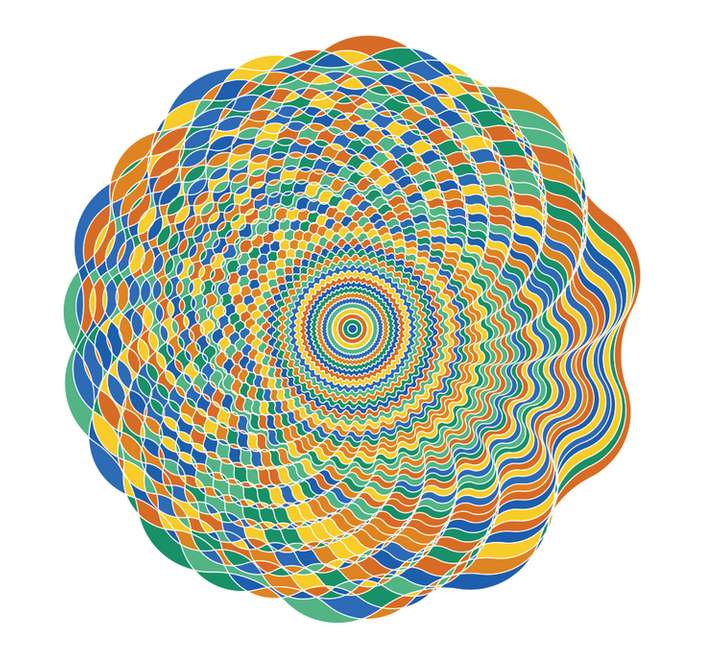
@Li-Xiao created a few designs in this thread
https://www.vectorstyler.com/forum/topic/5140/patterns-generated-with-node-bump-effectI couldn't resist taking one and trying out Colorize.
.
.
Here the needed StepsSelect the Design
Expand Appearence
Ungroup the DesignDo a Boolean Divide
Fill the Result, color doesnt matter
(colorize work on filled objects only)Call Colorize
Call Colorize Options
deselect "Change Strokes"Choose a Palette/or some Colors
( you can create your own Palette
or select some colors using the
system palette )
.
.
You could also color only the Strokes if you like.
.
.
Here another one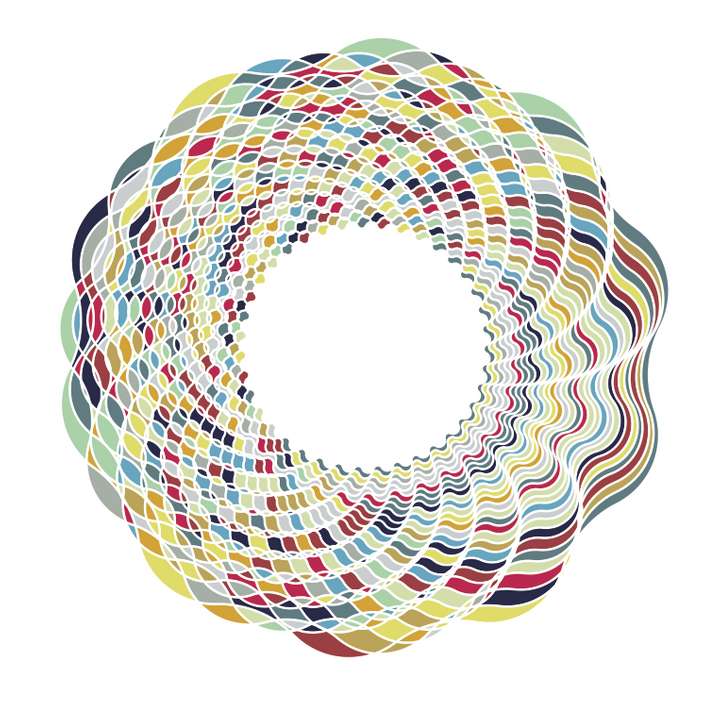
-
@Subpath Very beautiful
 , I also really enjoy using Colorize.
 -
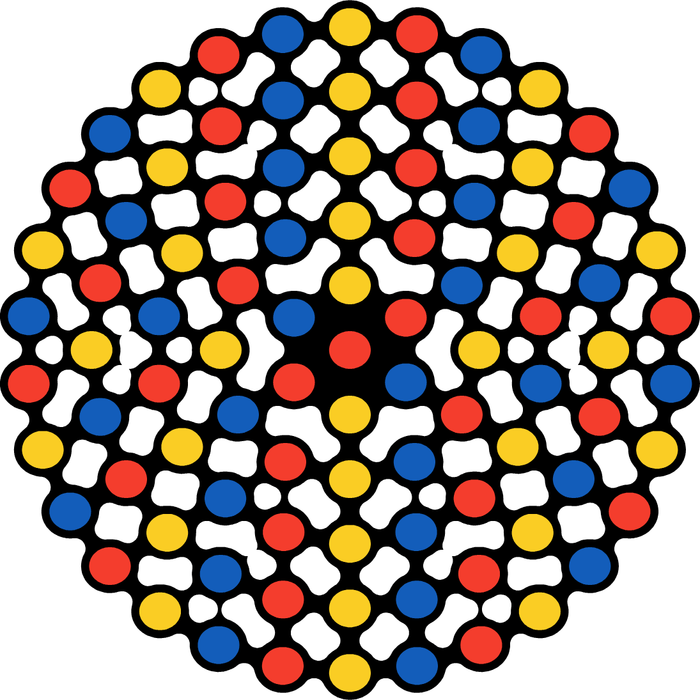
Metaball try made in VectorStyler
-
@Subpath Cool !
-
@Devil-Dinosaur, thank you
Indeed.
Will do a little Tutorial and show a few Tricks. -
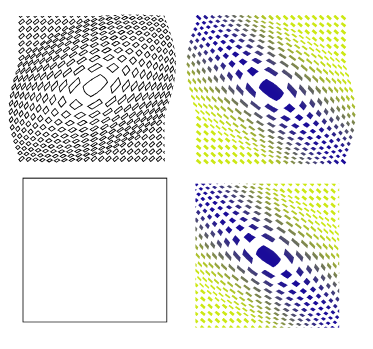
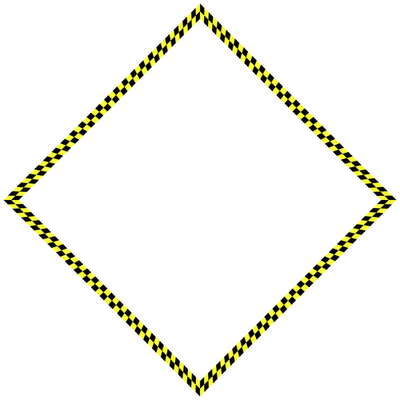
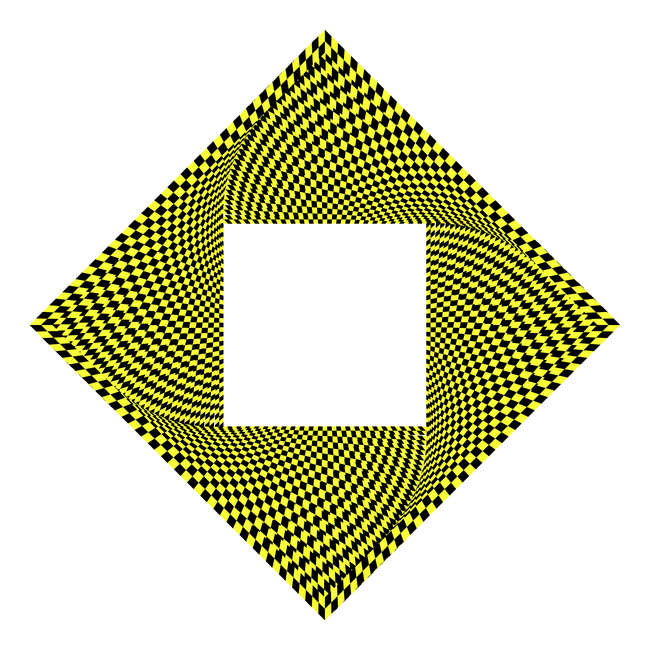
Some optical illusion, i made a while ago.
The base was simple a yellow stroke where i place a pattern Brush
in the same size above and the copy scale and rotate it.Here the Base
.
.
Here the Pattern
-
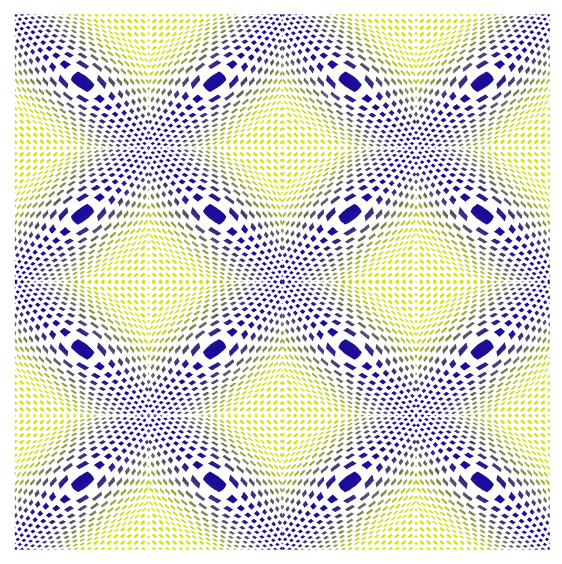
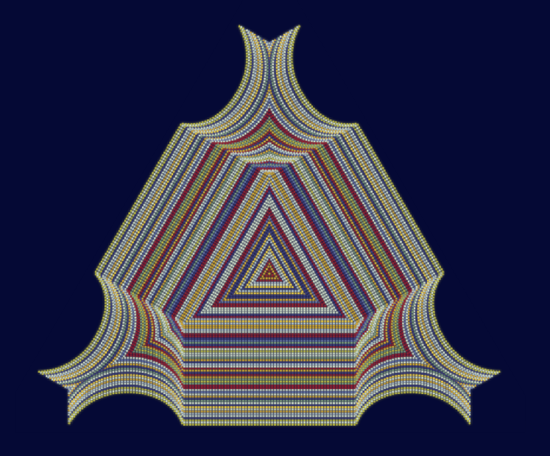
Another interesting optical illusion.
Made in VectorStyler and Black InkVectorStyler
Dashed Lines, random colorized, the whole thing copied, and
two copies placed underneath, each with a Gaussian blur image effectBlack Ink
Only for Symmetry, because of its symmetry Fusion Feature.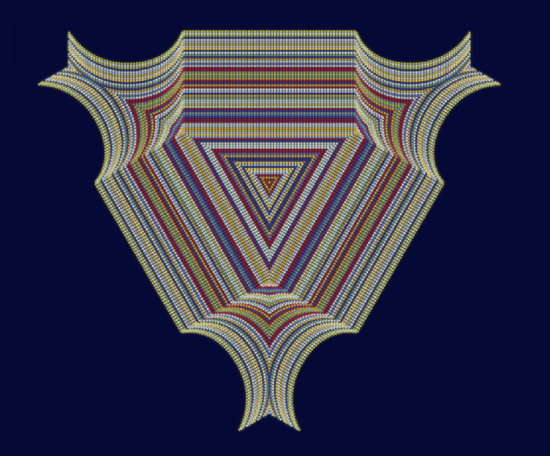
.
.
-
Played a bit with a multiccolor gradient in strokes.
You could look at this little tutorial of mine
https://www.vectorstyler.com/forum/topic/5694/way-to-create-a-multi-color-gradient-from-colors-of-a-color-palette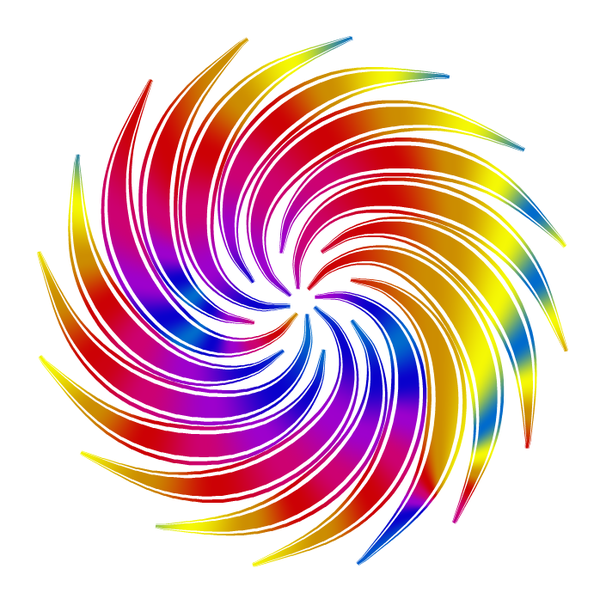
-
@Subpath cool effect !
-
Thank you.
Yes it looks nice and its realtive easy to do.
I just had to relocate some stroke gradientsYes, it looks nice and is relatively easy to create.
I just had to reposition some of the gradients a bit.I did this with separate strokes that weren't combined or grouped.
If you select all the strokes and then apply a gradient (see the method in the link)
over them, the gradients will be in slightly different positions.Ultimately, I actually liked the slightly more chaotic result here even better.
Btw i used a concentric gradient
-
@Subpath Great thread and posts. Thanks. Forum says "you can upvote a user only six times per day", so sorry guys i didnt give the like i wanted meanwhile reading.
-
@marce said in Just a Pattern:
@Subpath "Forum says "you can upvote a user only six times per day",
Very curious, didn't know that.
But dont worry, if my post inspire people or
are helpful then this is fine enough -
Created using:
The colorize feature in the Repeater, which can also colorize strokes with a bitmap.
(See Manual how)The Style Picker Feature, which allows you to transfer style attributes
from one group of objects to another.
You could take look at this Link
https://www.vectorstyler.com/forum/topic/5851/a-style-picker-tool-feature-and-a-few-strokes
-
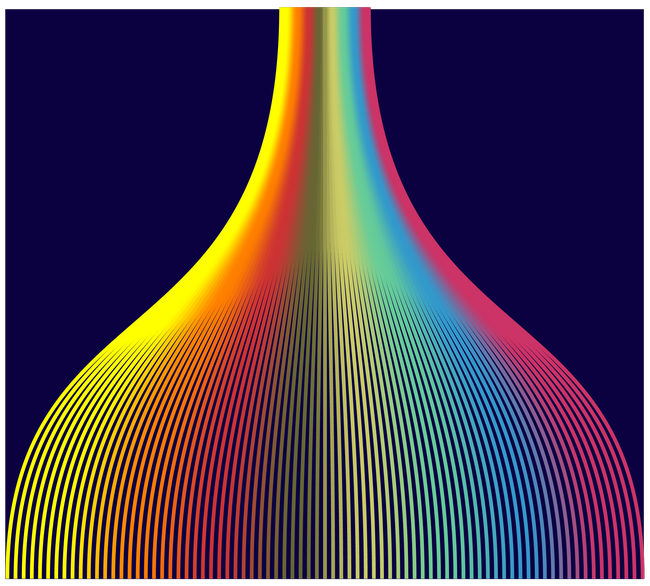
I used a shape with a multi-colored gradient to colorize a bunch of strokes using the Repeater,
and transferred the color (style)—using the new Style Picker Tool Feature— to a bunch of
other Strokes created with the Blend function.The strokes colored with the Repeater

Here the Result
-
Took a a gradient from another App with a screenshot and use
this raster graphics then to colorize a bunch of strokes with the Repeater.This time no Style Picker Feature where used.
I create a a color Palette instead from that bunch of strokes
(create Palette from selected Objects)
and colored a Swirling Lines Shape after converted it to curves
via Colorize with that new palette