Transformed Pattern option not working outside of Pattern panel
-
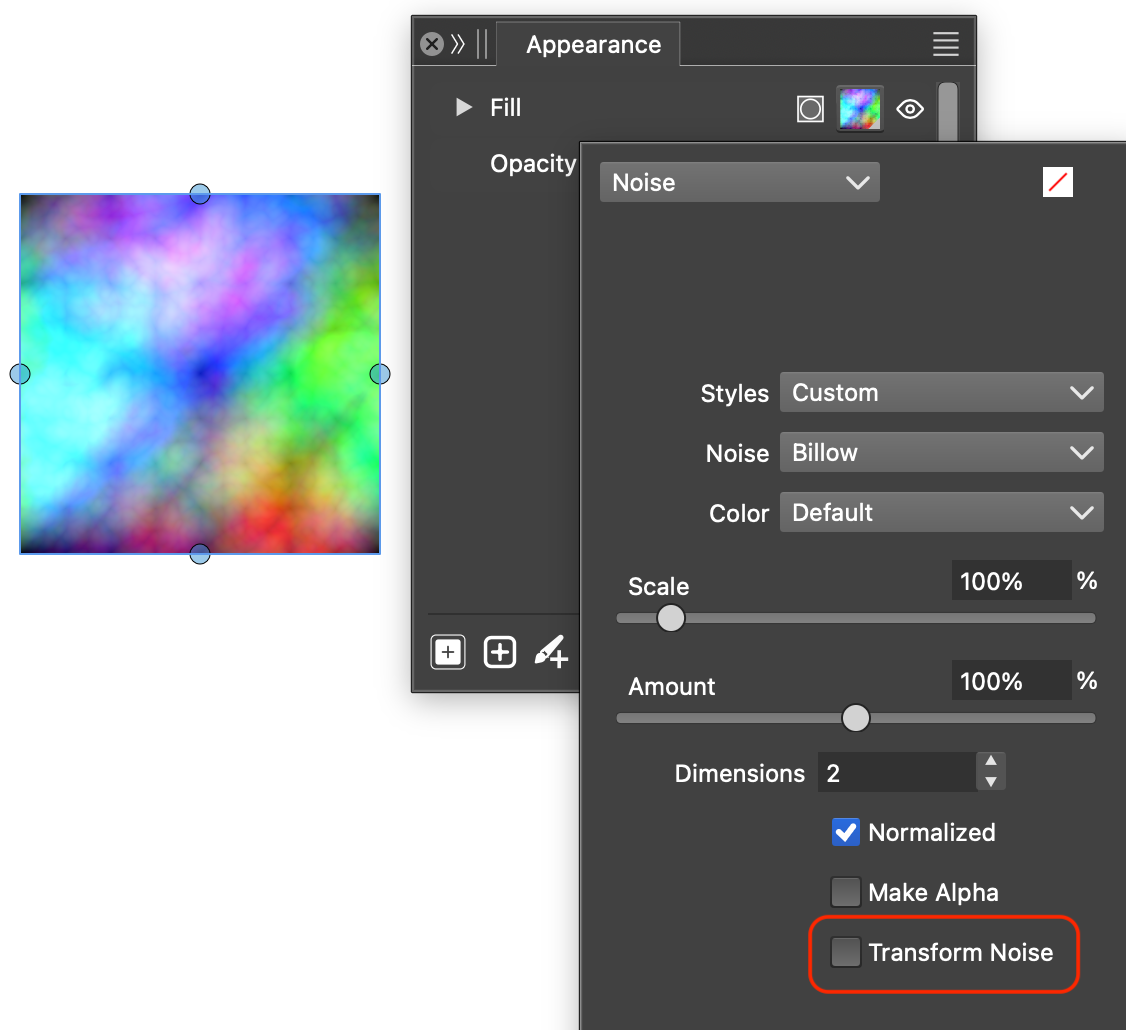
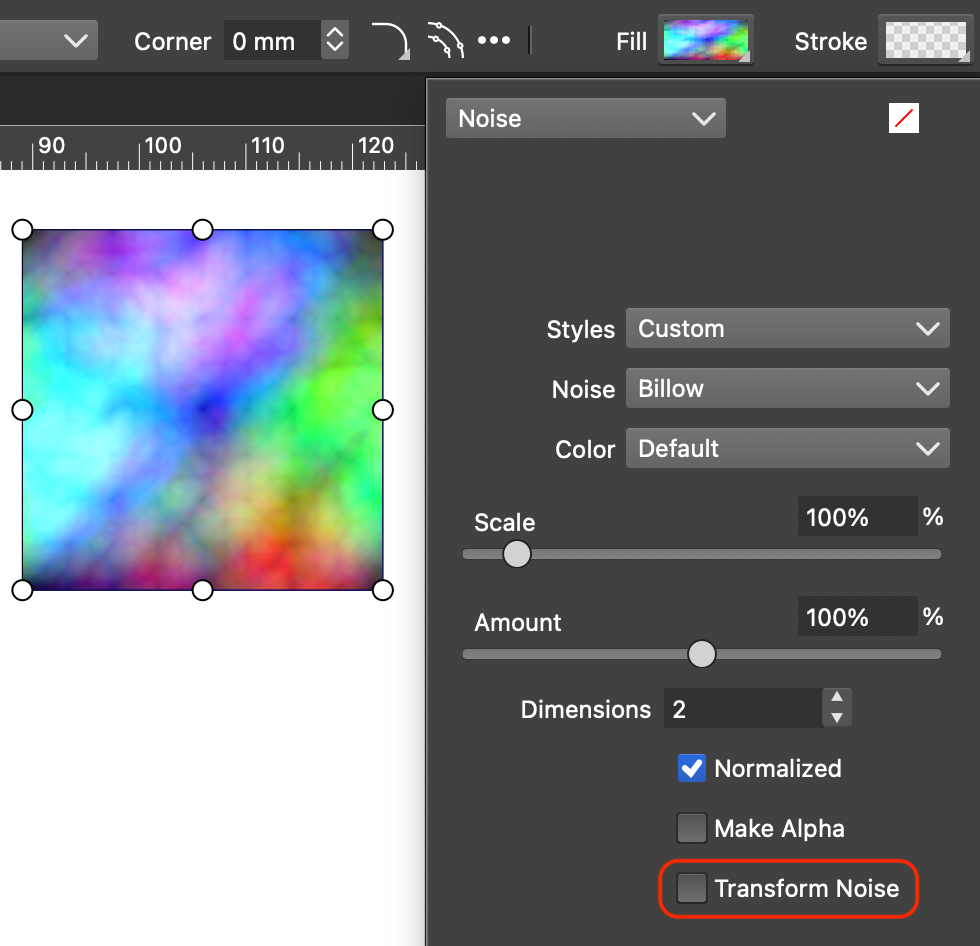
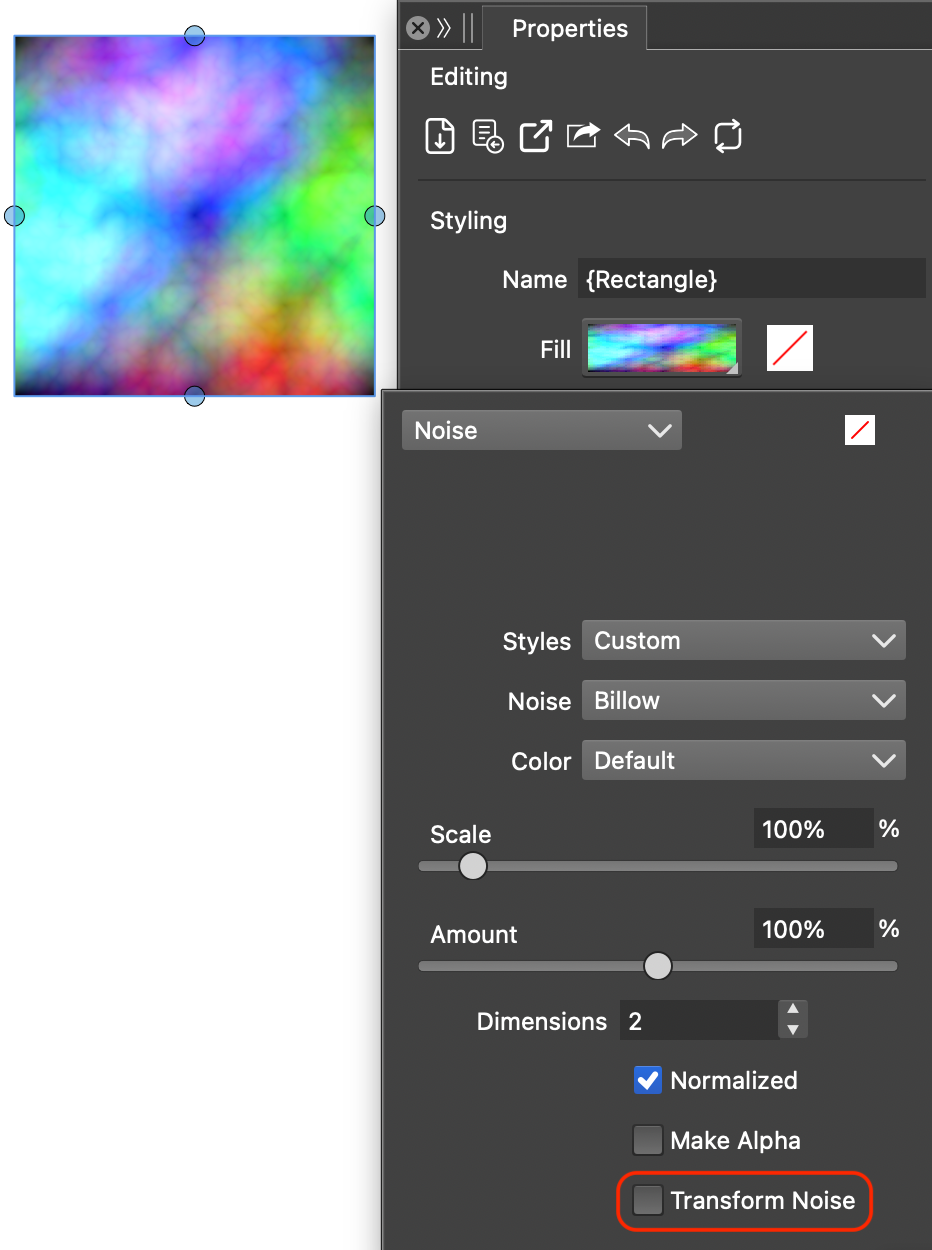
Only the 'Transformed Pattern' option in the Pattern panel works; the same option in the Properties panel, Context panel, and Appearance panel is ineffective
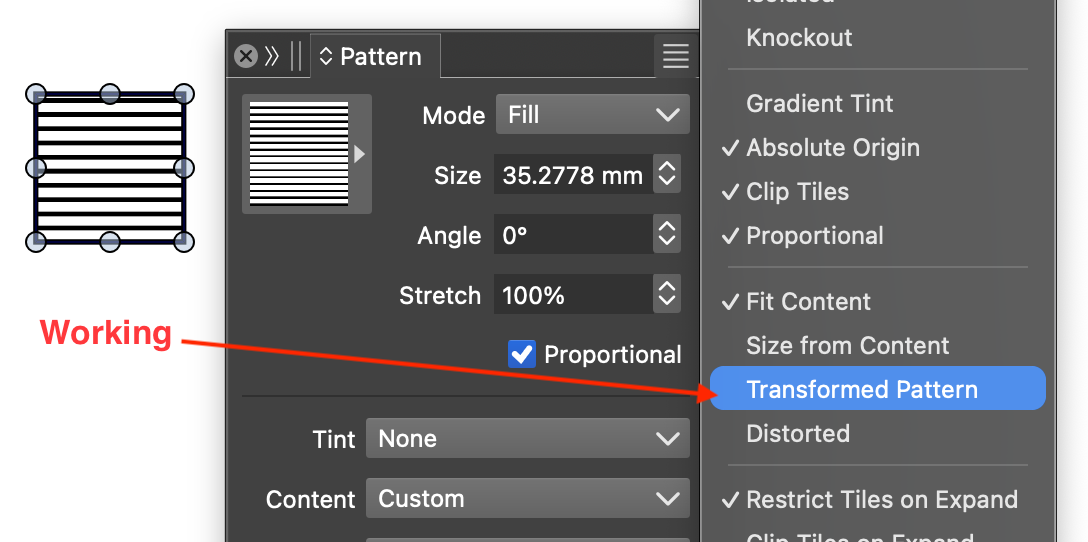
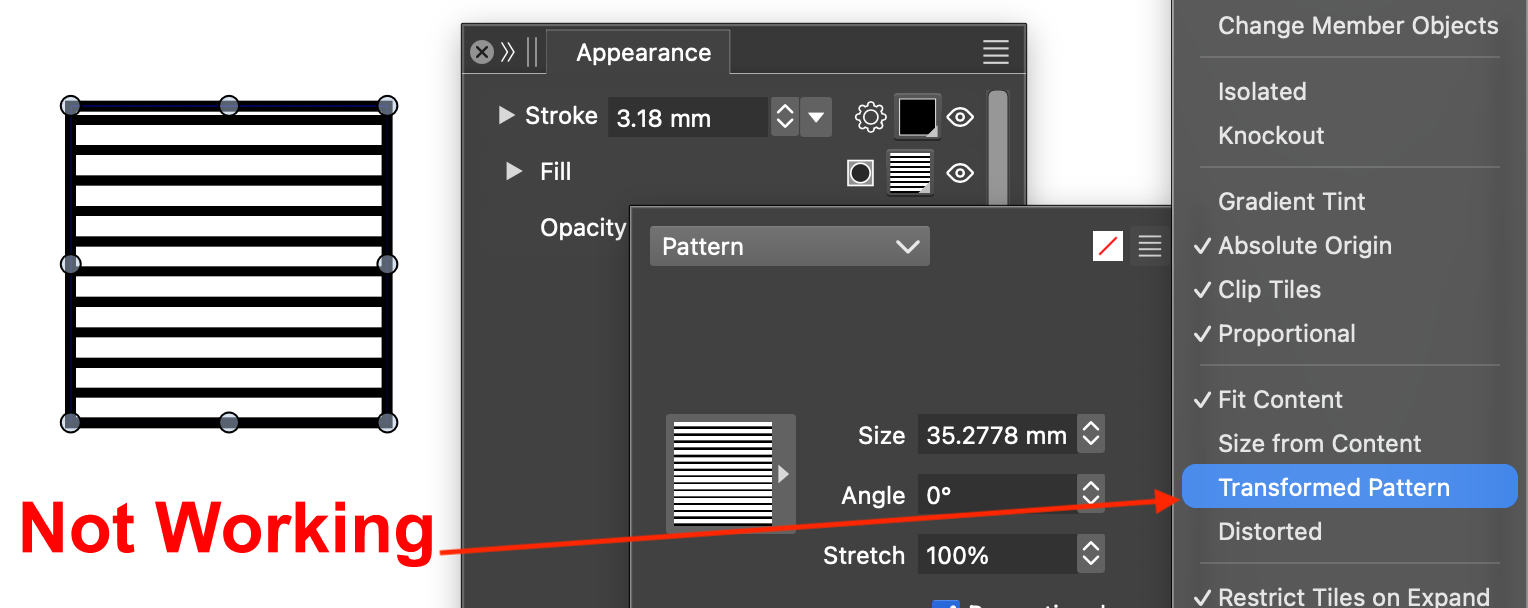
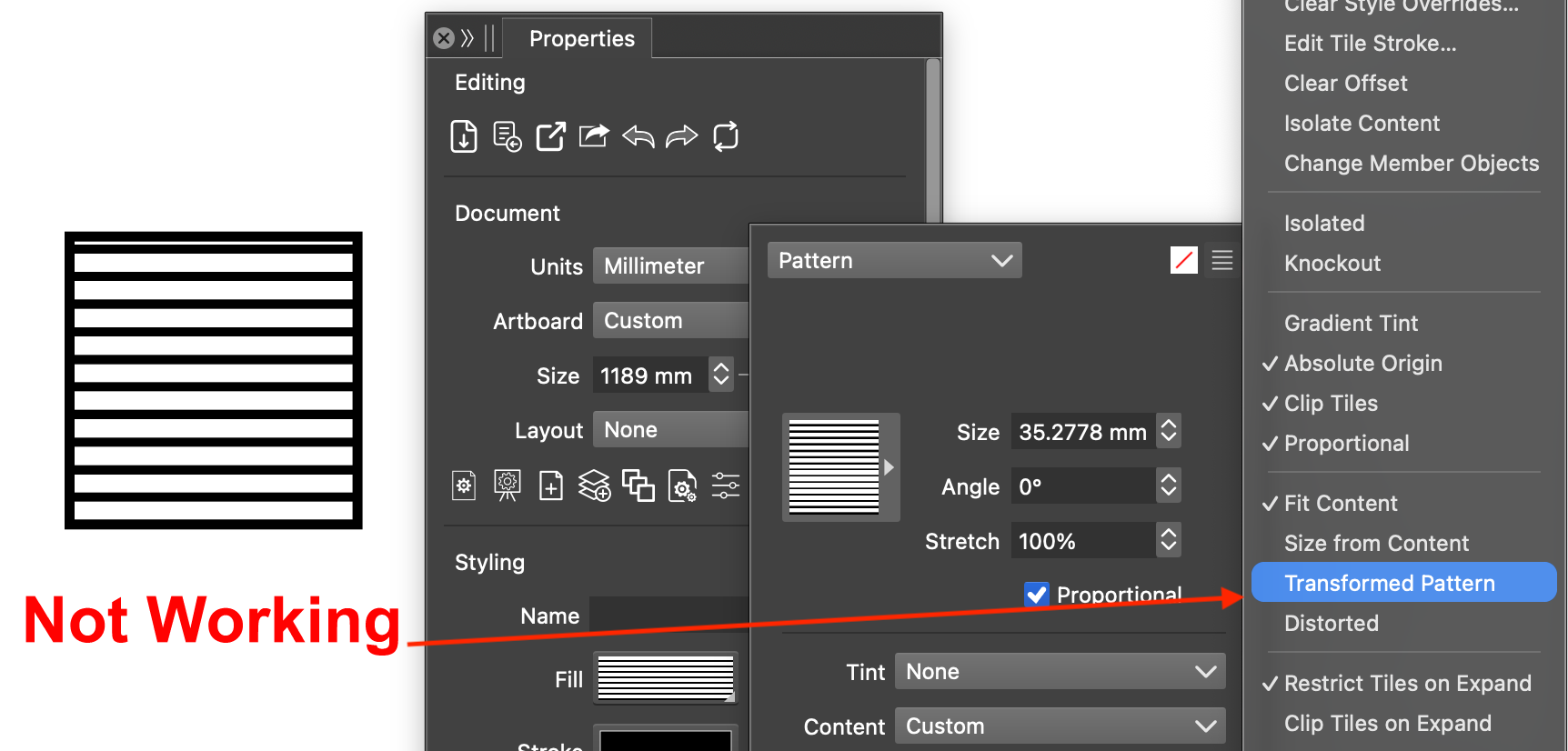
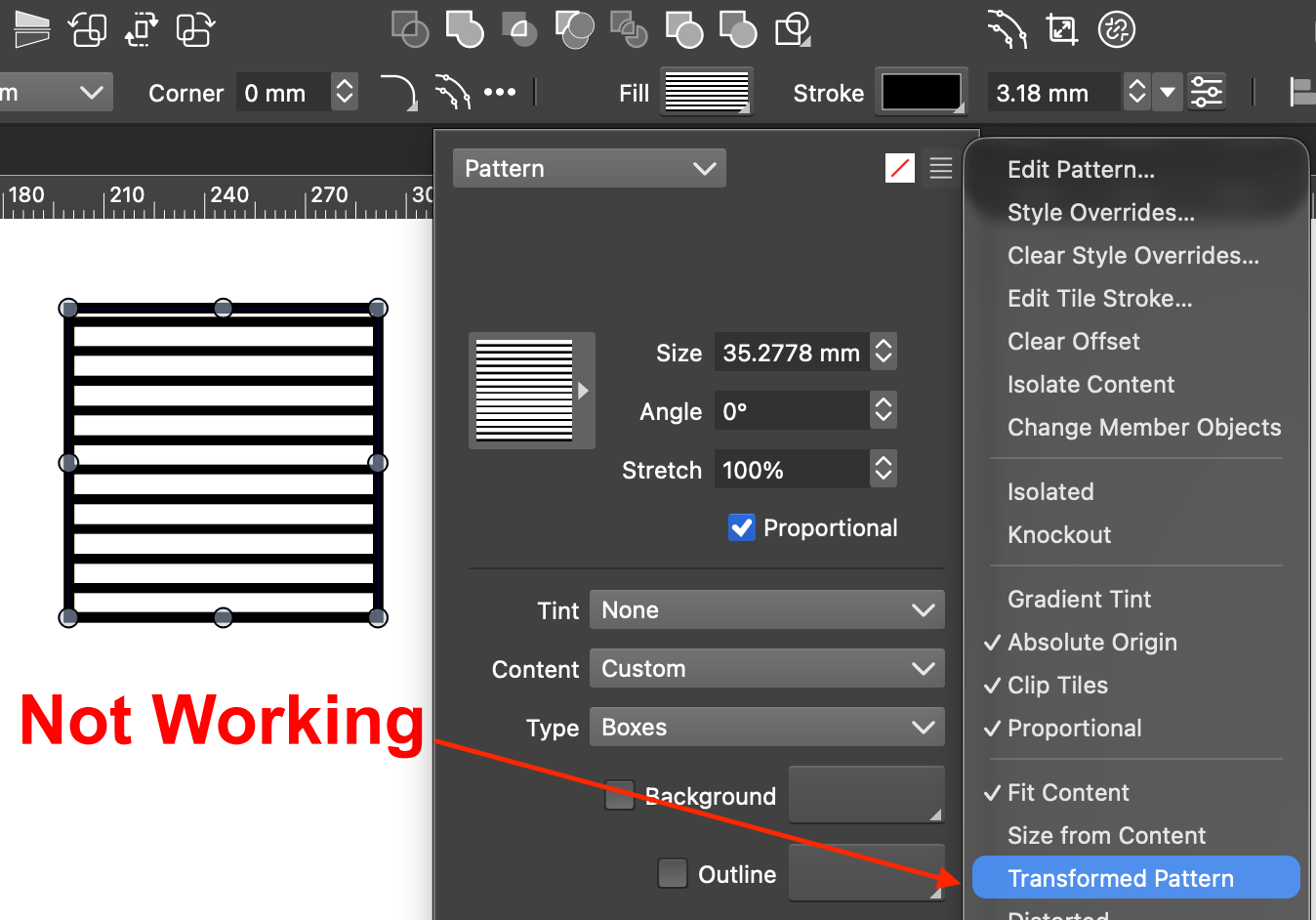
-
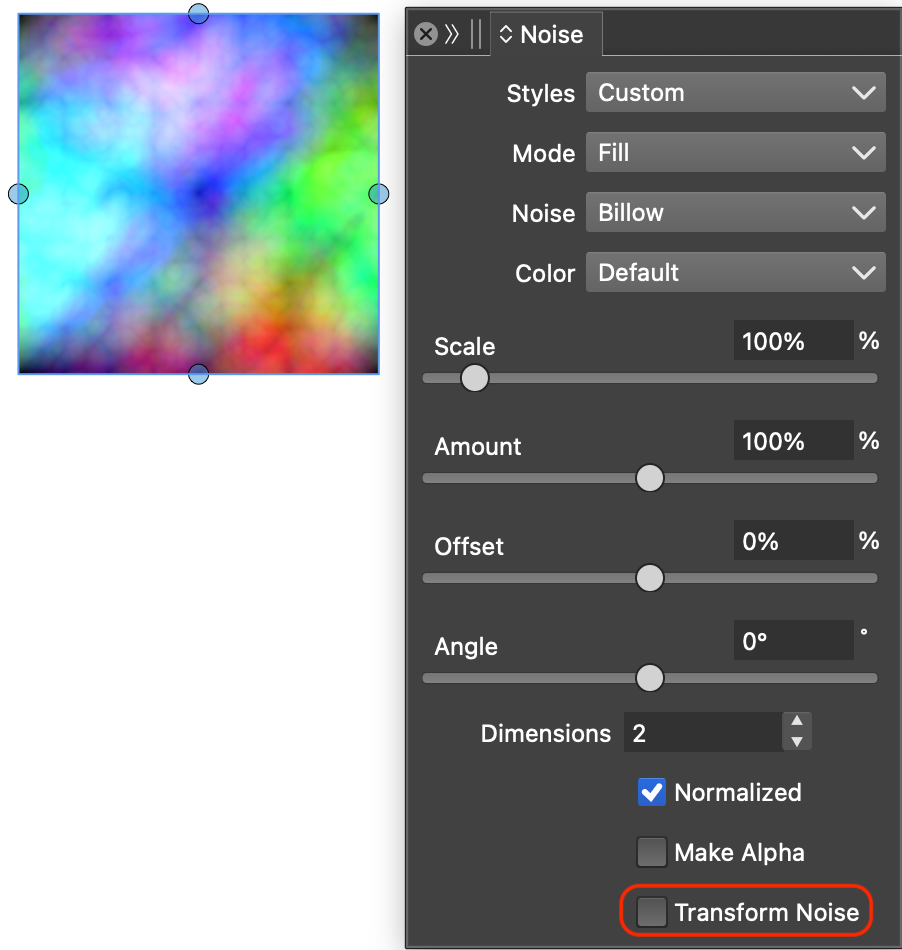
@vectorstyler The 'Transform Noise' option does not work across all panels
-
@Li-Xiao These are bugs, I will try to fix them
-
@VectorStyler 'Transformed Pattern' is completely fixed now. However, 'Transform Noise' is still not working.
-
-
Found a new bug with Pattern fills in version 1.3.032, except for the Pattern panel which still works, using any of the other panels (Properties panel, Context panel, Appearance panel) causes a crash. Version 1.3.031 had no issues.
-
@Li-Xiao said in Transformed Pattern option not working outside of Pattern panel:
Found a new bug with Pattern fills in version 1.3.032, except for the Pattern panel which still works, using any of the other panels (Properties panel, Context panel, Appearance panel) causes a crash. Version 1.3.031 had no issues.
I will try to replicate and fix this.
-
@Li-Xiao said in Transformed Pattern option not working outside of Pattern panel:
After testing version 1.3.032, 'Transform Noise' is broken across all panels.
This kis not really a bug, the problem is that transform nose is not working with default noise options. You have to edit the Noise properties and change the Positioning mode (top-right corner of the nose options view).