Applying brushes to SVG behaviour
-
Hi. Im having some strange results applying brushes to an svg file. Here is an video:
https://icedrive.net/s/Da1wj6aY1bx1TPPSfD3gTaiyQWPuAdditionaly the svg file
https://icedrive.net/s/yW4FGXzb1Cjiyu2uSFtw9zGhwxj9
-
Applying a brush to the SVG in this state doesn't make sense to me.
Therefore, I ungrouped the SVG and did a Break Apart.The nodes of an SVG can then exhibit all sorts of peculiarities that
could also play a role here. It's important to remember that a brush
is a shape that attempts to follow a contour. This sometimes works better,
sometimes less so.
.
.
Here some tips that may be helpfulTry to correct this by using the brush option.
(Open Edit Brush > Brush Option)In my tries the Brush Size plays a role, try a smaller Brush size.
Try delete some of the nodes where the distortion occurs.
And in generell try to reduce the amount of Nodes by smoothing
the Outline.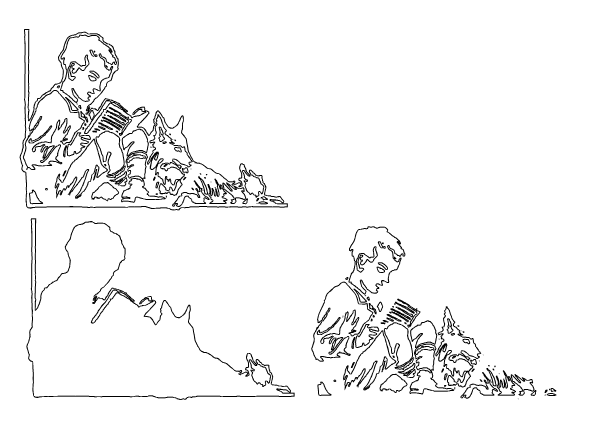
-
@Subpath Hi! Thanks your advice. Applying a brush with tiny width gives a nice contour effect from this

to this
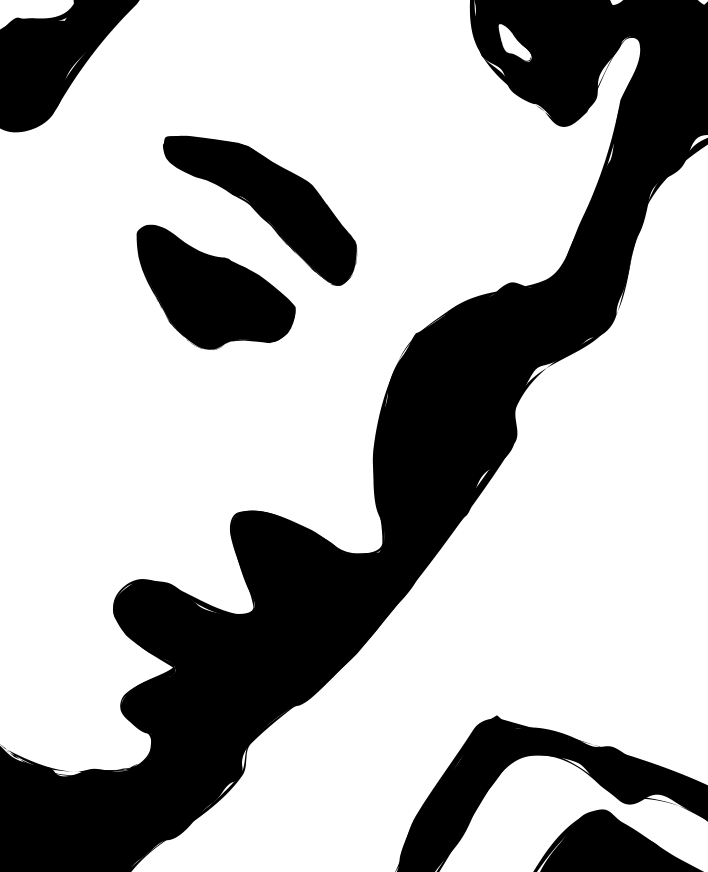
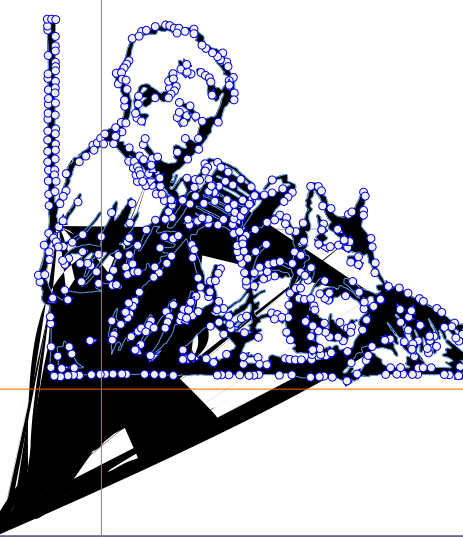
But in some places you have distortion.
-
I think the distortions might be due to sharp corners? I have no idea if
VectorStyler could improve them any further.We should not forget that the Brush is stretched along the whole outline.
Therefore, as I mentioned before, it might be helpful to reduce or smooth the
nodes as much as possible.
-
@Subpath Hi! The image is a traced Tiff. With other programs, old Drawplus you get this applying a brush
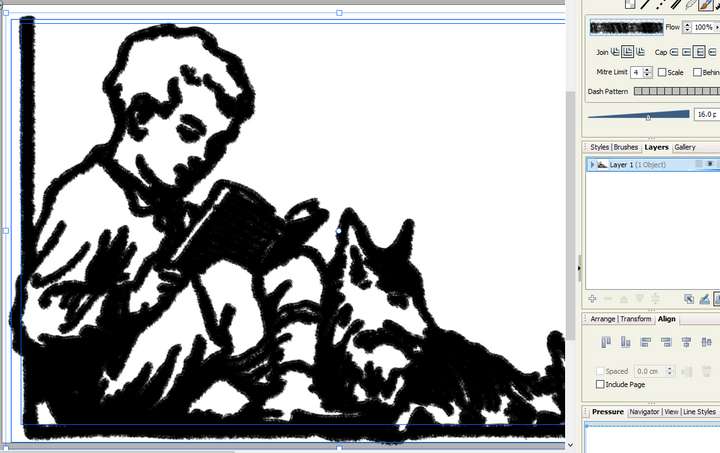
With the more modern affinity you get something like this
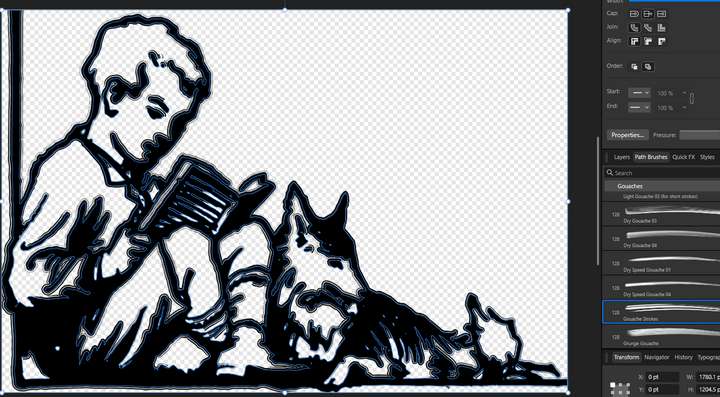
Appear not related to an error in the svg.
I opened the SVG in inkscape, where it was originally traced, selected all the nodes and applied the "Auto-smoot" thing, and then exported it and opened with VS. But when you apply brush i get this anyway: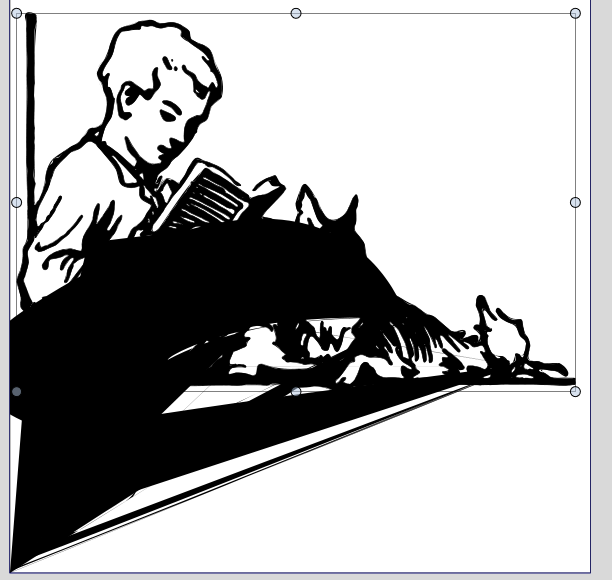
-
@marce Vector brushes can be slow and difficult for complex shapes. Would a stroke be better in this case?
-
@VectorStyler I used brushes since is what I see it works in other programs. I will try the strokes