Bug List for Version 1.3
-
@VectorStyler https://youtu.be/ZfK73KvZJkY

The issue with importing DXF files has now been resolved. The only remaining problem is that when exporting to DXF, the size of the original geometry is incorrectly scaled up. This has been tested across multiple software versions, and the same result occurs every time. -
@monsterfox I will try to fix this
-
@VectorStyler
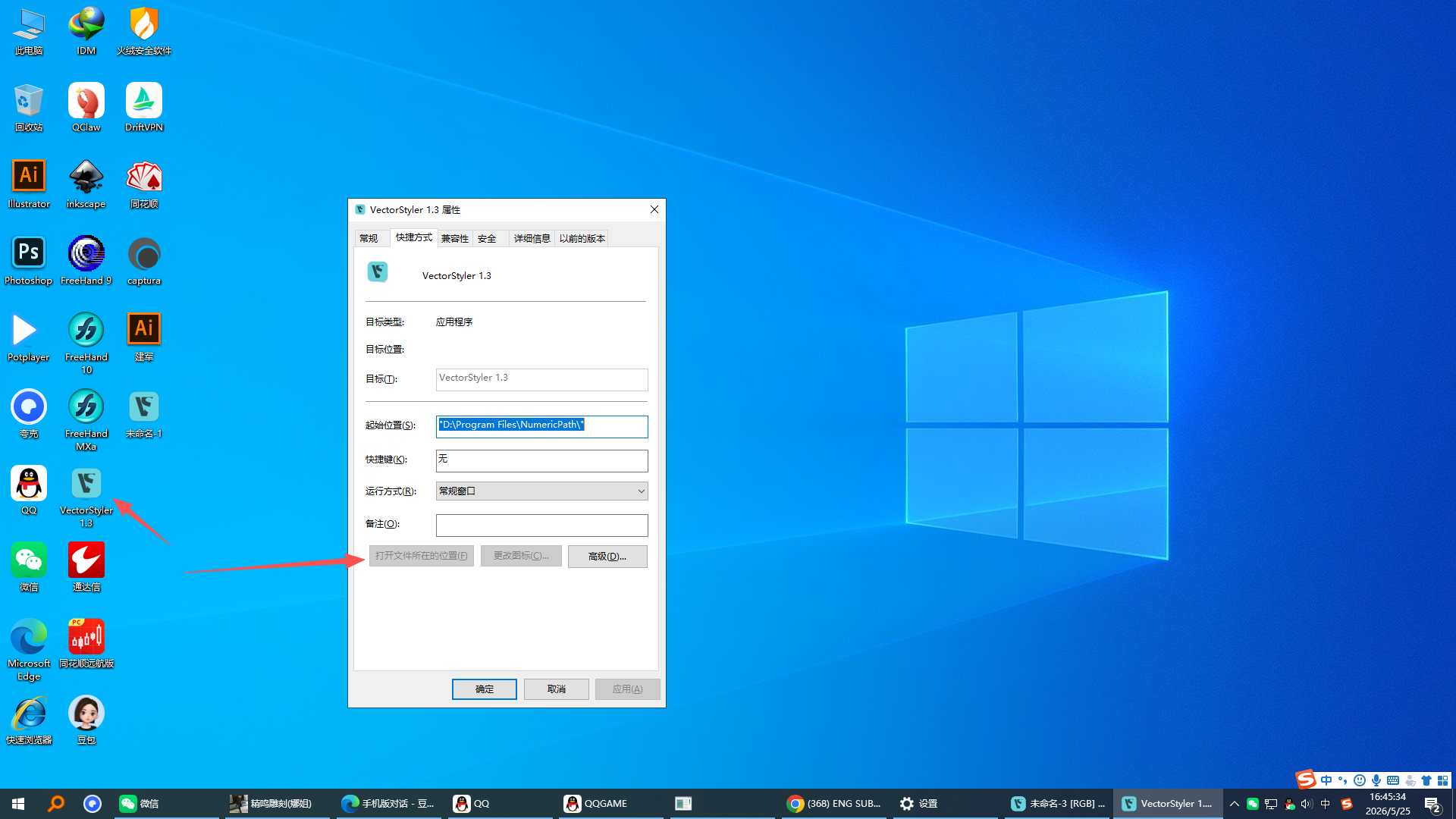 Right-clicking the icon on the desktop and selecting "Properties" fails to open the file location. This needs to be fixed.
 -
@monsterfox Will be fixed
-
@VectorStyler
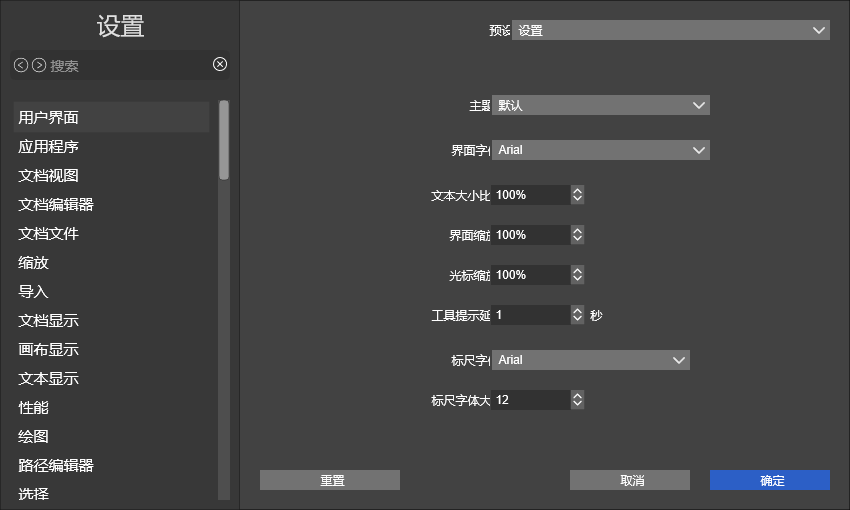
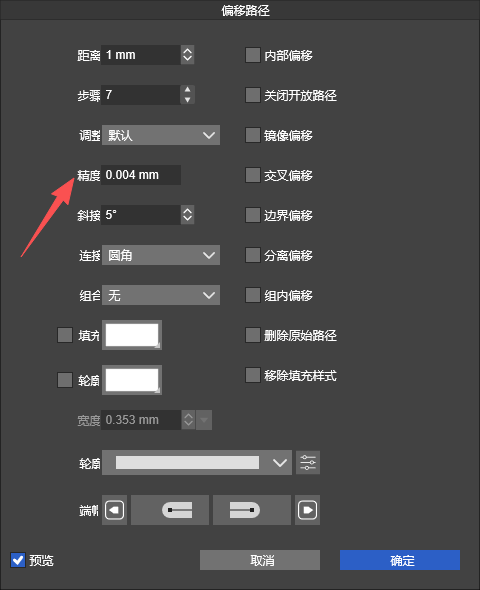
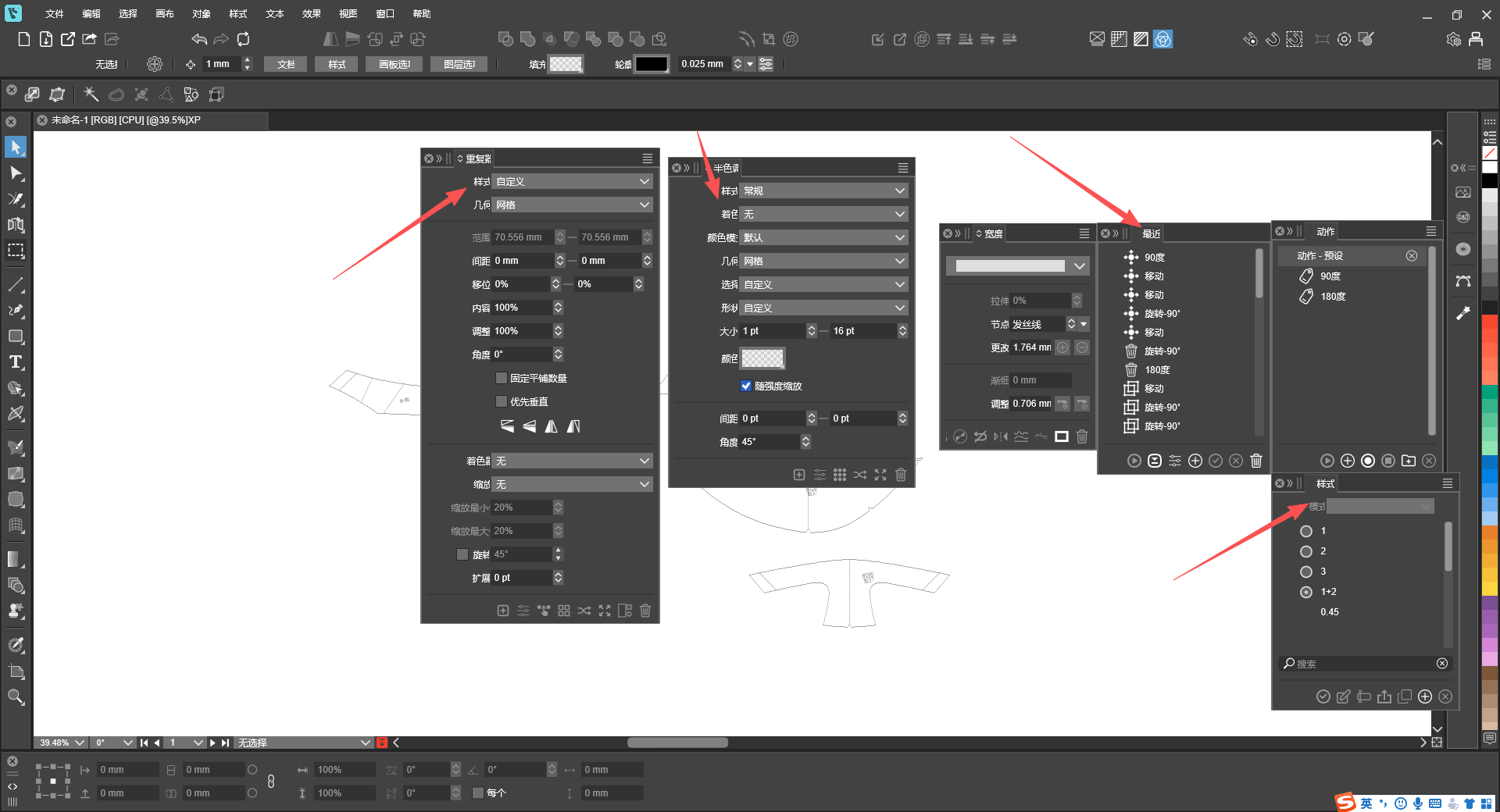
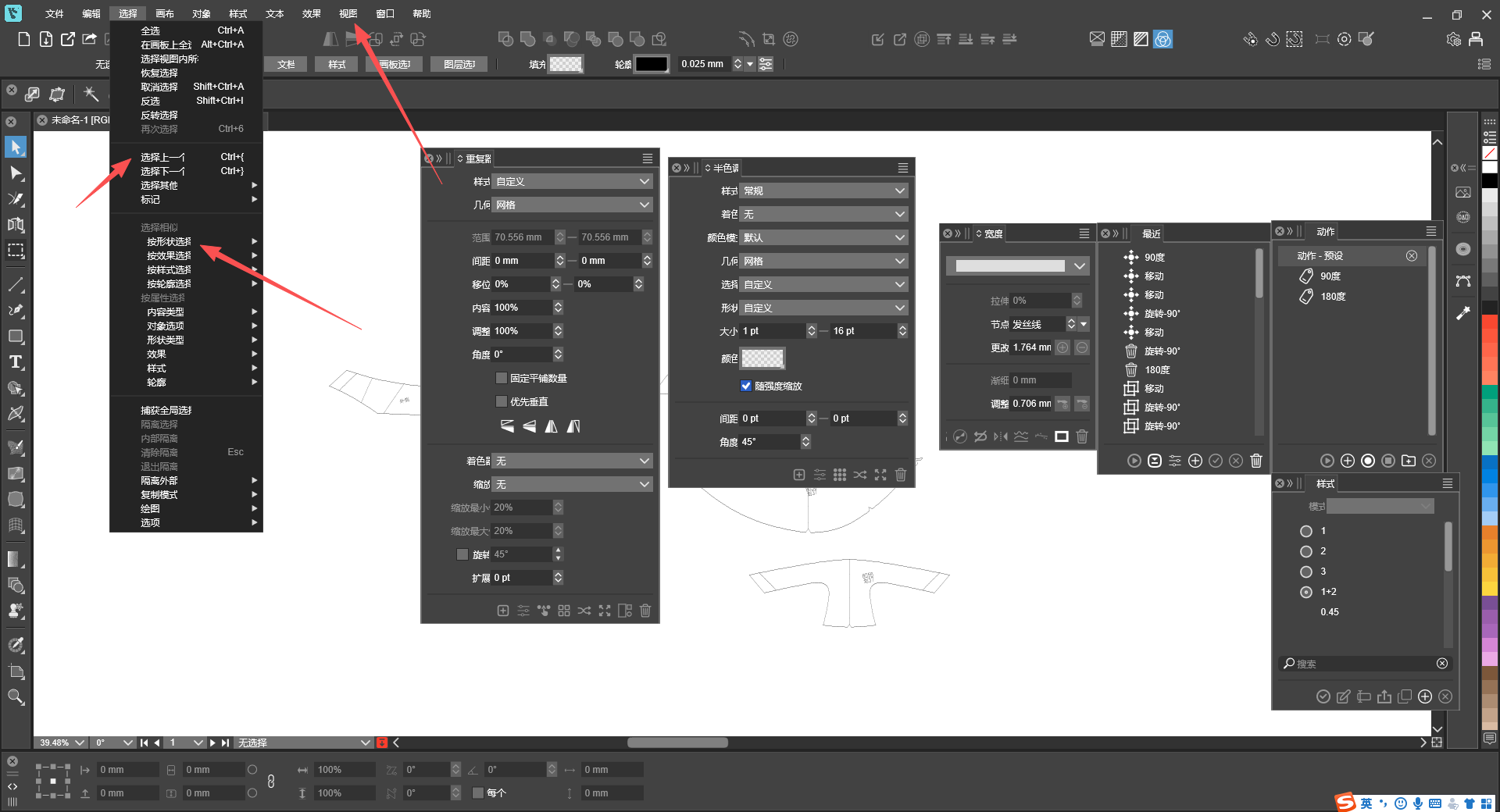
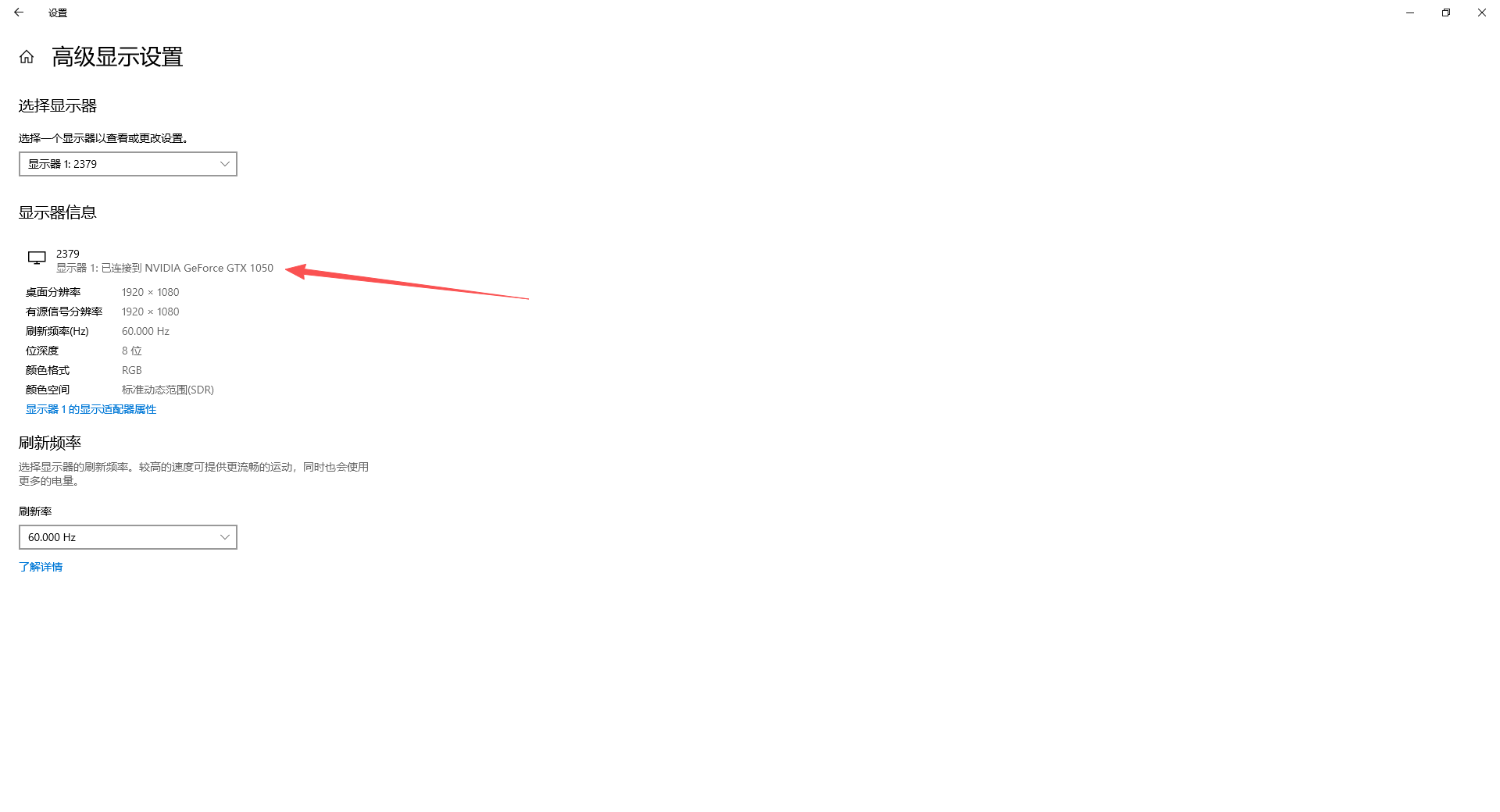
My software uses default font size parameters, yet parts of text are incomplete and invisible. This issue occurs on both panels and menus, hoping to get it fixed. -
@monsterfox I will open a bug on this
-
@VectorStyler https://www.youtube.com/watch?v=QYDHd0Qpy90
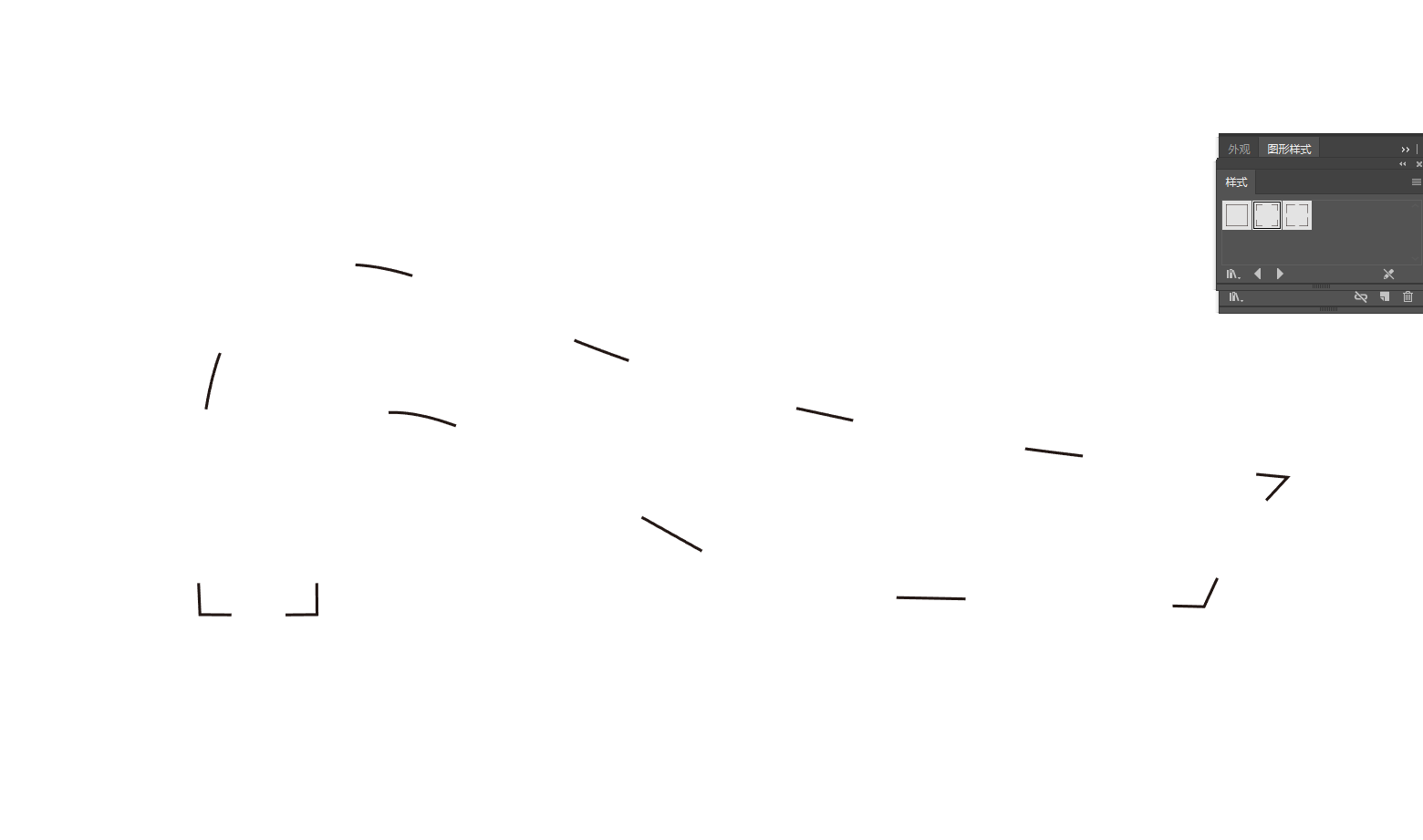
I want to convert shapes to curves. The operation succeeds when there is no underlying image, but fails if an image is present at the bottom. Oddly enough, I didn't select the image at all. Please fix this issue.
外观.vstyler -
@monsterfox For this you need to use Expand Stroke
-
@monsterfox said in Bug List for Version 1.3:
My software uses default font size parameters, yet parts of text are incomplete and invisible. This issue occurs on both panels and menus, hoping to get it fixed.
The default UI font should be Microsoft JhengHei UI when the Chinese language is selected.
-
@VectorStyler Yeah, it's a font issue. I can't even remember when I changed the font.
-
-
-
@monsterfox I opened a bug on this
-
@VectorStyler https://youtu.be/fYY9CcHI3SY
After mirroring a rotated rectangle, the resulting selection does not follow the rectangle shape. Hope this issue can be fixed. -
@monsterfox said in Bug List for Version 1.3:
After mirroring a rotated rectangle, the resulting selection does not follow the rectangle shape. Hope this issue can be fixed.
I will try to find a solution for this, but currently the reflect tool "flattens" existing transforms.
The problem here is that the order of non-flattened transformations is scale + rotate, if a new scaling (mirroring is one) comes, then the previous scale+rotate must be flattened -
@VectorStyler
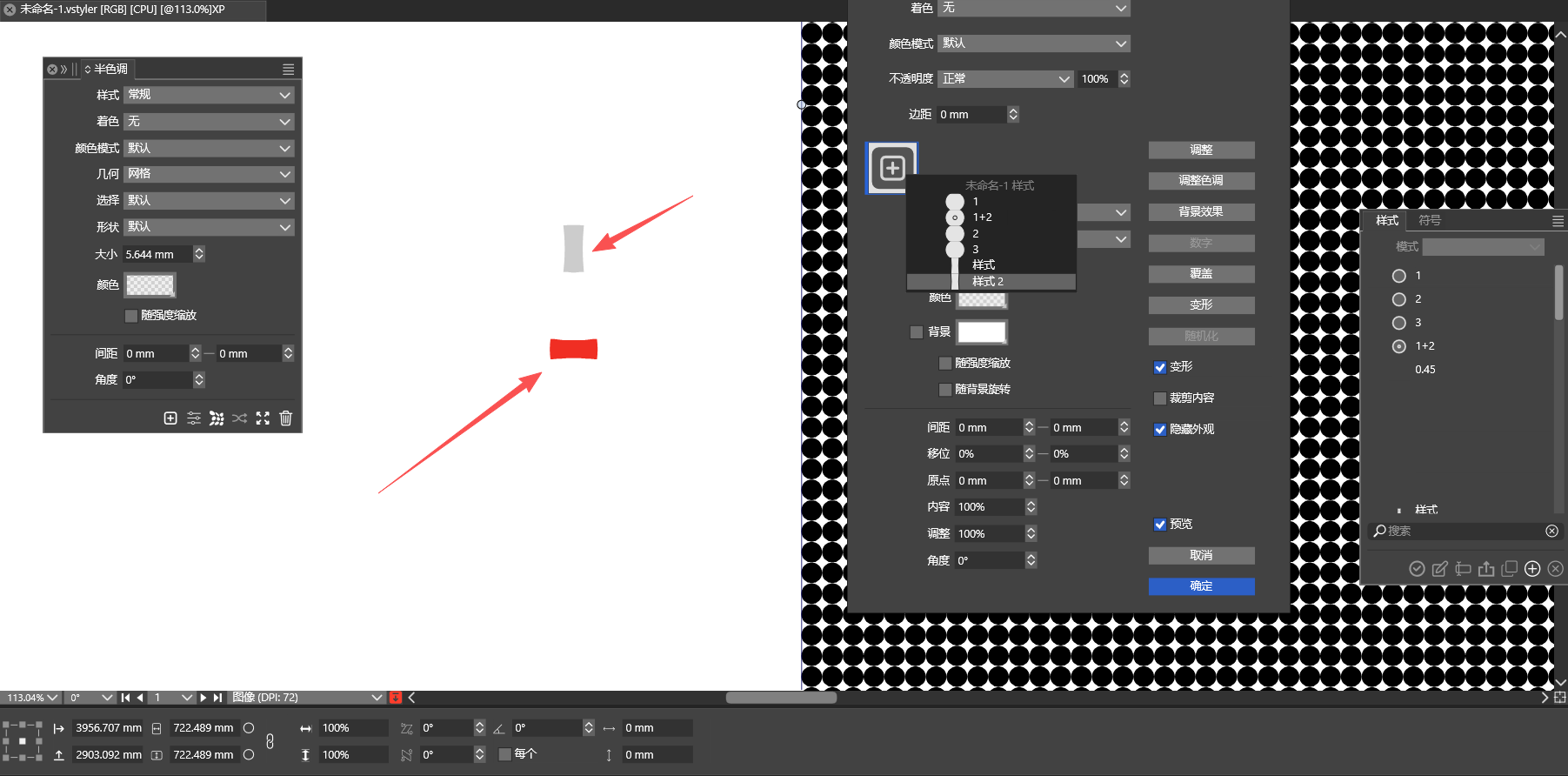
The gray one is the original custom shape, and the red one is the custom shape rotated by 90 degrees. If the red one is not converted to curves, both custom shapes will have identical forms. -
@monsterfox Is this something that occurs with the repeater?
Send me the file that contains these shapes.
-
@VectorStyler Sent to your email, please check
-
@monsterfox Got it, I will try to figure this out
-
@VectorStyler https://youtu.be/S6-ixH8OxG4 When editing a shape name, deleting one "2" causes endless garbled characters that cannot be removed.
