VectorStyler
    • Categories
    • Unread
    • Recent
    • Tags
    • Popular
    • Register
    • Login

    Bug List for Version 1.3
    Scheduled Pinned Locked Moved Bugs in VectorStyler
    124 Posts 4 Posters 18.6k Views 4 Watching
    Loading More Posts
    • Oldest to Newest
    • Newest to Oldest
    • Most Votes
    Reply
    • Reply as topic
    Log in to reply
    This topic has been deleted. Only users with topic management privileges can see it.
    • M Offline
      monsterfox @VectorStyler
      last edited by

      @VectorStyler https://youtu.be/MrcnUe28vZI
      2.vstyler
      When adding a second graphic symbol in VectorStyler for use in the repeater, it becomes distorted.

      VectorStylerV 1 Reply Last reply Reply Quote 1
      • VectorStylerV Offline
        VectorStyler @monsterfox
        last edited by

        @monsterfox In the grid repeater options set the Adjust field to 0

        M 1 Reply Last reply Reply Quote 0
        • M Offline
          monsterfox @VectorStyler
          last edited by

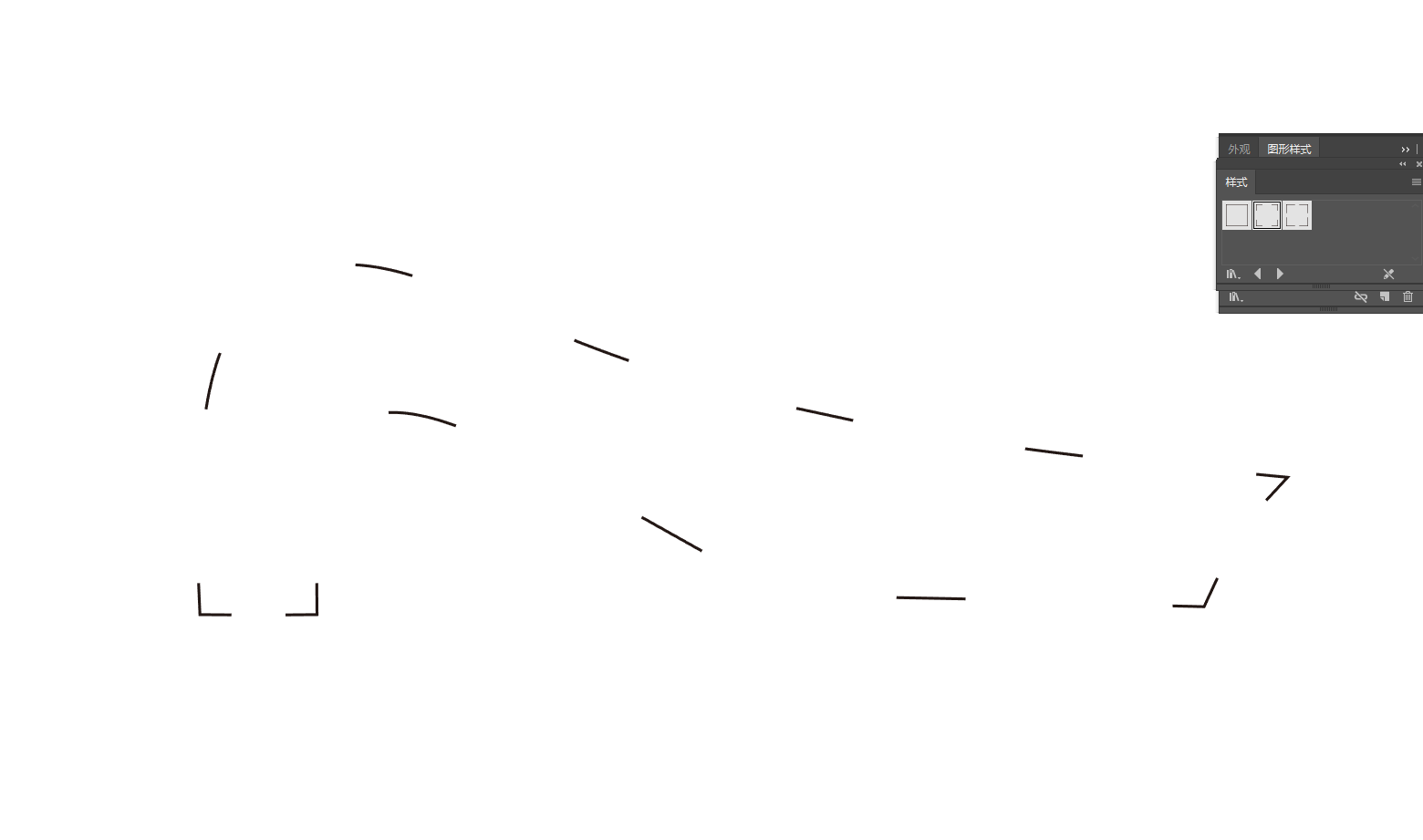
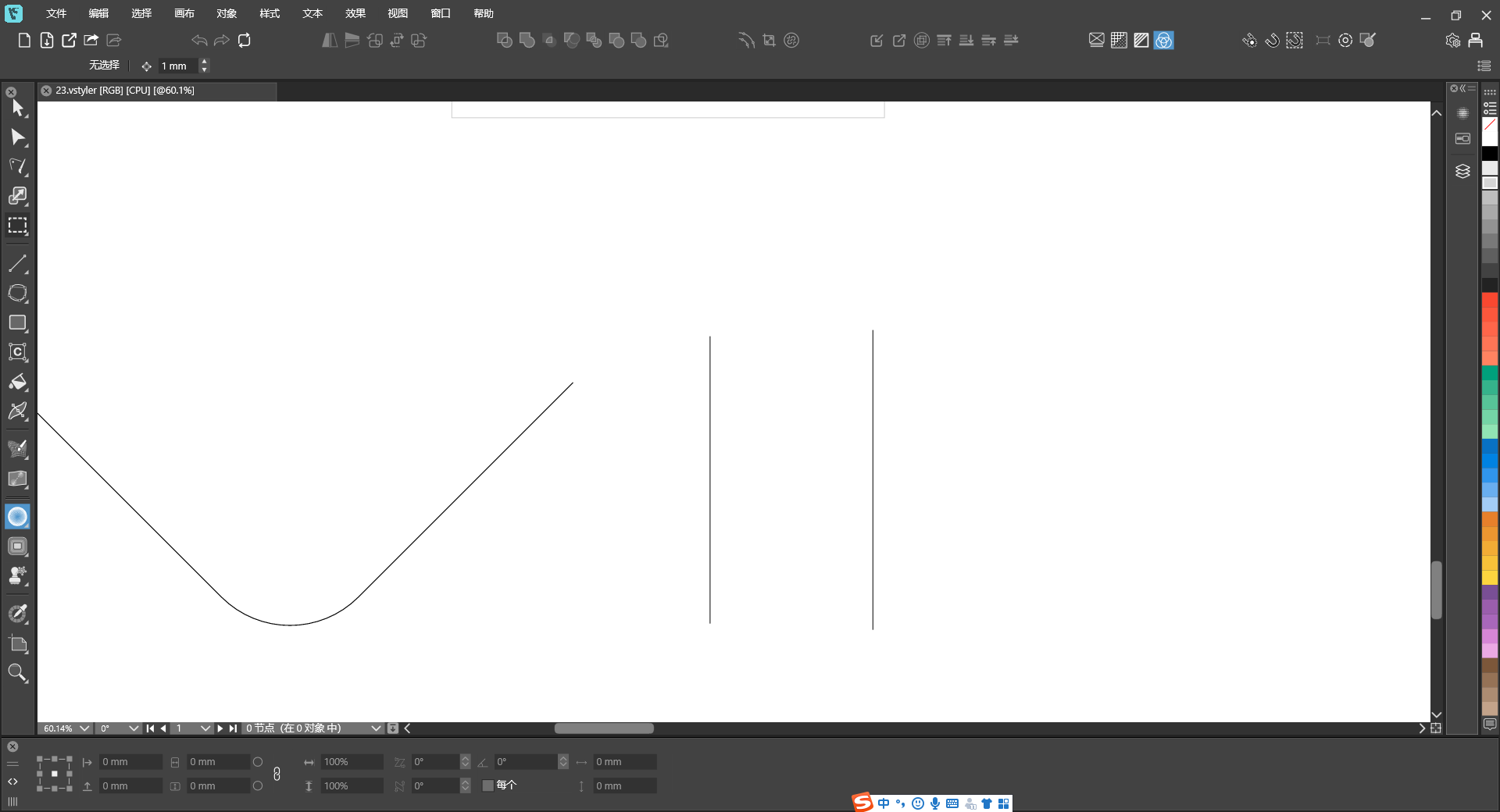
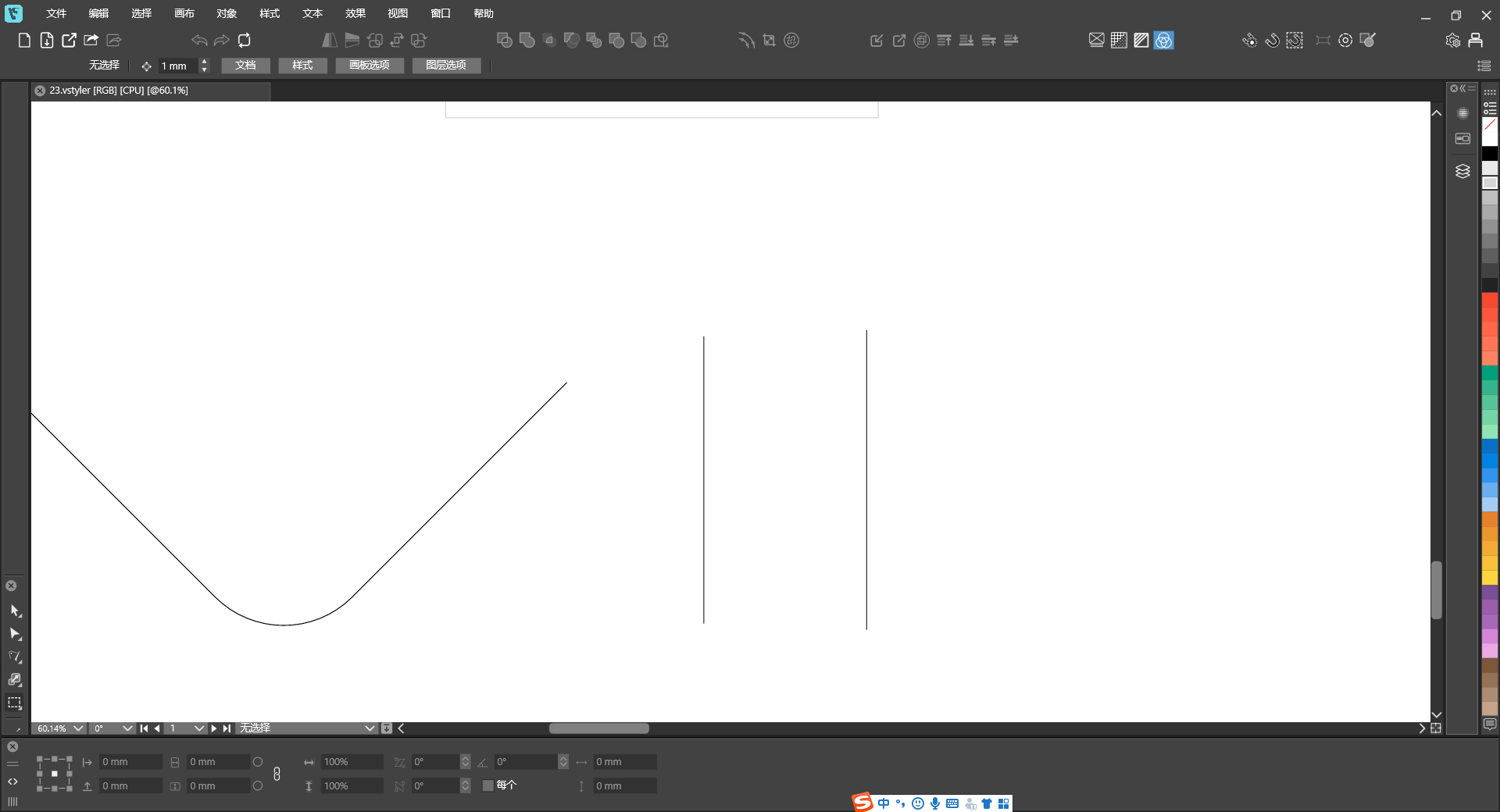
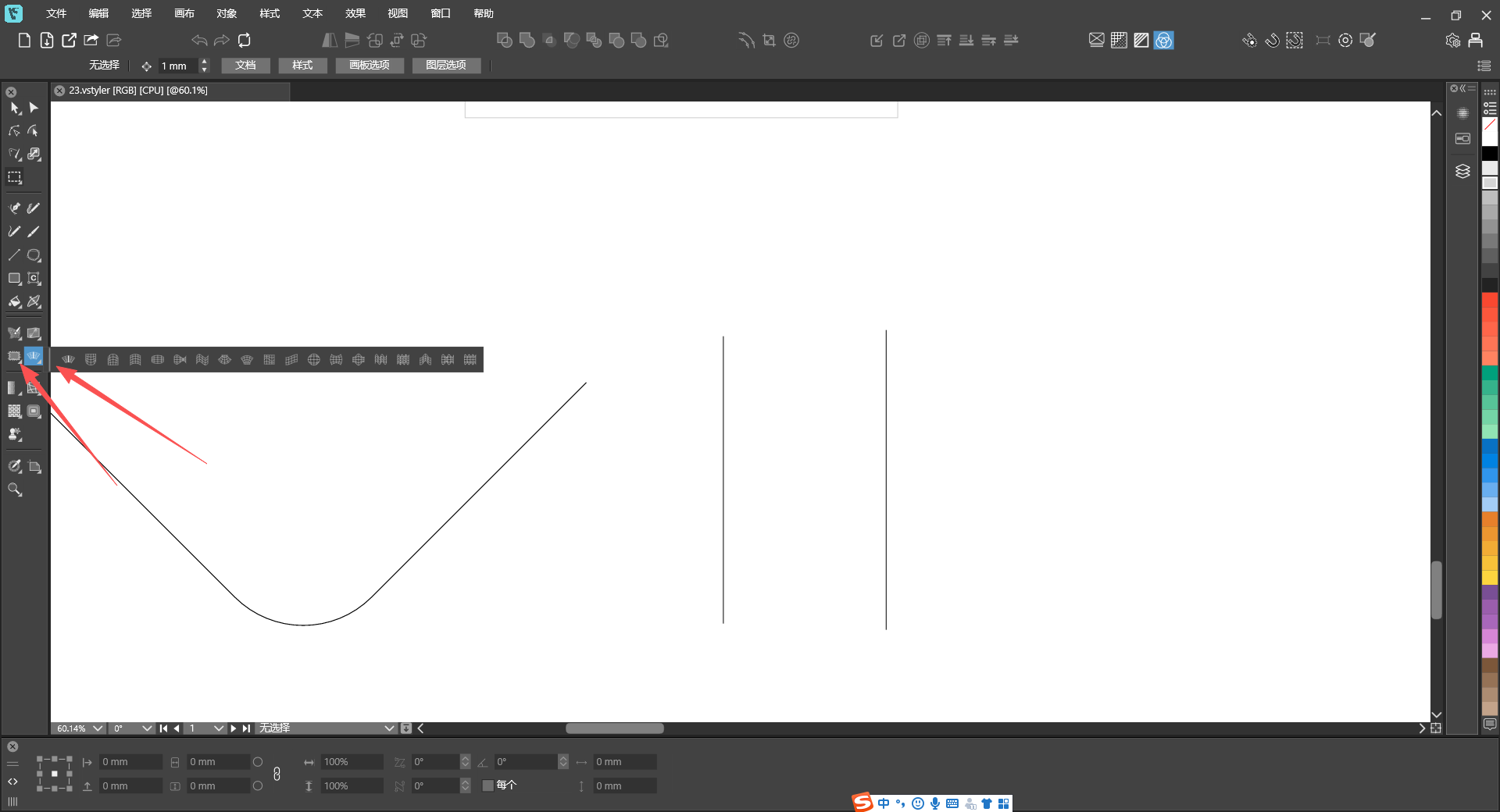
          @VectorStyler https://youtu.be/SLNsOzXtN9w
          26d62047-3c27-4ca7-a9db-fdbc5d154208-9f099a7d-854d-416a-afe1-b49c6e1caf82.png
          9a0a42a4-7904-4965-8711-3f36b89472e1-534a5fb1-49f9-4f58-9a52-9b0a1cfeb267.png
          fcdd8c78-27b1-4b7e-8623-46f4b6e43375-804d2202-3e41-40d7-a041-ba466c261ced.png
          bc584187-f950-46b8-a267-013d7e293073-e8dc73c0-caf8-40b6-af2a-710c534d9ab0.png
          When switching the layout of the selection toolbox, some tools go missing and the full set of tools cannot be displayed properly.

          VectorStylerV 1 Reply Last reply Reply Quote 1
          • VectorStylerV Offline
            VectorStyler @monsterfox
            last edited by

            @monsterfox If you change the window size, will it reset the layout?

            M 2 Replies Last reply Reply Quote 0
            • M Offline
              monsterfox @VectorStyler
              last edited by

              @VectorStyler No. Sometimes even restarting the program has no effect.

              VectorStylerV 1 Reply Last reply Reply Quote 1
              • VectorStylerV Offline
                VectorStyler @monsterfox
                last edited by

                @monsterfox I will try to fix this.

                M 1 Reply Last reply Reply Quote 0
                • M Offline
                  monsterfox @VectorStyler
                  last edited by

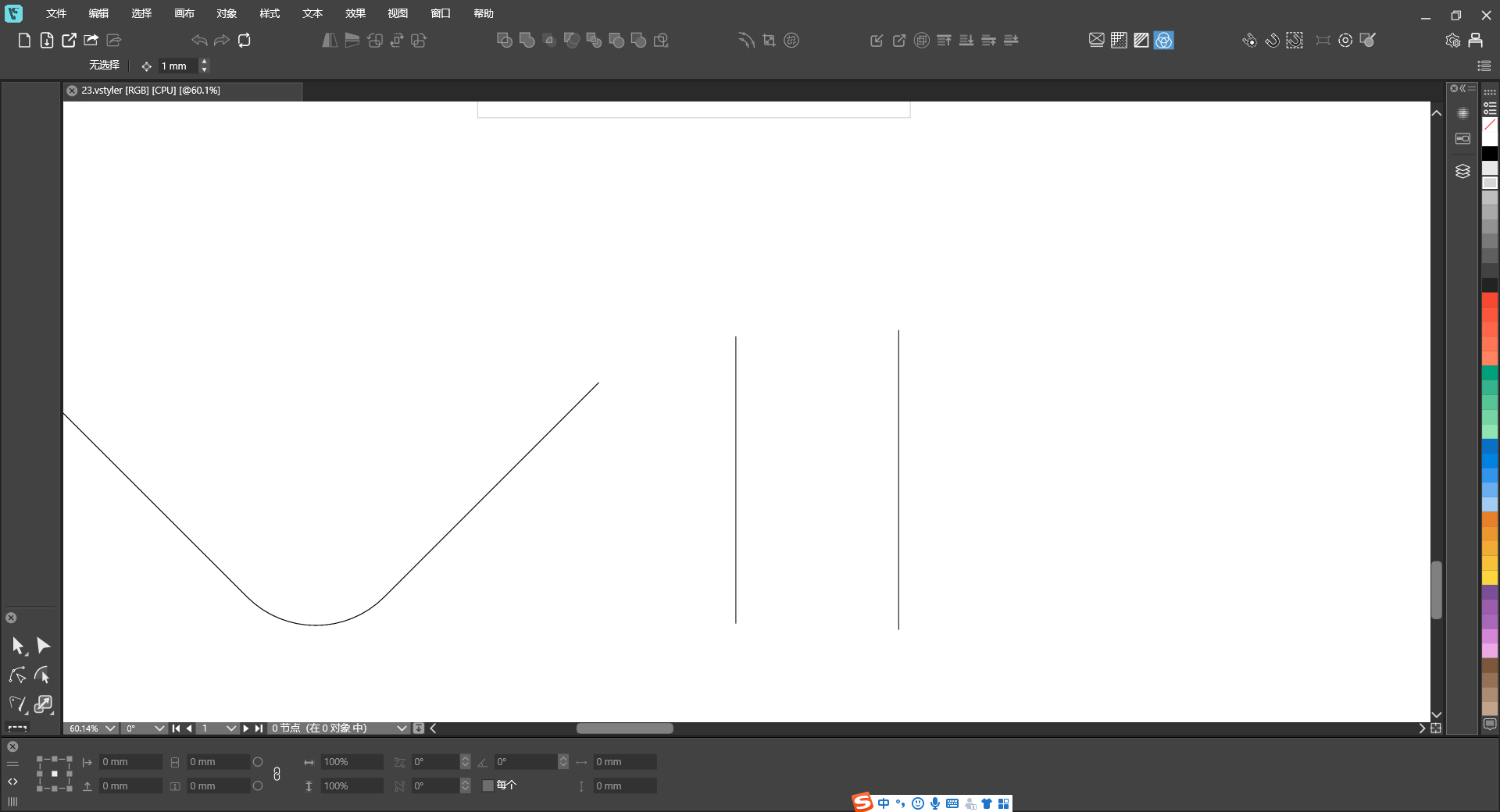
                  @VectorStyler https://youtu.be/TWGHJhvrEtw
                  23.vstyler
                  I’m not sure if it’s a file issue. I’ve tried other new files, and this tool and panel still don’t work.

                  VectorStylerV 1 Reply Last reply Reply Quote 1
                  • M Offline
                    monsterfox @VectorStyler
                    last edited by

                    @VectorStyler https://youtu.be/wDyIBAdpCI8
                    3.vstyler

                    The dimensions obtained by clicking to select the shape are different from those by marquee‑selecting the entire graphic.

                    VectorStylerV 2 Replies Last reply Reply Quote 1
                    • VectorStylerV Offline
                      VectorStyler @monsterfox
                      last edited by

                      @monsterfox said in Bug List for Version 1.3:

                      The dimensions obtained by clicking to select the shape are different from those by marquee‑selecting the entire graphic.

                      I opened a bug on this.

                      1 Reply Last reply Reply Quote 0
                      • VectorStylerV Offline
                        VectorStyler @monsterfox
                        last edited by

                        @monsterfox said in Bug List for Version 1.3:

                        @VectorStyler https://youtu.be/TWGHJhvrEtw
                        23.vstyler
                        I’m not sure if it’s a file issue. I’ve tried other new files, and this tool and panel still don’t work.

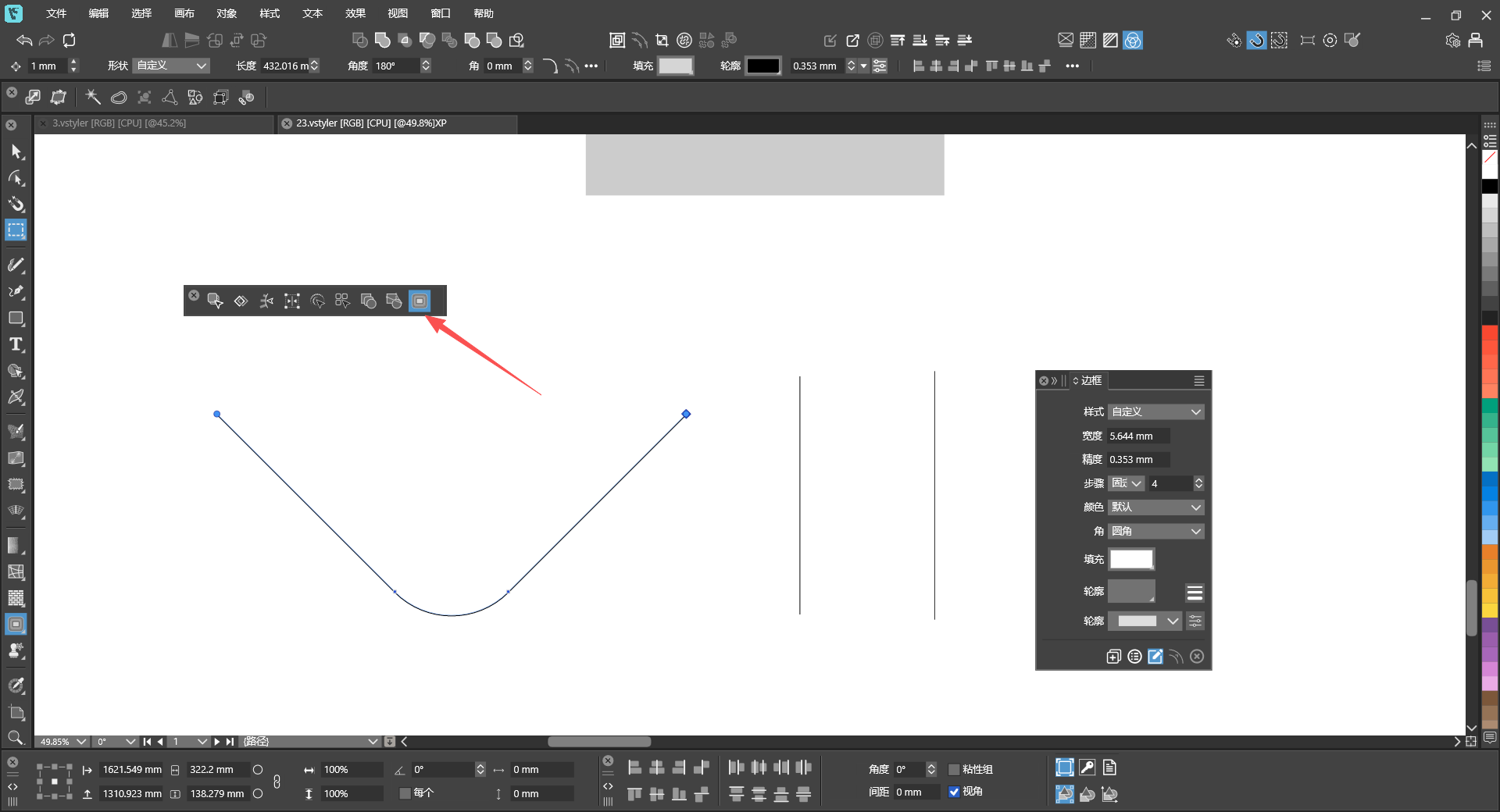
                        What tool is used in this case? I cannot see this from the video.
                        M 1 Reply Last reply Reply Quote 0
                        • VectorStylerV Offline
                          VectorStyler @monsterfox
                          last edited by

                          @monsterfox said in Bug List for Version 1.3:

                          @VectorStyler https://youtu.be/wDyIBAdpCI8
                          3.vstyler

                          The dimensions obtained by clicking to select the shape are different from those by marquee‑selecting the entire graphic.

                          I cannot replicate this.

                          What is shown in the transform panel if selecting all with Control+A ?

                          M 2 Replies Last reply Reply Quote 0
                          • M Offline
                            monsterfox @VectorStyler
                            last edited by

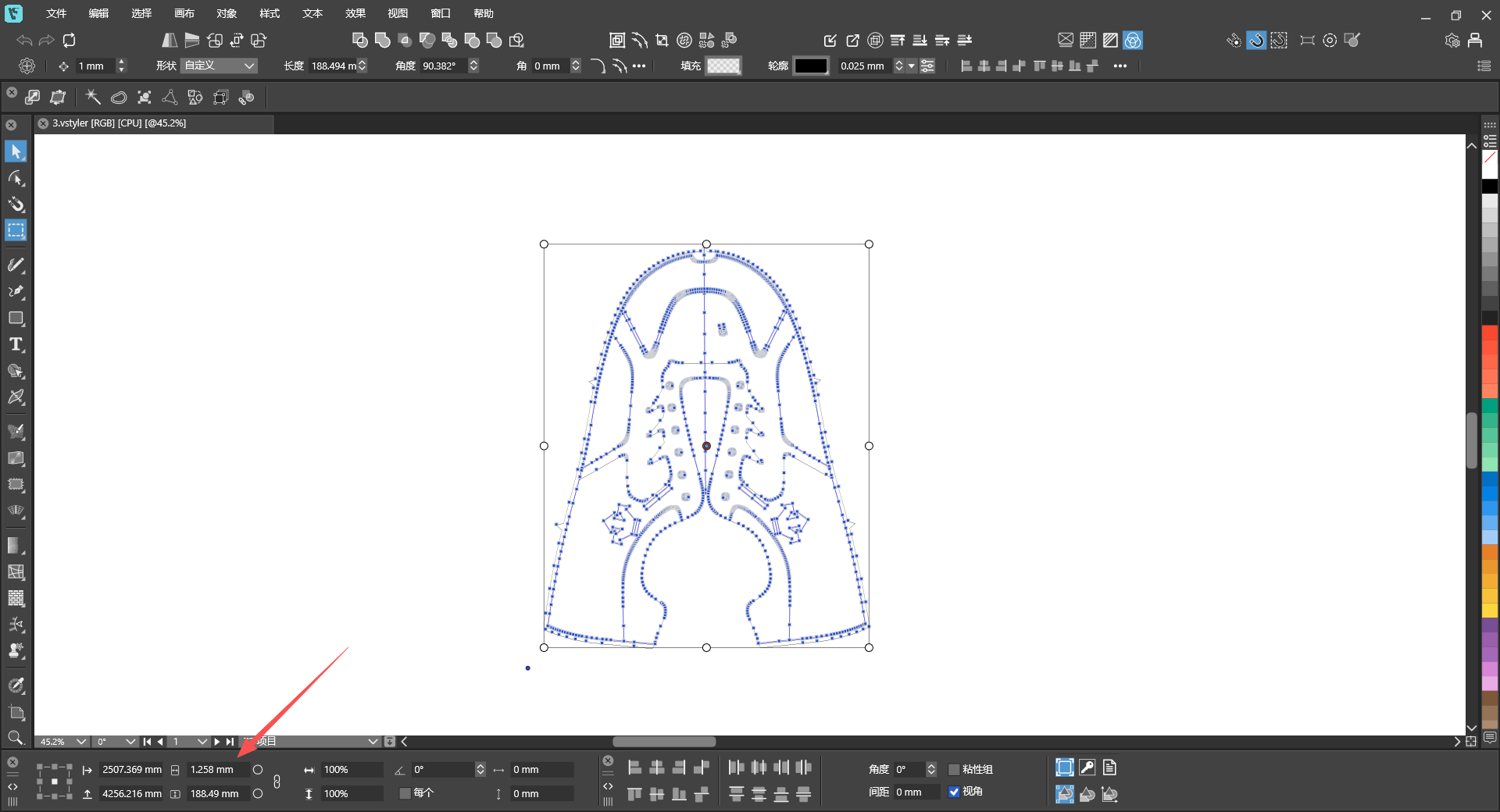
                            @VectorStyler 34bafec6-7e91-4614-9f34-7ece7edd6f2d-image.png
                            Control+ASelect all obtained dimensions

                            1 Reply Last reply Reply Quote 0
                            • M Offline
                              monsterfox @VectorStyler
                              last edited by

                              @VectorStyler

                              What tool is used in this case? I cannot see this from the video.
                              a99a47aa-badb-47fd-99b3-d111fa570b91-image.png

                              1 Reply Last reply Reply Quote 1
                              • M Offline
                                monsterfox @VectorStyler
                                last edited by

                                @VectorStyler https://youtu.be/T1P7AtA457c
                                混合.vstyler

                                1. Copy these two shapes to a new page, and the gray color will disappear.
                                2. Scale down two identical shapes; one has Outline checked and the other does not, resulting in different final shapes.
                                3. Hold Ctrl and left-click the shape, and two identical tools will appear on the top toolbar.
                                4. This shape’s outline has a gradient fill, and with Rotate Outline enabled, the gradient colors do not rotate along with the shape.
                                VectorStylerV 2 Replies Last reply Reply Quote 1
                                • VectorStylerV Offline
                                  VectorStyler @monsterfox
                                  last edited by

                                  @monsterfox The last attached file seems to be corrupted. Can you please send it again. Thanks!

                                  M 2 Replies Last reply Reply Quote 0
                                  • M Offline
                                    monsterfox @VectorStyler
                                    last edited by

                                    @VectorStyler I’ve tried many times and cannot save this file. I can only copy it, and all saved files get corrupted. Please fix the second bug first — this issue is reproducible on your side. As for the first bug: the blend shows no effect immediately after blending, but it turns out the blend is applied when I reopen the file. Let’s leave this bug for now. The third and fourth bugs are two different issues with the same shape; I will try to send you the file later.

                                    VectorStylerV 1 Reply Last reply Reply Quote 1
                                    • M Offline
                                      monsterfox @VectorStyler
                                      last edited by

                                      @VectorStyler 未命名-2.vstyler
                                      This is the file for bugs 3 and 4.

                                      1 Reply Last reply Reply Quote 0
                                      • VectorStylerV Offline
                                        VectorStyler @monsterfox
                                        last edited by

                                        @monsterfox said in Bug List for Version 1.3:

                                        @VectorStyler I’ve tried many times and cannot save this file. I can only copy it, and all saved files get corrupted. Please fix the second bug first — this issue is reproducible on your side. As for the first bug: the blend shows no effect immediately after blending, but it turns out the blend is applied when I reopen the file. Let’s leave this bug for now. The third and fourth bugs are two different issues with the same shape; I will try to send you the file later.

                                        Before saving the file, set the file format to JSON in Document Setup -> File -> File Format. In this way you can send it in JSON format that I can inspect manually to find what causes the saving issue.

                                        M 2 Replies Last reply Reply Quote 0
                                        • M Offline
                                          monsterfox @VectorStyler
                                          last edited by

                                          @VectorStyler f71ae7a3-2a93-4bc2-9e68-aa9eefce729b-image.png
                                          d757ea2a-c4ad-4e79-bdfe-7f6f77edb596-image.png
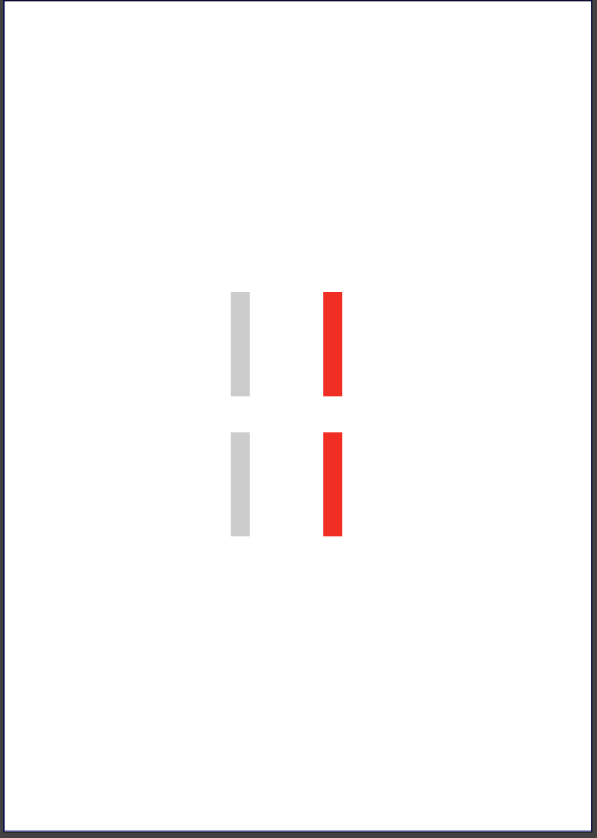
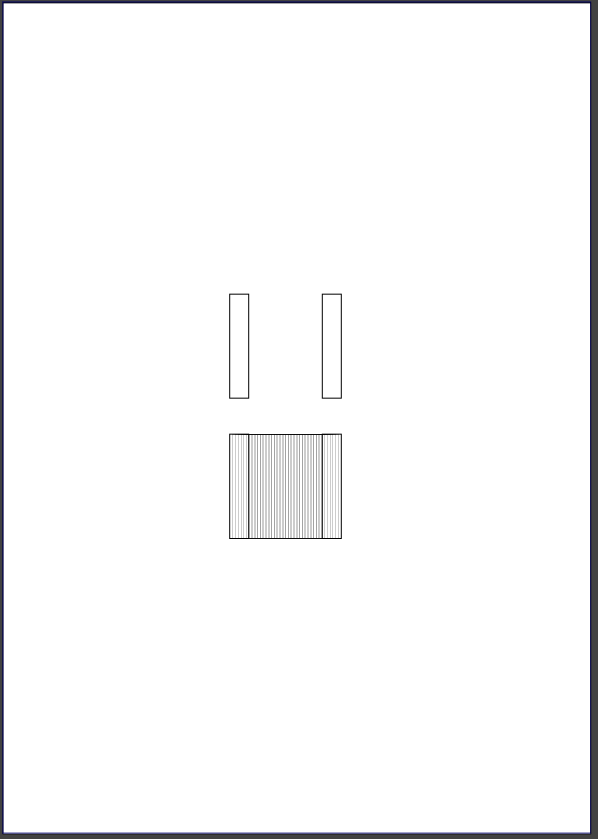
                                          This is bug #1: the blended shapes inside the blend effect are not visible.
                                          未命名-5.vstyler

                                          VectorStylerV 2 Replies Last reply Reply Quote 1
                                          • VectorStylerV Offline
                                            VectorStyler @monsterfox
                                            last edited by

                                            @monsterfox The blend issue can be replicated and will be fixed.

                                            Scale down two identical shapes; one has Outline checked and the other does not, resulting in different final shapes.

                                            This is normal and it is the result of the "Stroke Scale" option. Now instead of changing the rectangle shape properties, scaling will add a new Transform (the result can be observed in the Shape Effects panel).

                                            1 Reply Last reply Reply Quote 0
                                            • First post
                                              Last post