[Data Source] Bugs and request
-
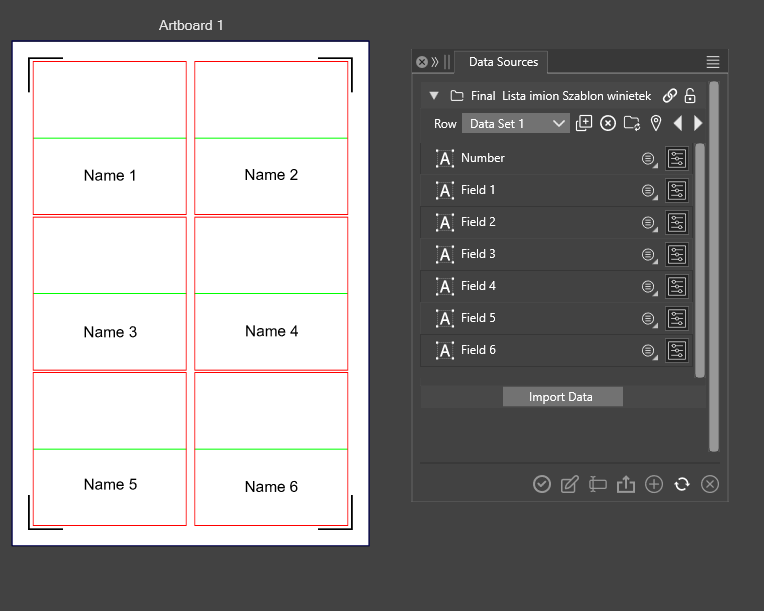
Finally, I prepared a project to automate my work with the cutting plotter.
The project is to take the data and put the corresponding names in the 6 fields of each artboard.
Currently, I have prepared a CSV file that has 6 columns corresponding to each field. Is this a good solution? Or is there a way to have the fields filled in sequentially from one column?
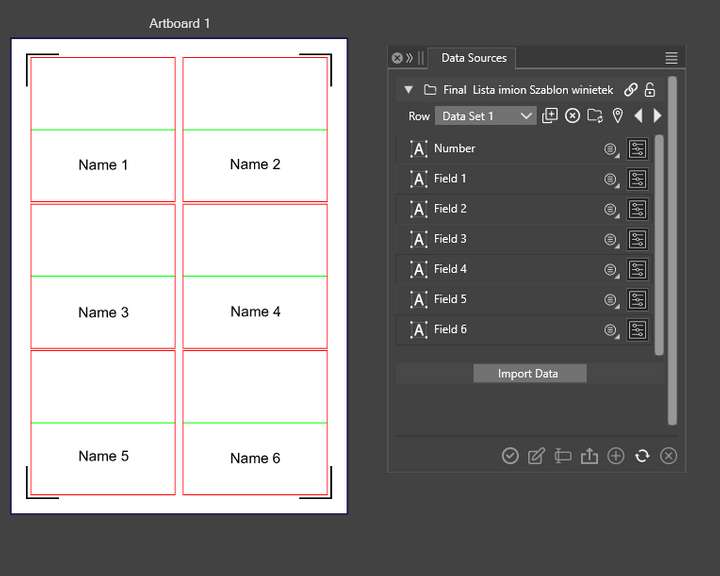
During the process, I encountered some problems:
1.Undoing the changes deletes the artboards, but the data remains in place. Data connection also does not work
2. Sometimes there are problems with missing data or the size of the text changes, and a refresh is necessary.The length of the lists will vary, and I would like VS to calculate the required number of artboards by itself. By default, only 4 artboards are created. I can see that this should not be a problem, because by defining more artboards in ' Canvas Data Grid' options only as many as needed are used.
MacBook Air M4 24Gb, Tahoe 26.3.1
-
@encart said in [Data Source] Bugs and request:
Is this a good solution?
yes
Or is there a way to have the fields filled in sequentially from one column?
No, each column will define a variable that can be used in the document
1.Undoing the changes deletes the artboards, but the data remains in place. Data connection also does not work
I will try to replicate this.
- Sometimes there are problems with missing data or the size of the text changes, and a refresh is necessary.
I think the issue here is the canvas grid feature. This will create separate layers, each with a fixed row, so changing the row will not work. I will try to solve the undo issue.
-
@encart This issue should be fixed in build 1.2.046
-
@VectorStyler
Indeed, fixed. thank you

