A Style Picker Tool Feature and a few Strokes
-
A Style Picker Tool Feature and a few Strokes
For quite a while the Style Picker Tool has a new Feature,
which will be shown here.Lets create a bunch of Strokes, 25 actually.

To make things a bit more interesting, add an effect to it.
Menu > Outline > Outline Zigzag and select “Rough Waves”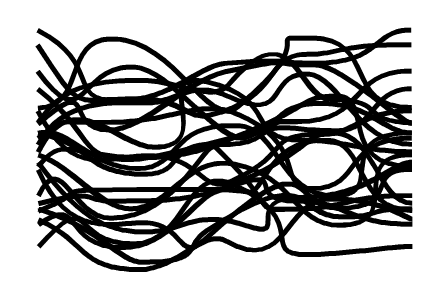
.
.
Now, use the Blend tool, I create a color gradient between two strokes,
where the total number of strokes must also come to 25.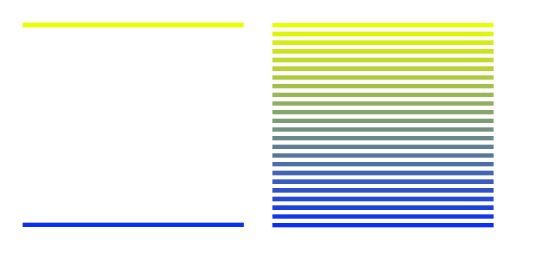
Then expand the result using "Expand Appearance" and also ungroup the group.
Then select all 25 strokes of the color gradient and group everything together again.
Now we have two groups with 25 strokes each.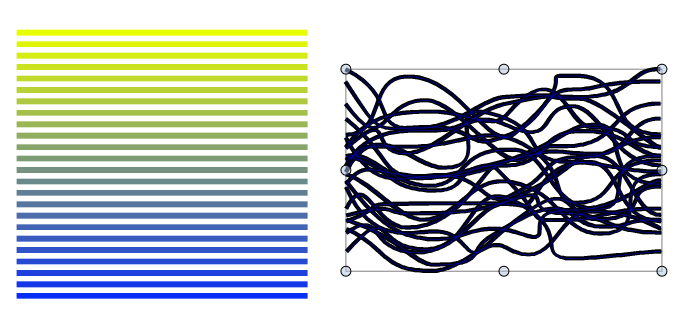
.
.
Now let's move on to the Style Picker Tool Feature.
After we have done the preparatory work...For quite a while the Style Picker Tool has been able to transfer styles
from one group of objects to another group of Objects.
.
.
Condition:
The "Pick Groups" flag must be set.
The objects must be grouped.
And the groups must contain the same number of objects.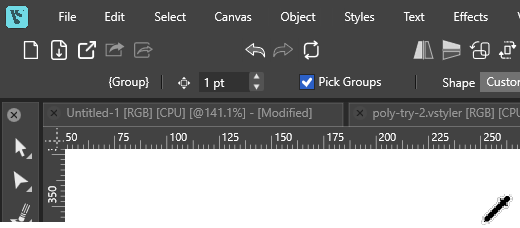
.
.
Select the group with the shape effect now,
then select the Style Picker Tool and use it
to pick the group with the gradient.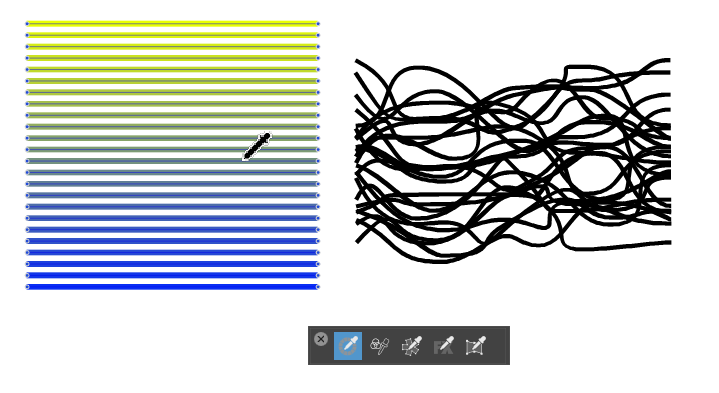
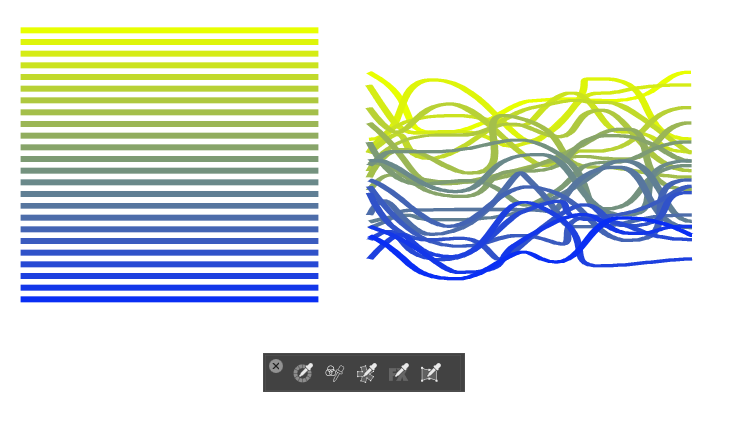
As you can see, this applied the color gradient to the objects with the effect.
.
.
So, those are the basics. Naturally, this works with shapes as well,
since only styles are being transferred. Feel free to try it out with
other styles too—for example, line weights, etc.Have fun using Vectorstyler
-
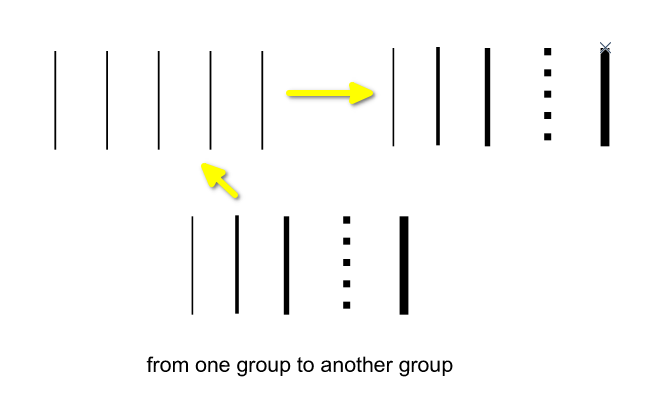
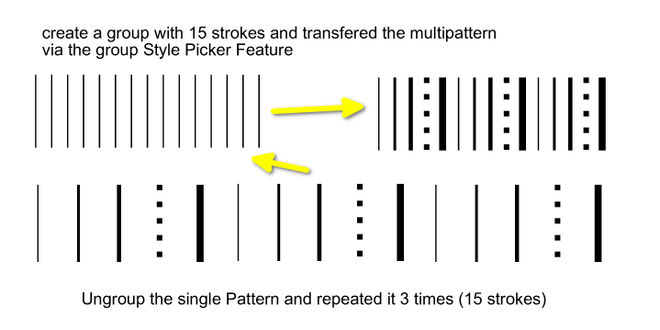
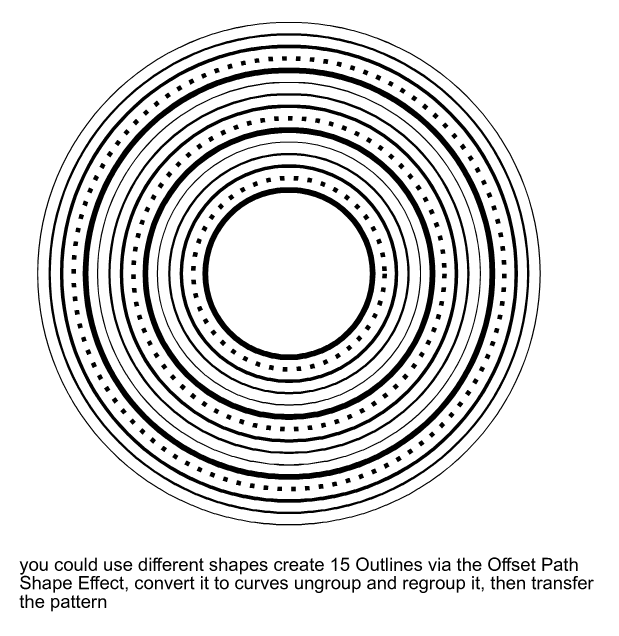
Some Examples releaded to new Style Picker Group Feature
.
.
.
.
.
.
-
S Subpath referenced this topic on
-
S Subpath referenced this topic on