VectorStyler
    • Categories
    • Unread
    • Recent
    • Tags
    • Popular
    • Register
    • Login

    Bug List for Version 1.3
    Scheduled Pinned Locked Moved Bugs in VectorStyler
    81 Posts 4 Posters 18.2k Views 4 Watching
    Loading More Posts
    • Oldest to Newest
    • Newest to Oldest
    • Most Votes
    Reply
    • Reply as topic
    Log in to reply
    This topic has been deleted. Only users with topic management privileges can see it.
    • VectorStylerV Offline
      VectorStyler @monsterfox
      last edited by

      @monsterfox I opened a bug on this

      M 1 Reply Last reply Reply Quote 0
      • M Offline
        monsterfox @VectorStyler
        last edited by

        @VectorStyler The issue with Error 7 remains unresolved

        1 Reply Last reply Reply Quote 0
        • VectorStylerV Offline
          VectorStyler @monsterfox
          last edited by

          @monsterfox said in Bug List for Version 1.3:

          When using the Path Offset effect, an error occurs when modifying the offset parameter in the Width Panel: for example, if you input 2mm, the actual offset is only 1mm. This error arises because the Width Tool and the Contour Path Tool adopt the same offset mode (offset on both sides).

          I will try to replicate this.

          1 Reply Last reply Reply Quote 0
          • EvaeloE Offline
            Evaelo
            last edited by Evaelo

            Gradients no longer work. Updated to v1.3.004 64bit, Windows 10 Pro.
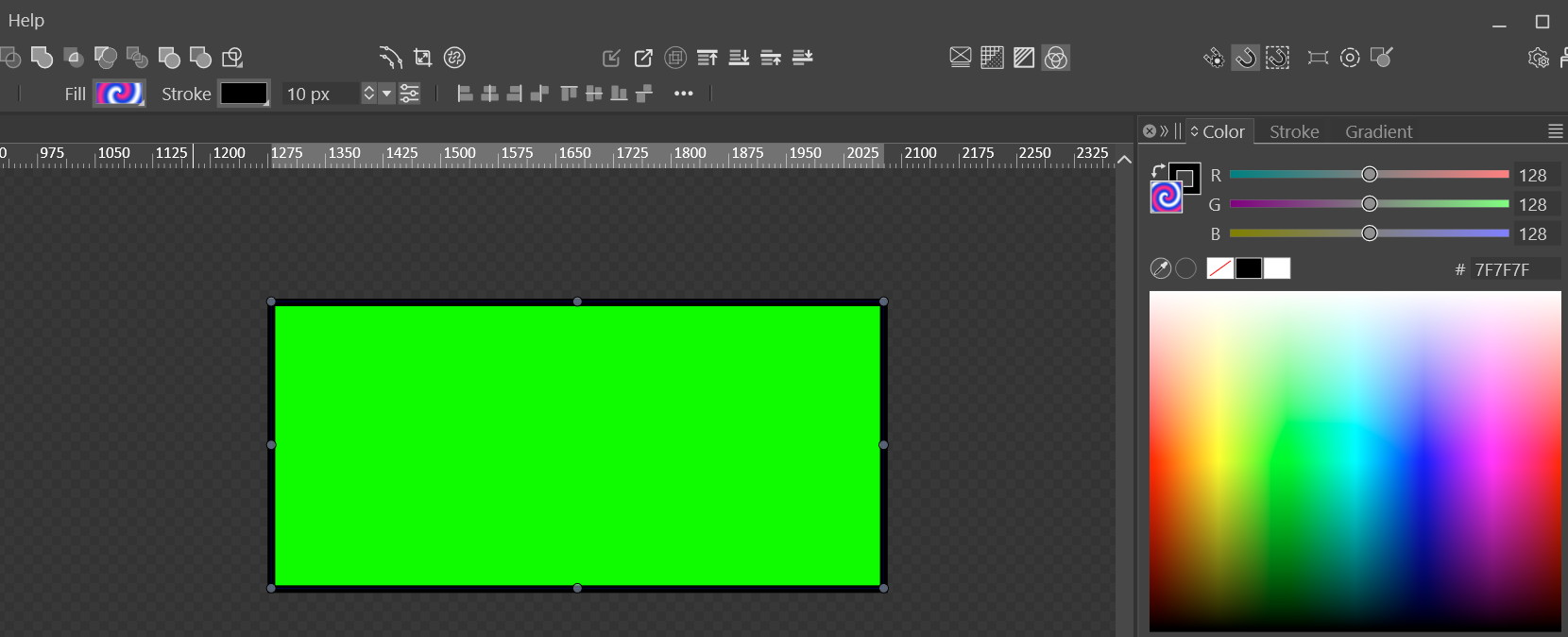
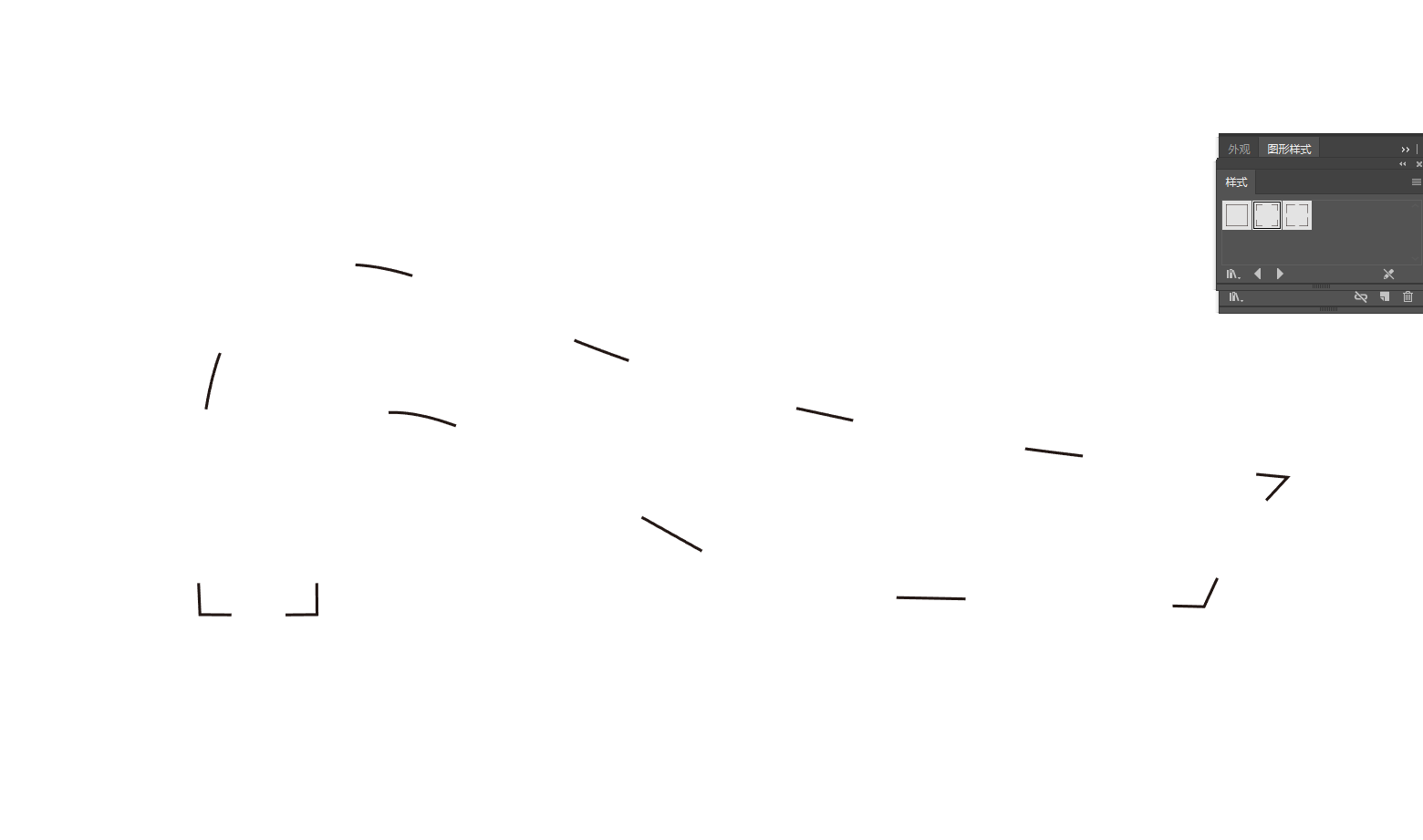
            alt text

            I just checked that only the 'Noise' type of gradient actually worked. Really odd… so most likely we got a bug.

            VectorStylerV 1 Reply Last reply Reply Quote 1
            • VectorStylerV Offline
              VectorStyler @Evaelo
              last edited by

              @Evaelo Send me that file and Il will try to replicate it here.

              In Settings -> Performance, try Software for the Compute engine.

              EvaeloE M 2 Replies Last reply Reply Quote 0
              • EvaeloE Offline
                Evaelo @VectorStyler
                last edited by

                @VectorStyler
                As you command:
                0_1766926041465_Gradient is broken.vstyler

                1 Reply Last reply Reply Quote 1
                • M Offline
                  monsterfox @VectorStyler
                  last edited by

                  @VectorStyler https://youtu.be/Ax06GN5JwRg?feature=shared[0_1766927882644_合.vstyler](/forum/assets/uploads/files/1766927888679-合.vstyler)
                  16.File Vulnerability Compilation & Fix Requests


                  1. When multiple objects are selected and the Move Transform tool is used with the Transform Each option enabled, an error occurs: the sorting order of the graphics becomes chaotic instead of arranging from large to small.
                  ​
                  2. Text input is unavailable within the file.
                  ​
                  3. The Stroke Tool fails to work, and the corresponding stroke panel is also non-functional.
                  ​
                  4. There are numerous broken paths in the file. If all graphics are selected and the Join Overlapping Nodes function is applied, some graphics will be duplicated in their original positions.
                  ​
                  5. When two shapes are merged with overlapping areas, converting the merged shape to a rectangle will result in an unexpected positional offset of the generated rectangle.

                  We sincerely hope these issues can be fixed in subsequent updates.

                  VectorStylerV 3 Replies Last reply Reply Quote 1
                  • VectorStylerV Offline
                    VectorStyler @monsterfox
                    last edited by

                    @monsterfox I added these to the backlog.

                    M 1 Reply Last reply Reply Quote 0
                    • VectorStylerV Offline
                      VectorStyler @monsterfox
                      last edited by

                      @monsterfox said in Bug List for Version 1.3:

                      the sorting order of the graphics becomes chaotic instead of arranging from large to small.

                      The sorting order is the order of selection. In case of box selection, this is the stacking order of objects.

                      1 Reply Last reply Reply Quote 0
                      • VectorStylerV Offline
                        VectorStyler @monsterfox
                        last edited by

                        @monsterfox said in Bug List for Version 1.3:

                        Text input is unavailable within the file.

                        The text in the file was converted to curves

                        1 Reply Last reply Reply Quote 0
                        • M Offline
                          monsterfox @VectorStyler
                          last edited by

                          @VectorStyler 17,When selecting multiple objects by holding down the Shift key, clicking on an empty area will deselect all objects .

                          VectorStylerV 1 Reply Last reply Reply Quote 2
                          • VectorStylerV Offline
                            VectorStyler @monsterfox
                            last edited by

                            @monsterfox said in Bug List for Version 1.3:

                            When selecting multiple objects by holding down the Shift key, clicking on an empty area will deselect all objects .

                            I will fix this

                            M 2 Replies Last reply Reply Quote 0
                            • M Offline
                              monsterfox @VectorStyler
                              last edited by

                              @VectorStyler In 2025.12.11.23:33 the error of incorrect scaling when importing the two DXF files contained in the compressed package I provided into the program has not been fixed yet. It is hoped that this issue can be resolved.

                              VectorStylerV 1 Reply Last reply Reply Quote 1
                              • M Offline
                                monsterfox @VectorStyler
                                last edited by monsterfox

                                @VectorStyler Fixed a bug in sizing imported SVGs(I tested those two files, and the error still exists. It still needs to be fixed.)If you import these two files into Illustrator and VS respectively, you'll see the difference. The size in AI is correct.

                                VectorStylerV 1 Reply Last reply Reply Quote 0
                                • VectorStylerV Offline
                                  VectorStyler @monsterfox
                                  last edited by

                                  @monsterfox said in Bug List for Version 1.3:

                                  In 2025.12.11.23:33 the error of incorrect scaling when importing the two DXF files contained in the compressed package I provided into the program has not been fixed yet.

                                  I tested with those two files, both in VectorStyler and Illustrator 2026 and the sizes are the same

                                  1 Reply Last reply Reply Quote 0
                                  • VectorStylerV Offline
                                    VectorStyler @monsterfox
                                    last edited by

                                    @monsterfox said in Bug List for Version 1.3:

                                    If you import these two files into Illustrator and VS respectively

                                    Can you reupload these two SVG files, I'm not sure if I tested with the same.

                                    M 1 Reply Last reply Reply Quote 0
                                    • M Offline
                                      monsterfox @VectorStyler
                                      last edited by monsterfox

                                      @VectorStyler picture.dxf.zip Both files become smaller after import, so the size is not correct. Also, if you use the drag-and-drop method, one of the files cannot perform this operation. Please test it again.

                                      VectorStylerV 2 Replies Last reply Reply Quote 0
                                      • VectorStylerV Offline
                                        VectorStyler @monsterfox
                                        last edited by

                                        @monsterfox Also send me a VectorStyler file with these files imported (I want to check the result of importing as it happens for you).

                                        1 Reply Last reply Reply Quote 0
                                        • VectorStylerV Offline
                                          VectorStyler @monsterfox
                                          last edited by

                                          @monsterfox

                                          These are the VS files I get with importing the DXF files:

                                          22.vstyler

                                          Picture.DXF.vstyler

                                          In Adobe Illustrator 2026:
                                          the "22.dxf" file imports and has the same size as in VS: width 223.8 pt, height 208 pt
                                          Illustrator cannot import or open the "Picture.DXF.dxf" file

                                          M 1 Reply Last reply Reply Quote 0
                                          • M Offline
                                            monsterfox @VectorStyler
                                            last edited by monsterfox

                                            @VectorStyler https://www.youtube.com/watch?v=eBK79FwTJhQ

                                            BUG.vstyler

                                            VectorStylerV 1 Reply Last reply Reply Quote 1
                                            • First post
                                              Last post