Bug List for Version 1.3
-
@VectorStyler 11,Paths without color information still cannot be imported or exported.
Hope this issue can be fixed. -
@monsterfox said in Bug List for Version 1.3:
Paths without color information still cannot be imported or exported.
I will review this how it is done in other apps, but in VS this is by design, if a shape has no style, then it is not exported to vector formats
-
@monsterfox said in Bug List for Version 1.3:
10.Using the mirror group and enabling the crop section will cause errors when expanding the graphics
Can be replicated, will be fixed in the next build
-
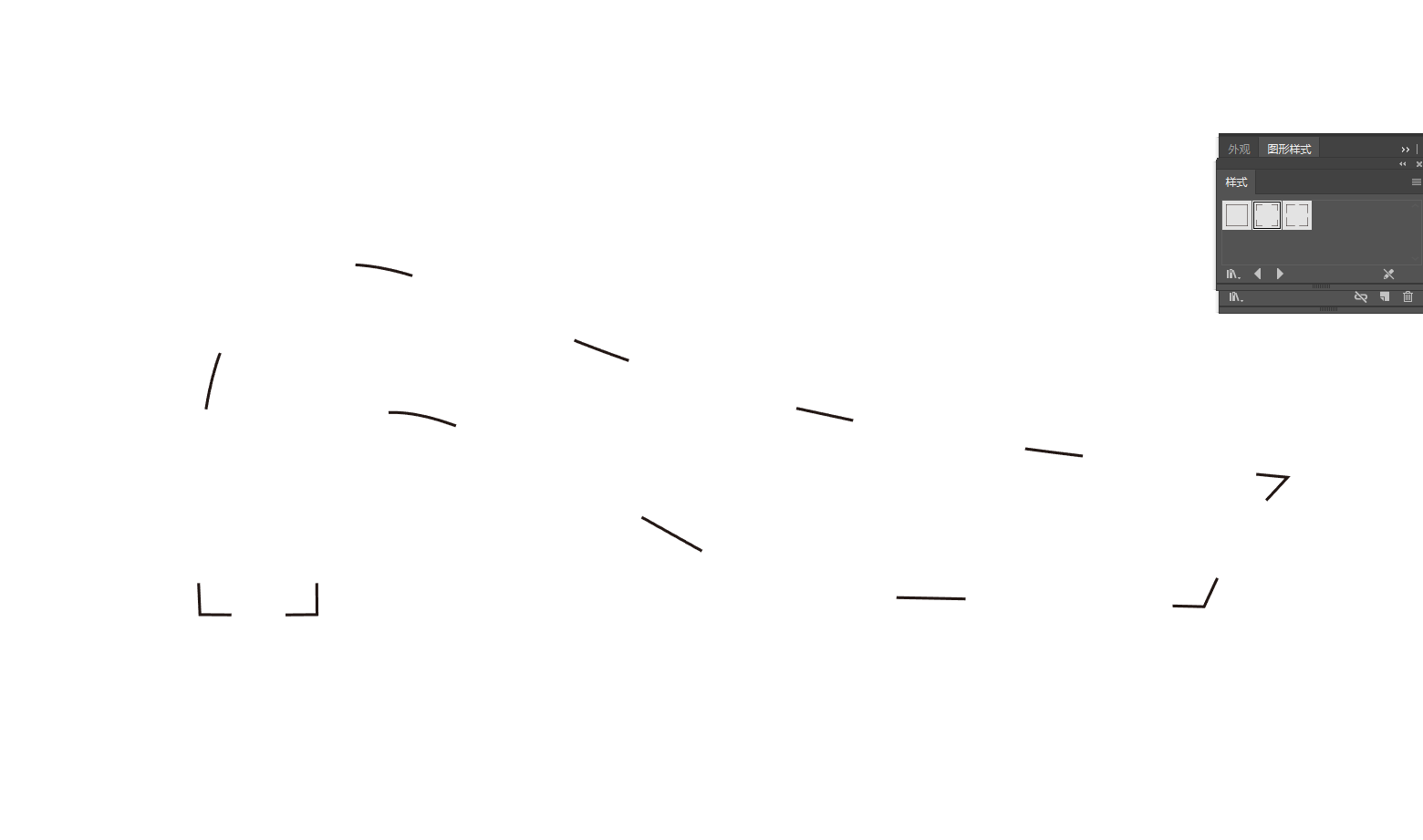
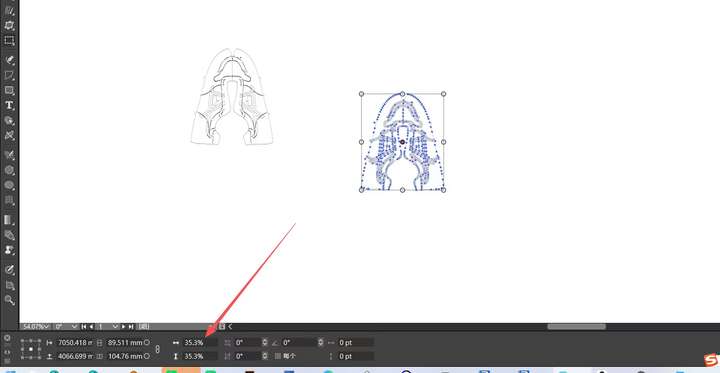
@VectorStyler Error 1 Addendum: DXF files can now be imported, but there are still a few issues: 1. The imported DXF file does not have the correct size. 2. Dragging the provided file into the canvas converts it into an image. 3. The DXF file exported by VS also has an incorrect size, which is larger than the original file. These issues need to be fixed.
https://youtu.be/WRUsV2ZrsAc?si=4HZ9Wf5hfPOux_Fj
https://youtu.be/HZpdocZXR0g?si=pw3XJ6jDU637AThx
0_1765467212712_Picture.DXF.zip -
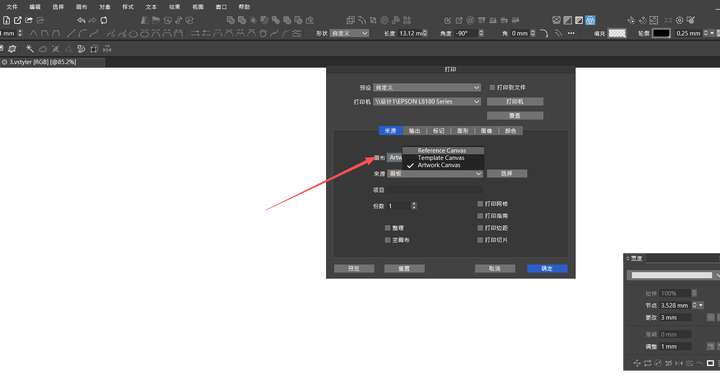
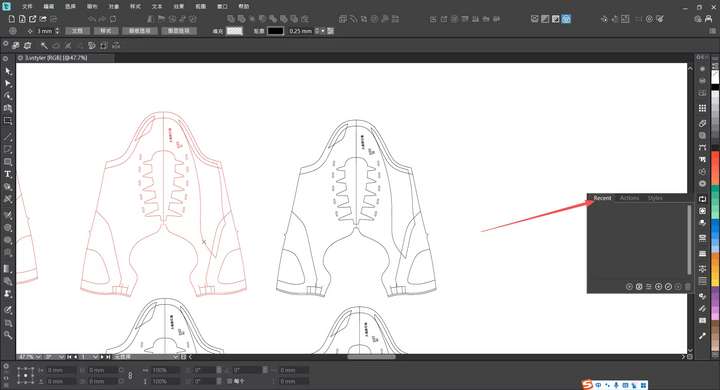
@VectorStyler Error 5 Addendum: Several incomplete translations have also been found.
-
@VectorStyler !
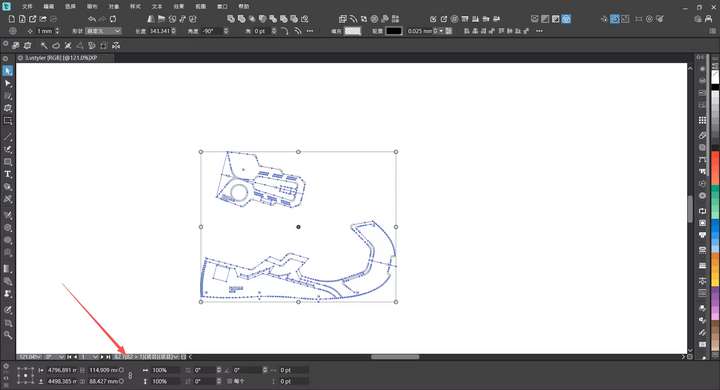
12. The display of the selected object count is incorrect. When multiple objects are selected, it shows their respective layer names instead of the selected quantity statistics.
1_1765467598767_mmexport1765467529879.jpg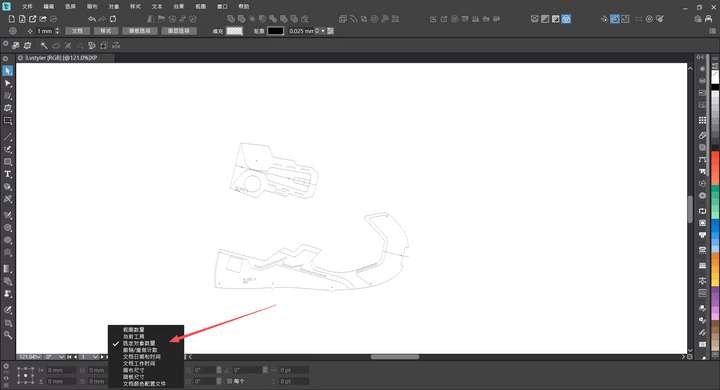
-

@VectorStyler Error 3 Addendum: Now the individual move transformation is usable, but its effect is quite different from that before version 1.2. In version 1.2, when multiple objects have overlapping values, the shape with the largest area is moved first, followed by others in descending order of area. In version 1.2, errors occurred when operating complex groups, resulting in shape offset and confusion. In the current version 1.3, it is bundled with randomization, which undermines the practicality of this function. We still hope this issue can be resolved.
https://youtu.be/UQOK05KPfrM?si=eVtkkI2HO2nSTOEW -

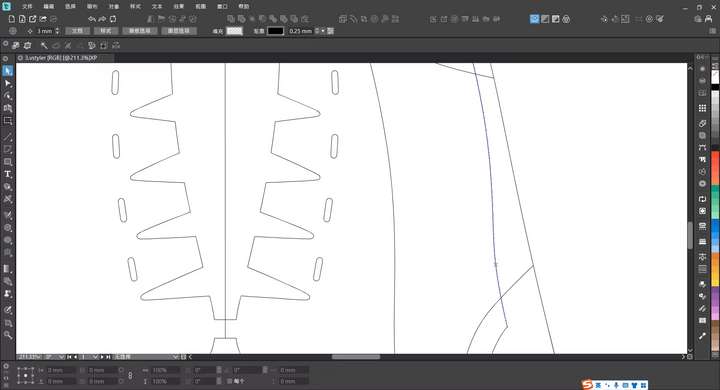
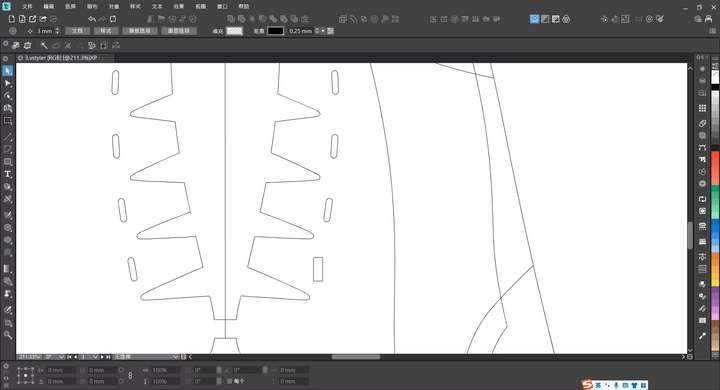
@VectorStyler Error 8 Addendum: This function now supports converting regular paths, but it still cannot match the angle of the original shape. The example in my figure is a rounded rectangle from a sketch. When trying to convert it to a regular rectangle, the resulting rectangle is only generated based on the width and height. This is not the expected result, and we hope this issue can be resolved.
-
@VectorStyler
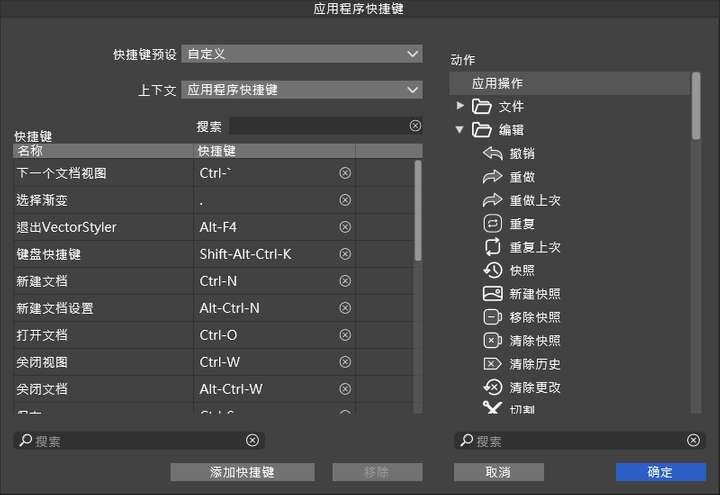
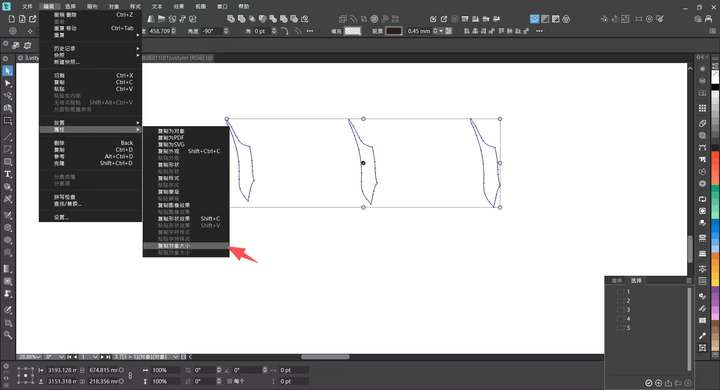
13. The options for copying and pasting object dimensions cannot be found in the shortcut menu, and they need to be added. -
@monsterfox said in Bug List for Version 1.3:
Error 5 Addendum: Several incomplete translations have also been found
If a document was saved while using the English UI, then some text will be in English. These names (customizable by the user) are stored in the document, not by the current language.
-
@monsterfox said in Bug List for Version 1.3:
the current version 1.3, it is bundled with randomization, which undermines the practicality of this function.
If randomization is disabled, what would the difference between "Transform Each" or normal move be?
-
@VectorStyler When multiple objects are selected: 1. A normal move shifts all objects by the same distance synchronously. If the patterns are stacked initially, they remain stacked after moving. 2. When "Transform Each" is checked, multiple objects move with increasing parameters, resulting in them being separated in the end. Example: Select three objects, align them center horizontally and vertically, then set the move parameter to 10. The first object moves by 10, the second by 20, and the third by 30. Their movement order is determined by the size of the objects. This operation would greatly enhance usability, and we hope this feature can be added.
-
@monsterfox said in Bug List for Version 1.3:
@VectorStyler When multiple objects are selected: 1. A normal move shifts all objects by the same distance synchronously. If the patterns are stacked initially, they remain stacked after moving. 2. When "Transform Each" is checked, multiple objects move with increasing parameters, resulting in them being separated in the end. Example: Select three objects, align them center horizontally and vertically, then set the move parameter to 10. The first object moves by 10, the second by 20, and the third by 30. Their movement order is determined by the size of the objects. This operation would greatly enhance usability, and we hope this feature can be added.
I will try to implement this.
-
@VectorStyler The issue where DXF files were imported as images has been resolved. There are still two remaining problems: 1. The imported images are not in the correct size. I have provided two types of files, one that becomes larger and one that becomes smaller. 2. All exported DXF files will increase in size. These two issues need to be fixed. Additionally, an AI file in the compressed package cannot be imported either.
0_1765636913759_DXF+AI.zip -
@VectorStyler The "Copy Object Dimensions" option has been added to the shortcut menu, but the "Paste Object Dimensions" option is missing. Please fix this.
-
@monsterfox said in Bug List for Version 1.3:
@VectorStyler The "Copy Object Dimensions" option has been added to the shortcut menu, but the "Paste Object Dimensions" option is missing. Please fix this.
Will be added
-
@VectorStyler Error 10 added: Currently, mirror groups support expansion, but the expanded result is not as expected. I have communicated this issue with Li Xiao, and we both agree that the optimal expanded result should be the united state of the objects. Those masks are not very useful; please fix this problem.
-
@monsterfox said in Bug List for Version 1.3:
optimal expanded result should be the united state of the objects
Not clear what this would be? Can you send me some examples?
-
-
@monsterfox This would only work for mirrors containing single objects, or objects of the same style, as it would require a sort of union of these objects.