VectorStyler
    • Categories
    • Unread
    • Recent
    • Tags
    • Popular
    • Register
    • Login

    Regarding the halftone repeater types
    Scheduled Pinned Locked Moved Features and Ideas
    76 Posts 6 Posters 204.6k Views 4 Watching
    Loading More Posts
    • Oldest to Newest
    • Newest to Oldest
    • Most Votes
    Reply
    • Reply as topic
    Log in to reply
    This topic has been deleted. Only users with topic management privileges can see it.
    • VectorStylerV Offline
      VectorStyler @Li Xiao
      last edited by

      @Li-Xiao said in Regarding the halftone repeater types:

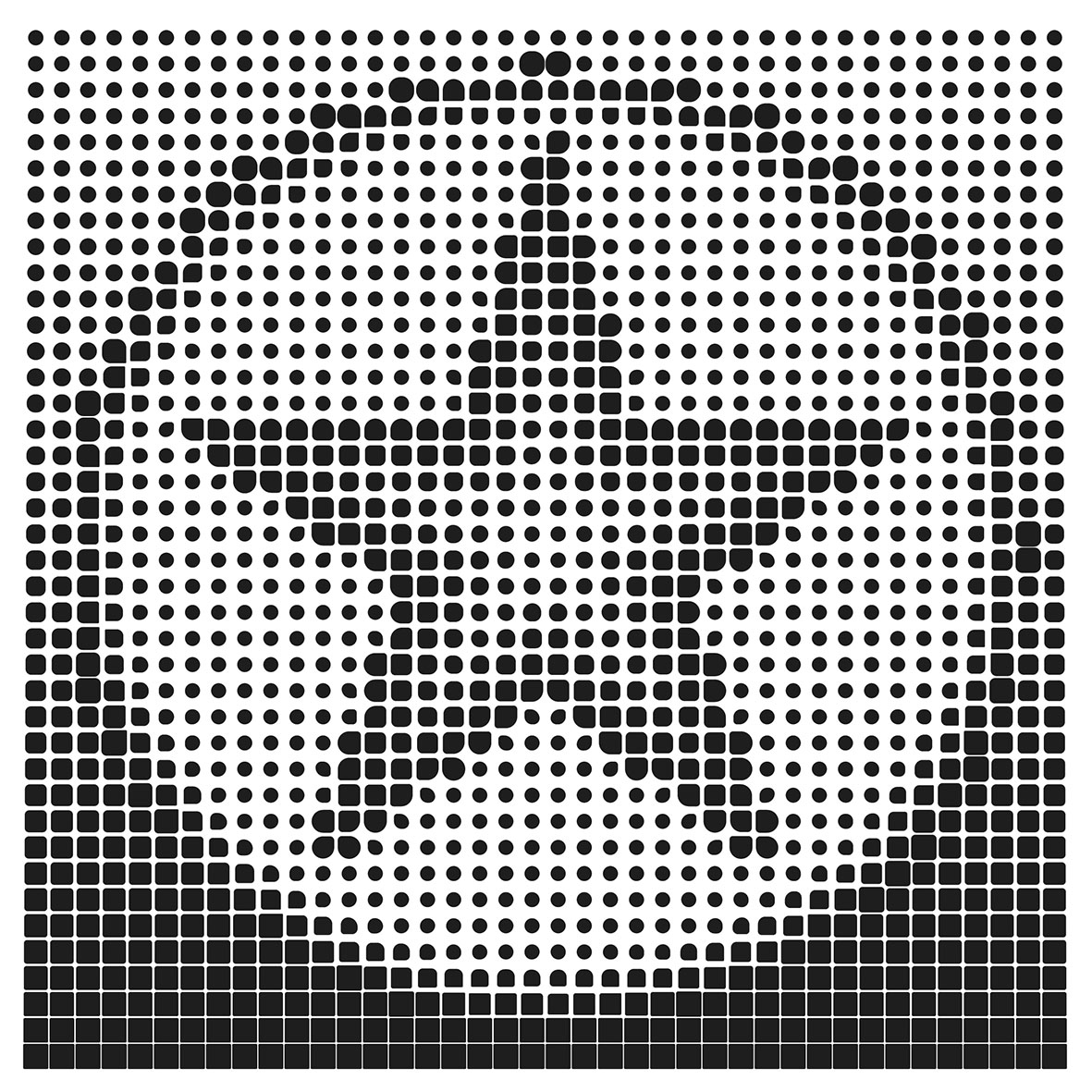
      I tried using Repeater to create a dash effect halftone, but I couldn't replicate it successfully.

      I added this to the backlog.

      1 Reply Last reply Reply Quote 1
      • S Offline
        Subpath @Li Xiao
        last edited by Subpath

        @Li-Xiao

        I tried such a halftone effect in Cavalry but when I converted the result into curves
        the effect was gone. In the end it turned out that it was a bitmap effect.

        VectorStylers vector graphics results from the Repeater are then more impressive
        to me, even when Cavalry can do some cool tricks.
        But its made with Animation in Mind.

        Win 11
        CPU: AMD Ryzen 5 9600X, 6-core.
        GPU: Nvidia Geforce RTX 5070.

        L 1 Reply Last reply Reply Quote 1
        • L Offline
          Li Xiao @Subpath
          last edited by

          @Subpath Yes, Repeater is incredibly powerful. However, it lacks a non-destructive expansion feature. Currently, image and gradient-based generation can only be overlaid with shape effects after expansion. It would be great to have non-destructive expansion added to Repeater as soon as possible.

          VectorStylerV 1 Reply Last reply Reply Quote 1
          • VectorStylerV Offline
            VectorStyler @Li Xiao
            last edited by

            @Li-Xiao said in Regarding the halftone repeater types:

            It would be great to have non-destructive expansion added to Repeater as soon as possible.

            How would this work? If the repeater is expanded, and the individual object copies can be modified, then it is destructive.

            L 1 Reply Last reply Reply Quote 0
            • F Offline
              fde101 Global Moderator
              last edited by

              Vectoraster is another app that is great for this, if you happen to be on a Mac.

              Not free, but it is a one-time payment.

              L 1 Reply Last reply Reply Quote 0
              • L Offline
                Li Xiao @VectorStyler
                last edited by

                @VectorStyler

                How would this work? If the repeater is expanded, and the individual object copies can be modified, then it is destructive.

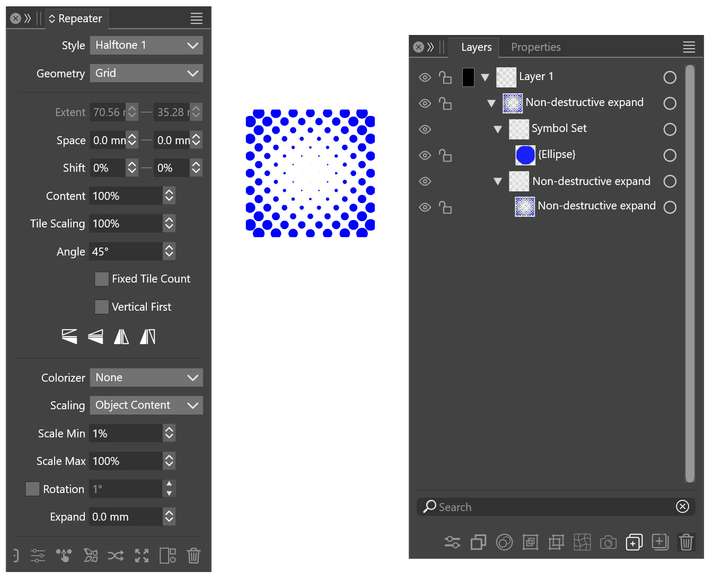
                Non-destructive expansion, similar to virtual expansion, allows the results generated by Repeater to be reflected within the layer and remain in an editable state. This enables shape effects to be applied to the objects after virtual expansion. It doesn't require modifying individual objects after expansion; it's just to allow the application of shape effects to the overall object. Is there a way to achieve this type of expansion?
                0_1711879285967_Non-destructive expand.jpg

                VectorStylerV 1 Reply Last reply Reply Quote 0
                • VectorStylerV Offline
                  VectorStyler @Li Xiao
                  last edited by

                  @Li-Xiao said in Regarding the halftone repeater types:

                  Is there a way to achieve this type of expansion?

                  In the Repeater panel menu: enable "Apply Shape Effects"

                  L 1 Reply Last reply Reply Quote 0
                  • L Offline
                    Li Xiao @fde101
                    last edited by

                    @fde101 Thank you. I don't have a MAC, but I have explored Vectoraster on its website, and everything it can do, VS can do as well.

                    1 Reply Last reply Reply Quote 0
                    • L Offline
                      Li Xiao @VectorStyler
                      last edited by

                      @VectorStyler

                      In the Repeater panel menu: enable "Apply Shape Effects"

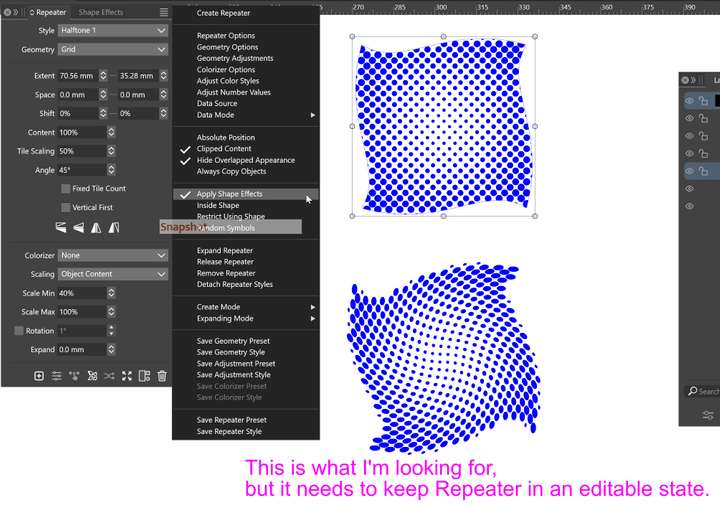
                      I have tried enable "Apply Shape Effects," but it doesn't work for the results of gradient and image generation. That's why I asked if there could be a non-destructive expansion feature.

                      VectorStylerV 1 Reply Last reply Reply Quote 1
                      • VectorStylerV Offline
                        VectorStyler @Li Xiao
                        last edited by

                        @Li-Xiao said in Regarding the halftone repeater types:

                        results of gradient and image generation

                        Can you send me an example where it does not work?
                        The gradients and images of course are not distorted (by shape effects).
                        For these you need image effects.

                        L 1 Reply Last reply Reply Quote 0
                        • L Offline
                          Li Xiao @VectorStyler
                          last edited by

                          @VectorStyler Just as shown in the image.
                          0_1711880478684_Non-destructive expand 2.jpg

                          VectorStylerV 1 Reply Last reply Reply Quote 0
                          • VectorStylerV Offline
                            VectorStyler @Li Xiao
                            last edited by

                            @Li-Xiao Send me the file with the original repeater (first image).

                            L 1 Reply Last reply Reply Quote 0
                            • L Offline
                              Li Xiao @VectorStyler
                              last edited by

                              @VectorStyler
                              example
                              0_1711881513153_Apply Shape Effects.vstyler

                              VectorStylerV 1 Reply Last reply Reply Quote 1
                              • VectorStylerV Offline
                                VectorStyler @Li Xiao
                                last edited by

                                @Li-Xiao There is a bug here, I will try to fix it ASAP.

                                L 3 Replies Last reply Reply Quote 1
                                • L Offline
                                  Li Xiao @VectorStyler
                                  last edited by

                                  @VectorStyler Thank you, it turns out it was a bug. I had mistakenly thought it wasn't supported, which is why I was wondering if there could be a non-destructive expansion feature.

                                  1 Reply Last reply Reply Quote 1
                                  • L Offline
                                    Li Xiao @VectorStyler
                                    last edited by

                                    @VectorStyler
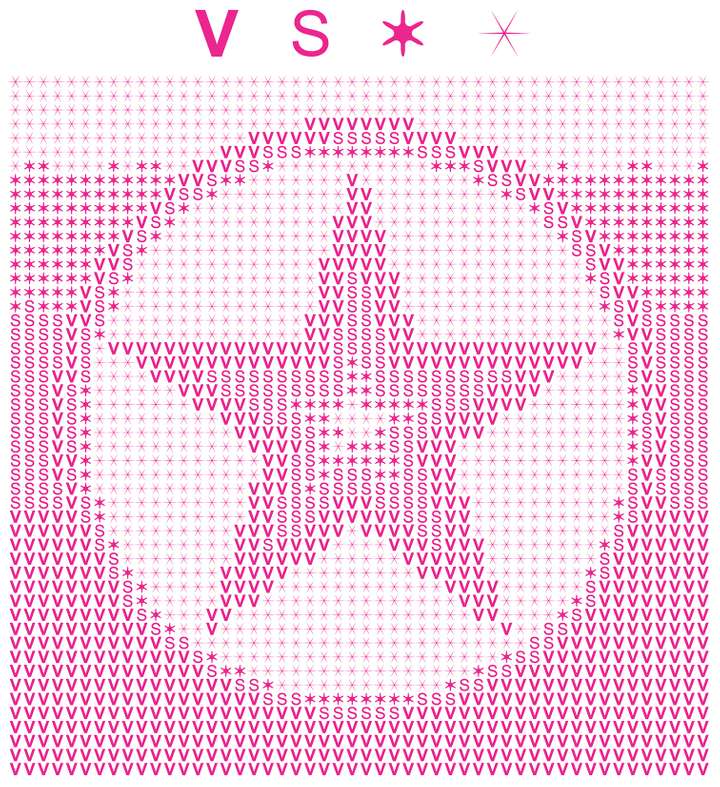
                                    Halftone based on the corresponding grayscale values according to the area size. I used four objects as an example, because performing calculations on multiple objects in CD's VBA is too slow.
                                    0_1711908011938_Area Halftone.jpg
                                    0_1711908024378_Area Halftone.pdf

                                    I tried using Repeater but couldn't achieve it. You can watch a video demonstration.
                                    https://youtu.be/BRDstB4hbFs

                                    1 Reply Last reply Reply Quote 1
                                    • L Offline
                                      Li Xiao @VectorStyler
                                      last edited by Li Xiao

                                      @VectorStyler
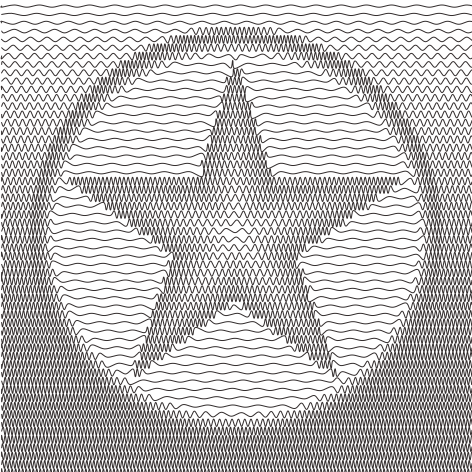
                                      There are many small apps available that can create wave halftones. I have selected three for your reference.

                                      1. SquiggleDraw
                                        SquiggleDraw will create a SVG file from an image, using the brightness to change the amplitude of sine waves.
                                        SquiggleDraw is free and unencumbered software released into the public domain.
                                        https://github.com/gwygonik/SquiggleDraw
                                        Recorded video
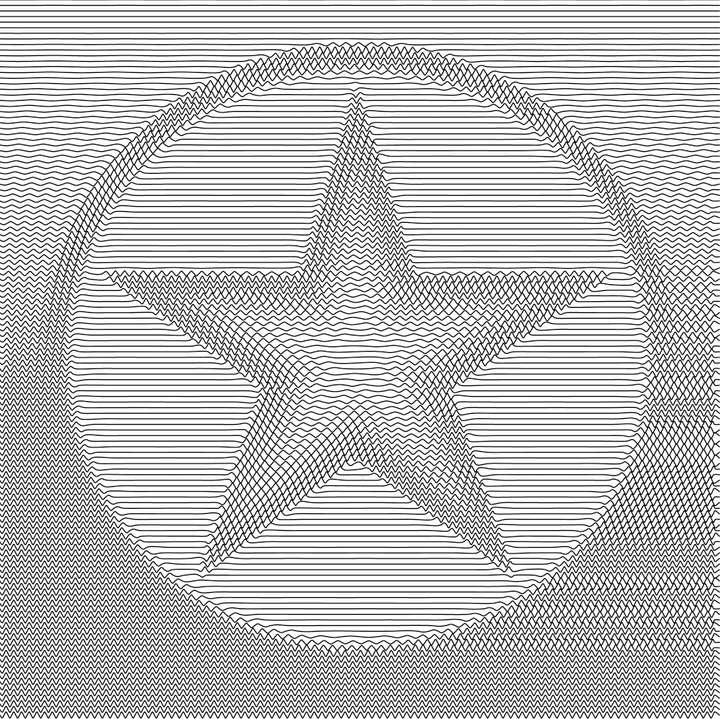
                                        0_1712503621408_SquiggleDraw.jpg
                                        0_1712504072373_SquiggleDraw.svg
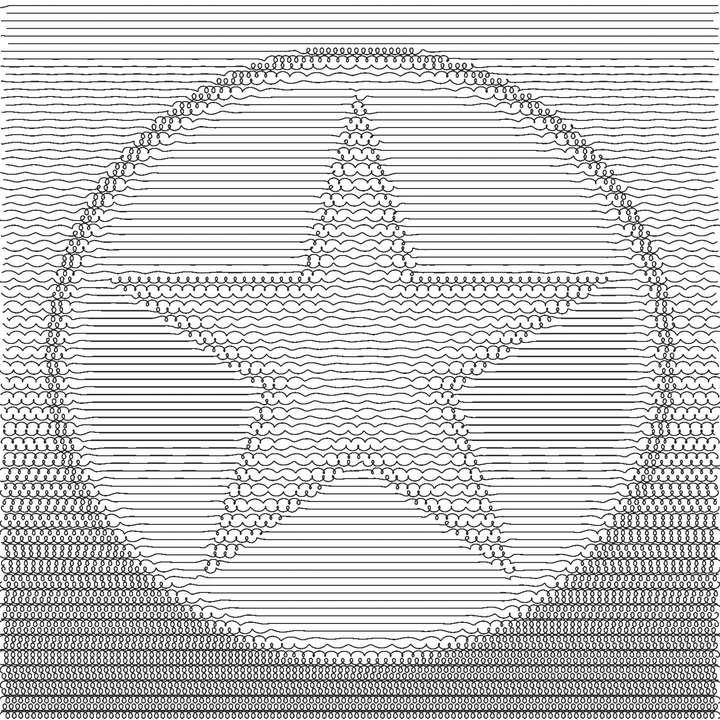
                                      2. Makelangelo
                                        Makelangelo Software is a Java program that prepares art for CNC plotters. It was originally designed for the Makelangelo Art Robot. It runs in Windows, OSX, and several flavors of linux.
                                        Makelangelo is free too.
                                        https://github.com/marginallyclever/makelangelo-software/

                                      Recorded video
                                      0_1712504281028_Makelangelo.jpg
                                      0_1712504704342_Makelangelo.svg

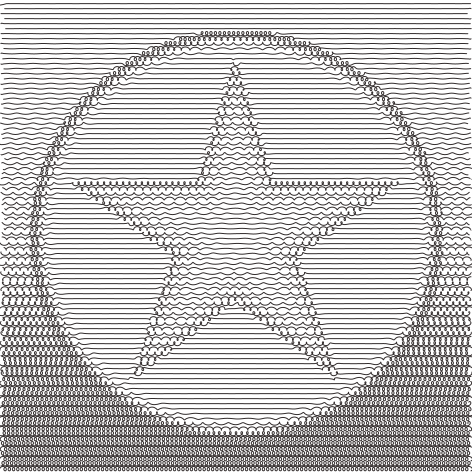
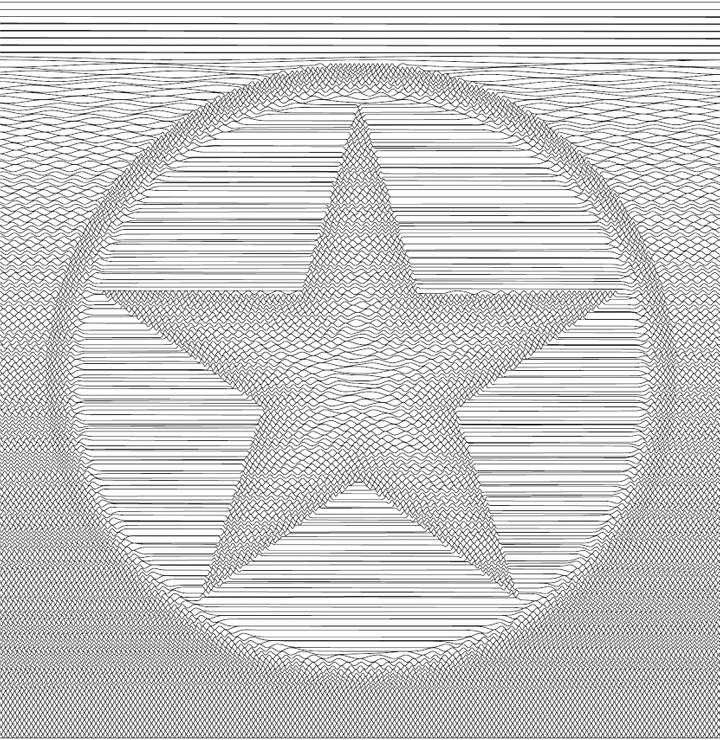
                                      1. DrawingBotV3
                                        DrawingBotV3 is a software for converting images to stylised drawings with many applications including Pen Plotter Art, Digital Artwork, Image/Video Stylisation, NFT Creation, Embroidery and Graphic Design. With an intuitive User Interface allowing both Beginners and Advanced users to create beautiful artwork without any programming knowledge. Featuring over 50 in-built styles which are all highly customisable, the possibilities are endless!
                                        There are two versions, Free and Premium. I previously purchased the Premium version.
                                        The Free version is Open-Source
                                        The Premium version is Closed-Source
                                        Both versions are available for Windows, Mac and Linux.
                                        https://github.com/SonarSonic/DrawingBotV3
                                        Recorded video
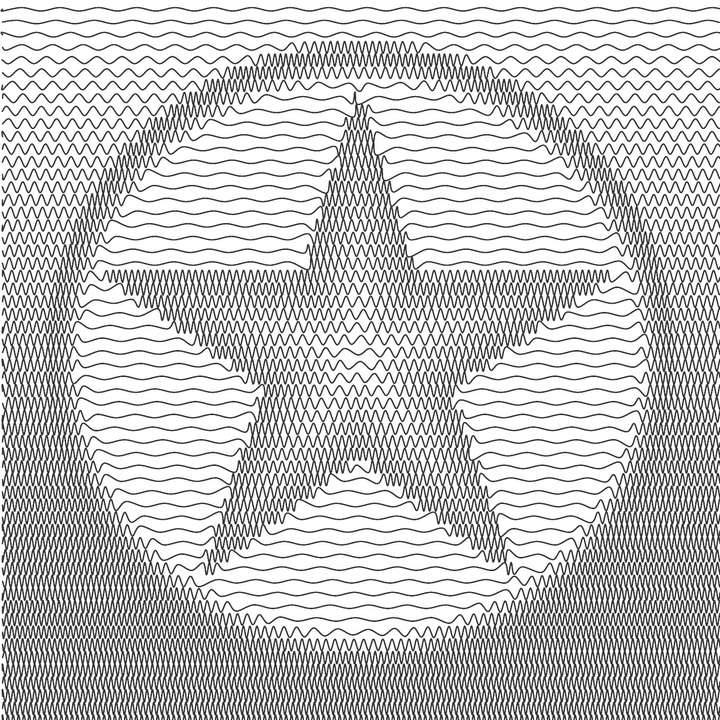
                                      0_1712505772581_DrawingBotV3 - Hatch Sawtooth.jpg
                                      0_1712506173040_DrawingBotV3 - Hatch Sawtooth.svg
                                      0_1712505783419_DrawingBotV3 - Hatch Circulaar Scribbles.jpg
                                      0_1712506181339_DrawingBotV3 - Hatch Circulaar Scribbles.svg

                                      BoldlineB VectorStylerV 2 Replies Last reply Reply Quote 2
                                      • BoldlineB Offline
                                        Boldline @Li Xiao
                                        last edited by

                                        @Li-Xiao I appreciate all the testing and experimentation you've been doing with the repeater tool in VS. It's such a powerful tool and I can imagine how much better it will be when the improvements listed in the roadmap for repeater are implemented. No doubt your hard work will pay off and hep expand what repeater is capable of

                                        🍎 macOS Tahoe 26.2, Mac mini (M1, 2020), Chip Apple M1, Memory 16 GB
                                        Cintiq 27QHD Display and LG Ultra HD Display

                                        1 Reply Last reply Reply Quote 4
                                        • VectorStylerV Offline
                                          VectorStyler @Li Xiao
                                          last edited by

                                          @Li-Xiao Interesting patters. There will be a bit of improvement regarding this in the next build.

                                          L 2 Replies Last reply Reply Quote 4
                                          • L Offline
                                            Li Xiao @VectorStyler
                                            last edited by Li Xiao

                                            @VectorStyler
                                            Blend Halftone is a halftone effect that blends two shapes together. One shape corresponds to 0% grayscale value, while the other shape corresponds to 100% grayscale value. The shapes in between blend to represent grayscale values from 1% to 99%. If multiple shapes are blended, each shape corresponds to its respective grayscale value based on the blending proportions.



                                            0_1712564680975_Blend Halftone 1.jpg

                                            0_1712564697841_Blend Halftone 2.jpg

                                            0_1712564707579_Blend Halftone.pdf

                                            S 1 Reply Last reply Reply Quote 2
                                            • First post
                                              Last post