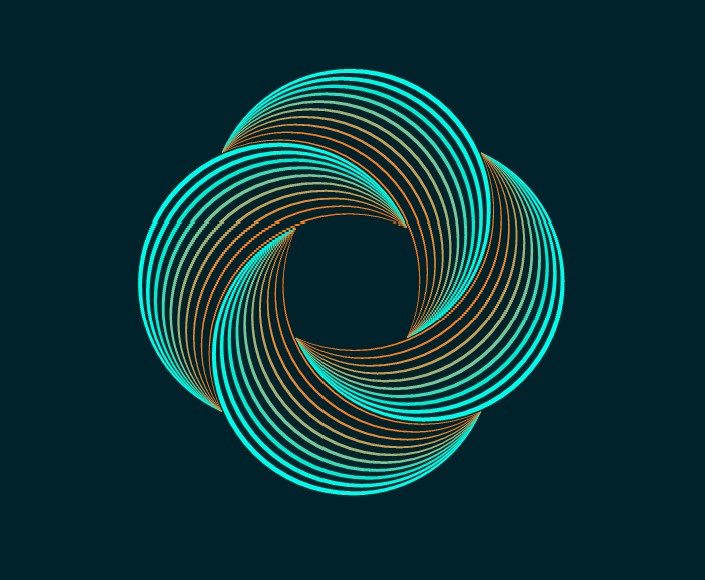
WIP - Testing Blending: not yet a tutorial but soon for beginners
-
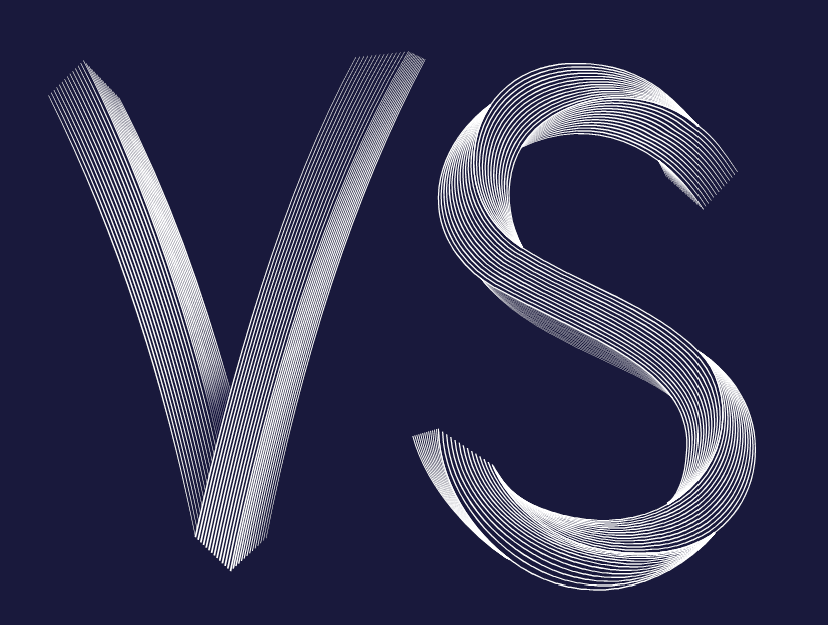
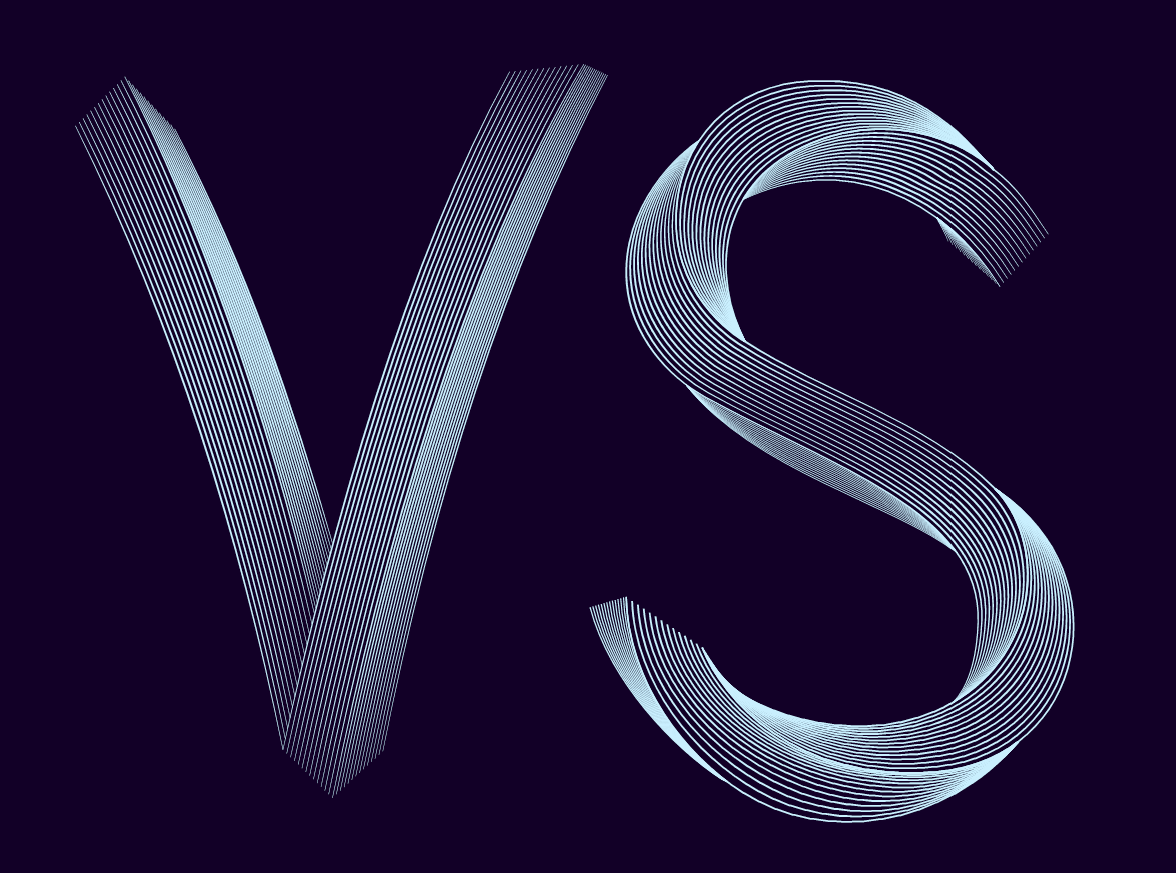
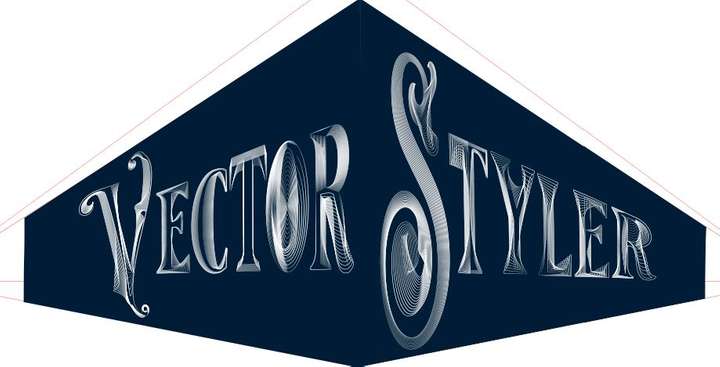
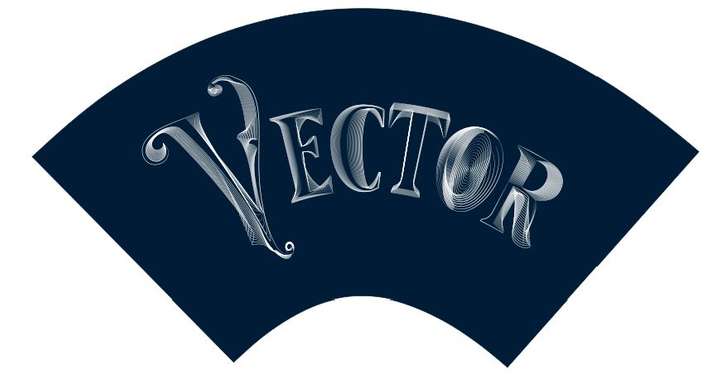
Well, I'll stop here for now. I personally find that these VS features allow to express a lot of different (creative) ideas. I don't have much time to go on but just to show that many effects are possible.
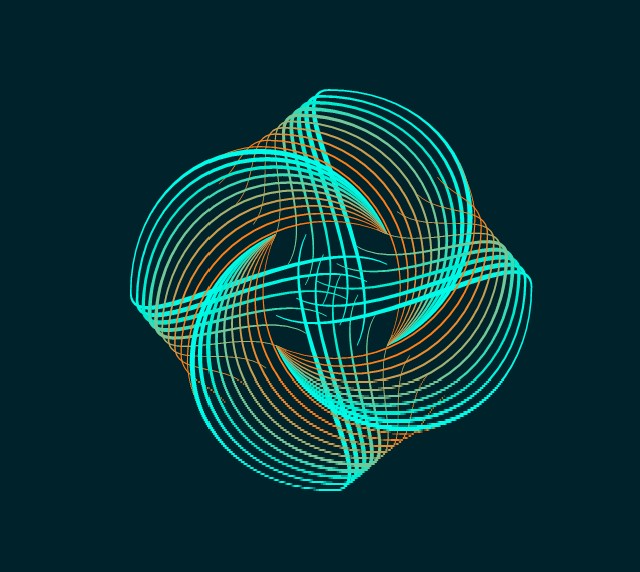
I followed a tutorial from @Devil-Dinosaur on isometric drawing and I've applied various distortions of the whole object. I still have to test the line distortions and I'm sure it will be very creative too.
If you don't have VS yet, don't hesitate to get it

-
@Pat said in WIP - Testing Blending: not yet a tutorial but soon for beginners:
I personally find that these VS features allow to express a lot of different (creative) ideas.
I can only agree with that.
-
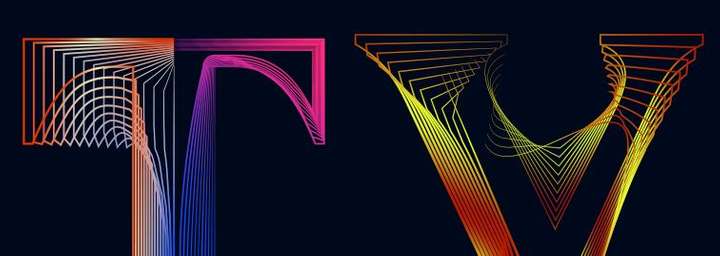
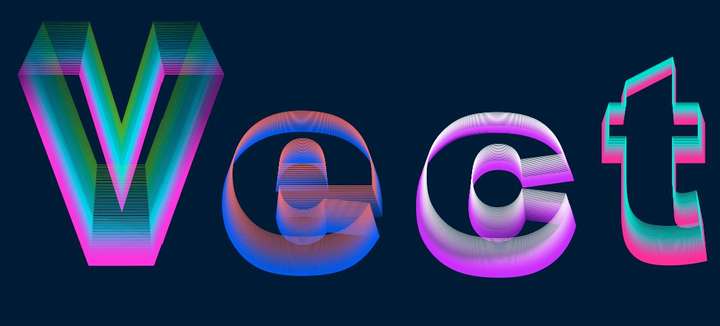
Just a very quick one to display another way of using VS features.
-
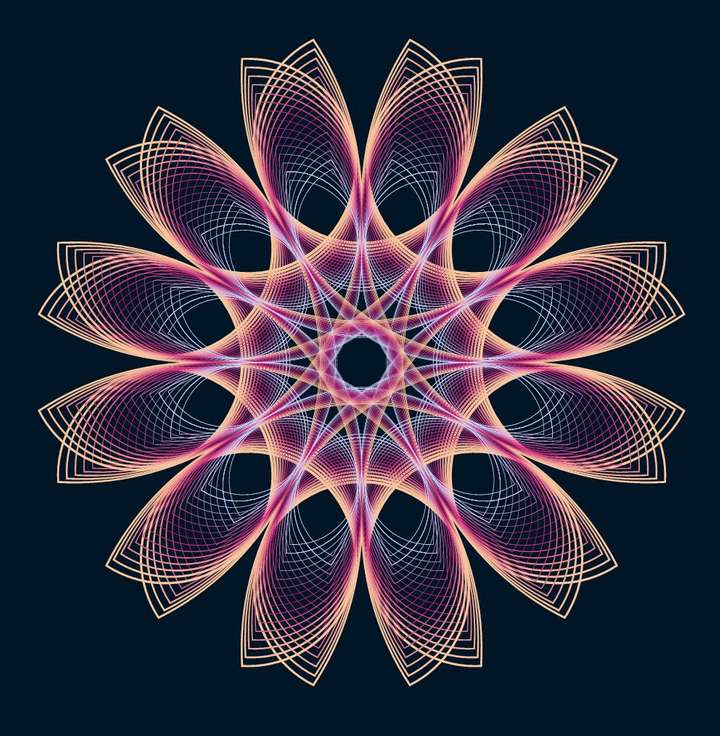
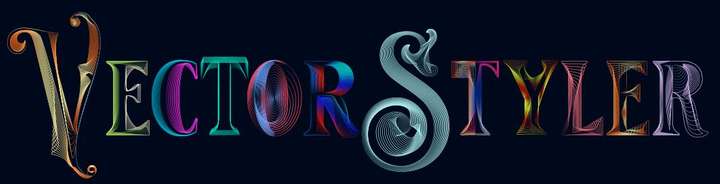
One very last one to show the efficiency of VS ; I have used the 'text' tool, the transform feature, the blend tool (& many options), rotation of a duplicated and mirrored original object... & I tested the colour changes this time ( effect --> adjust colour --> invert colour ; effect --> replace colour --> adjust colour).
VS is really powerful and a pleasure to use. But work is calling and I'll try to stop using VS for now
 I might have an issue with the 'replace colour' feature : I only see the preview for a few seconds & after no way to get it again. I have to use it further before posting a possible bug (but no time now).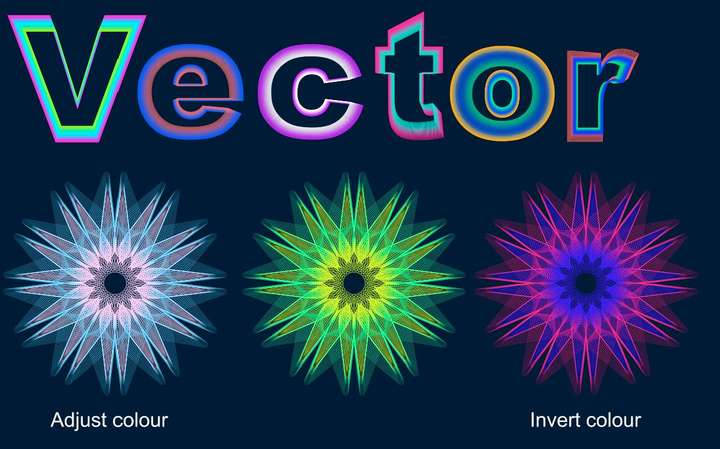
-
@Pat
nice creations
it seems to me that you are now another user
addicted to the possibilities of VectorStyler
and the ideas will never stop bubbling up
-
@Pat said in WIP - Testing Blending: not yet a tutorial but soon for beginners:
One very last one to show the efficiency of VS ; I have used the 'text' tool, the transform feature, the blend tool (& many options), rotation of a duplicated and mirrored original object... & I tested the colour changes this time ( effect --> adjust colour --> invert colour ; effect --> replace colour --> adjust colour).
VS is really powerful and a pleasure to use. But work is calling and I'll try to stop using VS for now
I might have an issue with the 'replace colour' feature : I only see the preview for a few seconds & after no way to get it again. I have to use it further before posting a possible bug (but no time now).I'm impressed! Very creative and inspiring!
I'd love to see a tutorial on this!
-
@Subpath Thank you but it's simply to test with a concrete case some functionalities of VS... even if I have an idea which will exploit these various useless graphic "manipulations"
Indeed, VS is very very addictive. I'm so glad to have some features back without subscribing to A*%!e for full CC.
If @VectorStyler decides to add some features for desktop publishing, those apps will be an amazing/striking duo... and then an incredible trio with photo editing in the long term

-
@Harry Thank you (making these is just a way to learn VS)
Oh, ok for the tutorial but I just need to feel a little more confident, go through the different options and I'll get to it. -
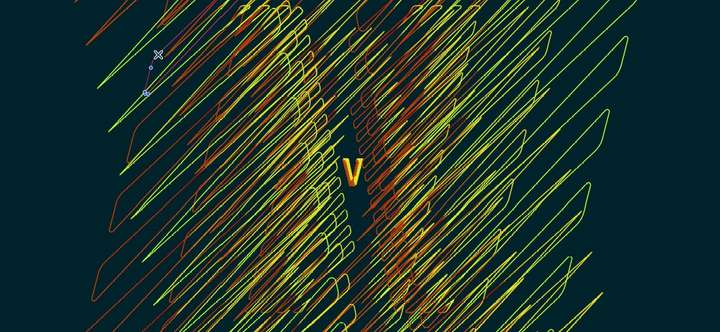
This is not at all what I wanted to get but as I have some issues with some features, I play with the multiple possibilities of VS. It looks simple but it's full of little steps.
It would look good for a poster. This will be my next challenge, to make a layout in VS for a poster for a hypothetical event (with grids, etc.).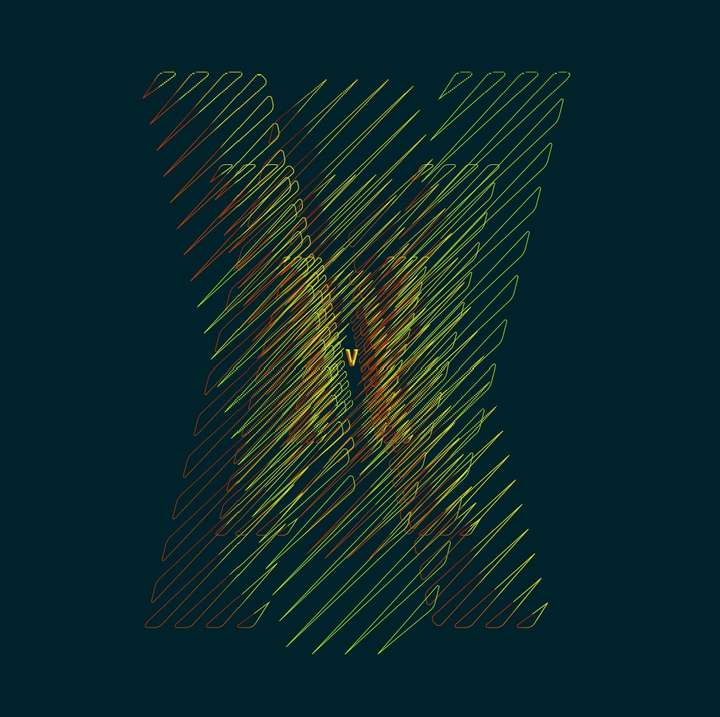
-
@Pat
this one looks so cool

well done -
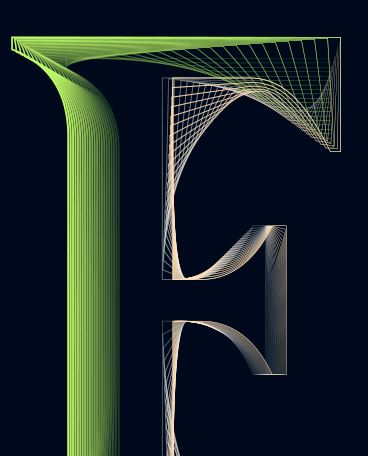
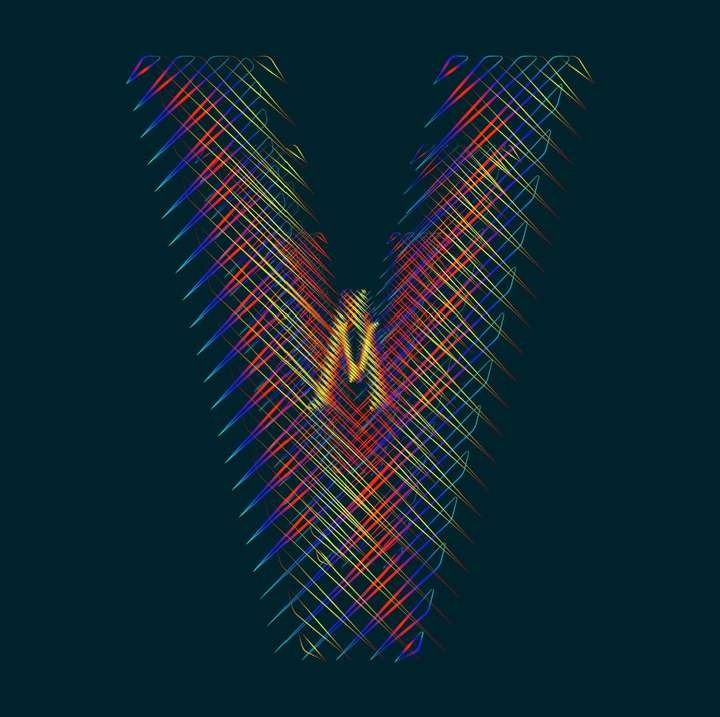
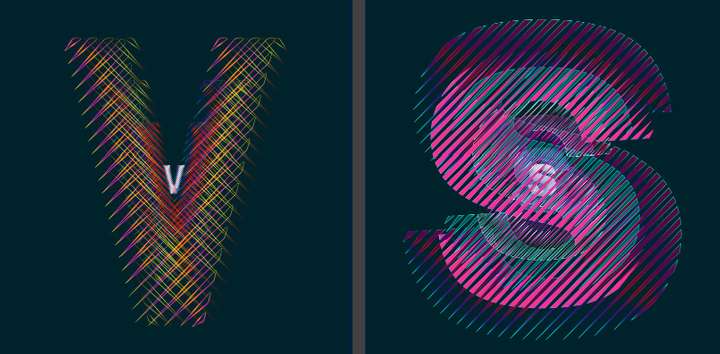
@Subpath Thank you. Can be modified endlessly. This is the V of VS of course. I'll have to spend some time on the "S"
-
@Pat
"Can be modified endlessly..." thats so very true
I like the filigree design and the extra dimension
with the objects in the background.
The gradient looks nice as well. -
... endlessly...
-
Your experiments are really interesting
-
@Devil-Dinosaur Thank you. I'll come back with other different objects/shapes.
-
-
@Pat
nice design
thanks, like to experiment myself
and VS is a pretty good Tool for that
as you knowbtw here are some inspirations from me
where i also used Clones
https://www.vectorstyler.com/forum/topic/2142/the-shape-of-things-using-parametric-shapes-for-pattern-making -
Testing .73 & rendering in W10/11 is much better.
Just the transformation of one rectangle: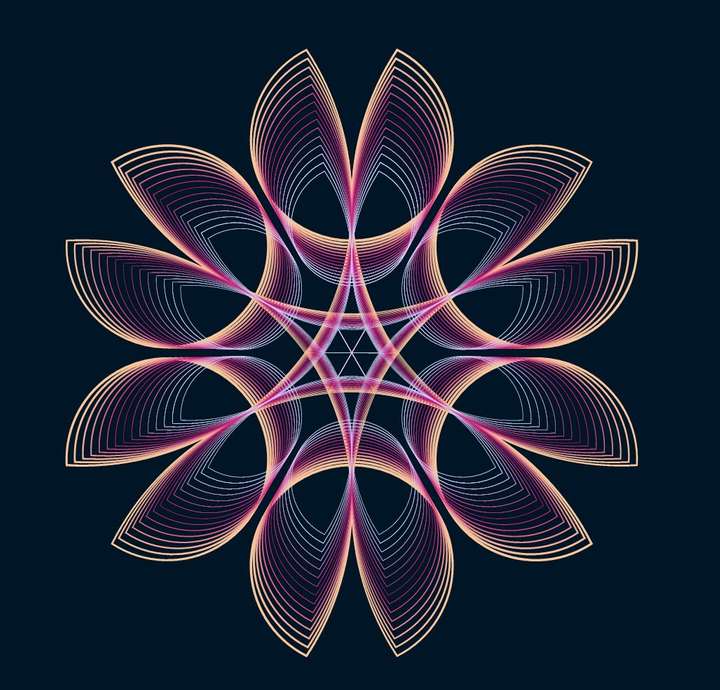
-
-
@Pat
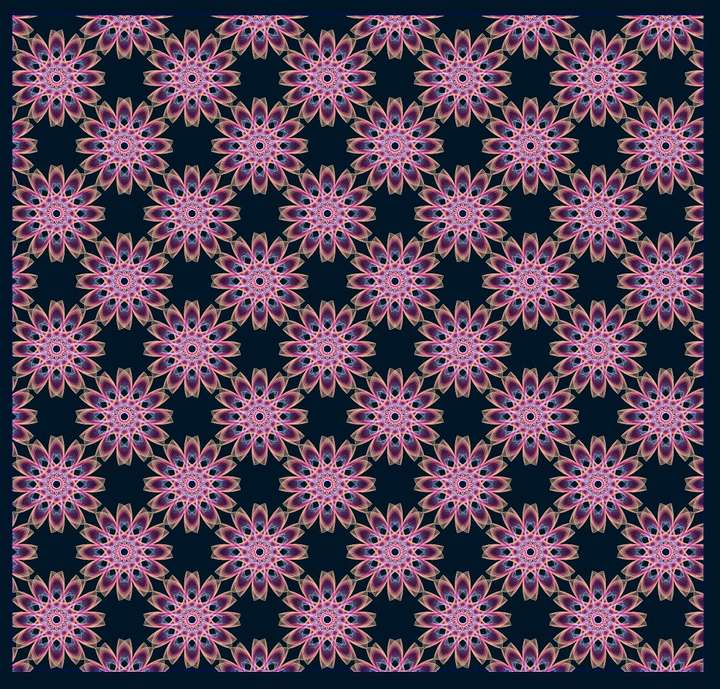
cool pattern
nice to see that the tutorial was inspirational
I will do a "How to create seamless Pattern for Pattern Fill"
Tutorial next.