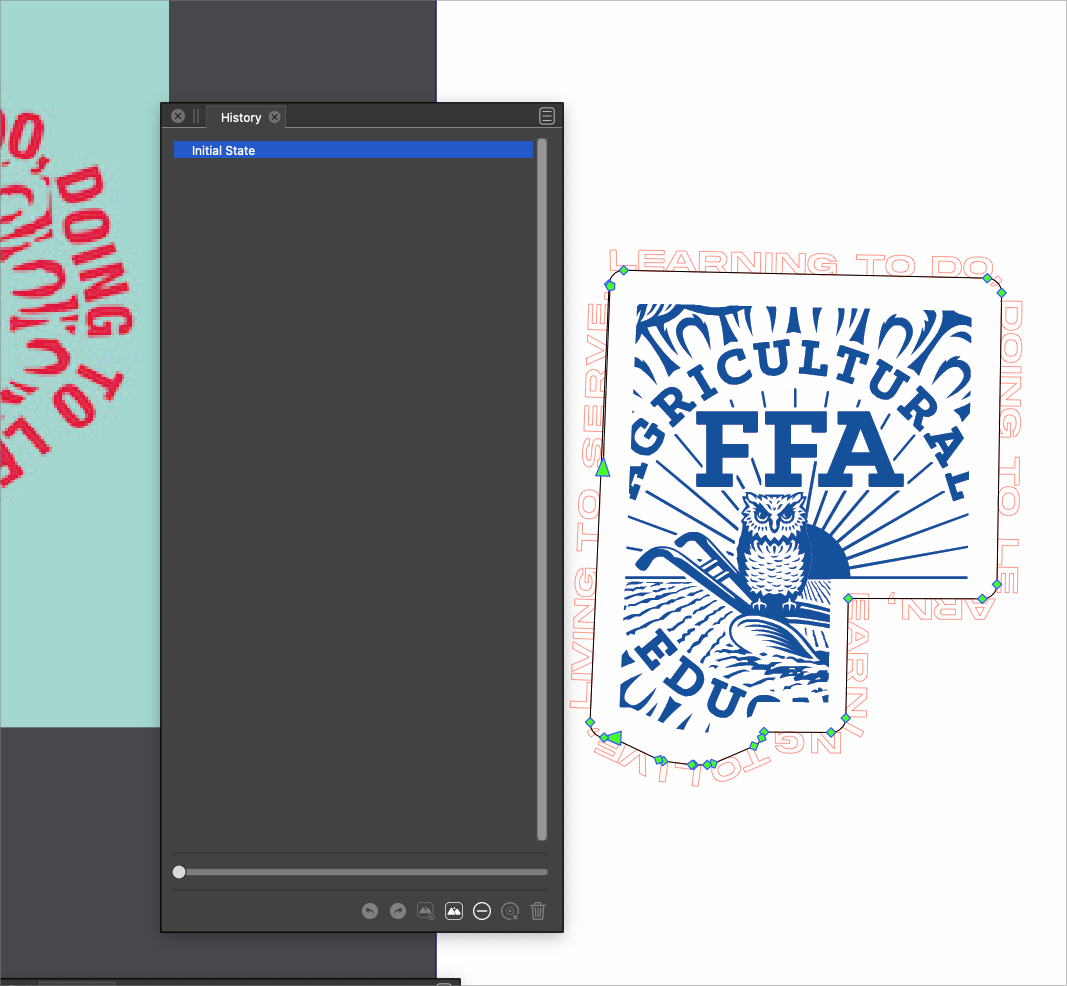
• Draw Behind inconsistencies (Windows 10 Pro with latest updates)

    Moved draw behind
    3
    0 Votes
    3 Posts
    5k Views
    VectorStylerV
    @William-Kansepa This issue should be fixed in build 1.1.062
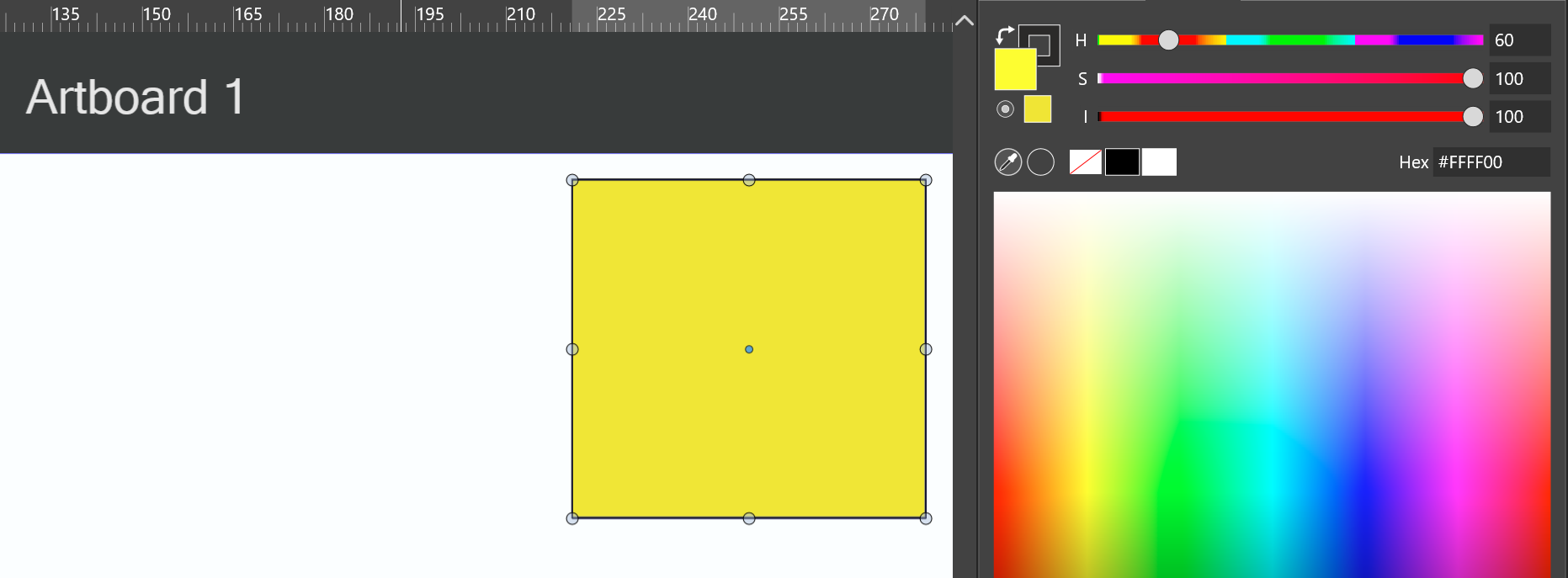
  • Color difference clipboard vs VS

    Moved
    16
    7
    0 Votes
    16 Posts
    14k Views
    VectorStylerV
    @Ingolf This issue should be fixed in build 1.1.062
  • Artboard mess when pasting object copied from artboard

    Moved
    5
    0 Votes
    5 Posts
    6k Views
    VectorStylerV
    @Ingolf This issue should be fixed in build 1.1.062
  • Undoing creating canvas plus artboards does not reposition viewpoint

    Moved
    3
    0 Votes
    3 Posts
    4k Views
    VectorStylerV
    @Ingolf This issue should be fixed in build 1.1.062
  • No Text appears when Exporting as .EPS and import that .EPS

    Moved
    5
    1 Votes
    5 Posts
    6k Views
    VectorStylerV
    @Subpath This issue should be fixed in build 1.1.062
  • 0 Votes
    3 Posts
    4k Views
    VectorStylerV
    @Boldline This issue should be fixed in build 1.1.062
  • Keyboard Shortcuts not working after switching to Text Tool

    Moved
    6
    0 Votes
    6 Posts
    8k Views
    VectorStylerV
    @Eric-Abraham This issue should be fixed in build 1.1.062
  • 0 Votes
    3 Posts
    4k Views
    VectorStylerV
    @Boldline This issue should be fixed in build 1.1.062
  • Customization bugs

    Moved
    3
    0 Votes
    3 Posts
    4k Views
    VectorStylerV
    @Ingolf These issues should be fixed in build 1.1.062
  • Taskbar at top

    Moved
    3
    1
    1 Votes
    3 Posts
    4k Views
    VectorStylerV
    @Petar_MK This issue should be fixed in build 1.1.062
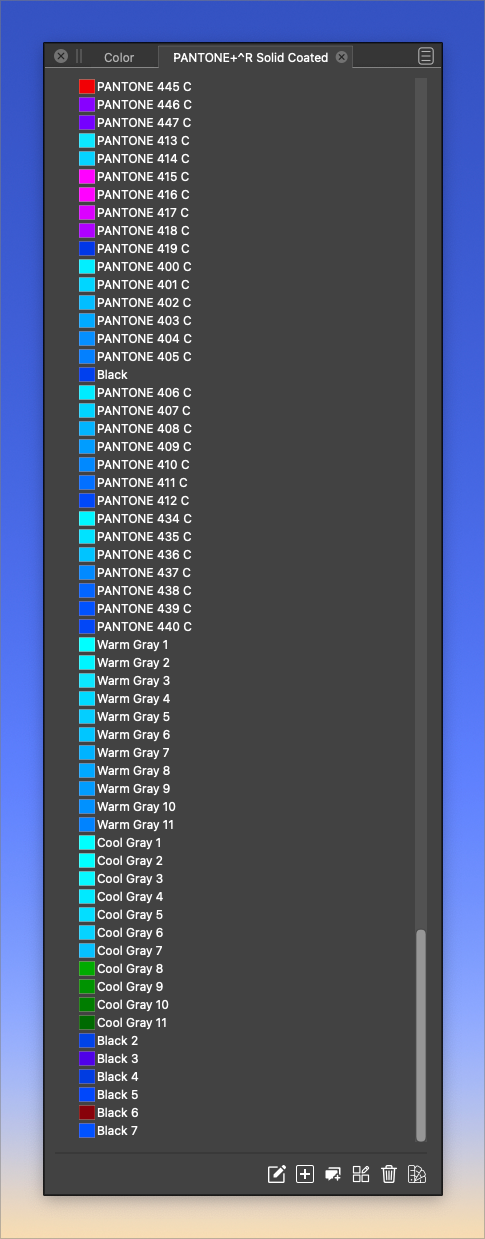
  • Pantone palette not displaying proper colors in VS

    Moved
    10
    1
    0 Votes
    10 Posts
    13k Views
    VectorStylerV
    @Boldline This issue should be fixed in build 1.1.062
  • 1 Votes
    4 Posts
    5k Views
    VectorStylerV
    @Boldline This issue should be fixed in build 1.1.062
  • Pencil: not functionning with the mouse

    Moved
    3
    1
    0 Votes
    3 Posts
    4k Views
    B
    @b77 I'm not sure, can't tell. It would do this only with the mouse and not the pen ? Thanks for the tip. I'll try again tomorrow.
  • HSI sliders bug

    Moved
    15
    1
    0 Votes
    15 Posts
    14k Views
    P
    OK, thank you.
  • 1 Votes
    5 Posts
    5k Views
    VectorStylerV
    @Boldline said in VS project lost all type editing and lost history as well when reopened: This is probably related to issues with the same file before a few weeks ago. I think there is a bug somewhere when working with spot / global colors. I will try to find this out.
  • Colour picker tool cannot be aborted

    Moved
    2
    0 Votes
    2 Posts
    3k Views
    VectorStylerV
    @Ingolf Can be replicated, will be fixed ASAP.
  • Groups do not snap as groups

    Moved
    9
    0 Votes
    9 Posts
    9k Views
    VectorStylerV
    @Ingolf I added this to the backlog. There are certainly things to improve in the options and how the indicators work.
  • Regression in document tab Windows 10

    Moved regression
    7
    0 Votes
    7 Posts
    10k Views
    W
    @VectorStyler Ooh, that explains it! Thank you so much.
  • 1 Votes
    5 Posts
    6k Views
    VectorStylerV
    @William-Kansepa Got the file, it does seem to be corrupted, and there might be something related also to mistakenly showing CMYK in the title area. I will try to figure out what is going on with it, and recover if possible. Meanwhile, I recommend doing a clean install of VS and removing all user data from C:\Users<user name>\NumericPath\VectorStyler1.0\ Some local color configuration might cause this issue, but not sure yet what.
  • Typography Panel Bug?

    Moved
    10
    1
    1 Votes
    10 Posts
    9k Views
    VectorStylerV
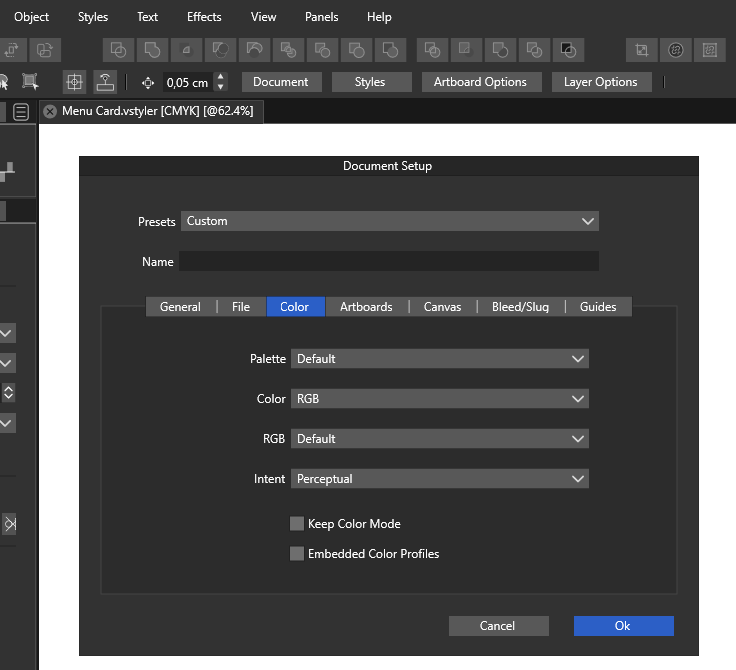
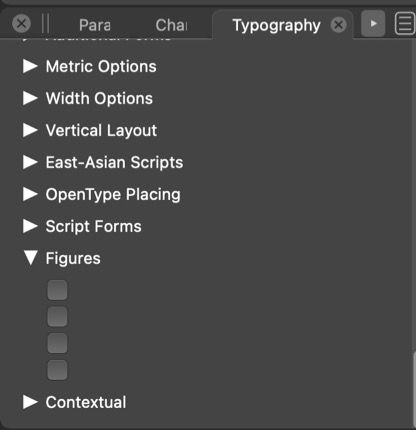
    @typeglyph said in Typography Panel Bug?: About the “defaults”. Two items here really. It used to be that when you started a program, Pagemaker, Freehand, Quark, Illustrator, Photoshop etc. before you opened any document to work on, you could set your programs’, preferences. Close the program and re-open it to see your changes as the new default for any new document you start. This is how it works in VS also. Including most options set in document setup, etc for new documents. More on defaults, for example why are the colour spaces defaulting to the “shitty” RGB colour space (sRGB) instead of some thing more robust and with a wider gamut of colours? I think that sRGB is a common color space, especially for design intended for the web. Of course it has a reduced gamut (web). When we teach about colour spaces we often direct students to use the Adobe(1998) colour space, and no longer use any of the CMYK or other RGB spaces. Not being an Adobe program, the Adobe color spaces can be selected if available in the OS or installed separately. But as an aside look at the construction of the word: de·fault. The word “de” is often defined as OF or demoting and the word “fault” often connotes a MISTAKE. So a program coder [programmer] who sets defaults rigidly is actually setting up the program to use mistakes. I tried to avoid as many defaults to be rigid. Most are configurable, even as some are not exposed to the user (i.e. can be easily added to preferences if needed). For fonts, the default (for now) is to keep the current enabled feature set from the previous font. So when a font (typeface) is changed, the feature set will remain the same (even if not supported), and must be selected separately.