Navigation

    VectorStyler

    • Register
    • Login
    • Search
    • Categories
    • Unread
    • Recent
    • Tags
    • Popular
    1. Home
    2. Questions and Support
    • Newest to Oldest
    • Oldest to Newest
    • Most Posts
    • Most Votes

    Questions and Support

    • B

      Image effect: on individual or grouped objects
      • B-Vs-V  

      7
      0
      Votes
      7
      Posts
      5256
      Views

      B

      @VectorStyler ok great, good to know
    • Set VS to paste vectors on selected layer and not top layer by default
      • Boldline  

      3
      0
      Votes
      3
      Posts
      3464
      Views

      @VectorStyler ok it's working on a fresh reboot of VS. The vectors imported had been from another VS file. I initially thought it was a setting to swap, like a "always paste to top layer" and not a bug or restart issue - hence why I had posted the question. All set for now
    • Distribute objects with value?
      • Igull  

      15
      0
      Votes
      15
      Posts
      11150
      Views

      S

      @Igull is even possible to do some Math here
    • B

      Blending & alignment of objects
      • B-Vs-V  

      3
      0
      Votes
      3
      Posts
      2946
      Views

      B

      @VectorStyler Nice to know, looking forward to v1.2
    • B

      Layer panel: to select several objects
      • B-Vs-V  

      2
      0
      Votes
      2
      Posts
      2501
      Views

      @Pat Swiping through multiple round knobs will select those. I added the Shift+ thing to the backlog, maybe it should select between.
    • Sometimes double-tapping the "L" key to convert a node to cusp gives me the path sketch tool instead
      • Boldline  

      4
      1
      Votes
      4
      Posts
      4772
      Views

      @VectorStyler said in Sometimes double-tapping the "L" key to convert a node to cusp gives me the path sketch tool instead: Looks like that if the command fails (already cusp), it falls back to default. Yes! You put that so succinctly! That would be great fix. Thanks
    • G

      Does SVG Not Support Opacity Mask?
      • gotanidea  

      7
      1
      Votes
      7
      Posts
      5641
      Views

      @gotanidea There are other issues also. Transformation of groups that contain masks are not transforming the masks correctly. I will try to fix these for the next build.
    • Repeater takes massive amount of resources to do small commands
      • Boldline  

      9
      0
      Votes
      9
      Posts
      7697
      Views

      @Subpath said in Repeater takes massive amount of resources to do small commands: The steps that are necessary for this are explained in this tutorial section here, in case you dont remember: I appreciate you sharing all of that again. I will certainly check it out and see what else can be done!
    • B

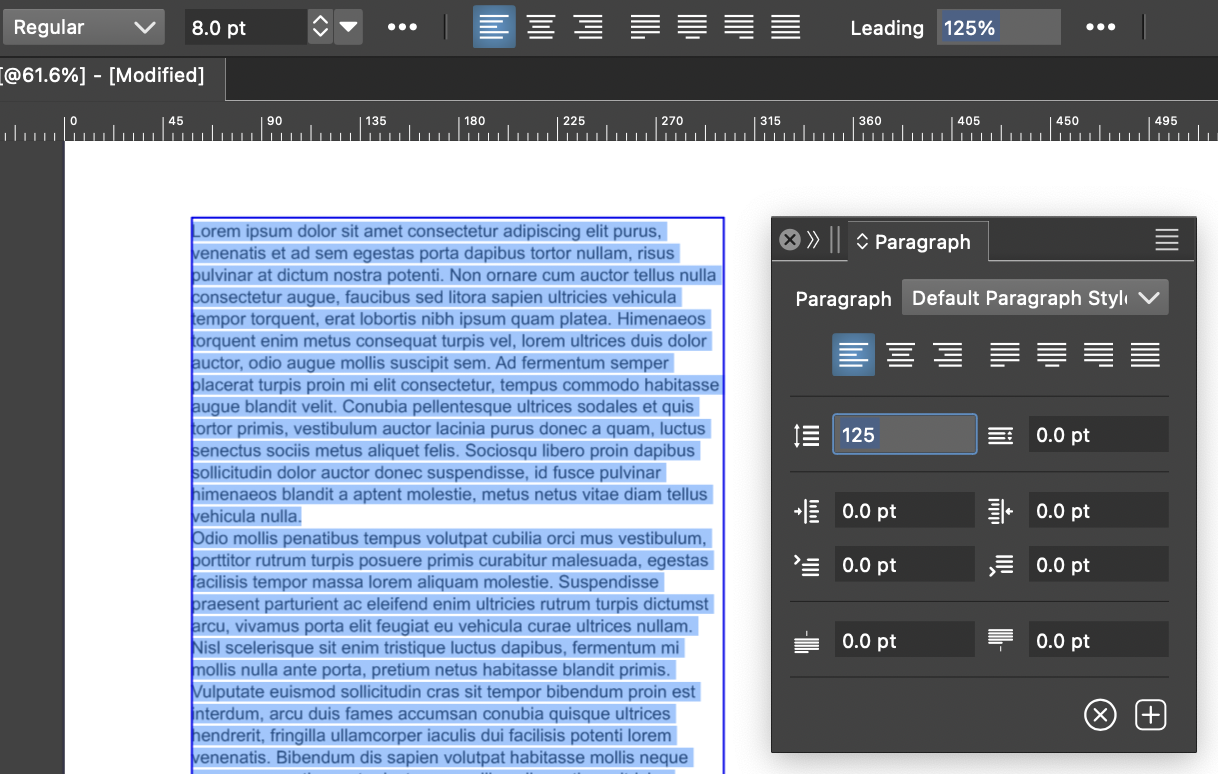
      Paragraph panel
      • B-Vs-V  

      12
      0
      Votes
      12
      Posts
      8429
      Views

      B

      @VectorStyler Thanks. I've tested on my two W11 pc & it is the same issue.
    • Shape core-line setting?
      • Ayo  

      12
      1
      Votes
      12
      Posts
      8519
      Views

      @Ayo I'm back to this discussion: Are you requesting a way to change the shape's "core-line" when selected because editing the color of the stroke is more difficult when this colored contour is superimposed over the shape?
    • R

      Crash due to system UI font call.
      • richbyte  

      6
      0
      Votes
      6
      Posts
      5068
      Views

      @richbyte You can use the Console app (from Applications > Utilities) to find the last crash report for VS.
    • G

      Expand Stroke Weird Result
      • gotanidea  

      7
      0
      Votes
      7
      Posts
      5336
      Views

      G

      @VectorStyler Thank you Admin
    • Modal Dialogs on Mac
      • Igull  

      7
      1
      Votes
      7
      Posts
      5421
      Views

      F

      The whole "Delete" thing came into play around the same time that Apple started pushing "auto-save": with auto-save, the document is saved automatically and continuously, so there is no concept like "Don't Save" any more at that point. "Delete" makes more sense once you have an auto-saved document and want to get rid of it, but if it was never saved in the first place, then it becomes confusing, and if it was, then it should save automatically anyway, so there is no reason to prompt... the way the whole "auto-save" thing is presented to users was poorly designed in my opinion, particularly as it is mixed in with apps that will and will not use it adding further to the behavioral confusion.
    • What is different about adding a spot color via the artboard tool compared to manually using the plus sign icon in the palette panel?
      • Boldline  

      6
      0
      Votes
      6
      Posts
      7572
      Views

      @b77 said in What is different about adding a spot color via the artboard tool compared to manually using the plus sign icon in the palette panel?: Expanded to RGB or CMYK color mode, depending on the document color mode? Expanded to the color mode of the original spot color.
    • How do I view the 'Shape Editing Indicator'?
      • Ayo  

      7
      0
      Votes
      7
      Posts
      5568
      Views

      @VectorStyler These two at least could display the tool name in parentheses, like this: Shape Erasing Style (Trim and Join tool) Shape Editing Indicator (Grid, Super Ellipse, Super Shape tools) Btw, the last one is a slider, so a better description could be: Shape Editing Slider (Grid, Super Ellipse, Super Shape tools)
    • G

      Is There a Hotkey/ Command to Hide All Panels or Maximize the View?
      • gotanidea  

      2
      0
      Votes
      2
      Posts
      2691
      Views

      @gotanidea Will be in version 1.2
    • G

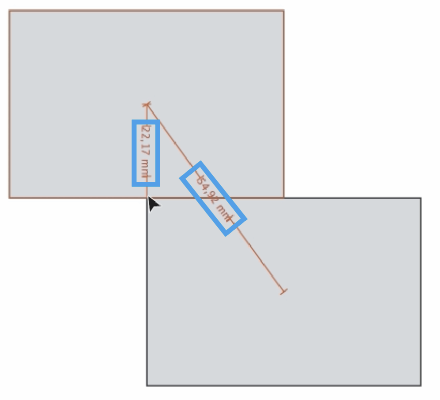
      How to Stick Two Rectangles using Alignment Tools?
      • gotanidea  

      10
      0
      Votes
      10
      Posts
      10411
      Views

      @gotanidea said in How to Stick Two Rectangles using Alignment Tools?: Could you please make it as simple as that? I will try.
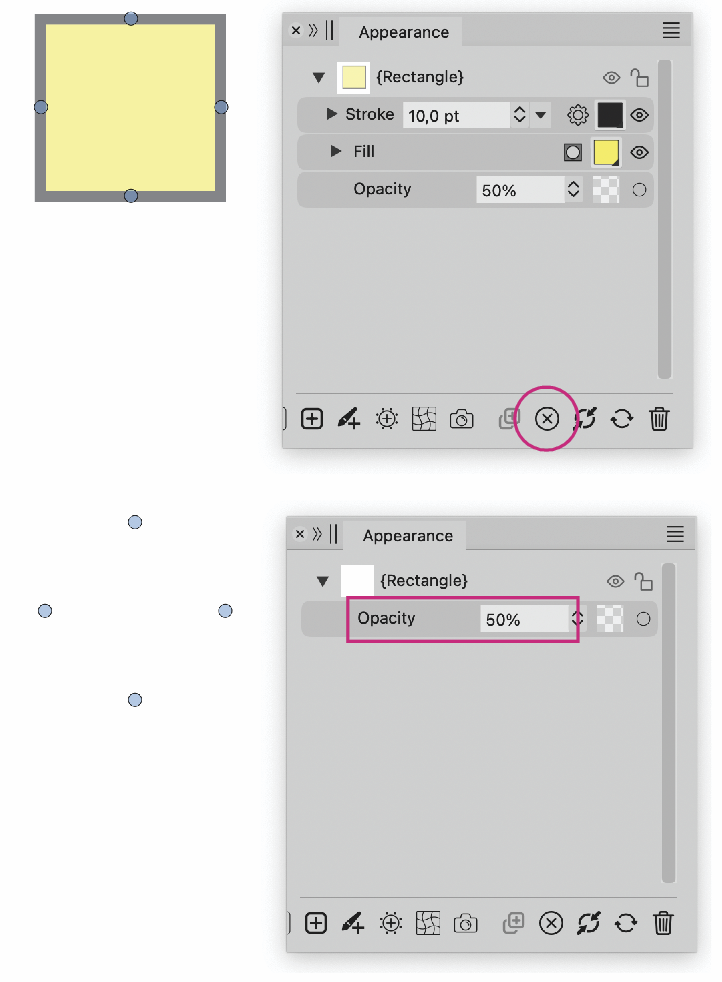
    • Appearance Panel and Batch modifications
      • Ayo  

      2
      2
      Votes
      2
      Posts
      2771
      Views

      @Ayo It is in the backlog
    • Missing initial tangent line indicator
      • Ayo  

      6
      0
      Votes
      6
      Posts
      4862
      Views

      @VectorStyler said in Missing initial tangent line indicator: Is the first step a click (with release) or just a mouse press (without release) ? Press without release
    • When resetting stroke with stroke width adjustments, should it retain other attributes?
      • Boldline  

      10
      0
      Votes
      10
      Posts
      7534
      Views

      @Subpath Got it.

    Move Topic