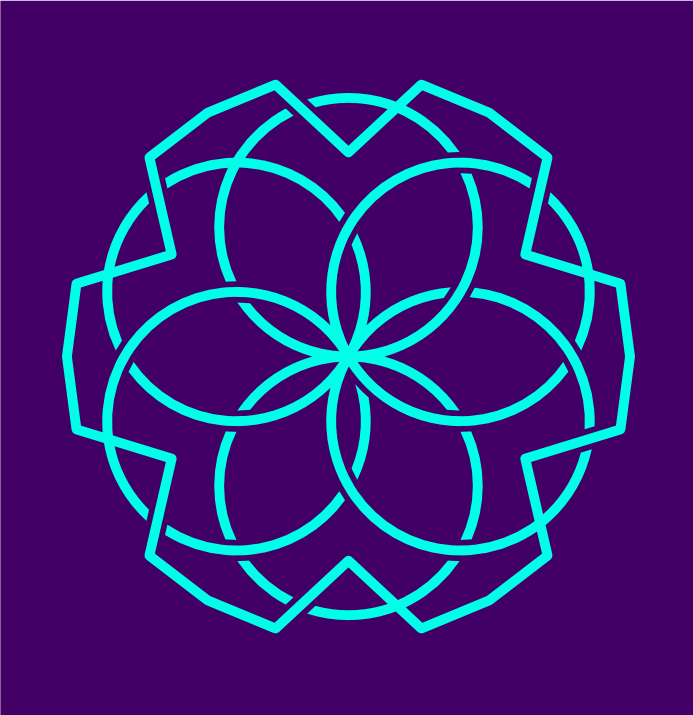
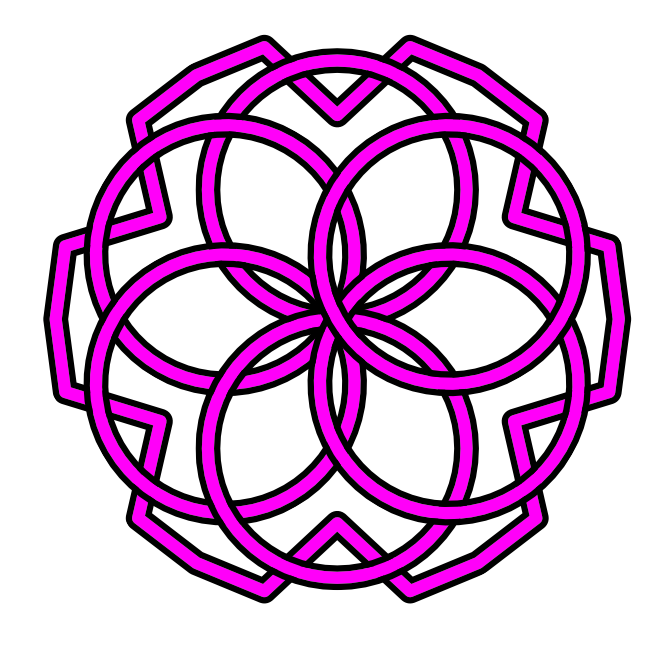
VectorStyler
    • Categories
    • Unread
    • Recent
    • Tags
    • Popular
    • Register
    • Login

    Intertwine Effect: Where is it?
    Scheduled Pinned Locked Moved Questions and Support
    34 Posts 5 Posters 6.9k Views 4 Watching
    Loading More Posts
    • Oldest to Newest
    • Newest to Oldest
    • Most Votes
    Reply
    • Reply as topic
    Log in to reply
    This topic has been deleted. Only users with topic management privileges can see it.
    • VectorStylerV Offline
      VectorStyler @ThatMikeGuy
      last edited by

      @ThatMikeGuy "Intertwine" between the "Halftone" and "Drop Shadow" menus (around the middle).

      You need to select some objects to activate the menu

      T 1 Reply Last reply Reply Quote 0
      • S Offline
        Subpath @ThatMikeGuy
        last edited by Subpath

        @ThatMikeGuy

        The object in your pic seems to be a single stroke ?
        For single stroke you have to use the "Crossing Gap"
        Shape effect, you find it under Outline shape effects

        the interwine effect needs at least two Objects

        the intertwine tool is here, see pic
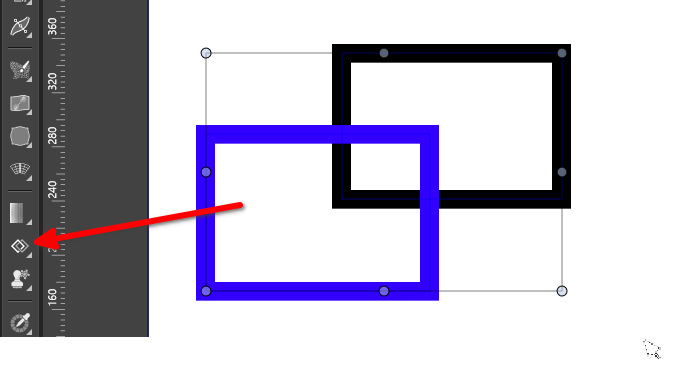
        0_1766082557240_intertwine.png

        Win 11
        CPU: AMD Ryzen 5 9600X, 6-core.
        GPU: Nvidia Geforce RTX 5070.

        T 1 Reply Last reply Reply Quote 0
        • DanielD Offline
          Daniel
          last edited by

          0_1766150996522_a0801ae8-4e95-43a6-bf4f-caedafece158-image.png

          While our developer is working the intertwine and crossing gap function, I thought through a simple but very effective solution based on @Subpath's suggestion, which might be useful to others who want create intertwine effect perfectly.

          First, sketch out your idea:

          0_1766151088102_5cce2a15-f9af-4e14-9411-46ba12f9a063-image.png

          Mark out alternating sections of above and under for the knotting.

          Then create your vector shape. 0_1766151144714_3012e868-1cbe-47cc-9a7d-c56db49a7df7-image.png
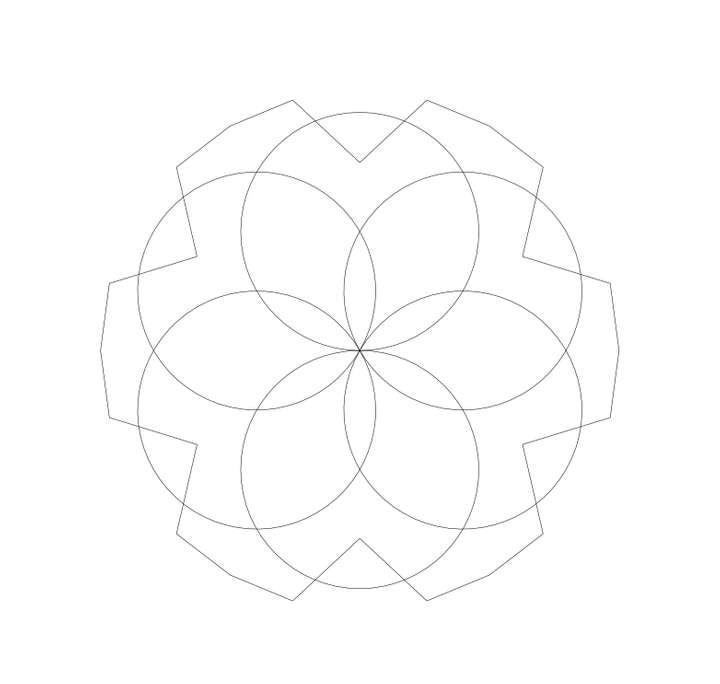
          Then, expand the stroke:

          0_1766151191425_ae1c4d73-5c4f-411e-9cc7-52b4aa79b3fc-image.png

          Then apply a stroke to the expanded shape.

          Then expand the shape again. Now you'll have two set of expanded strokes.
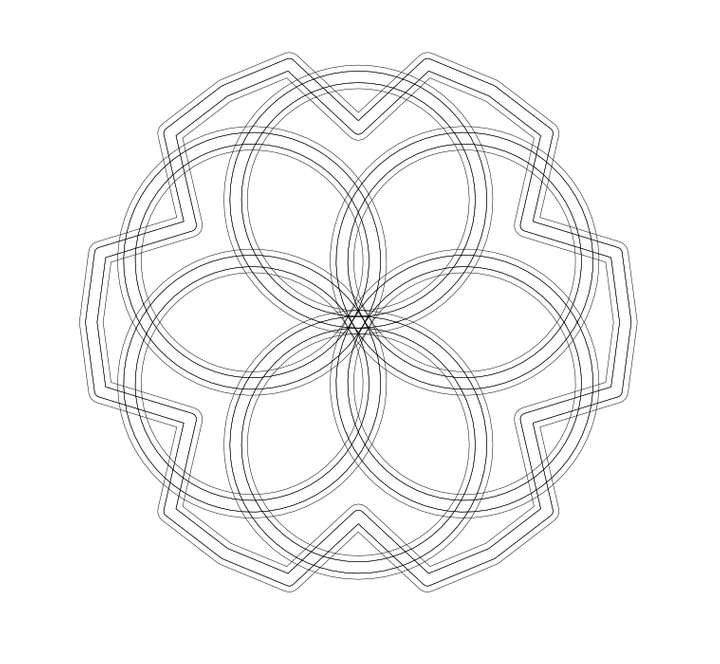
          0_1766151245908_db3cba17-0635-4a13-b029-d1d9e3131ae5-image.png

          Now, use the shape builder and cut out the under portions of the knot. You'll be left with the desired result.

          Work: Windows 11 | Intel i9 14900HS (24 Cores/32 Threads) | GeForce RTX 4070 | 64 GB RAM
          Personal: Windows 11 | Amd Ryzen 9 7950X (16 Core, 32 Threads) | GeForce RTX 3060 | 32 GB RAM

          VectorStylerV S 2 Replies Last reply Reply Quote 1
          • VectorStylerV Offline
            VectorStyler @Daniel
            last edited by

            @Daniel It turns out that some of these use cases re not suitable for intertwine, but something new.

            DanielD 1 Reply Last reply Reply Quote 1
            • DanielD Offline
              Daniel @VectorStyler
              last edited by

              @VectorStyler: Fair enough. Something like the knotting path effect in Inkscape? https://www.youtube.com/watch?v=08zpOs-yoTw - Check this tutorial. 🙂

              Work: Windows 11 | Intel i9 14900HS (24 Cores/32 Threads) | GeForce RTX 4070 | 64 GB RAM
              Personal: Windows 11 | Amd Ryzen 9 7950X (16 Core, 32 Threads) | GeForce RTX 3060 | 32 GB RAM

              BoldlineB 1 Reply Last reply Reply Quote 1
              • T Offline
                ThatMikeGuy @Subpath
                last edited by

                @Subpath Yes. I used a single path with two stroke parameters on it. The thicker one underneath.
                The Crossing Gap gives wierd results for this kind of thing. I'll try duplicating that path and trying Intertwine.
                Thanks

                S 1 Reply Last reply Reply Quote 1
                • T Offline
                  ThatMikeGuy @VectorStyler
                  last edited by

                  @VectorStyler Doh! I missed that. Maybe since it was grayed out. I guess since it required selection of two paths. I'll try that. Thanks.
                  How about a search function? Is there a way to search if you don't know where to find a tool or function?

                  1 Reply Last reply Reply Quote 1
                  • BoldlineB Offline
                    Boldline @Daniel
                    last edited by

                    @Daniel said in Intertwine Effect: Where is it?:

                    @VectorStyler: Fair enough. Something like the knotting path effect in Inkscape? https://www.youtube.com/watch?v=08zpOs-yoTw - Check this tutorial. 🙂

                    This is actually something I need to create for an upcoming client project.

                    🍎 macOS Sequoia 15.3, Mac mini (M1, 2020), Chip Apple M1, Memory 16 GB
                    Cintiq 27QHD Display and LG Ultra HD Display

                    DanielD 1 Reply Last reply Reply Quote 1
                    • DanielD Offline
                      Daniel @Boldline
                      last edited by Daniel

                      @Boldline: if you want inspiration for some very intricate knotting patterns, look up Henman Pictogram font 2.
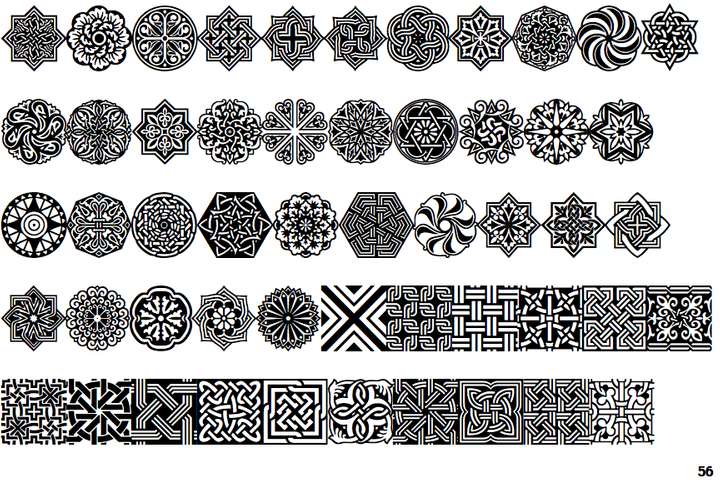
                      0_1766167224146_f928cef6-0f8c-4082-97d2-45648f360ac4-image.png

                      Work: Windows 11 | Intel i9 14900HS (24 Cores/32 Threads) | GeForce RTX 4070 | 64 GB RAM
                      Personal: Windows 11 | Amd Ryzen 9 7950X (16 Core, 32 Threads) | GeForce RTX 3060 | 32 GB RAM

                      S BoldlineB 2 Replies Last reply Reply Quote 3
                      • S Offline
                        Subpath @ThatMikeGuy
                        last edited by

                        @ThatMikeGuy

                        I just wanted to let you know that @VectorStyler is already working on the problems with the "crossing gap" shape effect.
                        It is already mentioned in the top region of this thread.

                        Win 11
                        CPU: AMD Ryzen 5 9600X, 6-core.
                        GPU: Nvidia Geforce RTX 5070.

                        1 Reply Last reply Reply Quote 1
                        • S Offline
                          Subpath @Daniel
                          last edited by

                          @Daniel

                          WOW !!!
                          Thats a lot Variations.

                          Win 11
                          CPU: AMD Ryzen 5 9600X, 6-core.
                          GPU: Nvidia Geforce RTX 5070.

                          1 Reply Last reply Reply Quote 1
                          • S Offline
                            Subpath
                            last edited by

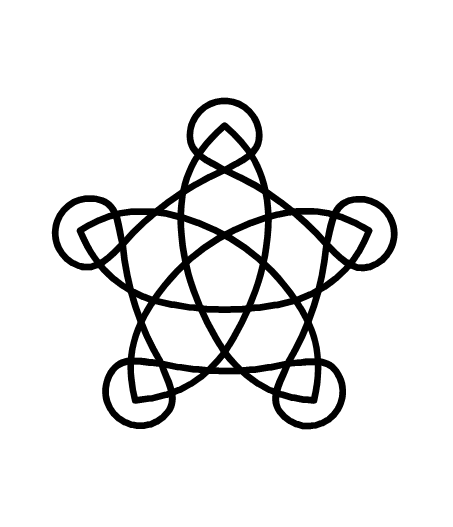
                            Some more Knots 🙂
                            as inspiration for the intertwine feature

                            Knotplot is a program for creating knots in celtic style and many more
                            here the Link
                            https://knotplot.com/

                            Win 11
                            CPU: AMD Ryzen 5 9600X, 6-core.
                            GPU: Nvidia Geforce RTX 5070.

                            1 Reply Last reply Reply Quote 1
                            • S Offline
                              Subpath @Daniel
                              last edited by

                              @Daniel

                              Using the ShapeBuilder is also a great Idea !

                              Win 11
                              CPU: AMD Ryzen 5 9600X, 6-core.
                              GPU: Nvidia Geforce RTX 5070.

                              DanielD 1 Reply Last reply Reply Quote 1
                              • DanielD Offline
                                Daniel @Subpath
                                last edited by Daniel

                                @Subpath: Knot plot is great! Thanks for sharing. Yes, Henman is one of my favourite ornamental family. It's a family of three. Patterns, borders and individual ornaments. By a legendary Armenian designer.

                                Work: Windows 11 | Intel i9 14900HS (24 Cores/32 Threads) | GeForce RTX 4070 | 64 GB RAM
                                Personal: Windows 11 | Amd Ryzen 9 7950X (16 Core, 32 Threads) | GeForce RTX 3060 | 32 GB RAM

                                1 Reply Last reply Reply Quote 1
                                • BoldlineB Offline
                                  Boldline @Daniel
                                  last edited by

                                  @Daniel great thank you for the suggestion. I’ll check it out

                                  🍎 macOS Sequoia 15.3, Mac mini (M1, 2020), Chip Apple M1, Memory 16 GB
                                  Cintiq 27QHD Display and LG Ultra HD Display

                                  1 Reply Last reply Reply Quote 1
                                  • DanielD Offline
                                    Daniel
                                    last edited by

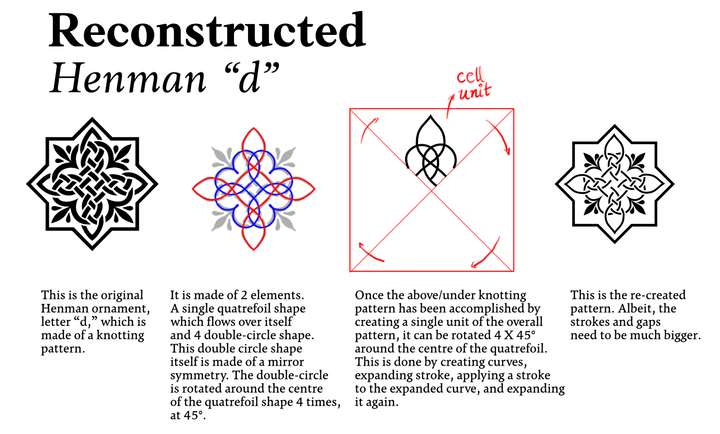
                                    0_1766850126900_47549c50-dec6-47f9-87b1-babc59928816-image.png

                                    If anyone would like to take a stab. I am taking on a challenge to reconstruct and reverse engineer every single ornament of the three Henman family. I'll post instructions as I go along. So you can try. 🙂

                                    Work: Windows 11 | Intel i9 14900HS (24 Cores/32 Threads) | GeForce RTX 4070 | 64 GB RAM
                                    Personal: Windows 11 | Amd Ryzen 9 7950X (16 Core, 32 Threads) | GeForce RTX 3060 | 32 GB RAM

                                    S 1 Reply Last reply Reply Quote 3
                                    • S Offline
                                      Subpath @Daniel
                                      last edited by

                                      @Daniel

                                      looks great! 👍

                                      Btw. would it be possible to create a thread about this in the tutorial section?
                                      That way it would be easier for other users to find.

                                      Win 11
                                      CPU: AMD Ryzen 5 9600X, 6-core.
                                      GPU: Nvidia Geforce RTX 5070.

                                      1 Reply Last reply Reply Quote 0
                                      • First post
                                        Last post