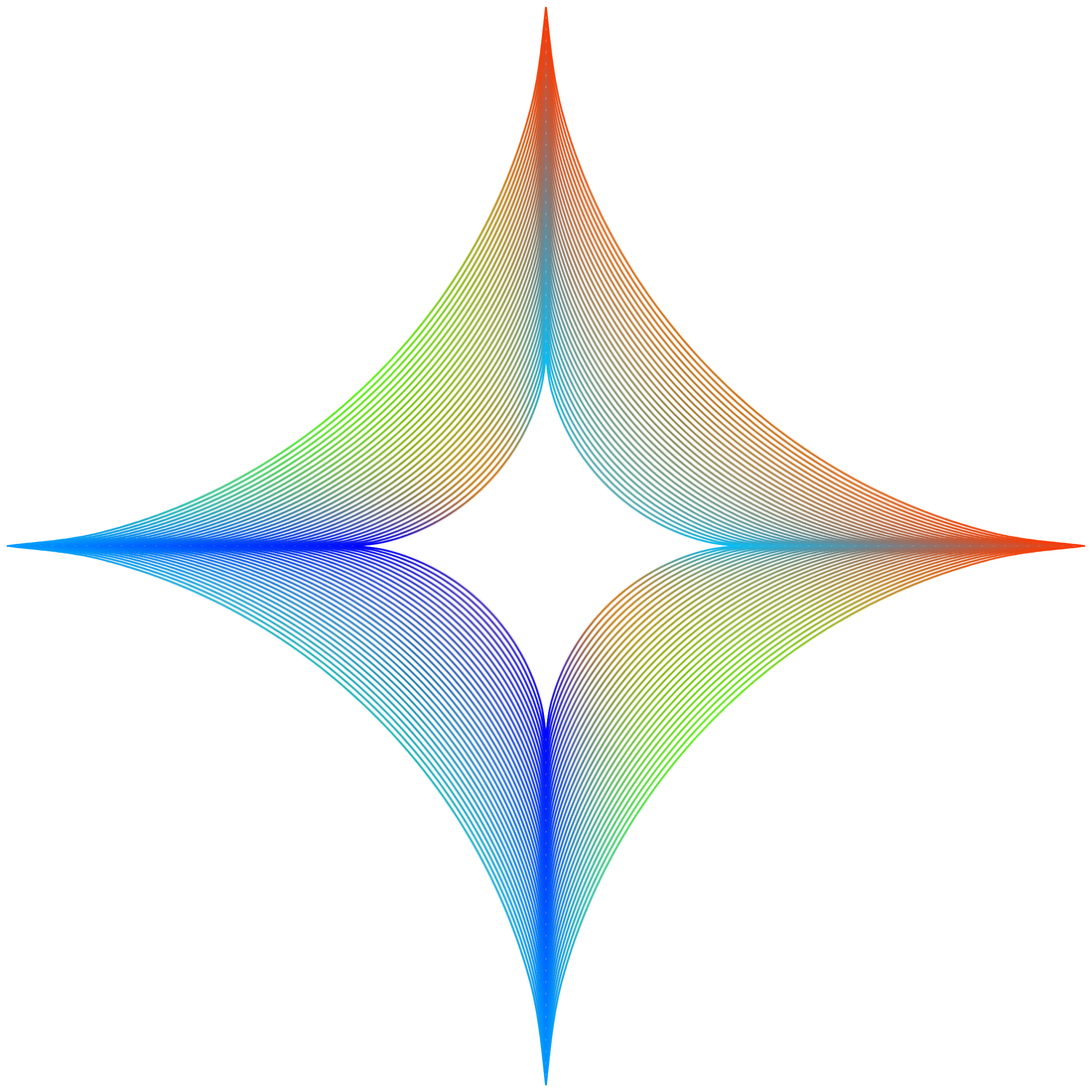
A little tutorial how i made and colored the curved Polygon in Vectorstyler
-
Will talk about this one.
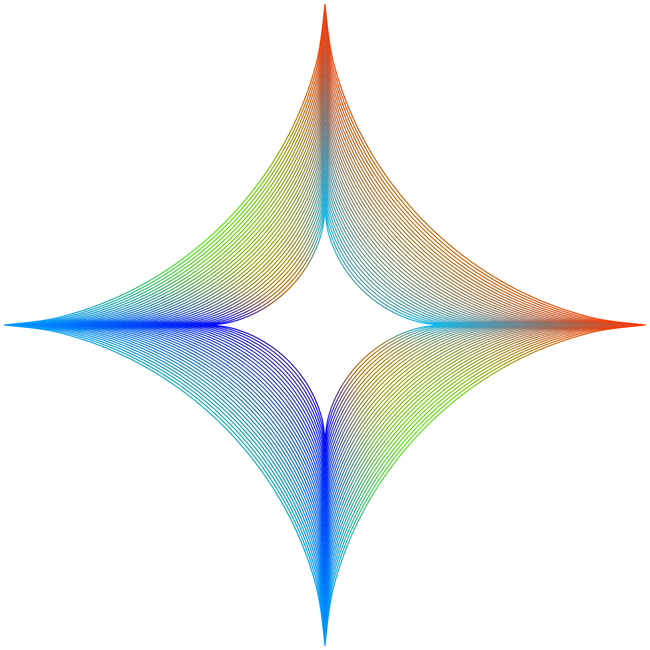
Dont know what i did wrong with my first tries, but now even the standard Transform
scaling deliefer a good result. Anyway seems is working now.For anyone who is interested how to made it in VS
Create a Super Ellipse with this Settings
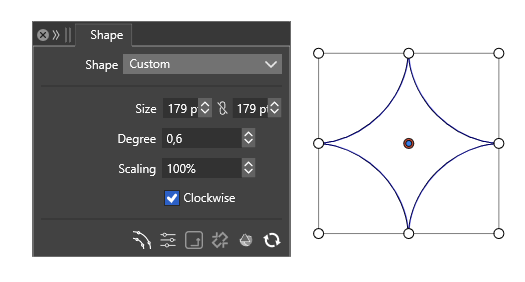
.
.
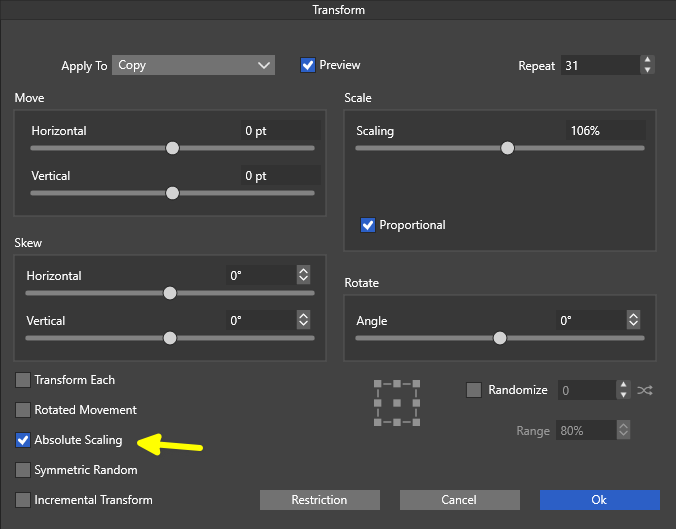
copy and scale it as much you like i made 31 copys and scale it 106%
i use Menu > Object > Transform > Transform for it
.
.
create a straight Path apply a Gradient a long a Path on it

duplicate it until you have 31 copys of it
or
as Vectorstyler allows you to create a Blend between two strokes
where each have a different gradient
.
.
i did this and created a blend to get 31 Strokes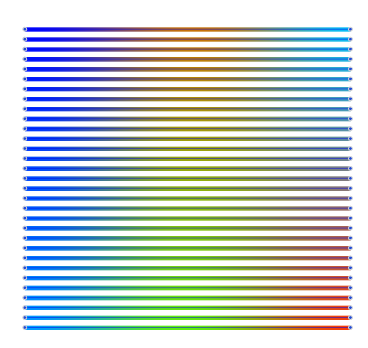
Group that 31 Strokes
Group the 31 Shapes
its important that both Groups have the same count of ObjectsKeep the group of shapes selected
select the Style Picker
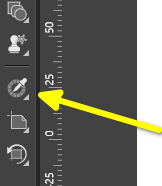
set the Group Flag
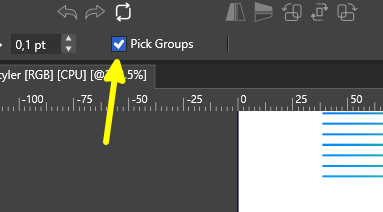
and pick the group of strokes with the style picker and you get such a Result
-
S Subpath referenced this topic