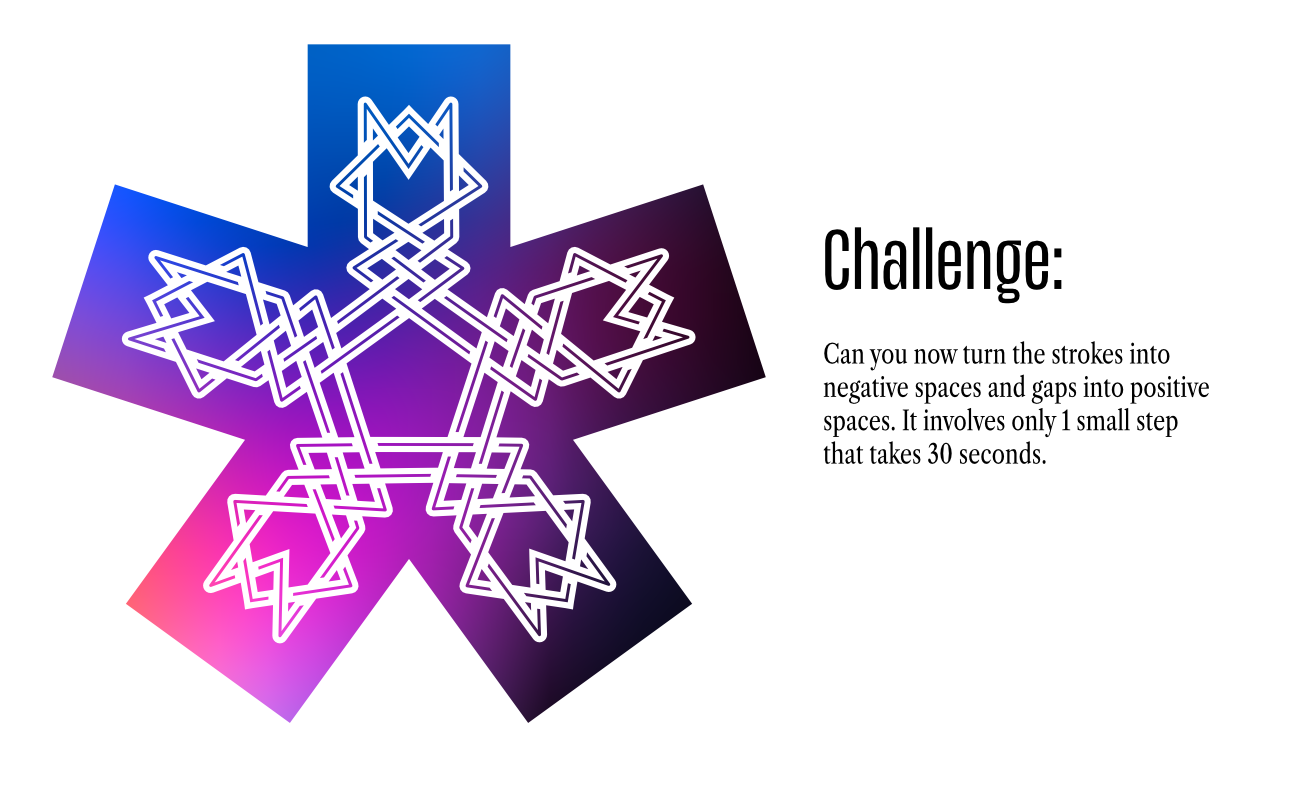
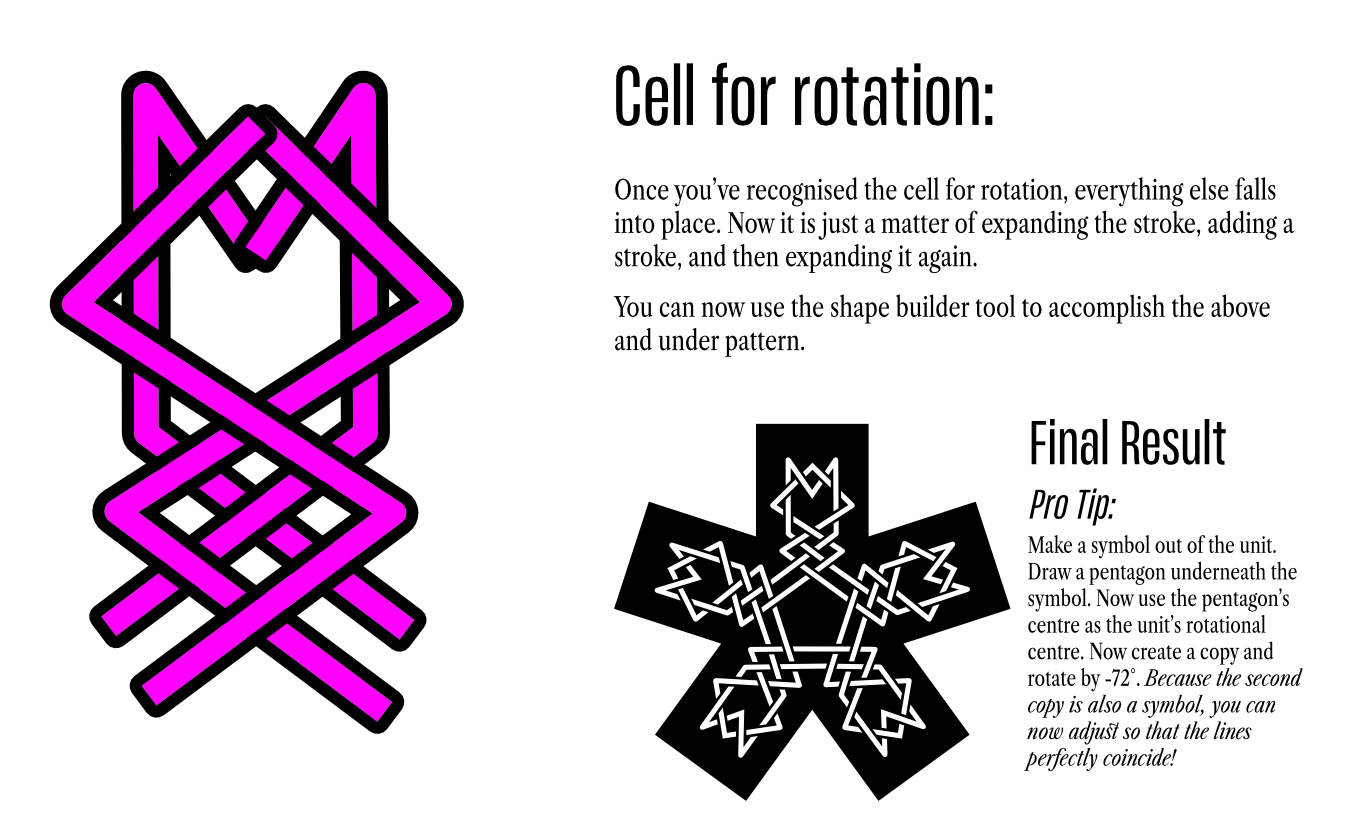
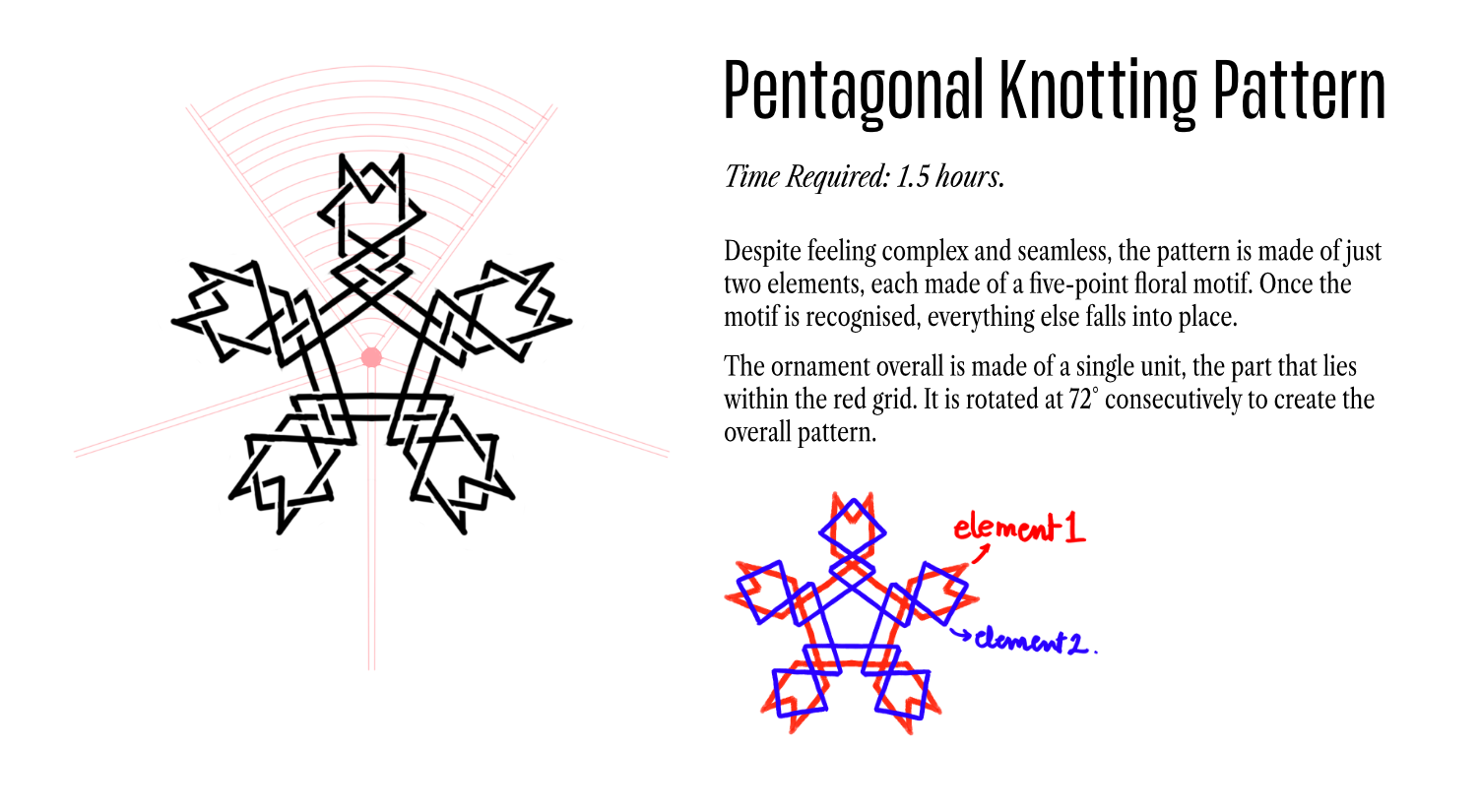
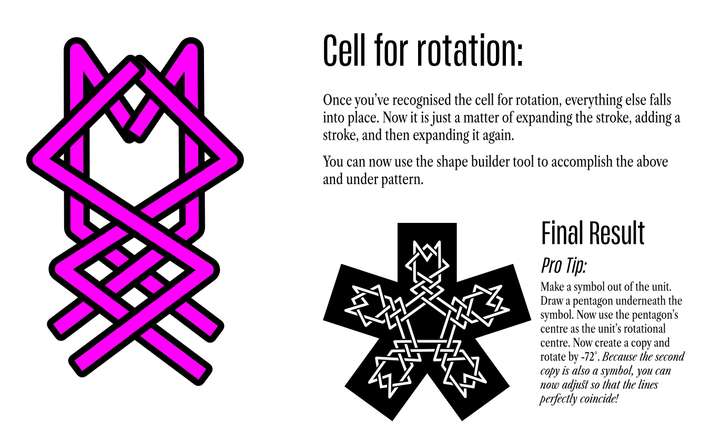
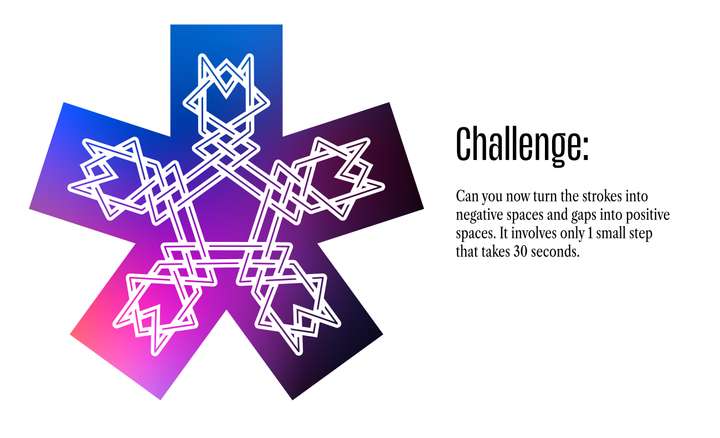
Pentagonal Knotting Pattern using Symbols
-
-
A workflow hack for Pattern Design:
One of my favourite features that allows you to design incredibly complex patterns with very minimal effort is Krita's Guides and Symmetry tool. CSP has it too, but the big difference is, Krita's guides work with Symmetry tool. That is, you can set up guides for just one cell unit and it will replicate across the quadrants.

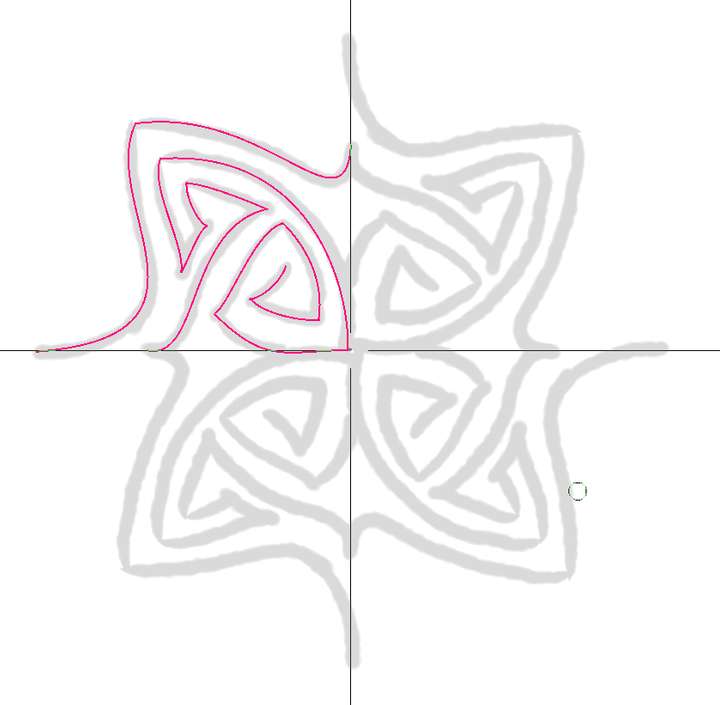
https://ibb.co/fGxgQV63 - Check out this gif
-
Interesting.
I'm wondering why you need symmetry guides in CSP do draw
along a vector path? Because you could use a vector layer
with a symmetry guide in CSP and apply any brushstroke
to a vector path then and be even able to tweak them.By the way, exchanging vector graphics between VectorStyler
and CSP works quite well via the clipboard.
Set "Copy as SVG" in VS Settings.
