VectorStyler
    • Categories
    • Unread
    • Recent
    • Tags
    • Popular
    • Register
    • Login

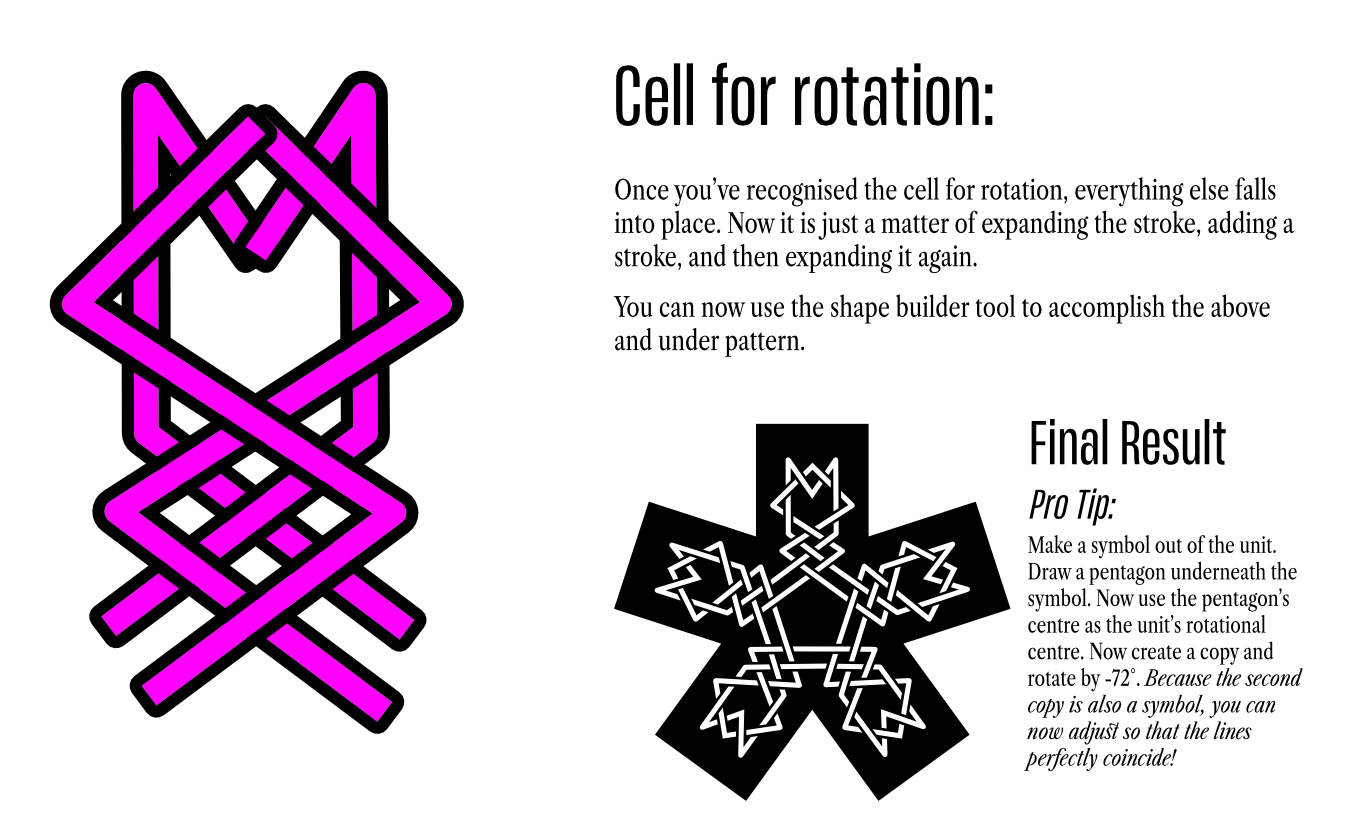
    Pentagonal Knotting Pattern using Symbols

    Scheduled Pinned Locked Moved Tutorials
    3 Posts 2 Posters 610 Views 2 Watching
    Loading More Posts
    • Oldest to Newest
    • Newest to Oldest
    • Most Votes
    Reply
    • Reply as topic
    Log in to reply
    This topic has been deleted. Only users with topic management privileges can see it.
    • DanielD Offline
      Daniel
      last edited by

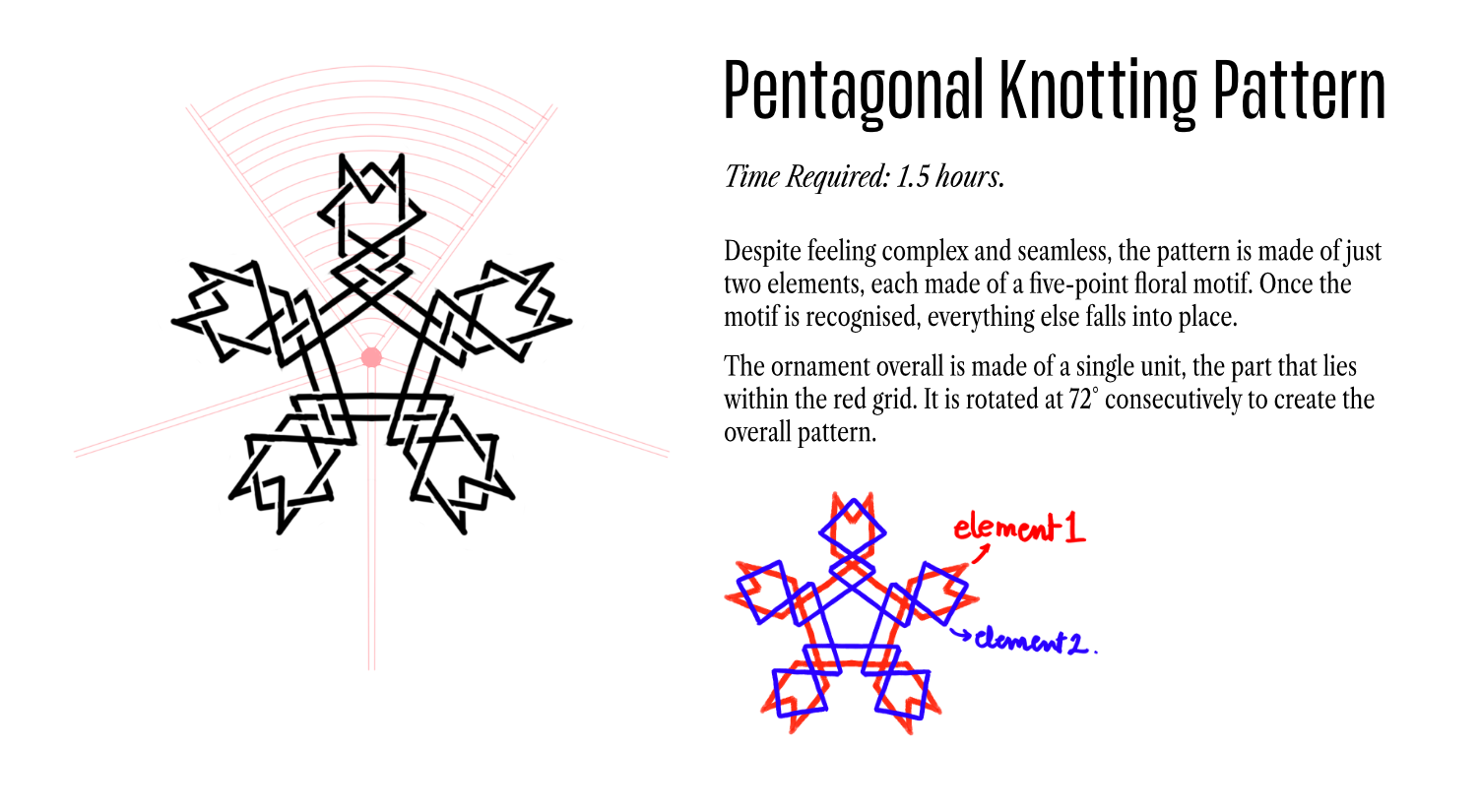
      0_1766936696893_d03d4e56-7d99-4953-9553-ad8d66d7164b-image.png

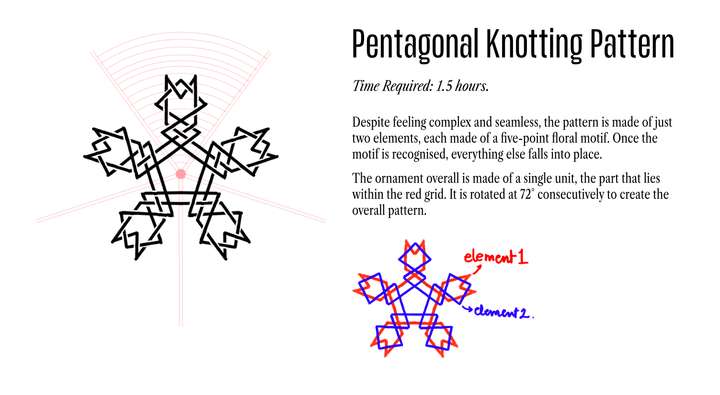
      0_1766936734491_4f96942b-9bf2-4c74-a3ba-0dd18f3440e7-image.png

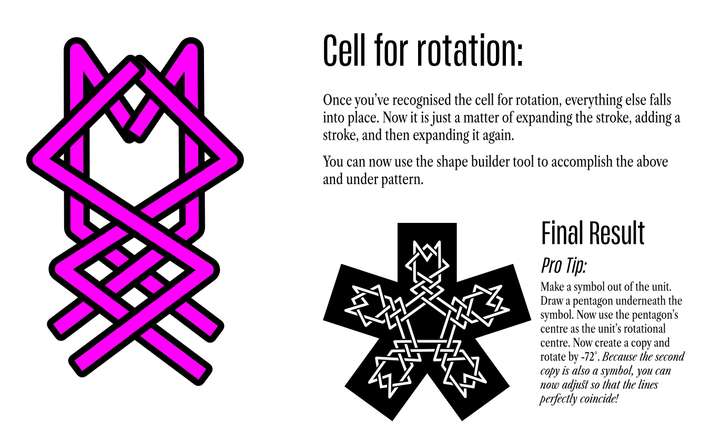
      0_1766936754994_63f55470-eed7-41e7-a09d-2a5afbcee10c-image.png

      Work: Windows 11 | Intel i9 14900HS (24 Cores/32 Threads) | GeForce RTX 4070 | 64 GB RAM
      Personal: Windows 11 | Amd Ryzen 9 7950X (16 Core, 32 Threads) | GeForce RTX 3060 | 32 GB RAM

      1 Reply Last reply Reply Quote 5
      • DanielD Offline
        Daniel
        last edited by Daniel

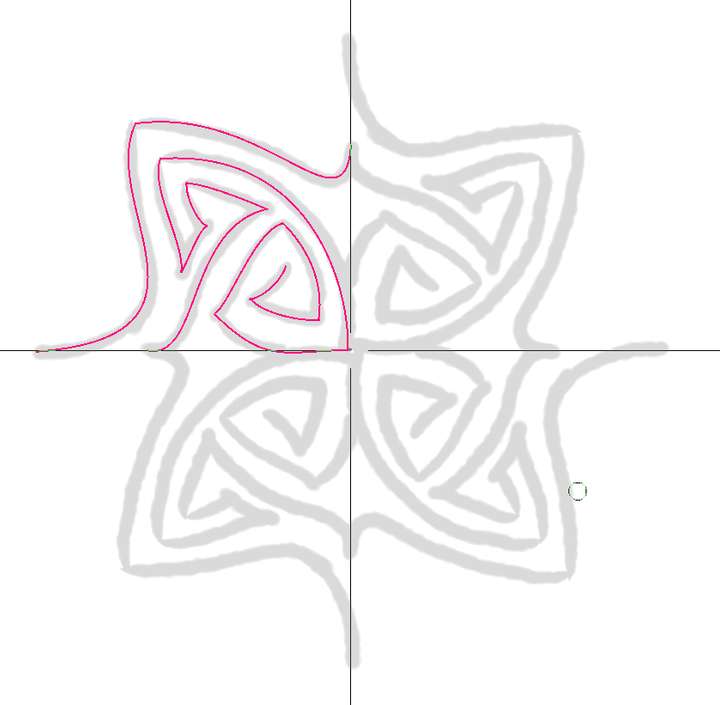
        A workflow hack for Pattern Design:

        One of my favourite features that allows you to design incredibly complex patterns with very minimal effort is Krita's Guides and Symmetry tool. CSP has it too, but the big difference is, Krita's guides work with Symmetry tool. That is, you can set up guides for just one cell unit and it will replicate across the quadrants. 🙂

        0_1767020167877_2b46a681-2931-4edb-91ab-0f2a5605e955-image.png

        https://ibb.co/fGxgQV63 - Check out this gif

        Work: Windows 11 | Intel i9 14900HS (24 Cores/32 Threads) | GeForce RTX 4070 | 64 GB RAM
        Personal: Windows 11 | Amd Ryzen 9 7950X (16 Core, 32 Threads) | GeForce RTX 3060 | 32 GB RAM

        S 1 Reply Last reply Reply Quote 1
        • S Offline
          Subpath @Daniel
          last edited by

          @Daniel

          Interesting.

          I'm wondering why you need symmetry guides in CSP do draw
          along a vector path? Because you could use a vector layer
          with a symmetry guide in CSP and apply any brushstroke
          to a vector path then and be even able to tweak them.

          By the way, exchanging vector graphics between VectorStyler
          and CSP works quite well via the clipboard.
          Set "Copy as SVG" in VS Settings.

          Win 11
          CPU: AMD Ryzen 5 9600X, 6-core.
          GPU: Nvidia Geforce RTX 5070.

          1 Reply Last reply Reply Quote 0
          • First post
            Last post