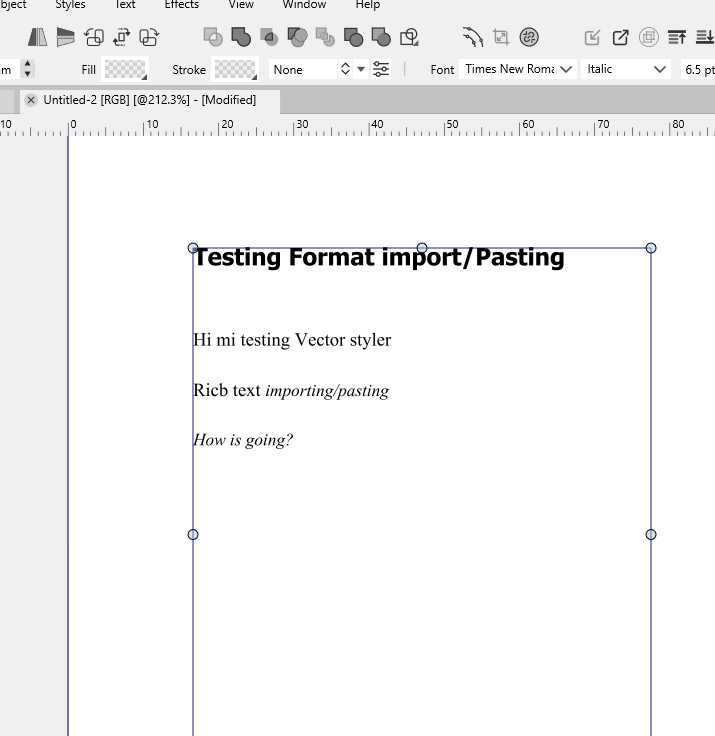
Rich Text Format pasting
-
Hi, im seeing the option to paste and paste without format. To what is refering "format"? When i paste formated text, from any source -word, libreoffice, etc- VS ignores formatting -text fonts, color, etc- or paste it as a metafile or kind of.
Is there a way to import a document file conserving the format (styles, fonts, colors, etc)? -
@marce said in Rich Text Format pasting:
Is there a way to import a document file conserving the format (styles, fonts, colors
Yes, this should be in the Edit menu, but is this on Windows or MacOS?
-
@VectorStyler I'm on windows. When I paste, no format is kept.
-
-
@Subpath I added my computer specs to signature, pretty standard.
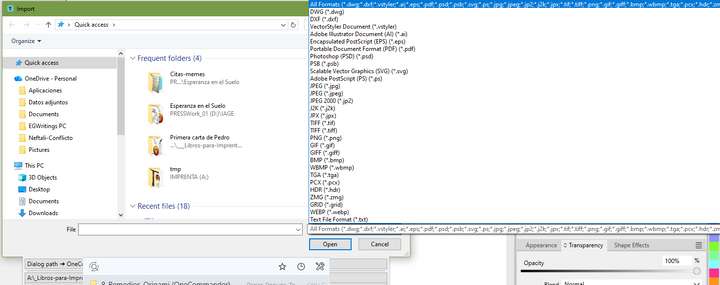
I only see in the File>import the .TXT extension, not RTF or any other rich text format. When i paste formated text, very basic bold, italic, with some selected fonts, i only got simple text without any formating, even i choose "Paste" or "Paste without formating" is the same.
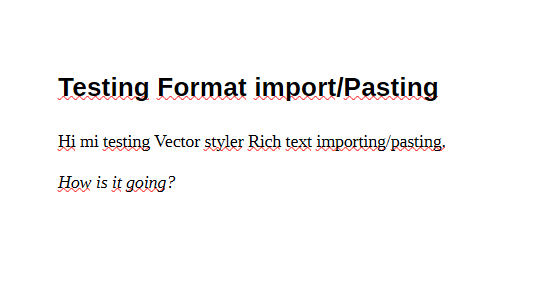
By example, when i copy this from LibreOffice
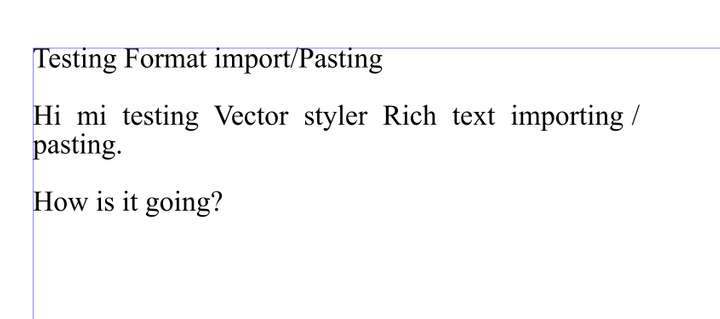
And when i paste it in VS, i got this:
If i paste the same text from Wordpad, the pretty basic text editor from windows, that has rich text, nothing happens.
-
sorry, but i could not help with that
i do very less with text in VS -
@Subpath Thanks anyway. To import some kind of Rich Text format could be good, since Vector Styler has pretty good formating capabilities. Importing text previously formated in some dedicated text editor can make faster your work.
-
i had a look at the import file options
and found a .RTF import
Importing a RTF made in Corel was also workingcould it be Wordpad related ?
i dont think so but ?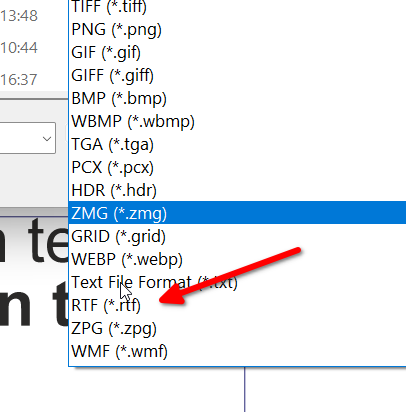
-
@Subpath Thanks! I dont see the rtf option, since the scroll went out of screen
Im testing it, and it works great: