rgb color profile dropdown duplicate items
-
UI Bug
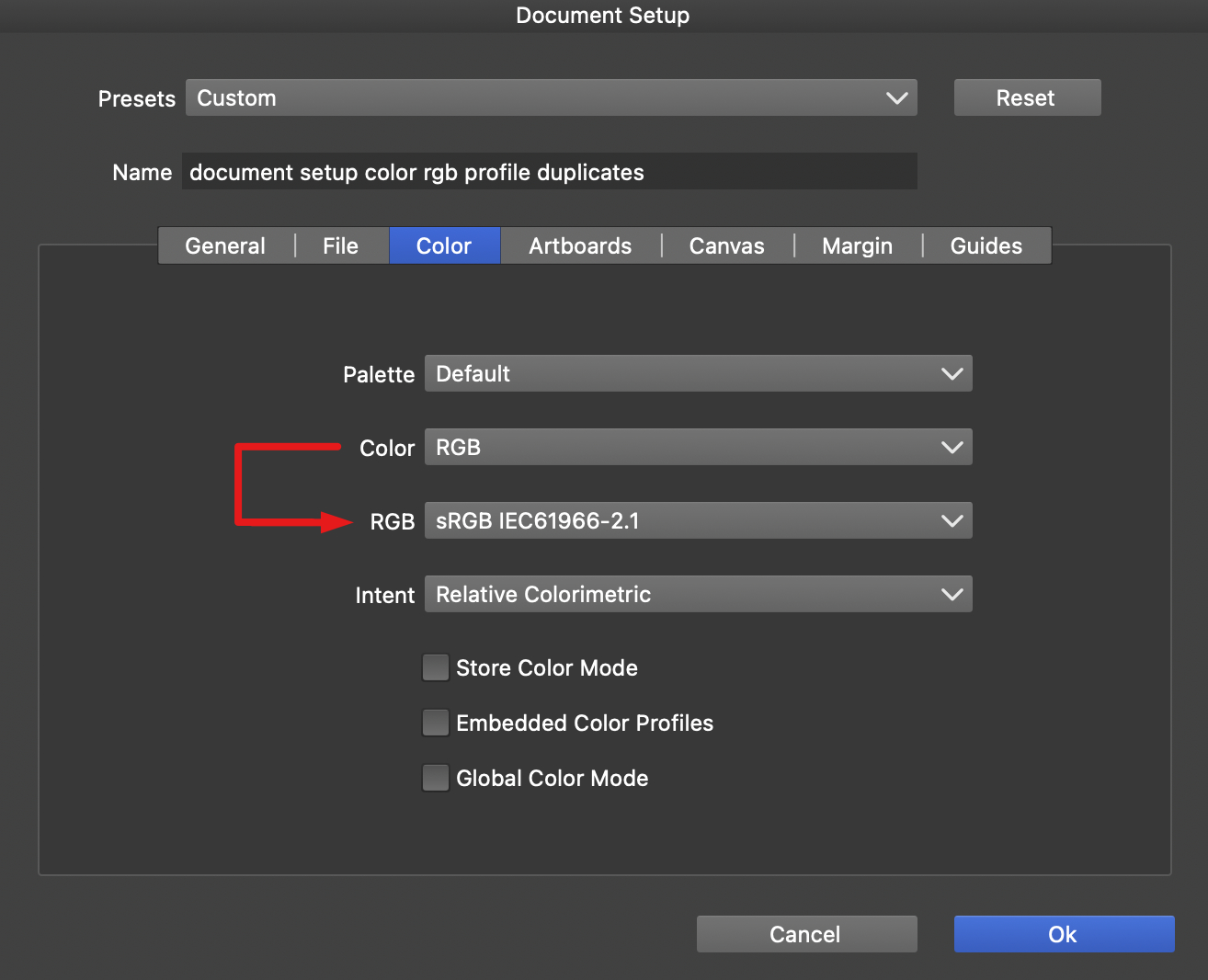
the rgb color profiles dropdown menu contains duplicate items- access the rgb color profiles menu from the New Document Setup… or Document Setup… dialogs
 [doc setup dialog rgb color profile tab]
- select ‘RGB’ from the Color menu option.
the RGB select menu item contains duplicate rgb color profiles:
- Adobe RGB (1998)
- Apple RGB
- Black & White
- Blue Tone
- Display
- Gray Tone
- Lightness Decrease
- Lightness Increase
- Sepia
- VideoHD
- VideoNTSC
- VideoPAL
- Web Safe Colors
- SRGB IEC61966-2.1
 [RGB color profiles dropdown | part 1]
 [RGB color profiles dropdown | part 2]
 VS v1.2.074
 MacOS Sonoma 14.5
 -
@brentpruitt Yes, there is a bug here. It will be fixed in the next build.
-
@brentpruitt This can be replicated here also (on Sonoma), but it is not really a bug.
The system (ColorSync) contains a few ICC display profiles that all have the same name. It is not clear why Apple added these to Sonoma, it is not in other MacOS versions.The only thing I can do with this is to show the file name instead of the profile name stored in the file, but that can lead to other issues.
