VectorStyler
    • Categories
    • Unread
    • Recent
    • Tags
    • Popular
    • Register
    • Login

    Resetting the Rotation and Skew commands
    Scheduled Pinned Locked Moved Features and Ideas
    5 Posts 2 Posters 6.6k Views 2 Watching
    Loading More Posts
    • Oldest to Newest
    • Newest to Oldest
    • Most Votes
    Reply
    • Reply as topic
    Log in to reply
    This topic has been deleted. Only users with topic management privileges can see it.
    • H Offline
      hbalcic
      last edited by hbalcic

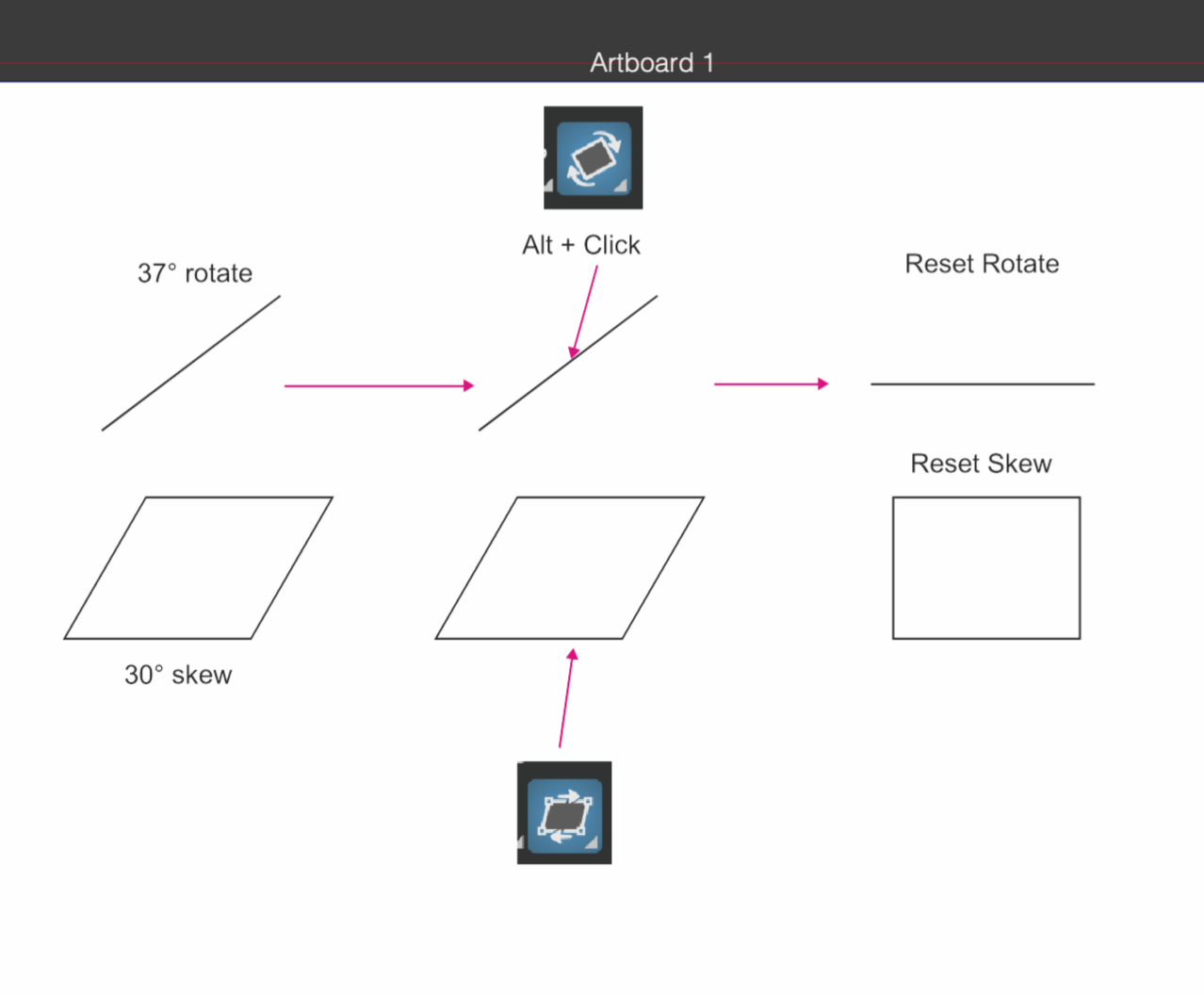
      We can't calculate how many degrees we rotated the lines. Can we add Alt + Click or another shortcut command to the Rotate and Skew toolbars to fix horizontally rotated lines? Same goes for Skew.

      0_1732534924466_Reset Rotate&Skew.vstyler
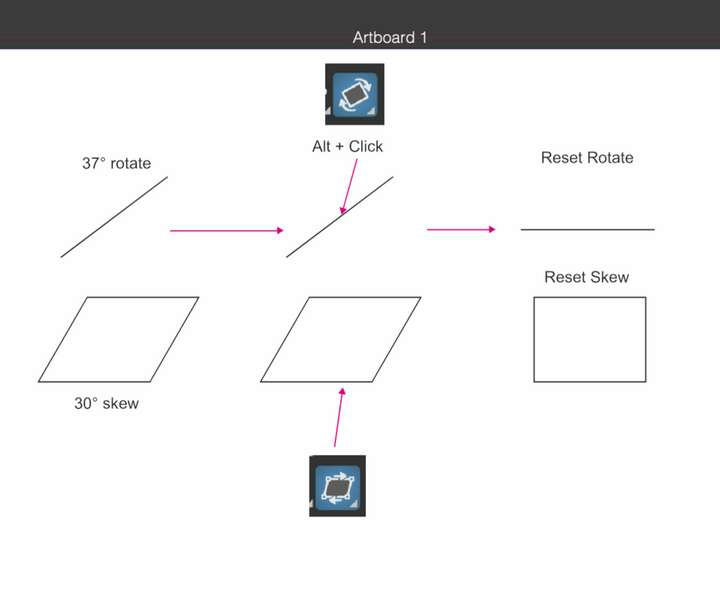
      0_1732534905987_Screen Shot 2024-11-25 at 14.41.26.png

      VectorStylerV 1 Reply Last reply Reply Quote 1
      • H Offline
        hbalcic
        last edited by

        This is how the AI ​​Rotate reset works.

        0_1732536590535_Rotate_AI.mp4.zip

        1 Reply Last reply Reply Quote 0
        • VectorStylerV Offline
          VectorStyler @hbalcic
          last edited by

          @hbalcic said in Resetting the Rotation and Skew commands:

          We can't calculate how many degrees we rotated the lines.

          Was the line rotated or was edited and a node moved with the node tool?

          For rotations and skewing the Effects -> Remove All Shape Effects will remove the transforms.

          1 Reply Last reply Reply Quote 0
          • H Offline
            hbalcic
            last edited by hbalcic

            The line was drawn with the "Pen Tool". I added the document to the first message. Angle: 0° is visible.
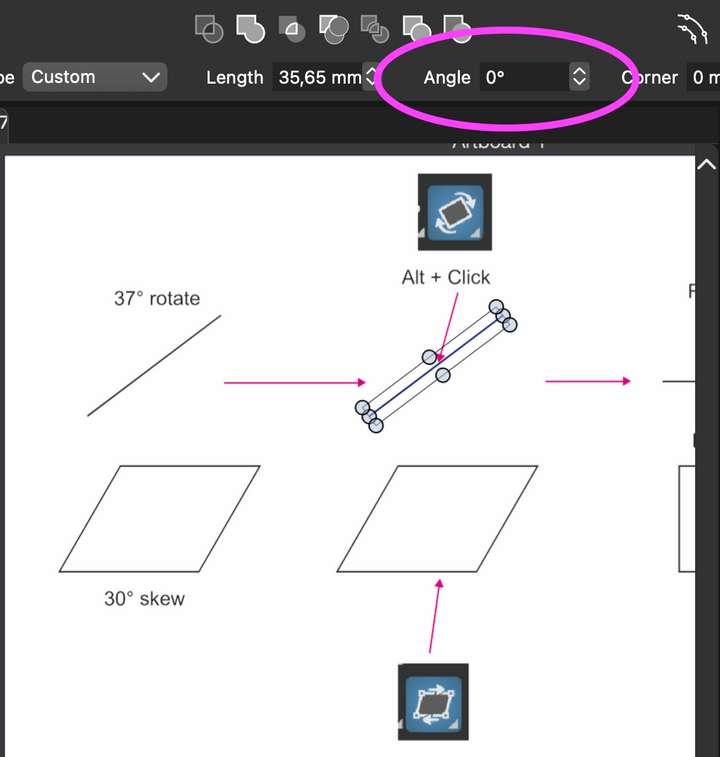
            0_1732537999882_Reset Rotate&Skew.png

            VectorStylerV 1 Reply Last reply Reply Quote 1
            • VectorStylerV Offline
              VectorStyler @hbalcic
              last edited by

              @hbalcic I will try to find a solution for this. Meanwhile, use the Angle value in the Transform panel.

              1 Reply Last reply Reply Quote 0
              • First post
                Last post