VectorStyler
    • Categories
    • Unread
    • Recent
    • Tags
    • Popular
    • Register
    • Login

    None Fill - %50 black
    Scheduled Pinned Locked Moved Resolved 1.2 bugs
    4 Posts 2 Posters 4.1k Views 2 Watching
    Loading More Posts
    • Oldest to Newest
    • Newest to Oldest
    • Most Votes
    Reply
    • Reply as topic
    Log in to reply
    This topic has been deleted. Only users with topic management privileges can see it.
    • H Offline
      hbalcic
      last edited by

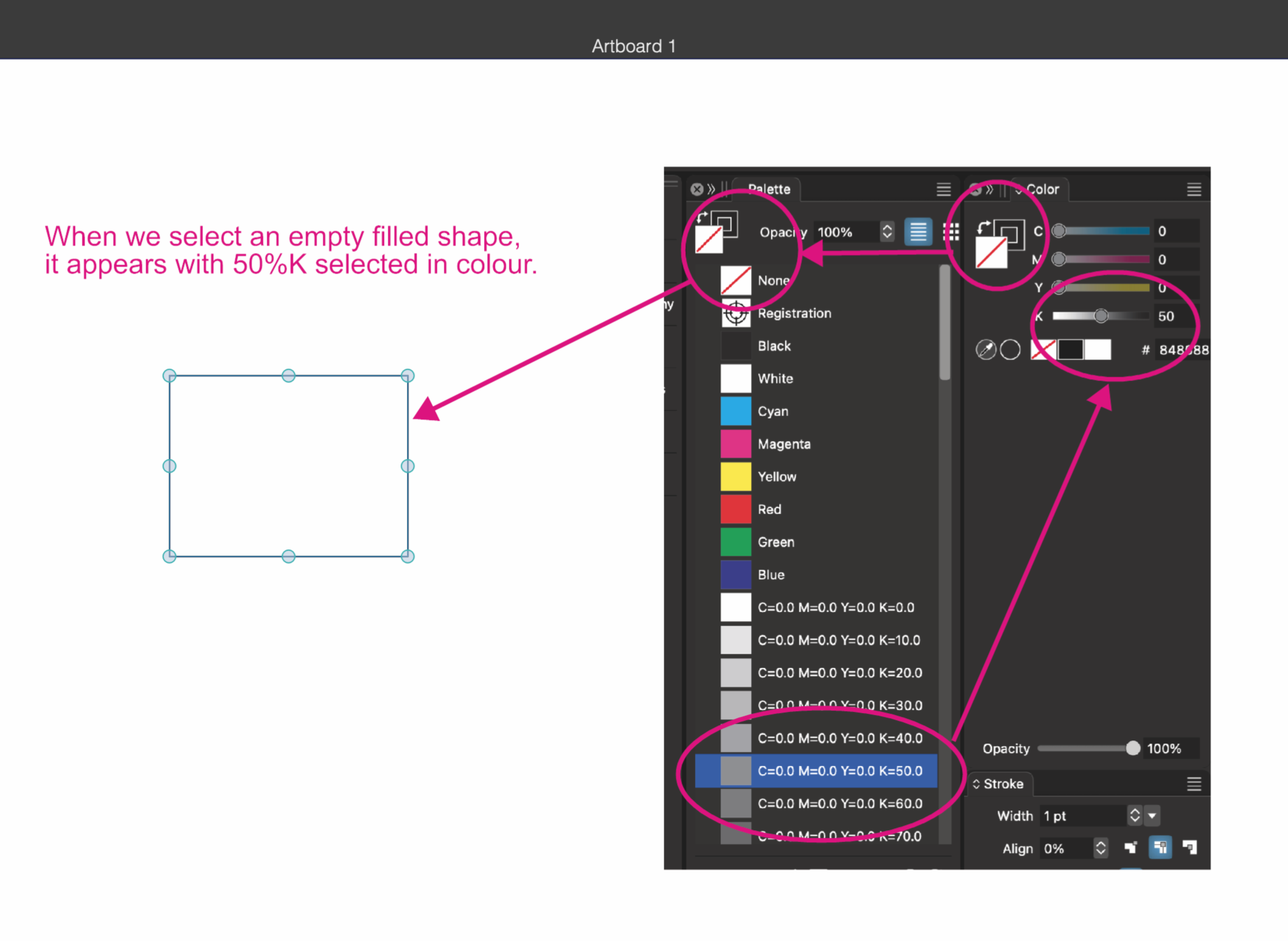
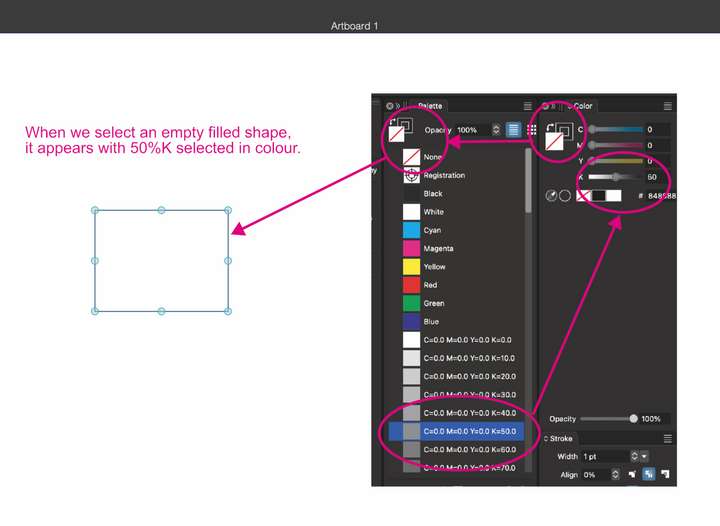
      When we select a filled empty shape, 50%K appears in the selected colour.

      Hakan

      0_1730979225599_None Fill.vstyler
      0_1730979190674_None Fill.png

      VectorStylerV 1 Reply Last reply Reply Quote 1
      • VectorStylerV Offline
        VectorStyler @hbalcic
        last edited by

        @hbalcic Yes, but there must be something selected for those color numbers, so a default gray is shown.

        1 Reply Last reply Reply Quote 0
        • H Offline
          hbalcic
          last edited by

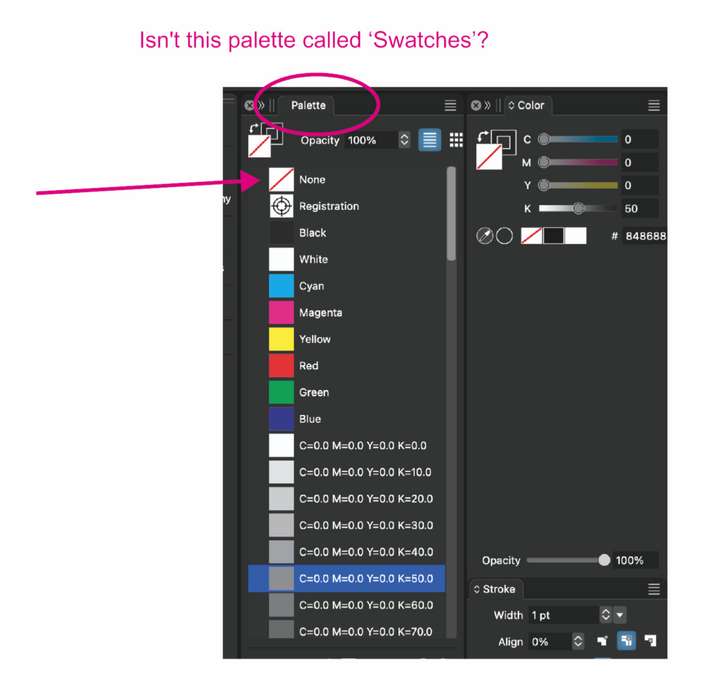
          The colour ‘none’ must be selected in the ‘Swatches’ palette.
          0_1730980480303_Screen Shot 2024-11-07 at 14.54.24.png

          VectorStylerV 1 Reply Last reply Reply Quote 1
          • VectorStylerV Offline
            VectorStyler @hbalcic
            last edited by

            @hbalcic said in None Fill - %50 black:

            Swatches

            This term was introduced by Adobe and copied by Affinity and it refers to a mix of color, gradient and pattern definitions.
            VS choose not to use this because in VS the palette is just a color palette, with only colors allowed.

            For other things (mix of colors, gradients, patterns, etc) you have the "Presets" in VS (and also the "Styles").

            1 Reply Last reply Reply Quote 0
            • First post
              Last post