Bug report: Dragging a group of panels on top of their original location causes them to vanish
-
I ran into this issue on v 1.1 as well as the 1.12 beta. I created several panels on the left side of my workspace, and while dragging them to rearrange them I decided that they should stay where they originally were. I dragged them back over top of their original location and they just disappeared.
I expected that they would either return to their original position or become a floating panel. When I release the stack of panels elsewhere in the application without an anchor point, or outside of the application they become floating as expected.
I now know how to save and restore workspaces, but losing an entire stack of panels due to a mis movement could be frustrating for users.
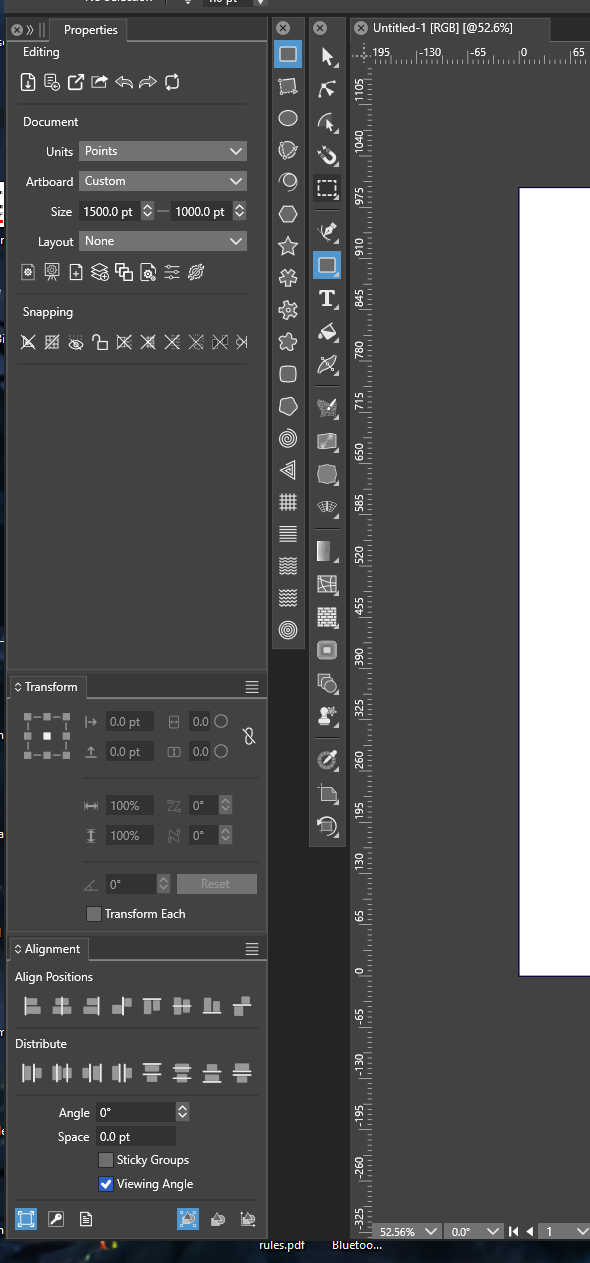
The Grouping of panels:
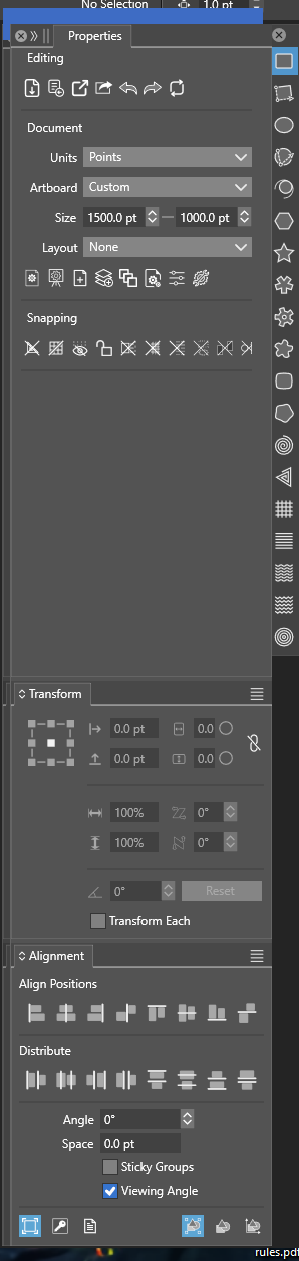
Dragging the panels:
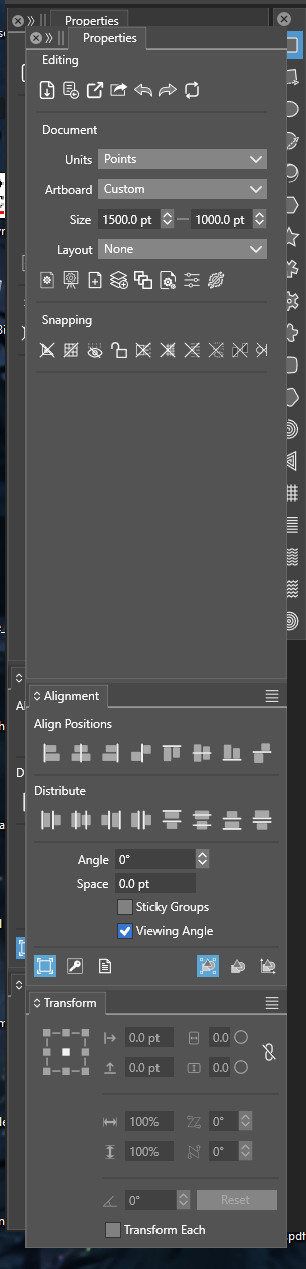
Putting the dragged panels "back" where they started without an anchor point.
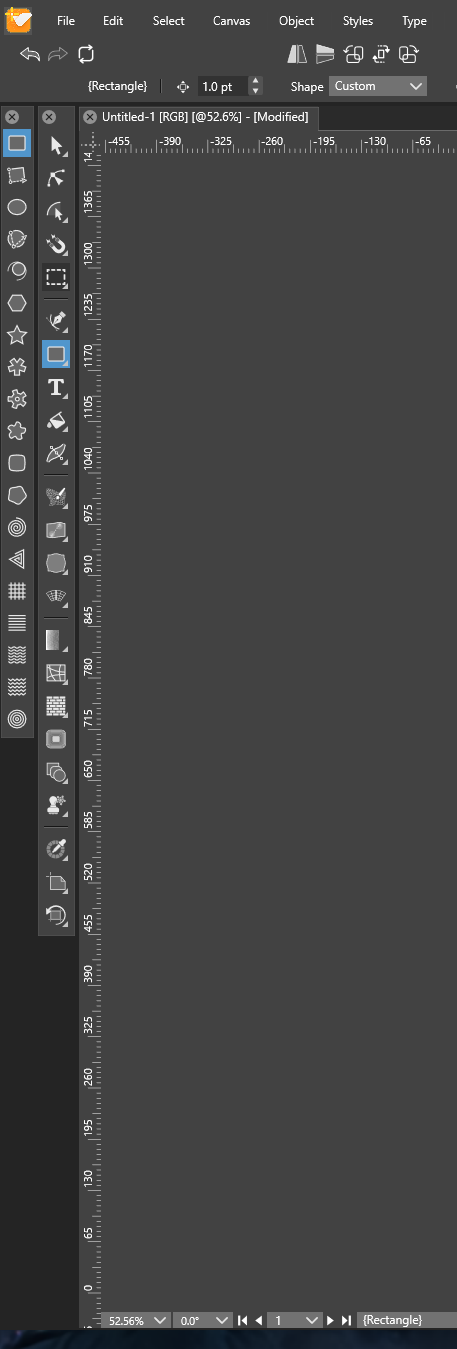
And they're gone.
-
@LoginError I opened a bug on this one and will try to replicate it.

