VectorStyler
    • Categories
    • Unread
    • Recent
    • Tags
    • Popular
    • Register
    • Login

    Shape builder tool with with issues
    Scheduled Pinned Locked Moved VectorStyler 1.1 Bugs
    6 Posts 2 Posters 8.8k Views 2 Watching
    Loading More Posts
    • Oldest to Newest
    • Newest to Oldest
    • Most Votes
    Reply
    • Reply as topic
    Log in to reply
    This topic has been deleted. Only users with topic management privileges can see it.
    • M Offline
      MajorTom
      last edited by

      Hello,

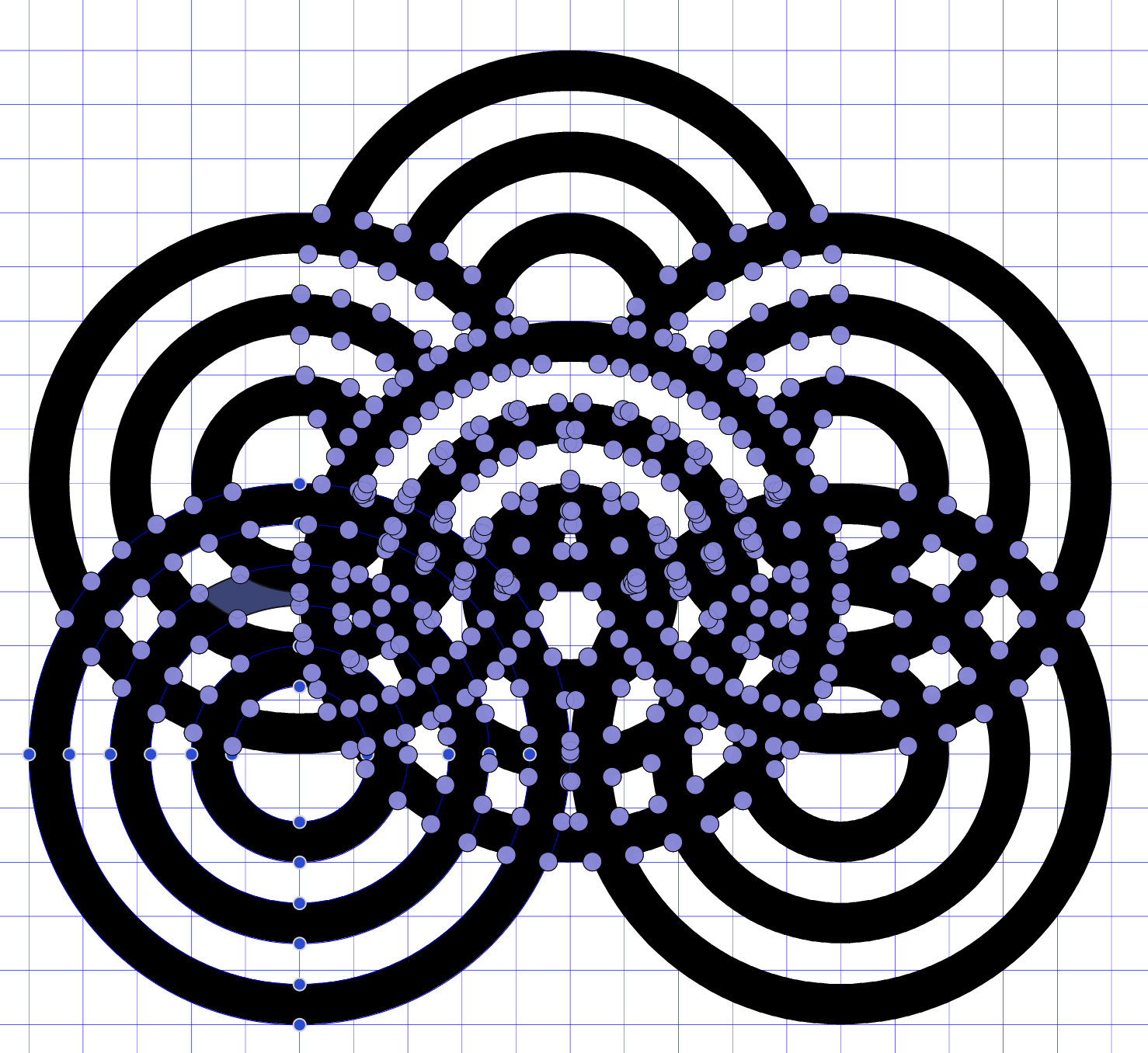
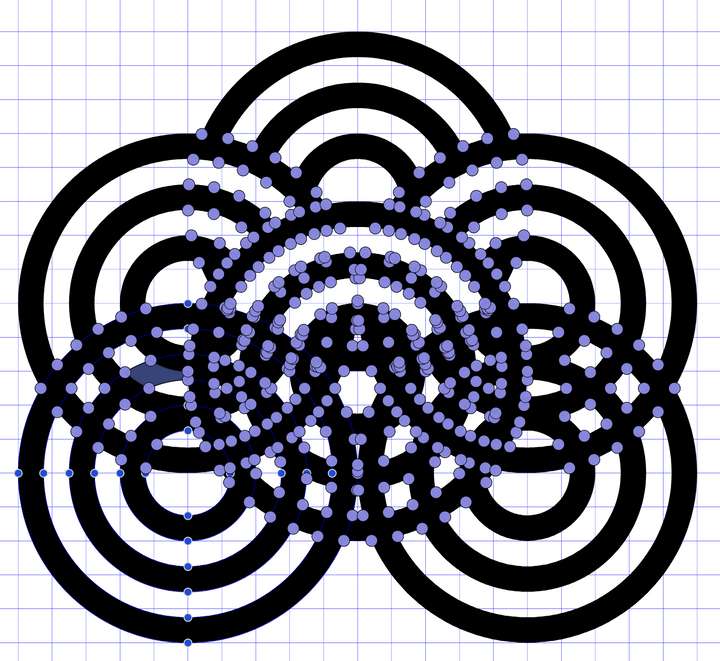
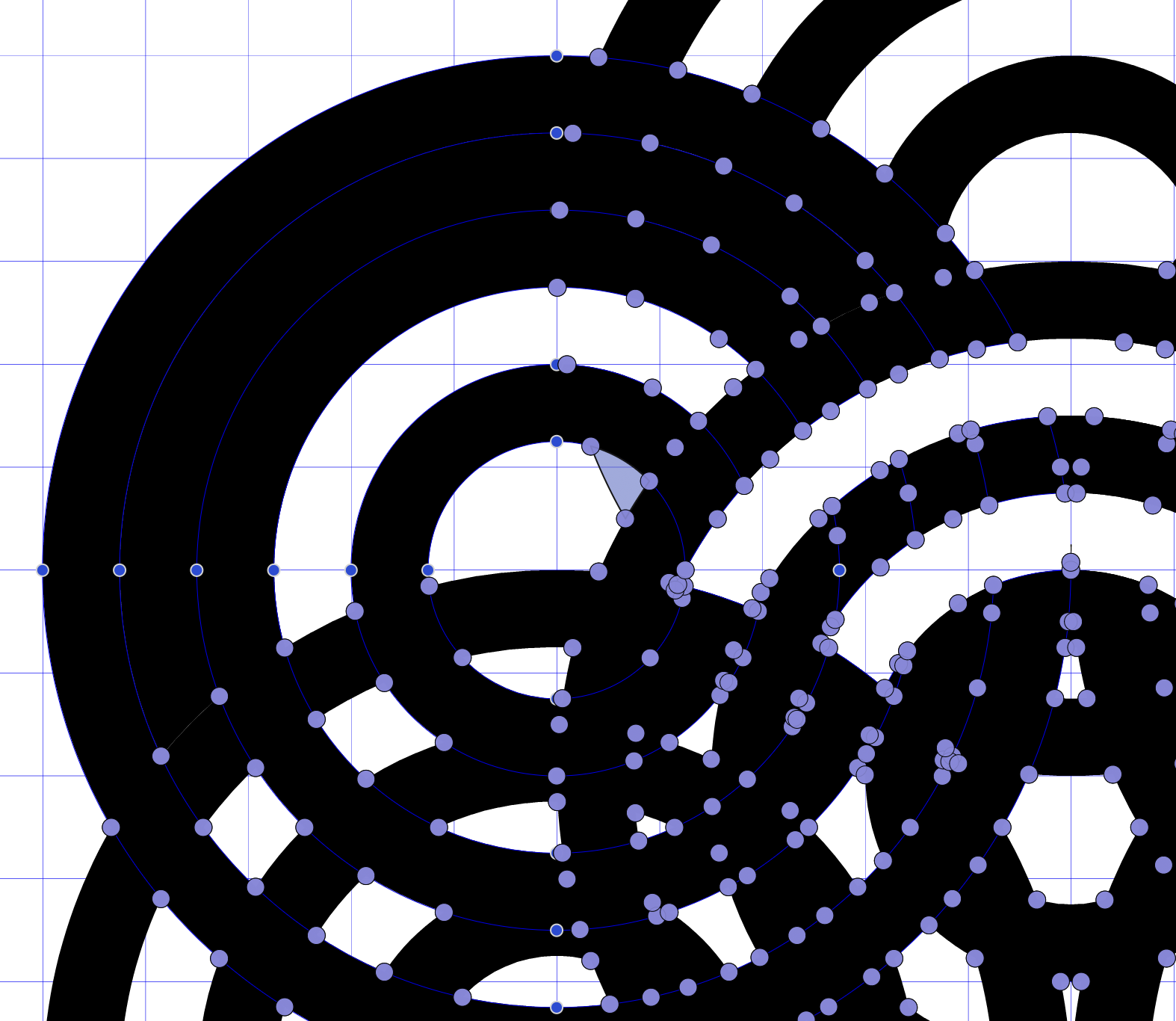
      I have the following object
      0_1707885880483_Screenshot 2024-02-14 at 12.42.54.png
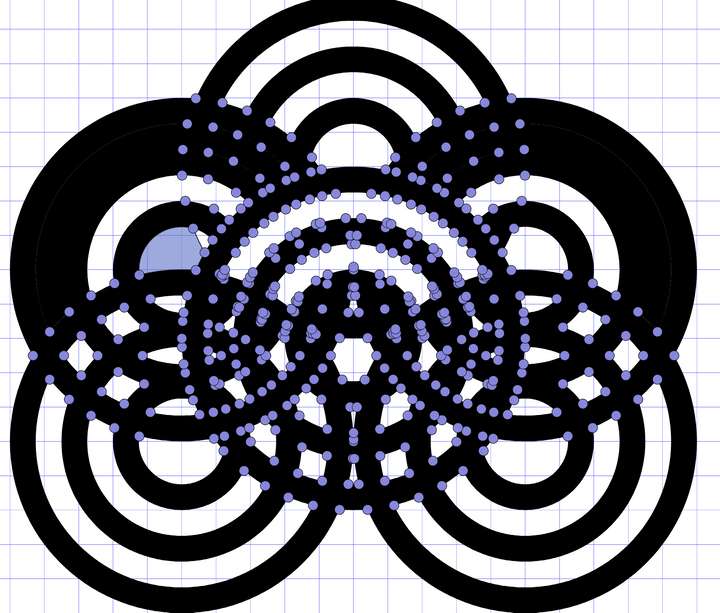
      When I delete the blue small object in the middle the circle on both side get inside black
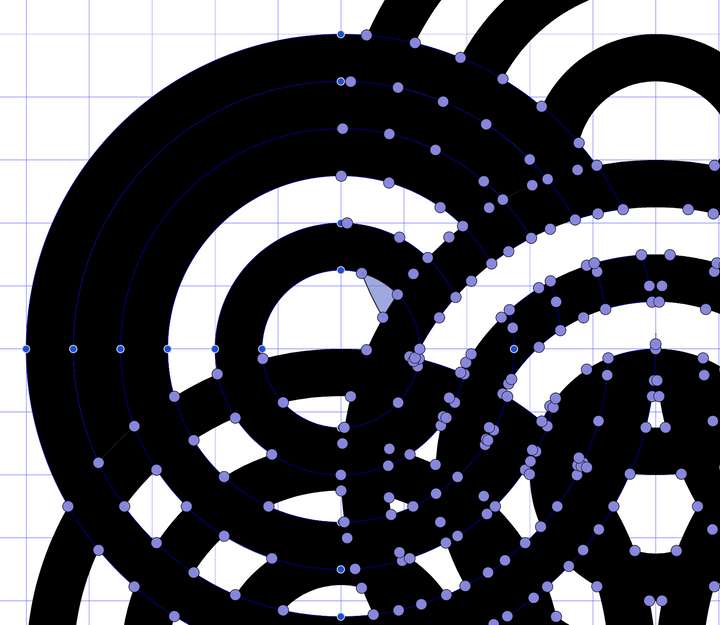
      0_1707885958462_Screenshot 2024-02-14 at 12.43.10.png
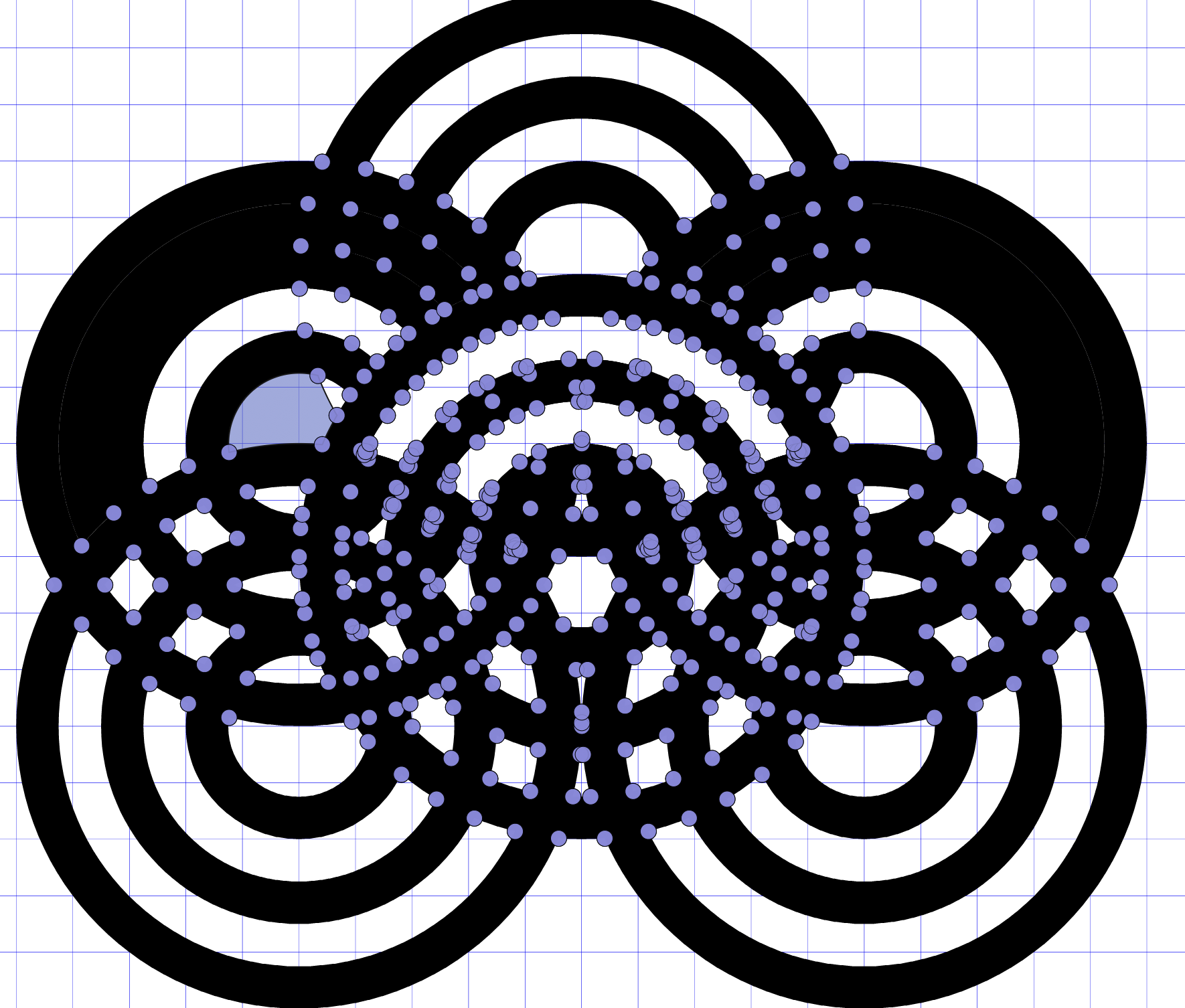
      here the whole picture,.
      0_1707885972972_Screenshot 2024-02-14 at 12.45.32.png

      Here the attached file.
      0_1707885992567_circle_test.vstyler

      I had several tries with other object, the shape builder tool has quite sever issues and not working very well overall. I had the feeling that 6 months ago it had less problems,when I did use it the last time.

      VectorStylerV 2 Replies Last reply Reply Quote 1
      • VectorStylerV Offline
        VectorStyler @MajorTom
        last edited by

        @MajorTom There wasn't any change to the shape builder lately. This could be some case where it fails.
        I will try to fix this ASAP.

        1 Reply Last reply Reply Quote 0
        • VectorStylerV Offline
          VectorStyler @MajorTom
          last edited by

          @MajorTom I tried to replicate this problem, but it seems to be working here: https://recordit.co/bWy2qi0Nyz

          When I delete I hold the Option (Alt) key to swipe over the deleted part.

          Regular swiping will create a fill which is currently black (or another color must be selected in the color panel).

          I tried deleting more parts, but it still worked.

          1 Reply Last reply Reply Quote 0
          • M Offline
            MajorTom
            last edited by

            @VectorStyler

            Please have a look at this video.
            At the end you can see that the things are going wrong again.

            https://recordit.co/ySjUsgIPJ3

            Here the file from the video.
            0_1707989772111_1707885993349-circle_test.vstyler

            VectorStylerV 2 Replies Last reply Reply Quote 1
            • VectorStylerV Offline
              VectorStyler @MajorTom
              last edited by

              @MajorTom Restarting the shape builder with the additional rectangle at 2:53 might cause the problems. I will try to replicate this.

              1 Reply Last reply Reply Quote 0
              • VectorStylerV Offline
                VectorStyler @MajorTom
                last edited by

                @MajorTom A workaround for now: from what I can see, the goal is to clip / cut the shapes into the rectangle.

                This can be done by placing those objects into the rectangle (drag&drop in layers panel) and then Expand Clipped Groups.

                1 Reply Last reply Reply Quote 0
                • First post
                  Last post