Strange behaviour Arrange artboards
-
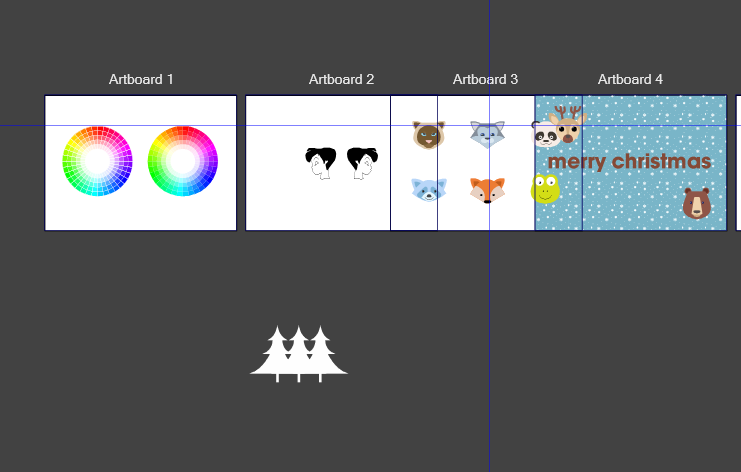
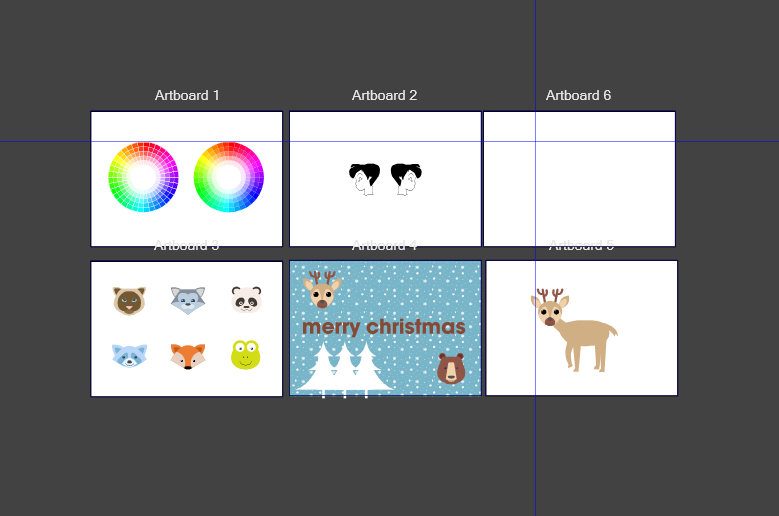
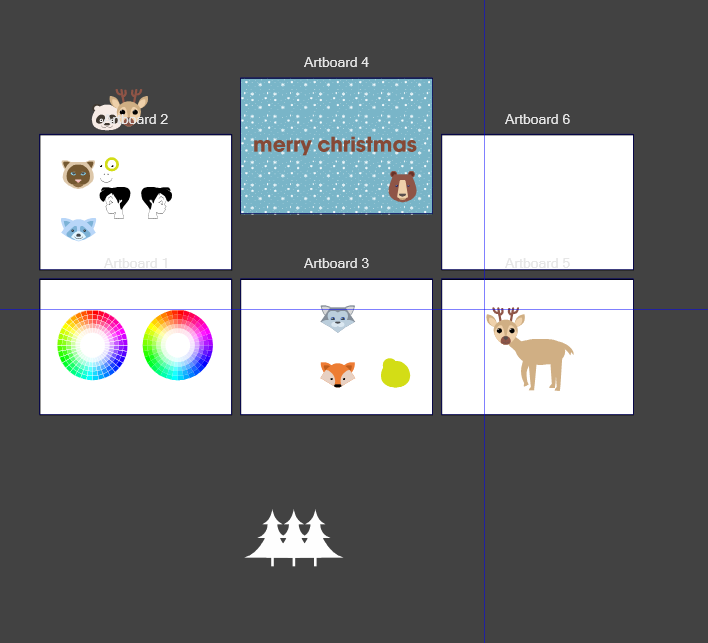
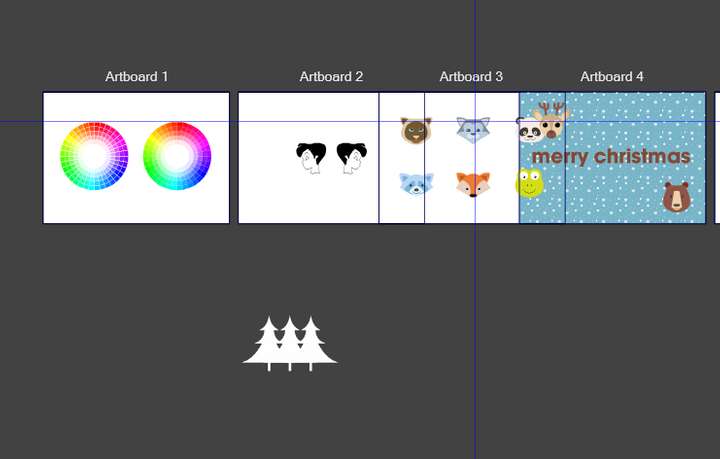
When trying to arrange the artboards in the canvas. Artboard 3 + 4 are overlapping other artboads and some objects are not staying in place on the artboards.
First Image is my starting position. And the other images are from after using arrange artboards
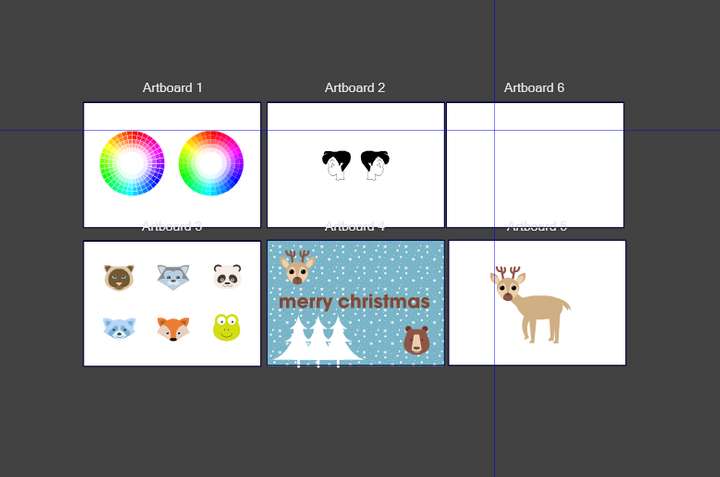
Windows 10 | 1920x1080 | 125%
-
Here a recording of what happens when copying an artboard with alt when using the artboard tool. One object is locked and one layer is locked of the first artboard. When there are no elements locked everything is fine. (tried to replicate it with an other file, and also using a locked layer / locked object. The problem seems to occur when there is an image in the file)
-
It does look like something is wrong with the Arrange Artboards feature when there is an image on an artboard.
I tried creating two artboards in a document and putting simple solid-colored rectangles on both then using Arrange Artboard and it worked quite reasonably.
I then added an image to one of them and when I tried the feature it created a third artboard alongside them which had a size which didn't seem to correlate to the ones I already had. It also moved the solid-colored rectangle on the artboard with the image to a different location on the artboard.
Needless to say that is not what I would expect to happen.
-
@FastVector I opened a bug on this, and will try to replicate it.
