[1.4.002] Searching for fonts by name does not work
-
Regardless of the name I enter or the directory I search in, the search returns no results.
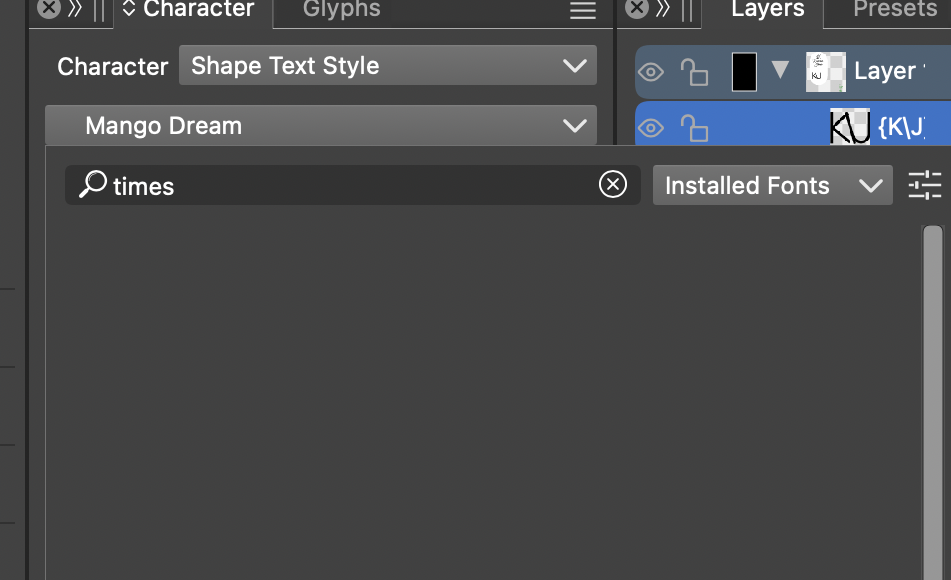
MacBook Air M4 24Gb, Tahoe 26.3.1
-
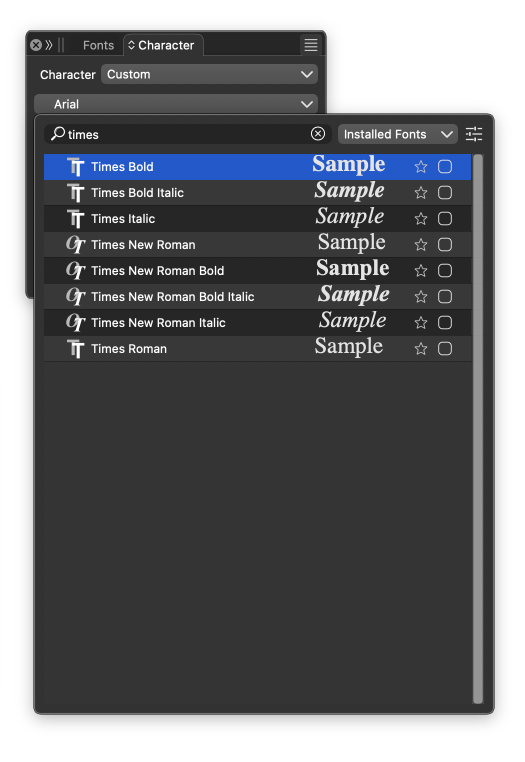
@encart It's working correctly on my Tahoe 26.6.2 macbook running VS 1.4.002
-
@encart Send me your workspace and settings files.
-
Here dont work either.
https://icedrive.net/s/3vGbQwNgZX6FSPuRg99kWzYZYtCy -
@marce Send me the contents of the /resources folder, containing the settings and workspace
on Windows the folder can be found: https://www.vectorstyler.com/documentation/introduction/troubleshooting/
-
@VectorStyler Here it is:
resources.zip -
@marce Can be replicated.
There is a settings that should not be there, I removed it."fontlistsearchmatchingmode" is not used and should not be in the settings file.
You can copy this settings file over the one in the /resources folder:
-
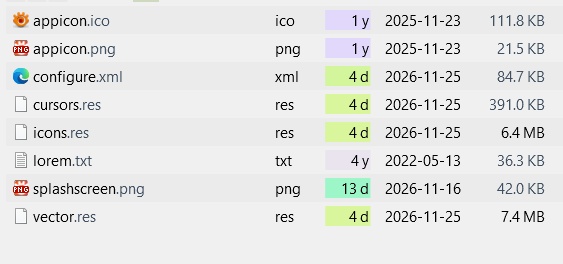
@VectorStyler Hi! My resources folder dont have a "settings.xml" file. Only one called "configure.xml"
-
@marce Not that one. The one described in features https://www.vectorstyler.com/documentation/introduction/troubleshooting/
-
@VectorStyler said in [1.4.002] Searching for fonts by name does not work:
@marce Not that one. The one described in features https://www.vectorstyler.com/documentation/introduction/troubleshooting/
Ok. Now it works without problem, appear to be. Thanks the fix!