Right-click to copy or paste in the panel text field does not work
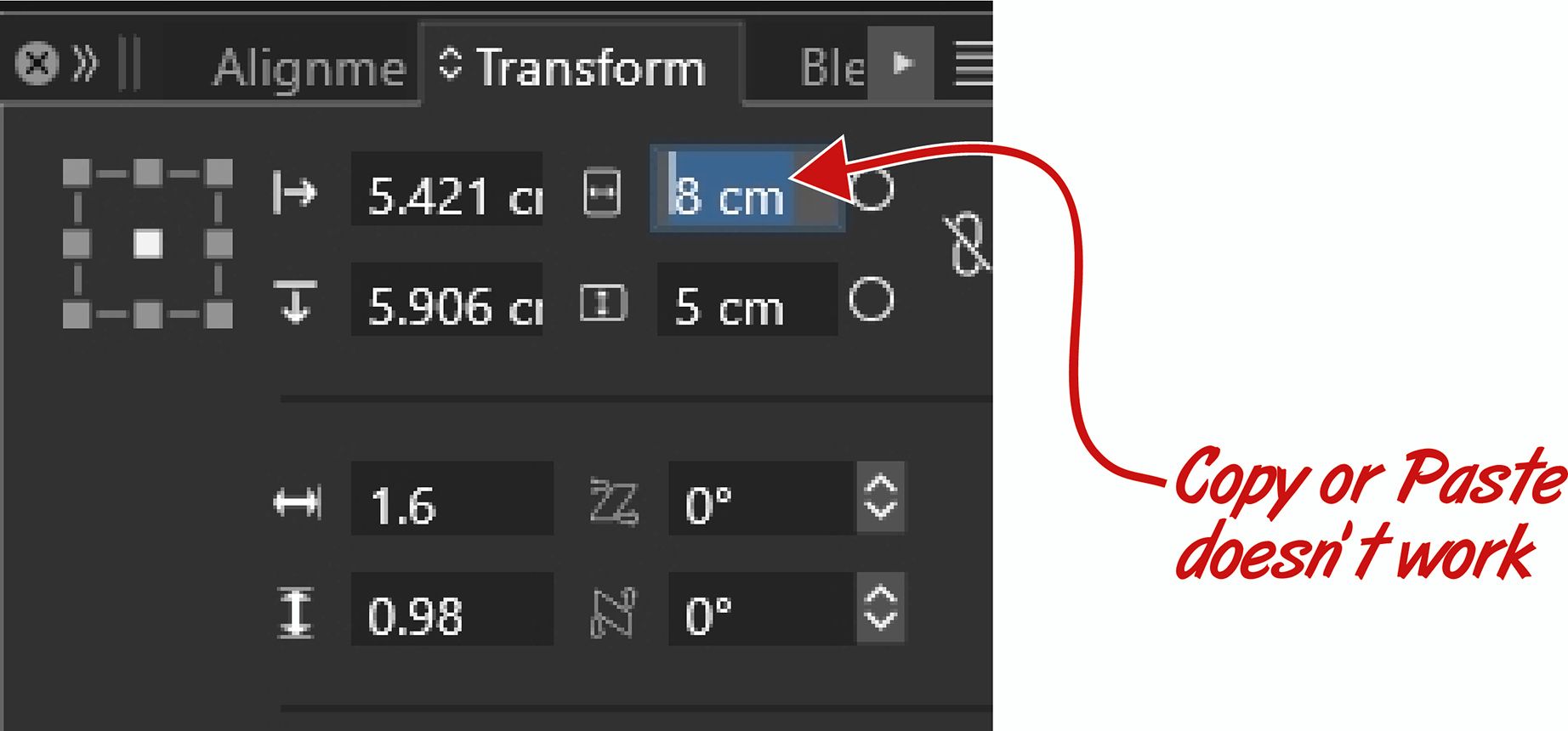
-
@William-Kansepa I will try to add this
-
@VectorStyler thank you for update 1.3.020!
However, this issue is still not resolved...HP•Windows 11 Pro•11th Gen Intel(R) Core(TM) i7-1165G7 @ 2.80GHz 2.70 GHz• RAM: 16.0 GB (DDR4)
-
@William-Kansepa It might be that only works on the mac, I will open a bug for this.
-
@William-Kansepa said in Right-click to copy or paste in the panel text field does not work:
@VectorStyler thank you for update 1.3.020!
However, this issue is still not resolved...I tested this on windows, and when right clicking the field, the number is copied.
-
@VectorStyler said in Right-click to copy or paste in the panel text field does not work:
I tested this on windows, and when right clicking the field, the number is copied.
Here it's still a challenge for me... Maybe there's a setting which I am missing?
Anyone else experiencing this?HP•Windows 11 Pro•11th Gen Intel(R) Core(TM) i7-1165G7 @ 2.80GHz 2.70 GHz• RAM: 16.0 GB (DDR4)
-
@William-Kansepa No settings is needed.
In the number field, is there anything selected when you right click?
(if nothing is selected, it should copy the whole text) -
@William-Kansepa
Could also be a mouse / input device type issue.
What kind of mouse you use for this? -
@VectorStyler said in Right-click to copy or paste in the panel text field does not work:
@William-Kansepa
Could also be a mouse / input device type issue.
What kind of mouse you use for this?I am using a simple HP mouse.
I am not facing this kind of challenge in other software... -
@William-Kansepa I tried it on two different PCs, and it works fine on both.
-
@Li-Xiao said in Right-click to copy or paste in the panel text field does not work:
@William-Kansepa I tried it on two different PCs, and it works fine on both.
@Li-Xiao, Thank you for your response. I think I will have to try another mouse and hopefully I will achieve the desired result.
-
@William-Kansepa You're welcome! Could it be a settings issue? A while back, importing AI generated images made VS crash on two Win PCs, but Mac was totally fine. It went back to normal after I reset it to default settings.
