Cavalry Pro Version, vector graphics animation is free for personal use
-
Cavalry Pro Version, vector graphics animation is free for personal use.
It is well known that Canva has acquired Affinity. However, the fact
that they also purchased the Cavalry app may not be quite as widely known.Since the acquisition, the Pro version of Cavalry—including all its Pro features—has
been free for personal use. Cavalry is a vector graphics application designed for
motion graphics and of course vector graphics animations.You can also use it purely as a standard vector graphics tool and utilize its features
for that purpose. Objects can be exported in .SVG format, allowing you to subsequently
reuse them in other applications—such as Vectorstyler.You have two ways how to this:
The first way works via the clipboard; this works in both directions—from
Cavalry to Vectorstyler, and vice versa. Both apps have a copy as .SVG Feature.The second way bears a somewhat unusual name, as it requires you to "Render"
a single frame as an .SVG file. Incidentally, this way also allows you to export an
entire vector animation as a sequence of individual .SVG frames by using the
Render Manager.Here a video, which shows some possibilities
1 year after using CavalryHere the Cavalry Youtube Channel
Cavalry youtube channel -
@Subpath Can Cavalry be used to produce HTML and JavaScript animations for web? I heard about Cavalry Web Player, but it seems to be experimental currently.
Its ability to produce vector graphics animations is interesting, because it reminds me of Adobe Flash. But it seems to be limited to 2D animations, unlike After Effects and Blender that can combine 2D and 3D graphics
-
... Can Cavalry be used to produce HTML and JavaScript animations for web?...
I have neither heard nor seen anything of the sort.
Ok, found it in the Manual, is in Beta state.
https://cavalry.studio/docs/web-player/Cavalry have "Lottie" Export which can be used for Web Animation.
But i am not familiar with that.Here whats the Manual said.
https://cavalry.studio/docs/user-interface/menus/window-menu/render-manager/lottie-export/I am more interested in vector graphics effects, pattern making.
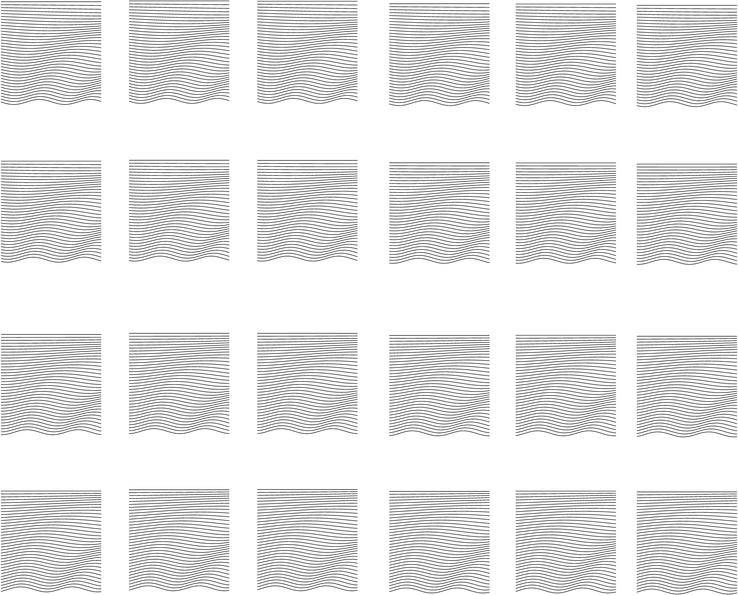
Here a Example vector animation exported as single frame .SVG´s
and imported in Vectorstyler.These are 20 out of 250 SVG files. I made a mistake and exported them to my
desktop—and then ended up with a desktop full of SVG files.
-
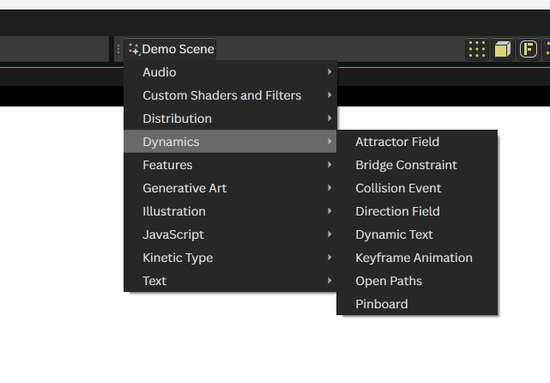
The Cavalry App came with a lot of Demo files
which can be found here.