Offset Path Froze While "View Using GPU" is Activated
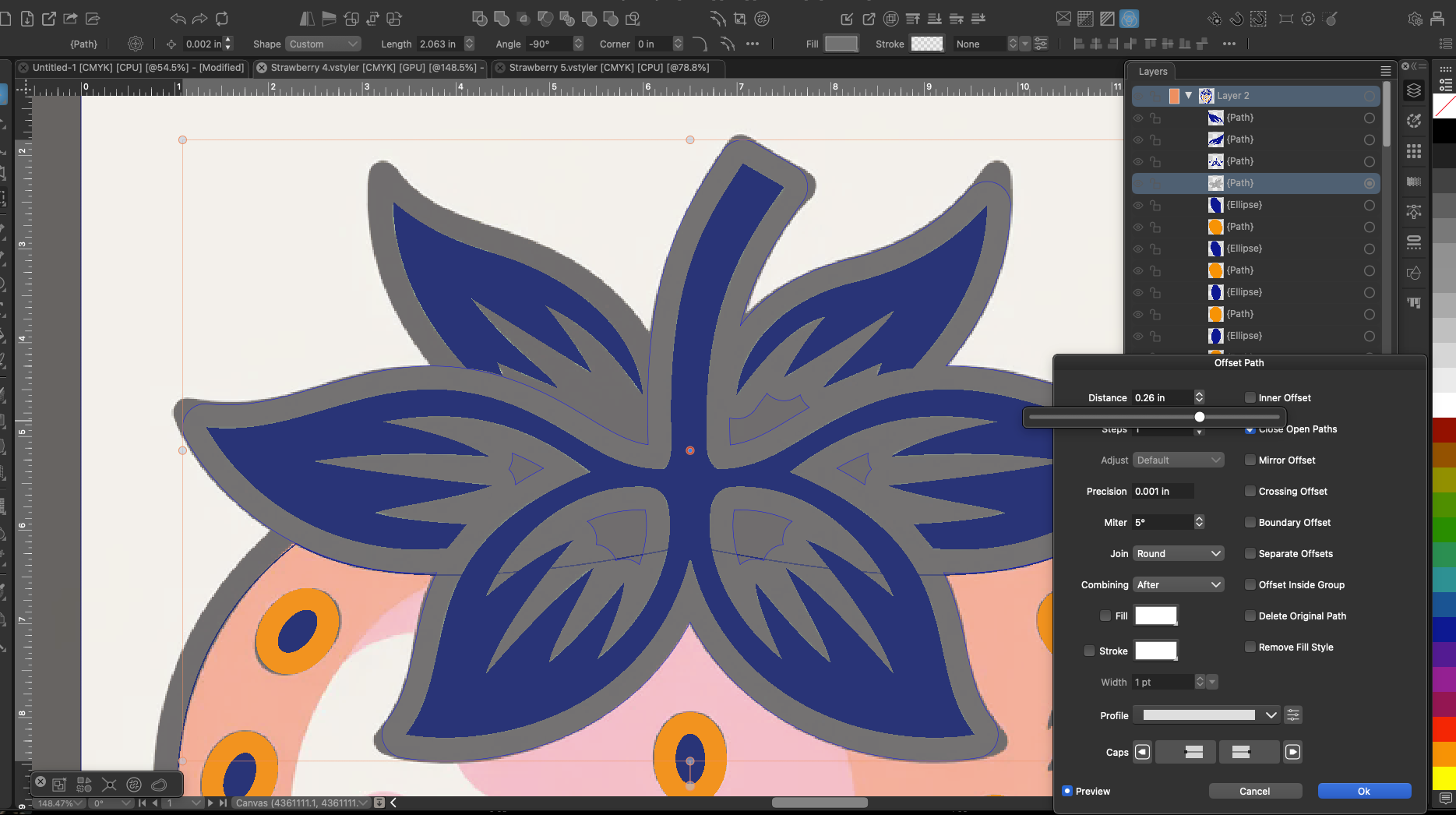
-
I noticed today that it's file dependent and not whole system dependent
Yes, actual all display settings are saved with the file
-
@VectorStyler said in Offset Path Froze While "View Using GPU" is Activated:
Yes, actual all display settings are saved with the file
I really like that! Is your thought for the user to turn that feature on when they know the project will be intensive? or to wait until it's complex and then start it?
-
@Boldline said in Offset Path Froze While "View Using GPU" is Activated:
Is your thought for the user to turn that feature on when they know the project will be intensive?
The GPU based rendering needs more testing as different GPUs may behave differently.
I will become default somewhere around 1.4 -
@VectorStyler
Good to hear GPU rendering will become default around 1.4.
Just sharing my current experience in case it's useful for testing on a MacBook Pro M1 Pro, GPU mode actually feels worse than CPU for me. I get freezing and lag, especially when moving objects with blur or transparency applied.
I was wondering could heavy effects like Gaussian blur, background blur, and glow maybe be among the first things to move to the GPU? They seem to be the effects that slow the computer down the most, but I'm not sure how the rendering pipeline actually works internally. Figma handles things like backdrop blur and glass effects in real time without lag I'd love to see a similar kind of solution in VectorStyler one day.Another thing I've been curious about while dragging or transforming objects that have effects applied, would it be possible to show a quick pixel/raster preview that switches back to full vector rendering once the mouse is released? VectorStyler already has Pixel display mode, so I was wondering if something similar could be reused temporarily during drag. Could that help make heavy effect documents feel smoother or would it be tricky to implement?
-
@Honor Most image effects were already on GPU before. because of this in these cases the rendering is not going to get faster with GPU more.
I will test it more on the M1.The pixel preview for dragging would be difficult to add, the only thing that could help is disabling image effects.
-
@VectorStyler Interesting that image effects are already on GPU so the slowdown I'm experiencing must be coming from somewhere else in the pipeline. I'll keep an eye on it after the M1 testing to see if anything specific stands out. Thanks for the response
-
@Honor Can you send me a file (to my email) where dragging an object is slow with GPU mode?
-
@vectorstyler Sent the test file to your email.
A side note: this isn't specific to Gaussian Blur on my
M1 Pro, dragging any object with any Image Effect applied
causes the app to crash in GPU mode. And in general GPU
mode performs noticeably slower than CPU mode on my machine
which is the opposite of what I'd expect. -
@Honor What is the MacOS version?
-
@VectorStyler System: MacBook Pro M1 Pro, 16GB RAM, macOS Tahoe 26.3.1 (25D2128)

