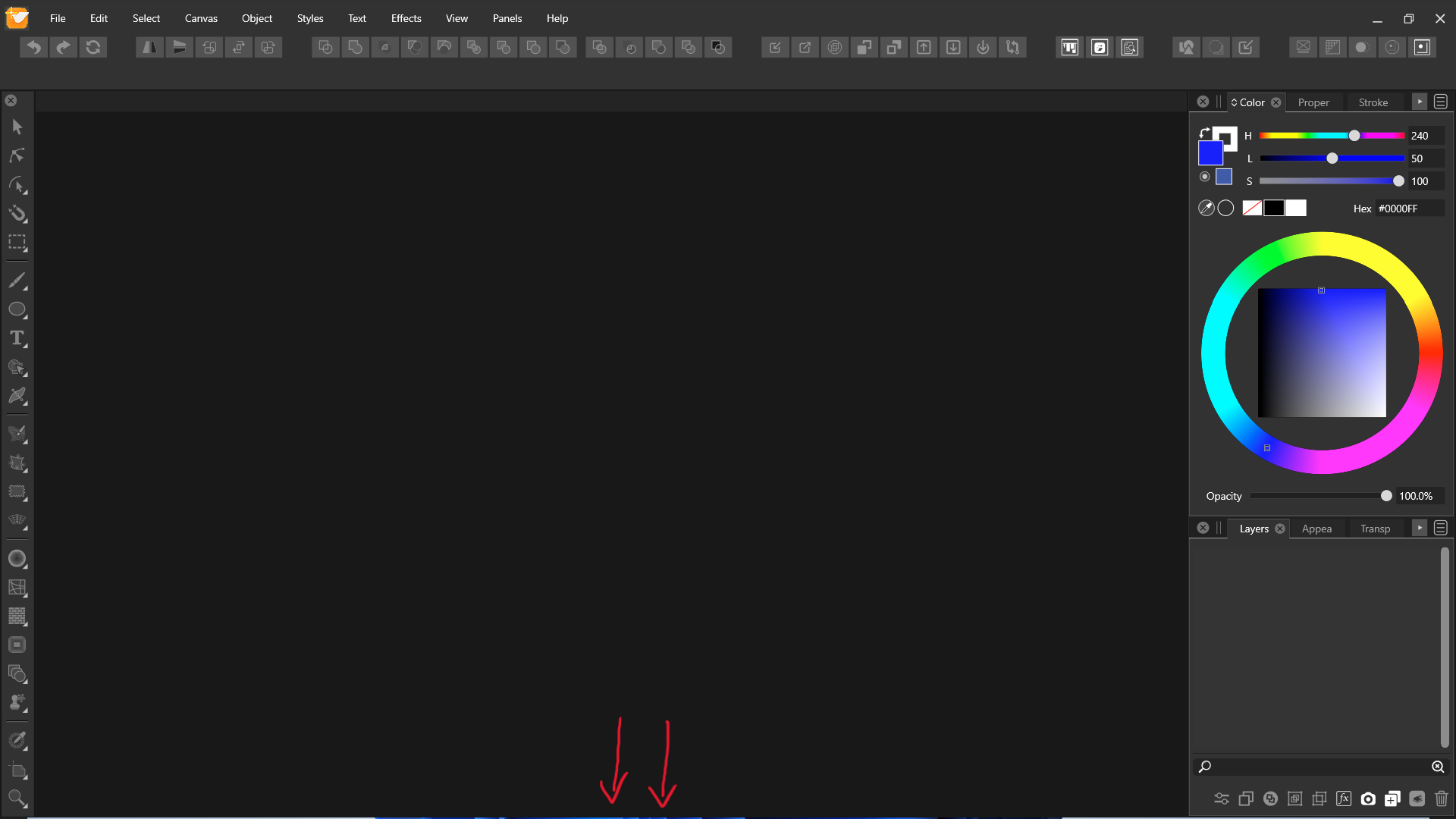
Full screen mode doesn't fit to screen.
-
Awesome, @Jayanta-Das. And I am glad @vectoradmin was able to replicate the issue.
I tried it hiding the taskbar as well and, although better, I still get a bit of misbehaviour at the top of the screen.
-
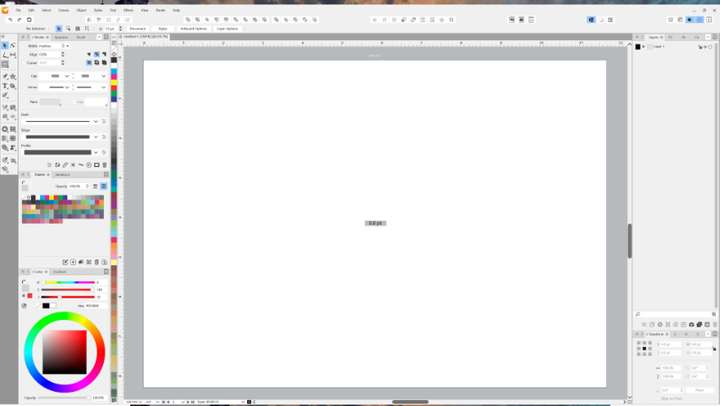
This issue is still persist in the latest build 1.1.037
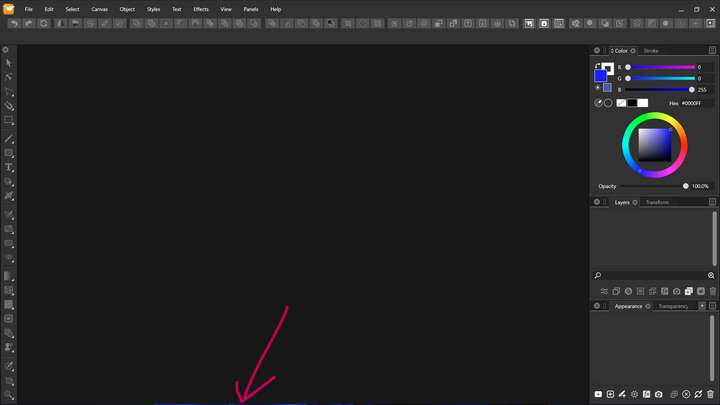
Also I see there is no snapping when we drag the window(VS) in upper part of the screen.
-
@Jayanta-Das Yes, these issues are still open.
-
@VectorStyler With the latest build 1.1.041 VS doesn't fit to whole screen, Its cutout from all sides. Clicking maximize button 2 times fix this.
Mac Mini M4 Pro | 24Gb
WIndows 11 | Intel i5 11Gen
Wacom Intuos Pro -
@Jayanta-Das Can be replicated.
-
@Jayanta-Das said in Full screen mode doesn't fit to screen.:
@VectorStyler With the latest build 1.1.041 VS doesn't fit to whole screen, Its cutout from all sides. Clicking maximize button 2 times fix this.
can confirm what @Jayanta-Das wrote
and also that "clicking maximize button 2 times fix this" -
@Jayanta-Das This problem should be fixed in 1.1.048
-
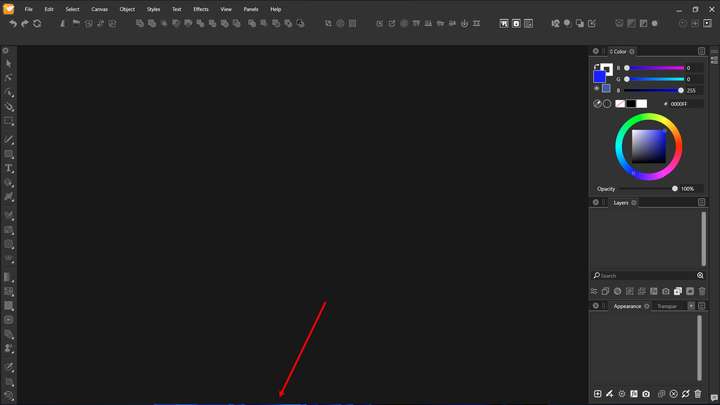
@VectorStyler I was so busy these days and I could not test last 2/3 build. But with the build 1.1.077 this issue is stil there. If you open the image you will see there is a blue gap below.
-
@Jayanta-Das Added this to the backlog.
-
Sorry for the thread bump. I thought this issue had been mentioned more recently but this was the only thread I could find on search.
I notice this sometimes on a secondary display, except that it is along the top... and very noticeably on a mounted TV screen. This is with single document view. I believe it's related to Windows scaling when the monitors go to sleep. Both displays are set to 150%, atm.
Download Link For Image.. Uploader says it is too wide to share here: https://1drv.ms/i/c/110a6c79485f87e5/IQCa5e6UHLzTSr3zgWpc7ipZARx6g32dmSFVS8pFzndrTYQ?e=6ZLQZ4
Occasionally the main application will also do similar on the main monitor. Usually the main application will "undock" from a Maximized state from either top or bottom (usually top) or may not even be showing a sliver, but rather just de-Maximized. I'll notice it because when I go to make the UI active and bring back up panels, the click will sometimes end up dragging the application instead.
-
@debraspicher I will try to replicate and fix this.


