Full screen mode doesn't fit to screen.
-
@encart I open a bug on this one.
-
Hello,
I also have slight bugs with full screen.
First it's not totally full, you can see the red drawing on the right (1).
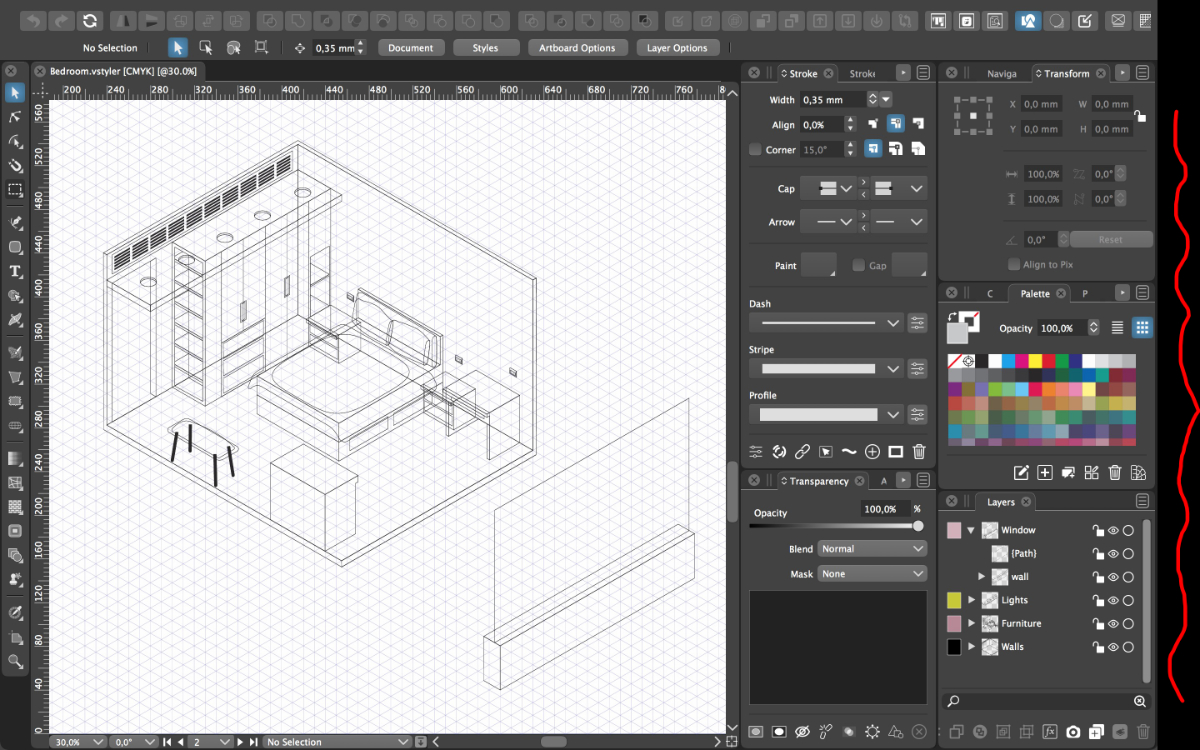
Then, either some parts of the panels on the right are not visible (2), or the bottom of my layer panel (where the "fx" are located). No scroll bar appears.
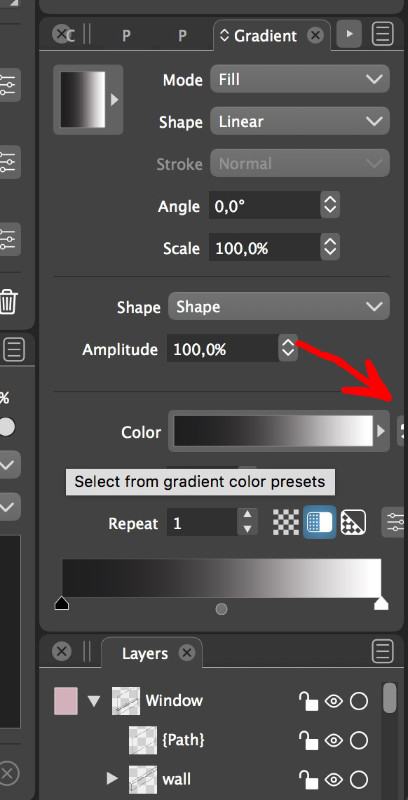
Another annoying thing is that the panels don't go back to their default size when called. What I mean is when a bigger panel from the same group is displayed, it pushed down the lower panels in order to display all options . But when we are back to a smaller panel, it keeps the bigger size and I have to manually stretch the lower panel up each time (3). No scrollbar to help.
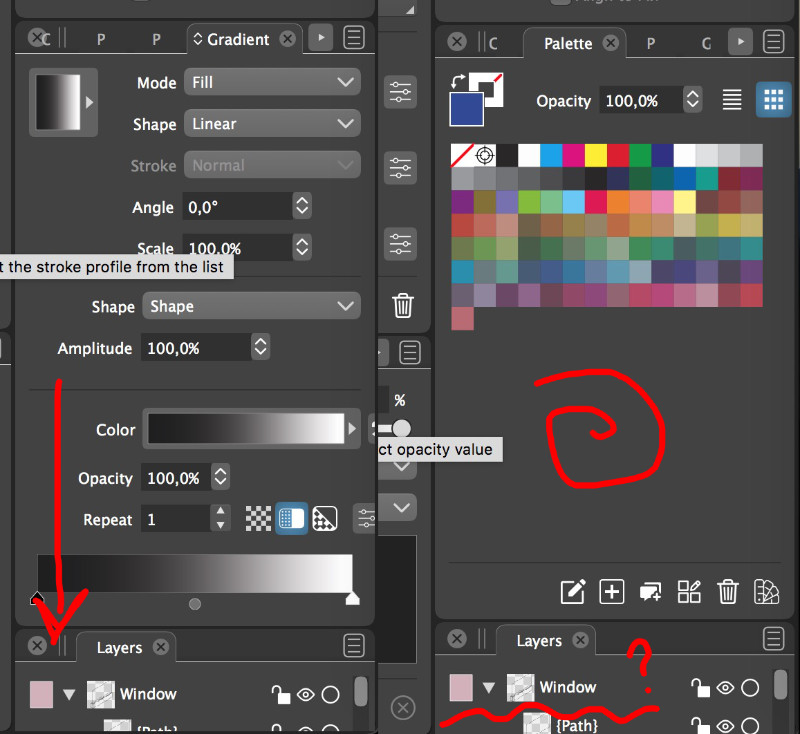
I usually switch on/off the full screen mode until everything comes back.
-
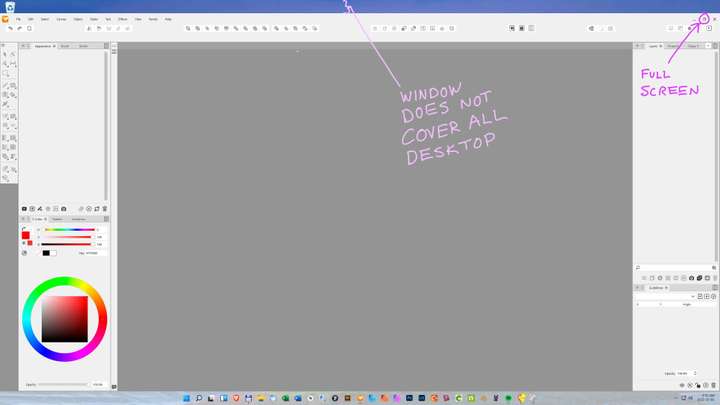
I can confirm the same non-full-screen issue on Windows 11 running VectorStyler on a 4K monitor, with 150% zoom. Also have a second screen running at 1440px and it does full screen correctly on that monitor.
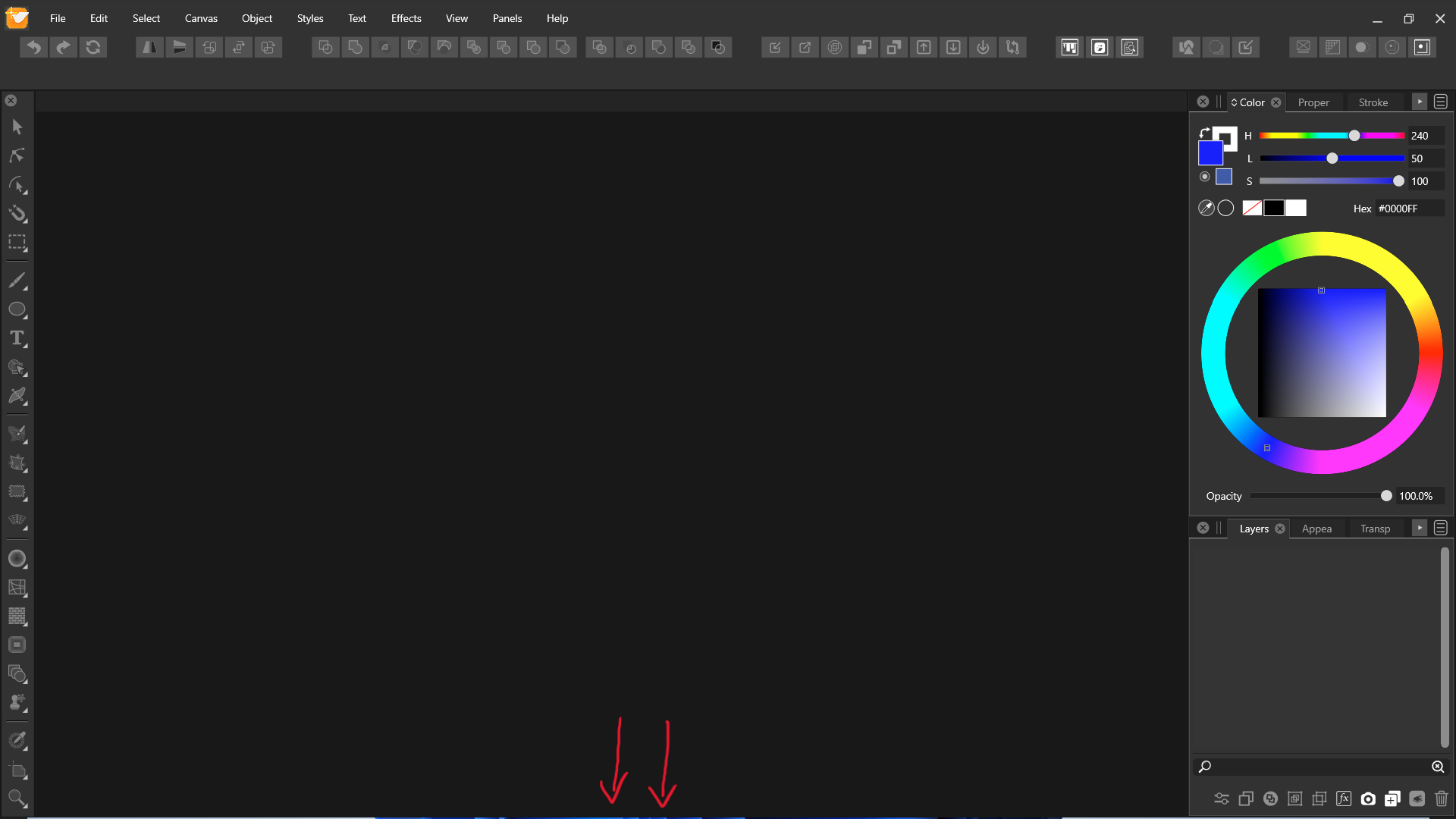
The image below shows the desktop (blue strip) at the top of the image. note the top right screen sizing icon is at full screen (note: resolution of this image is cut in half so it would upload to this forum) :
-
VS launch while taskbar is not hidden and hidden. Record
-
@Jayanta-Das said in Full screen mode doesn't fit to screen.:
VS launch while taskbar is not hidden and hidden. Record
This is the root cause! Replicated here too!
-
Awesome, @Jayanta-Das. And I am glad @vectoradmin was able to replicate the issue.
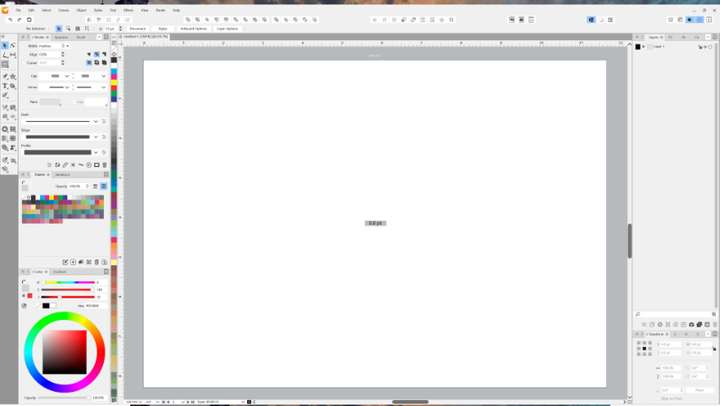
I tried it hiding the taskbar as well and, although better, I still get a bit of misbehaviour at the top of the screen.
-
This issue is still persist in the latest build 1.1.037
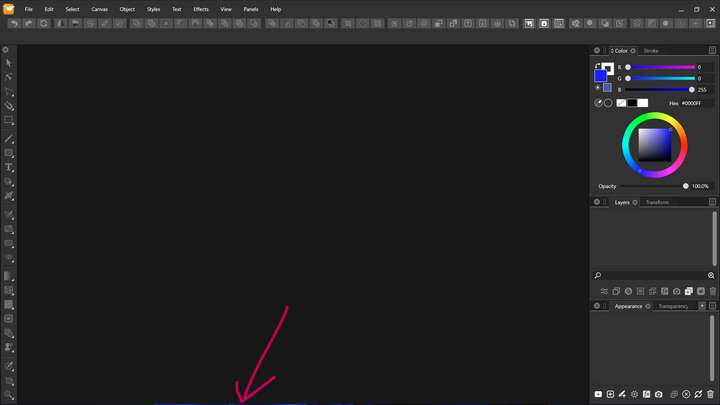
Also I see there is no snapping when we drag the window(VS) in upper part of the screen.
-
@Jayanta-Das Yes, these issues are still open.
-
@VectorStyler With the latest build 1.1.041 VS doesn't fit to whole screen, Its cutout from all sides. Clicking maximize button 2 times fix this.
Mac Mini M4 Pro | 24Gb
WIndows 11 | Intel i5 11Gen
Wacom Intuos Pro -
@Jayanta-Das Can be replicated.
-
@Jayanta-Das said in Full screen mode doesn't fit to screen.:
@VectorStyler With the latest build 1.1.041 VS doesn't fit to whole screen, Its cutout from all sides. Clicking maximize button 2 times fix this.
can confirm what @Jayanta-Das wrote
and also that "clicking maximize button 2 times fix this" -
@Jayanta-Das This problem should be fixed in 1.1.048
-
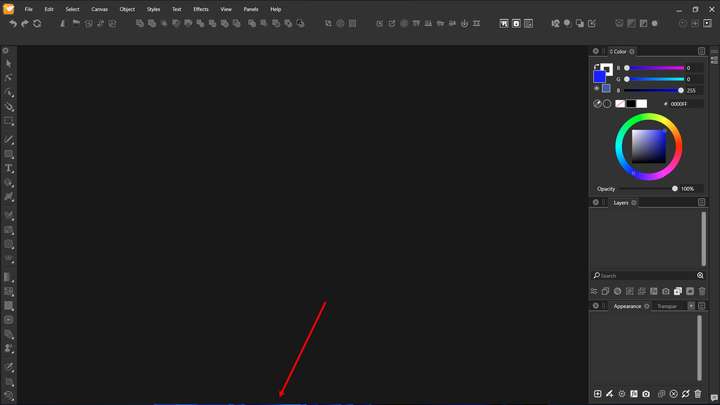
@VectorStyler I was so busy these days and I could not test last 2/3 build. But with the build 1.1.077 this issue is stil there. If you open the image you will see there is a blue gap below.
-
@Jayanta-Das Added this to the backlog.
-
Sorry for the thread bump. I thought this issue had been mentioned more recently but this was the only thread I could find on search.
I notice this sometimes on a secondary display, except that it is along the top... and very noticeably on a mounted TV screen. This is with single document view. I believe it's related to Windows scaling when the monitors go to sleep. Both displays are set to 150%, atm.
Download Link For Image.. Uploader says it is too wide to share here: https://1drv.ms/i/c/110a6c79485f87e5/IQCa5e6UHLzTSr3zgWpc7ipZARx6g32dmSFVS8pFzndrTYQ?e=6ZLQZ4
Occasionally the main application will also do similar on the main monitor. Usually the main application will "undock" from a Maximized state from either top or bottom (usually top) or may not even be showing a sliver, but rather just de-Maximized. I'll notice it because when I go to make the UI active and bring back up panels, the click will sometimes end up dragging the application instead.
-
@debraspicher I will try to replicate and fix this.



