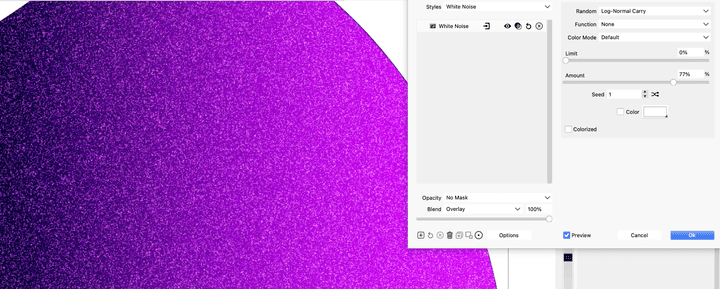
Adding noise to a colour in a simple way
-
@PatrickM said in Adding noise to a colour in a simple way:
I may have found a bug: I could not disable the effect by clicking on the icon.
Tried (both on Windows and on Mac) but could not replicate this issue.
-
@PatrickM said in Adding noise to a colour in a simple way:
@vectoradmin another point I don't understand: I would like to mask the effect of the noise/grain on one side of the object and I try to use the gradient mask but all the noise disappears. What am I doing wrong? And how do I edit the mask after creating it?
@b77 There seems to a bug (or more) here. This one can be replicated on Windows.
Nevertheless, the mask is edited by selecting "Gradient" again from the drop down.
-
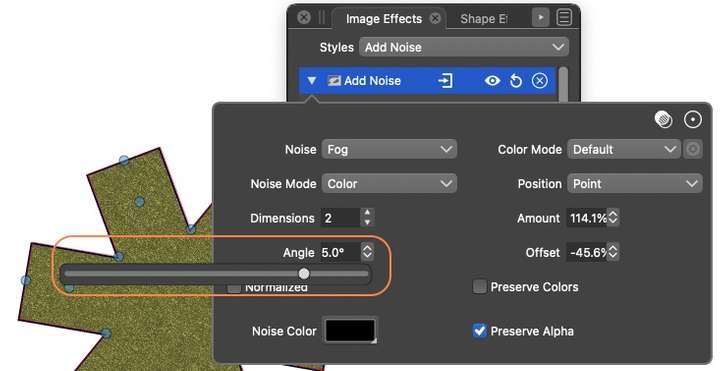
Whilst looking at the noise image effect, I have a small observation: When the value of angle and offset are increased, the value no longer displays correctly. In this screenshot the angle should show a three digit number.
-
@Jono said in Adding noise to a colour in a simple way:
Whilst looking at the noise image effect, I have a small observation: When the value of angle and offset are increased, the value no longer displays correctly. In this screenshot the angle should show a three digit number.
It looks like the Angle value is clipped, and needs a larger field.
-
@vectoradmin said in Adding noise to a colour in a simple way:
@PatrickM said in Adding noise to a colour in a simple way:
I may have found a bug: I could not disable the effect by clicking on the icon.
Tried (both on Windows and on Mac) but could not replicate this issue.
@vectoradmin no way to hide the effect on my side. When I click elsewhere and then select the object, the effect is well enable. Do I send you the file by email?
-
@PatrickM Please send me the file by email.
-
@vectoradmin said in Adding noise to a colour in a simple way:
@PatrickM said in Adding noise to a colour in a simple way:
I may have found a bug: I could not disable the effect by clicking on the icon.
Tried (both on Windows and on Mac) but could not replicate this issue.
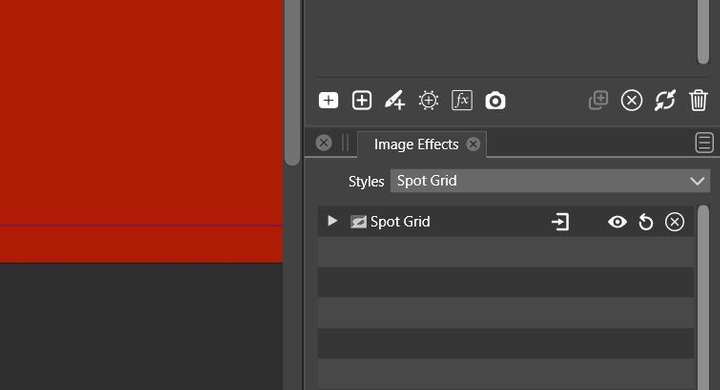
@vectoradmin Ok, I found the issue. It's fine when the panel is free:
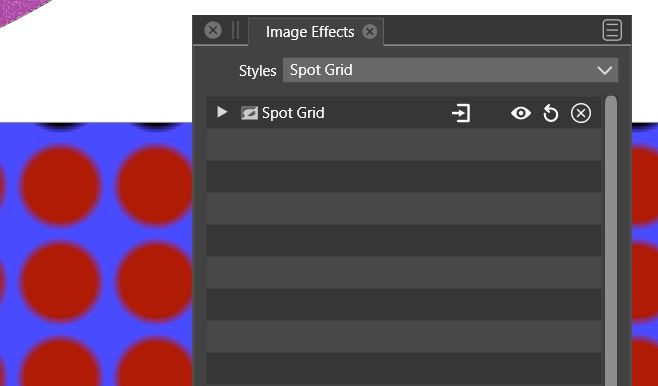
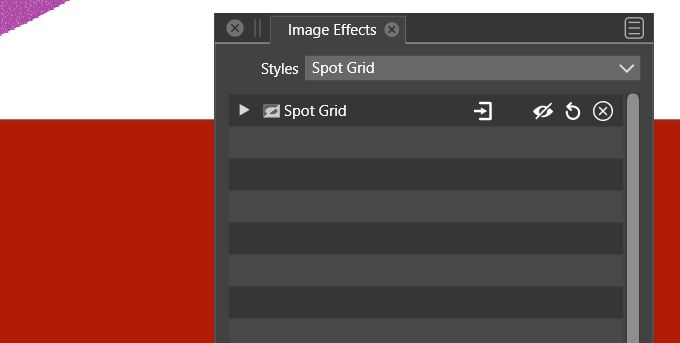
but the issue is there when the panel is docked:
-
Hello
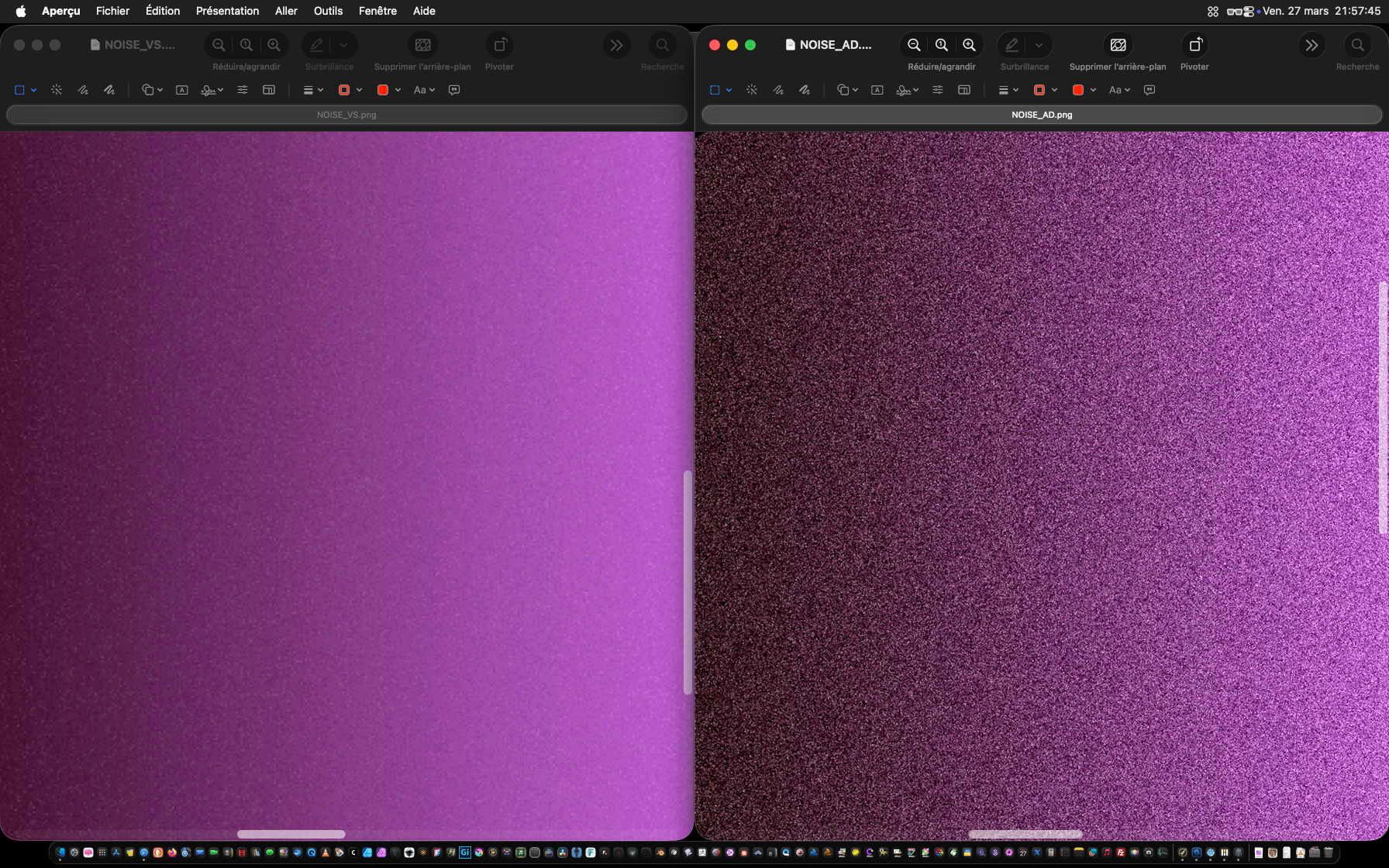
I’ve tried lots of tests to match the AD noise with VS, but without success. What I get is more fine with VT. Would it be possible to have more big noise like AD?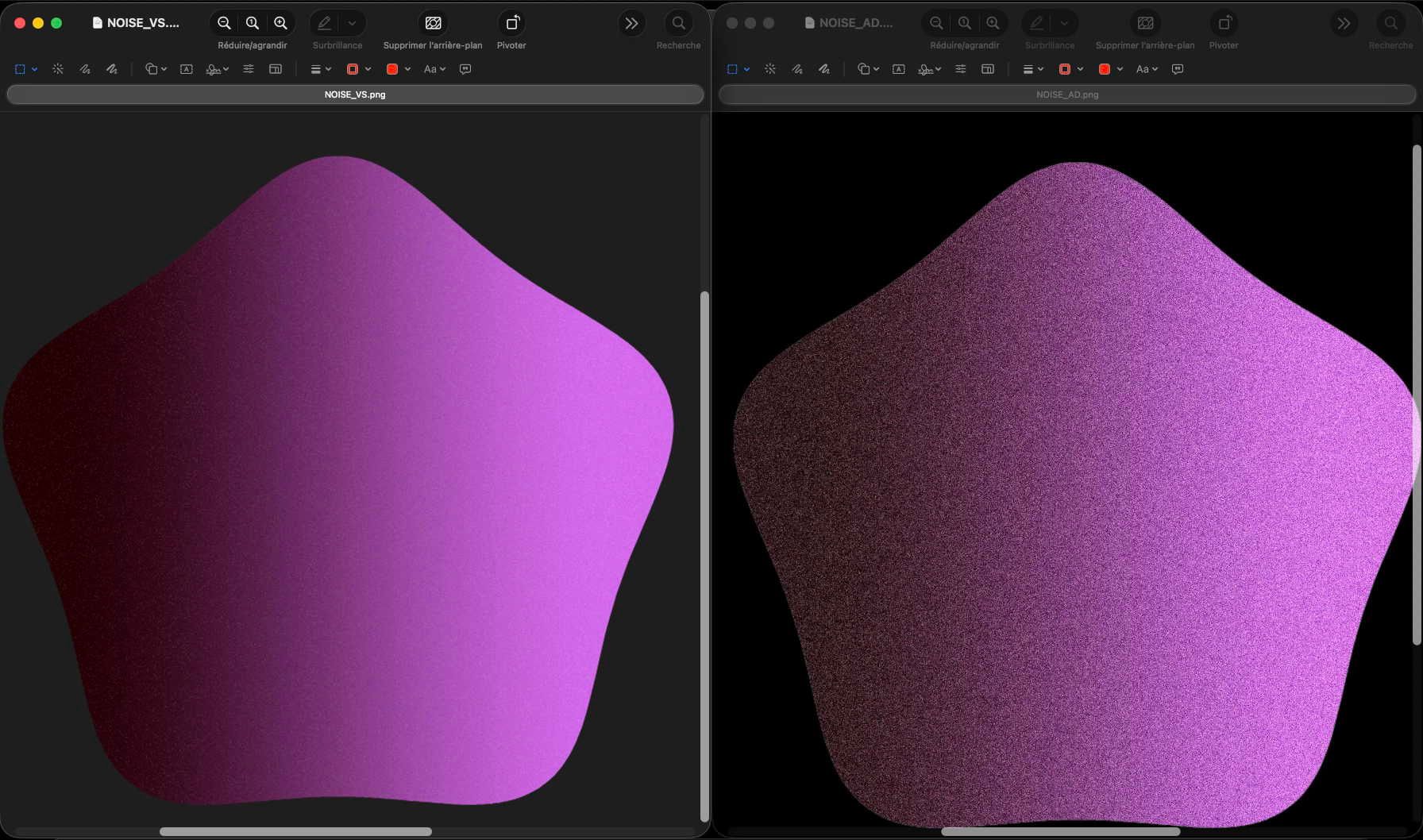
Cordialement Votre
-
@ZATOPEK In. the "White Noise" image effect you can adjust the Amount and Limit fields, (increase Amount and decrease the Limit) to get stronger noise.
-
@ZATOPEK a couple things to consider when comparing noise effects :
- Affinity adds a white noise on a pixel basis (each pixel value seem independent of its neighbours), it is not a grain effect or 2D noise where neighboring pixels would have correlated values.
- document size in pixel will influence greatly the size of the noise "particles". A smaller document will have bigger noise particle size in relation to vector shape, than the same noise applied to the same shape on a higher resolution document
- Affinity rendering engine is very well optimized for fast rendering of multiple layers and uses dynamic image resampling based on display zoom. So, relative noise size will change as you zoom in and out. This can confuse you in thinking you have large noise grains at low zoom settings. But when you zoom in, you see the noise gets smaller and smaller
- same goes for exporting. If you export at low resolution, you will get large noise grains. If you export at higher resolution, you will get smaller noise grains. Noise grains are one pixel always
- a way to get a more accurate view in both AD and VS is to switch from vector to pixel view mode. You will avoid the display oversampling at high zoom settings.
AD's noise in color chooser is smart and very easy to use, but it lacks configurability.
On the other hand VS White Noise image effect is less immediate, but offers much more configurability (experiment with different noise types - random parameter, limit, amount, blend type ...) and you can get all sorts of variations.
On SVG export, both AD and VS need to rasterize the noise into a clipping mask as noise is not a standard SVG attribute.