VectorStyler
    • Categories
    • Unread
    • Recent
    • Tags
    • Popular
    • Register
    • Login

    Oil and Watercolor for VS Designs with Rebelle

    Scheduled Pinned Locked Moved General Discussion
    13 Posts 5 Posters 10.4k Views 4 Watching
    Loading More Posts
    • Oldest to Newest
    • Newest to Oldest
    • Most Votes
    Reply
    • Reply as topic
    Log in to reply
    This topic has been deleted. Only users with topic management privileges can see it.
    • S Offline
      Subpath @Boldline
      last edited by Subpath

      @Boldline said in Oil and Watercolor for VS Designs with Rebelle:

      @Subpath I have Rebelle 5, maybe I'll have to upgrade at some point as this develops! Can SVG's be filled like stencils? The examples the linked video shows with the vector file affects the path itself

      At the moment only a brush can follow the Path.
      Filling a Path is not possible.

      Its also strange that it is not possible to create a selection from
      a path. But I think all of this will be added in the foreseeable future.

      But there is a workaround to create a filled path.
      I'll post a little video about it here

      What like at this Feature is that almost all of Rebelles brushes follow a path.
      Also the Eraser and Liquify brush.

      Win 11
      CPU: AMD Ryzen 5 9600X, 6-core.
      GPU: Nvidia Geforce RTX 5070.

      1 Reply Last reply Reply Quote 0
      • S Offline
        Subpath
        last edited by

        @Boldline

        Here a Workaround for filling a Path
        I think the best way at the Moment is to create
        a Stencil from it as i show it in the video

        Here the Video

        Win 11
        CPU: AMD Ryzen 5 9600X, 6-core.
        GPU: Nvidia Geforce RTX 5070.

        1 Reply Last reply Reply Quote 1
        • S Offline
          Subpath
          last edited by

          @Boldline

          Here is a slightly better way to fill a Shape of a Path
          using a Stencil.

          Here the Video

          Win 11
          CPU: AMD Ryzen 5 9600X, 6-core.
          GPU: Nvidia Geforce RTX 5070.

          1 Reply Last reply Reply Quote 0
          • S Offline
            Subpath
            last edited by Subpath

            Short Update on SVG-Paths in Rebelle 7

            Since the latest 7.1 update
            You can use multiple Paths and Stencils
            at the same time now. Also both together.

            Creating a Selection from a Path is now possible.

            Filling a Path is now also possible, in this way:
            Place a Path on the canvas
            create a Selection from the Path
            and fill the Selection.

            Stencils can be created from a Selection.
            Also a Selection from a Stencil.

            All in all, that new improvements make working
            with Paths and Stencils in Rebelle more useful.

            Win 11
            CPU: AMD Ryzen 5 9600X, 6-core.
            GPU: Nvidia Geforce RTX 5070.

            1 Reply Last reply Reply Quote 3
            • S Offline
              Subpath
              last edited by Subpath

              Rebelle version 8 is available in Early Access.
              There is a Standard and a Pro version.

              Only the Pro version now has Bristle Brushes and an improved Impasto,
              which can be used to create interesting 3D effects.

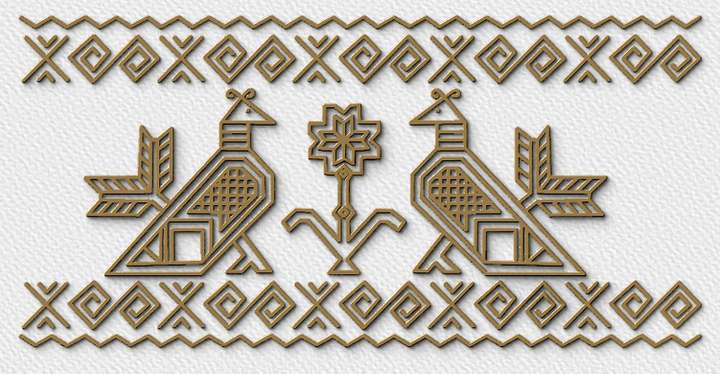
              I came up with the idea of trying out Impasto with stencils.
              Stencils are simply grayscale or black and white PNGs, for
              which you can also use Vectorstyler vector graphic designs.

              Here are two examples:

              0_1754771956100_Impasto result.png

              Here the Stencil

              0_1754771995823_the stencil.png

              Here another try, were made with two stencils
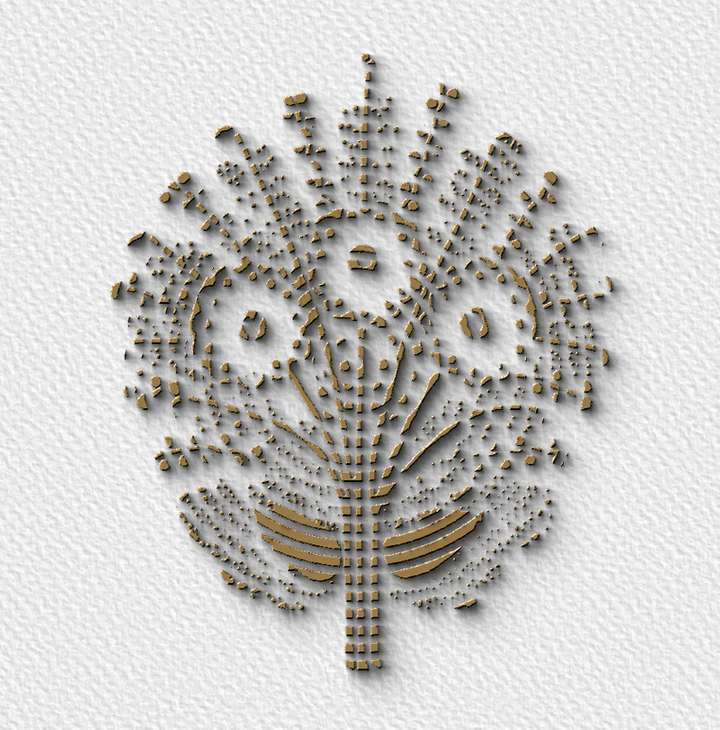
              0_1754772043001_Stencil-Impasto 2.png

              Win 11
              CPU: AMD Ryzen 5 9600X, 6-core.
              GPU: Nvidia Geforce RTX 5070.

              1 Reply Last reply Reply Quote 4
              • IngolfI Offline
                Ingolf
                last edited by

                Cool, thanks for sharing. I first heard about Rebelle yesterday, and I'm going to see what it can do for me.

                🍏 macOS Sequoia Apple Silicon

                S 1 Reply Last reply Reply Quote 1
                • S Offline
                  Subpath @Ingolf
                  last edited by Subpath

                  @Ingolf

                  gladly,

                  when it comes to using/refining vector graphics created with Vectorstyler,
                  Paths and Stencils in Rebelle are particularly the most interesting.

                  Rebelle also offers, in my opinion, the best digital watercolor simulation.
                  Oil painting is also pretty cool. One should not expect miracles, because
                  ultimately, this is a digital simulation and not the real thing.

                  Paths are vector graphics in SVG format and can be quite wild. A brush in
                  Rebelle still follows each individual path like a ruler. This also applies
                  to the eraser, liquifier, smudge, and water brush.

                  Stencils are simple grayscale or black-and-white raster graphics in PNG
                  format. Stencils are like Masks you could brush over it hide the stencil
                  and you have your design.

                  Paths and Stencils can be converted into Selections.
                  Currently Selections could only converted back in Stencils.

                  There is no Text Tool in Rebelle, but you could create a Stencil
                  from your Vectorstyler Text and use this in Rebelle.
                  .
                  .
                  Here how wild Paths could be, a brush will follow every
                  single Path. This could mean a lot of handy work.
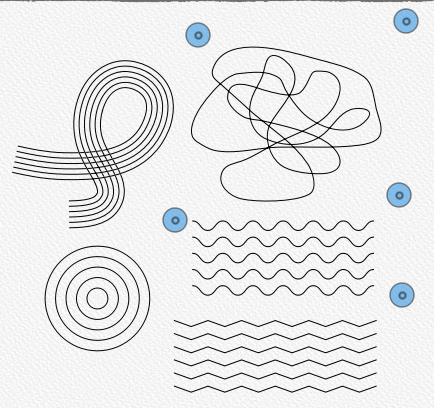
                  0_1754812709169_Paths.png
                  .
                  .
                  Here i made some test using the Watercolor brush along a Path
                  and one using the Liquify brush.
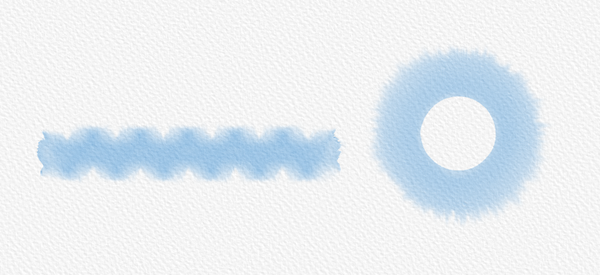
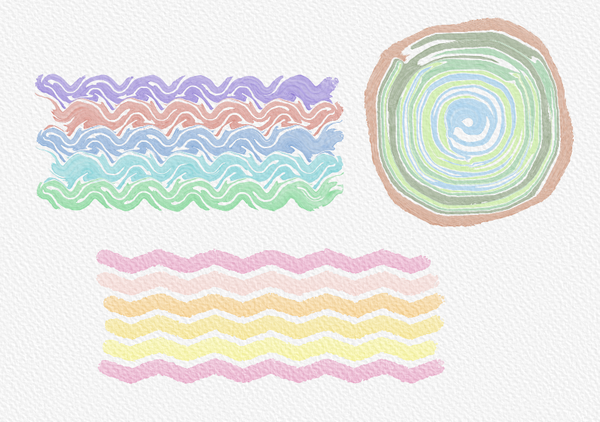
                  0_1754812841999_ksnip_20241108-175037.png

                  0_1754812858148_ksnip_20241108-175159.png
                  .
                  .
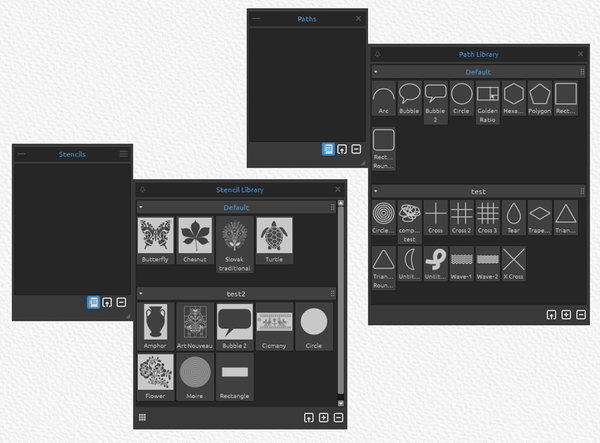
                  Here my Stencil and Path Folder

                  0_1754812924048_Folder-Stencil-Paths.png

                  Win 11
                  CPU: AMD Ryzen 5 9600X, 6-core.
                  GPU: Nvidia Geforce RTX 5070.

                  1 Reply Last reply Reply Quote 3
                  • J Offline
                    joekerry
                    last edited by

                    This post is deleted!
                    1 Reply Last reply Reply Quote 0
                    • J Offline
                      joekerry
                      last edited by

                      This post is deleted!
                      1 Reply Last reply Reply Quote 0
                      • S Offline
                        Subpath
                        last edited by

                        @VectorStyler

                        curious post here, see above would guess it is spam

                        Win 11
                        CPU: AMD Ryzen 5 9600X, 6-core.
                        GPU: Nvidia Geforce RTX 5070.

                        VectorStylerV 1 Reply Last reply Reply Quote 0
                        • VectorStylerV Offline
                          VectorStyler @Subpath
                          last edited by

                          @Subpath Clearly a spam, removed.

                          1 Reply Last reply Reply Quote 1
                          • First post
                            Last post