VectorStyler
    • Categories
    • Unread
    • Recent
    • Tags
    • Popular
    • Register
    • Login

    Appearance panel "FX"
    Scheduled Pinned Locked Moved VectorStyler 1.2 beta
    4 Posts 3 Posters 4.3k Views 3 Watching
    Loading More Posts
    • Oldest to Newest
    • Newest to Oldest
    • Most Votes
    Reply
    • Reply as topic
    Log in to reply
    This topic has been deleted. Only users with topic management privileges can see it.
    • M Offline
      MajorTom
      last edited by MajorTom

      Hello,

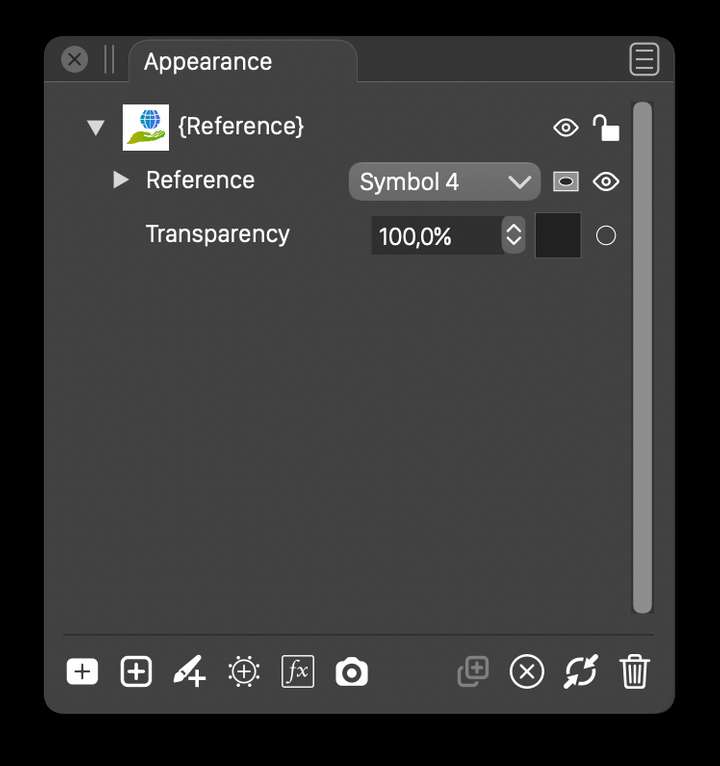
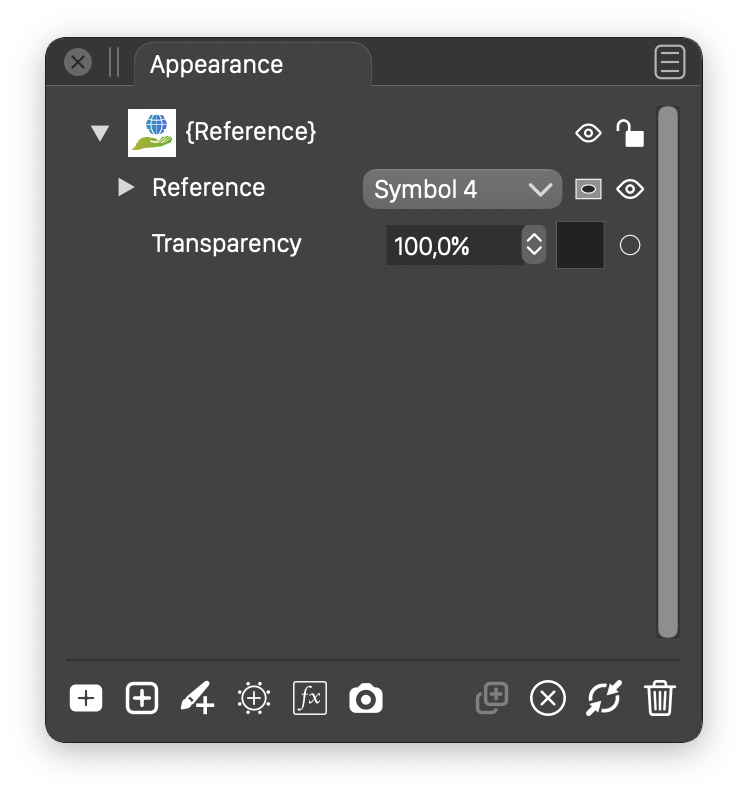
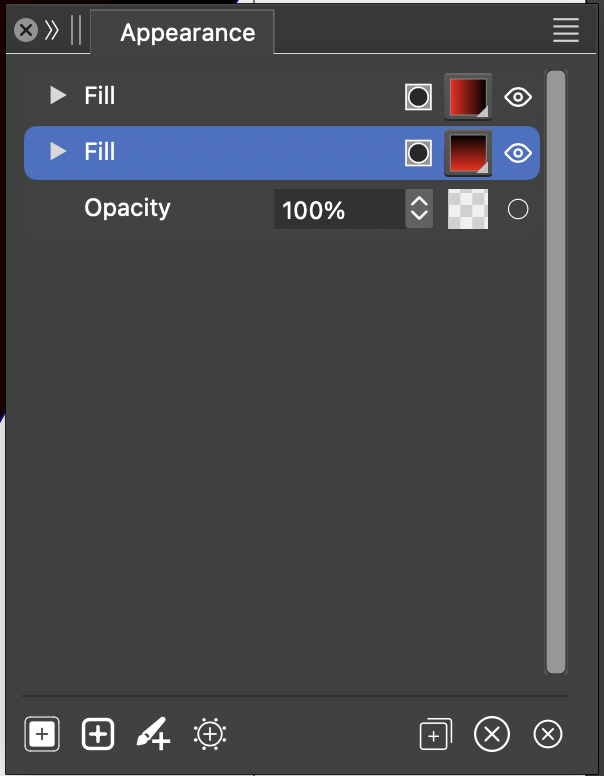
      in the appearance panel, e.g the "fx" button is missing.
      Not sure if intended, if intended how can I apply fx to the fill to e.g. for an offset.
      Current Beta.
      0_1708151733539_Screenshot 2024-02-17 at 14.23.35.png

      Version 1.1
      0_1708151059938_changereference.png

      VectorStylerV 1 Reply Last reply Reply Quote 1
      • VectorStylerV Offline
        VectorStyler @MajorTom
        last edited by

        @MajorTom It was removed by mistake, will be fixed in the next build.
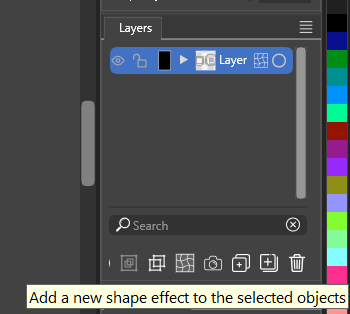
        Meanwhile, to add an effect an object use the Shape Effects panel.

        1 Reply Last reply Reply Quote 0
        • M Offline
          MajorTom
          last edited by

          🙂 Thanks.

          1 Reply Last reply Reply Quote 0
          • S Offline
            Subpath
            last edited by

            is the third icon from the left

            0_1708155565017_shape effect.png

            Win 11
            CPU: AMD Ryzen 5 9600X, 6-core.
            GPU: Nvidia Geforce RTX 5070.

            1 Reply Last reply Reply Quote 0
            • First post
              Last post