VectorStyler
    • Categories
    • Unread
    • Recent
    • Tags
    • Popular
    • Register
    • Login

    Homeless objects

    Scheduled Pinned Locked Moved VectorStyler 1.2 beta
    3 Posts 2 Posters 3.6k Views 2 Watching
    Loading More Posts
    • Oldest to Newest
    • Newest to Oldest
    • Most Votes
    Reply
    • Reply as topic
    Log in to reply
    This topic has been deleted. Only users with topic management privileges can see it.
    • AyoA Offline
      Ayo
      last edited by

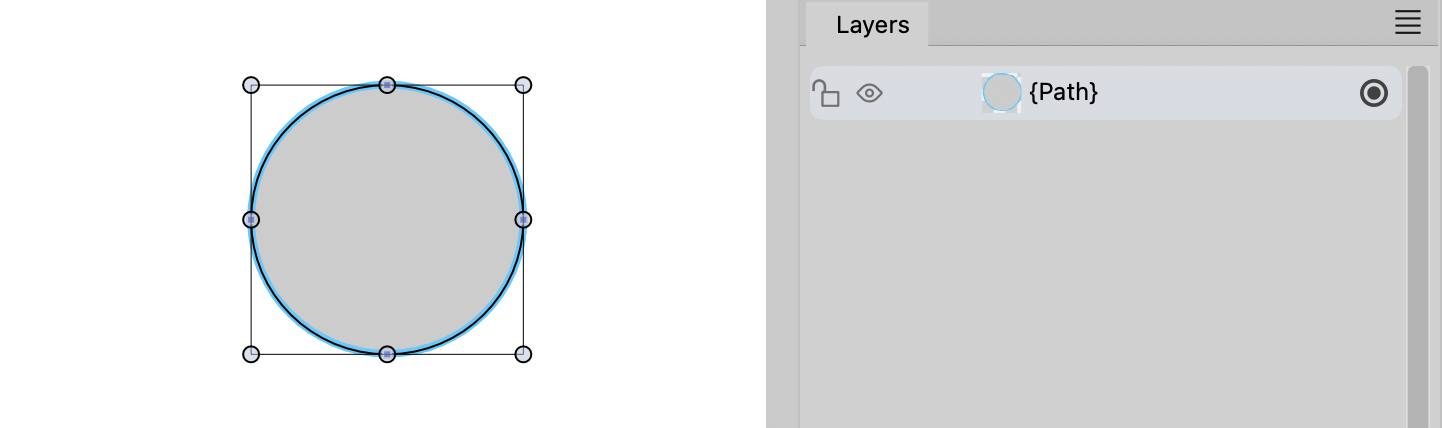
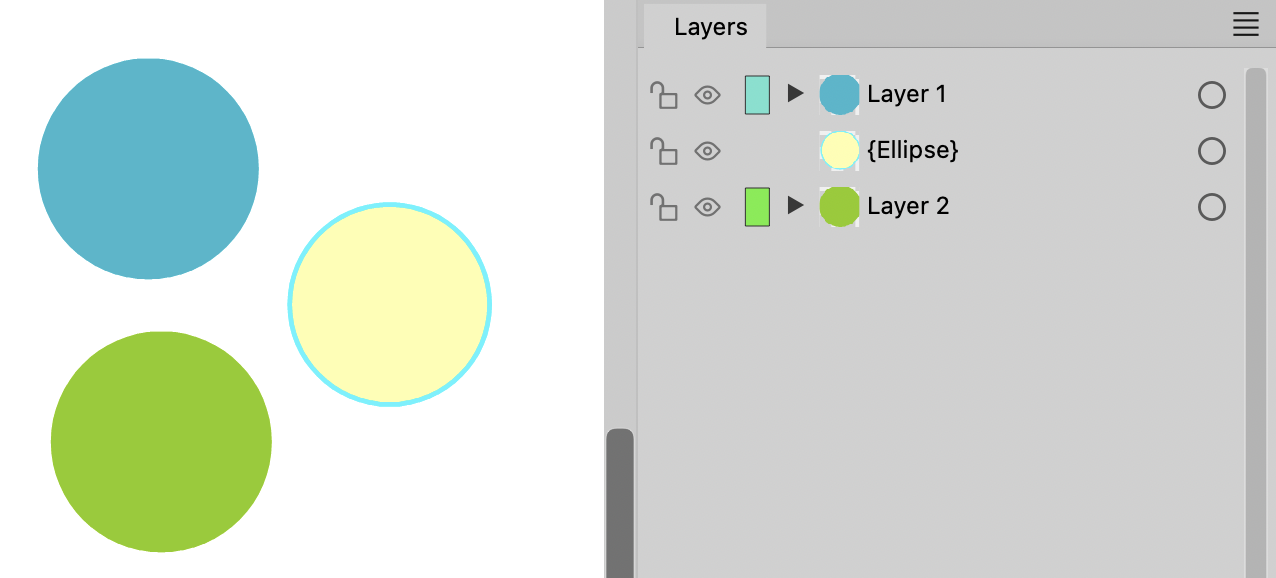
      Is it correct that an object can exist in the layers panel without being a part of a layer?
      In my experience with drawing programs, every object is always placed within a layer. Starting new document with 'Layer 1'.
      No drawing possible without a layer I would think. But in VS it is possible. You can easily drag an object between layers and get homeless objects. Don't think that should be.
      0_1698087616326_97fdfa9e-7029-4e4c-b1ee-f55e37f3a909-image.png

      0_1698089060606_710e8dc8-0229-4deb-859a-f24ed5f25e99-image.png

      VectorStylerV 1 Reply Last reply Reply Quote 0
      • VectorStylerV Offline
        VectorStyler @Ayo
        last edited by

        @Ayo said in Homeless objects:

        Is it correct that an object can exist in the layers panel without being a part of a layer?

        Yes, this is possible and it is by design. In this case the objects are directly on the canvas.

        BTW: In VS, layers are just groups with a few extra options and the selection inside enabled.

        AyoA 1 Reply Last reply Reply Quote 1
        • AyoA Offline
          Ayo @VectorStyler
          last edited by Ayo

          @VectorStyler I thought so. Somewhere else you call it 'containers'. It is more a stack order panel.
          Layers, groups or containers, it is simply not correct to include varieties of pears under the heading of apples.


          1 Reply Last reply Reply Quote 1
          • First post
            Last post