Cannot activate rotate option when hovering
-
I cannot activate rotate option when hovering over shape corners. Bug or error 40?
https://go.screenpal.com/watch/cO6uo6ny5ta -
@Raaskot Send me that file.
-
-
@Raaskot Seems to be working here: https://cleanshot.com/share/wVfRBhQ5
Could be a settings / workspace issue (I always test with the defaults).
-
@Raaskot works over here for me (I'm using a custom settings file). Sometimes it helps to save and close out the file and try again, and then try restarting VS completely if reopening the file itself does not fix it. Then checking if it works with default settings. If it works with default settings, send the developer your custom setting file because the issue is probably in there.
-
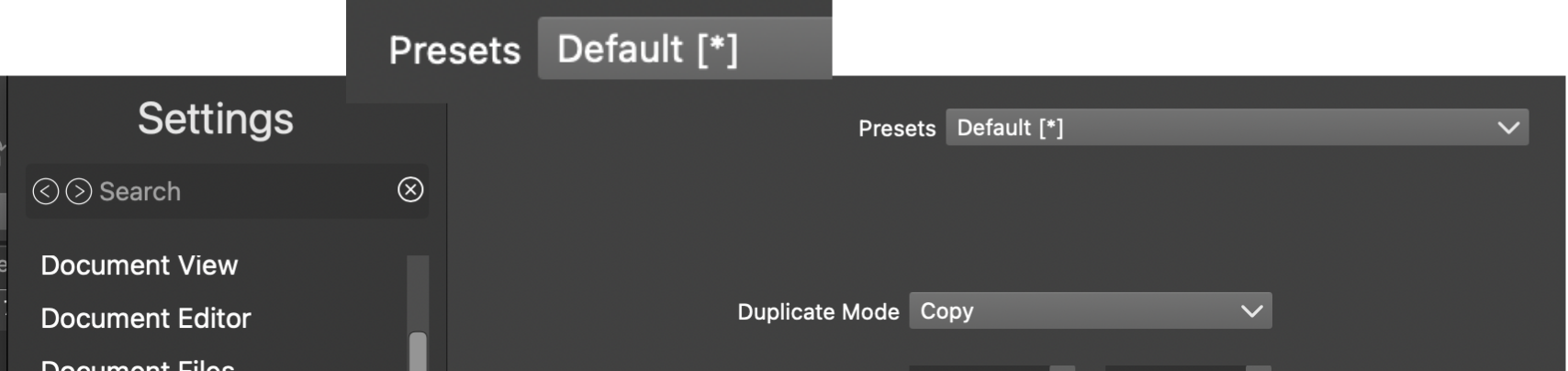
No, no rotate-option available upon Presets Default restore (image) and VS restart. I wonder what the asterisk (x) tell?
-
@Raaskot Then [*] means that something is changed in the settings from the defaults
-
@VectorStyler
Is it releated to issue?
Rotate handles is still missing after restart/reset. -
@Raaskot The asterisk * indicates that a parameter has been modified and no longer matches the default value. My workflow is to configure all parameters, save them as a file to disk, and load the file when needed.
-
@monsterfox
I understand ..."My workflow is to configure all parameters, save them as a file to disk, and load the file when needed".... but that doesn't solve the issue with the missing rotate handle in UI since last update, am I right?
-
@Raaskot I have tested your file, and the rotation handles work fine on my end. The issue is likely with your workspace file. Send your workspace file and settings configuration file to the developer, and they will fix the problem based on your case.


