How Can I Set the Default Brush Stroke?
-
I’ve noticed this minor issue for quite a while, so it isn’t specific to a recent build.
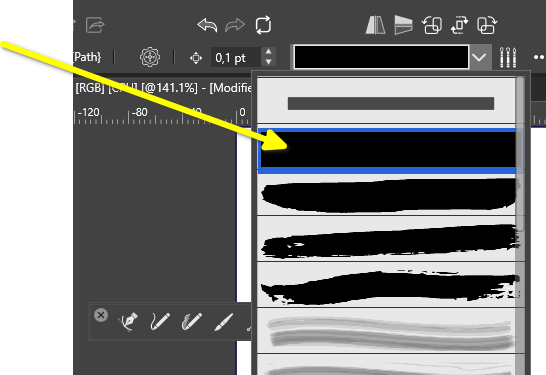
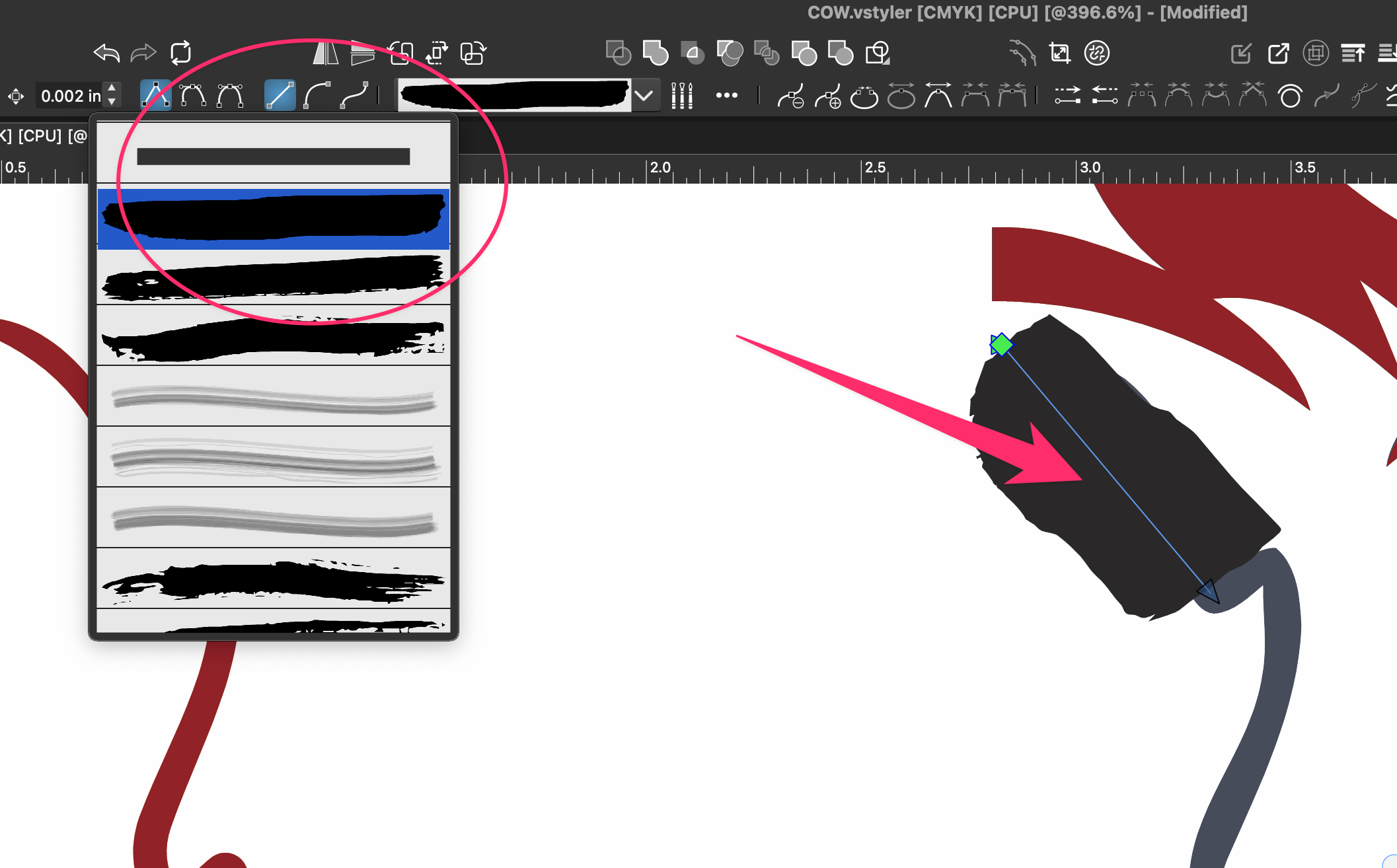
When I switch to the Brush Tool, it frequently selects the second brush in the list instead of the top one. Is there a setting that lets me choose which brush stroke is selected by default?
There’s nothing wrong with the second brush. I just don’t use that style very often.
🍎 macOS Tahoe 26.2, Mac mini (M1, 2020), Chip Apple M1, Memory 16 GB
Cintiq 27QHD Display and LG Ultra HD Display -
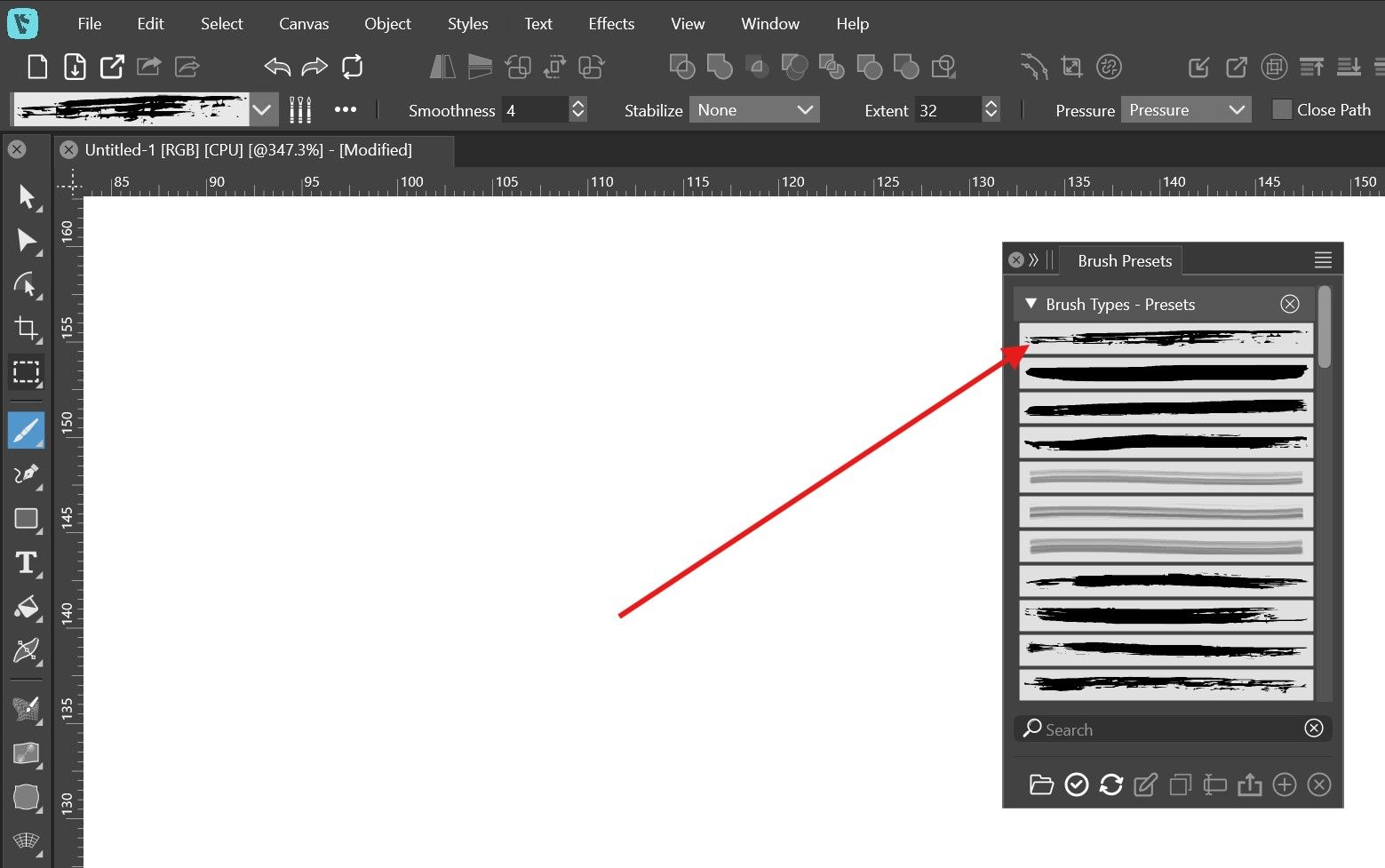
@Boldline Open the Brush Presets panel and drag and drop the brush you want into the first row.
-
@Boldline There is not default in this sense. The brush used in drawing should be the brush that was on the last selected object.
-
In this tutorial, I have shown a very fast and somewhat unusual way
for selecting a brush. It requires some preparation.If you work with solid strokes you need to use the Pencil.
Here the Link to the part of the Tutorial.
https://www.vectorstyler.com/forum/topic/5850/some-basics-regarding-the-creation-and-use-of-artistic-brushes-as-well-as-a-fast-way-for-selecting-such-a-brush./3Win 11
CPU: AMD Ryzen 5 9600X, 6-core.
GPU: Nvidia Geforce RTX 5070. -
@VectorStyler hmmm. From my experiences, VS always favors the second brush in the list.
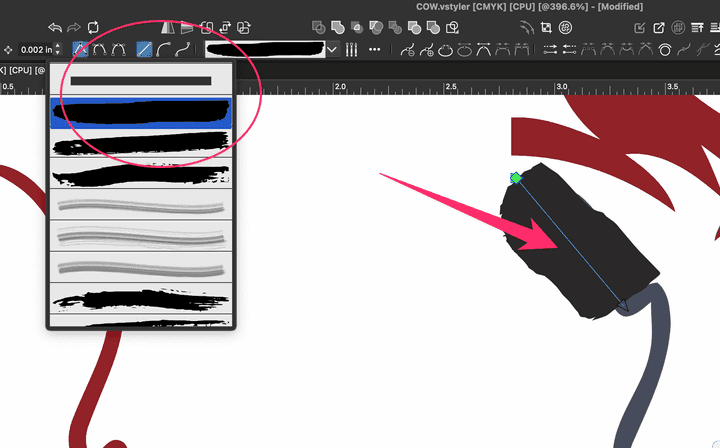
When I open a new VS file and then open the brushes panel, it's always set to the second brush down:
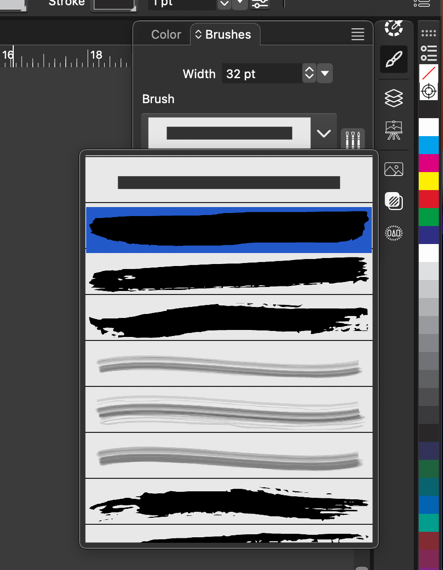
It often will use that brush even if I've already selected the top simple one. I will try to get that in a video.In the meantime, in trying to show that issue, I have a different one where if I switch brushes after making a shape, the next one I create reverts back to the previous brush. Here is a video of that
-
@Boldline said in How Can I Set the Default Brush Stroke?:
When I open a new VS file and then open the brushes panel, it's always set to the second brush down:
Yes, this is the case. Different opened documents have different current brushes.
But inside one document, if you select a brush it should stay (for that document) the default. -
@VectorStyler said in How Can I Set the Default Brush Stroke?:
But inside one document, if you select a brush it should stay (for that document) the default.
@VectorStyler ok. but in a case like this video, why does it switch back to the previous brush?
-
@Boldline said in How Can I Set the Default Brush Stroke?:
but in a case like this video, why does it switch back to the previous brush?
Because if you select the first item that cannot be used as a default by the brush, since it is a solid stroke.
The brush tool will apply a brush, even if the default is just a solid stroke.
You need to use the Pencil tool to draw with solid strokes -
@Subpath said in How Can I Set the Default Brush Stroke?:
If you work with solid strokes you need to use the Pencil.
@VectorStyler said in How Can I Set the Default Brush Stroke?:
Because if you select the first item that cannot be used as a default by the brush, since it is a solid stroke.
The brush tool will apply a brush, even if the default is just a solid stroke.
You need to use the Pencil tool to draw with solid strokesok - thank you! Somehow this was not computing in my head.
-
How about using a simple rectangle of the appropriate height?
And creating an Artistic Brush Preset from it?
That way, this version would be the second brush.I have no idea right now what the difference to the "Pencil" version would be—at least I don't see one.