How Can I Set the Default Brush Stroke?
-
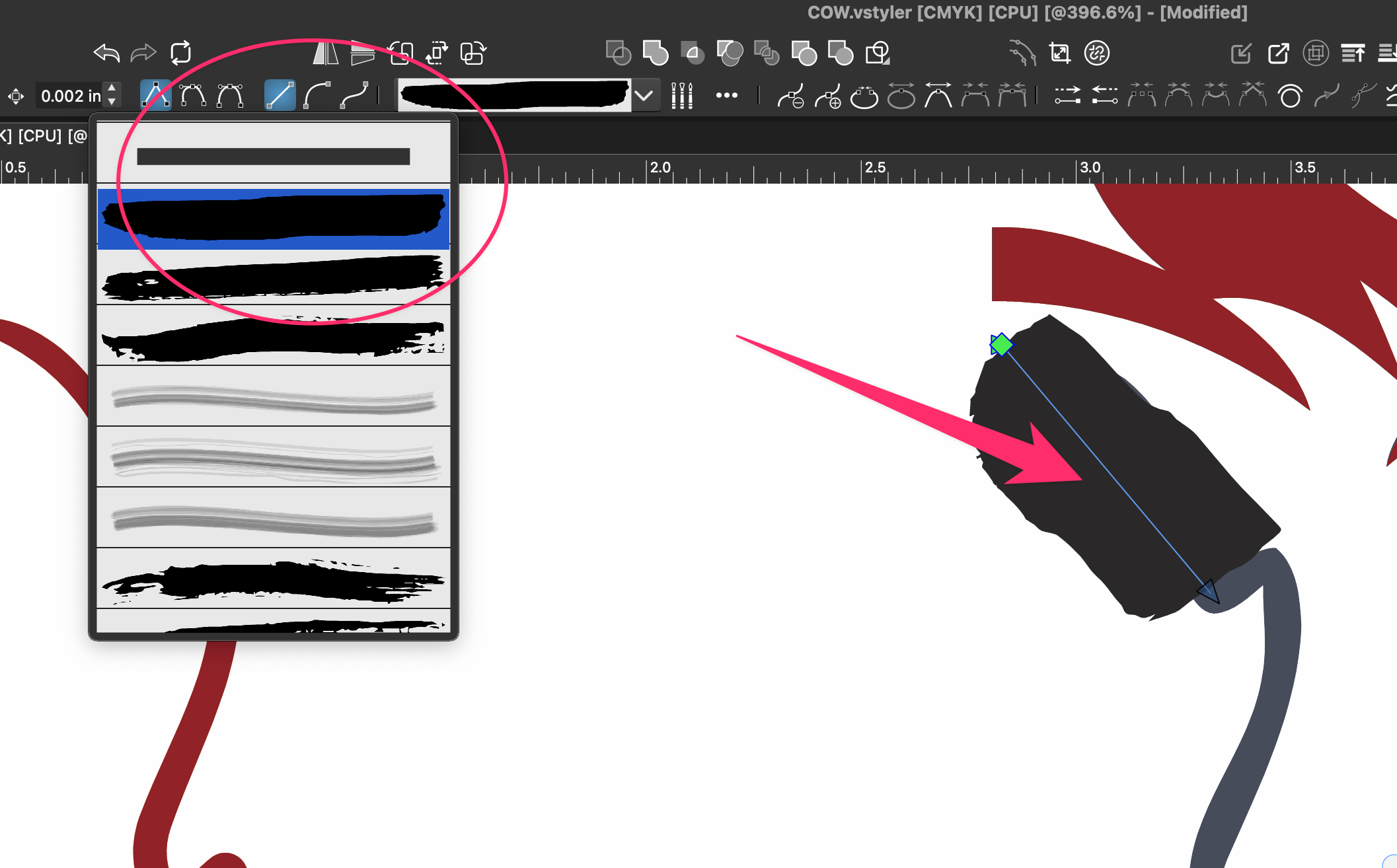
I’ve noticed this minor issue for quite a while, so it isn’t specific to a recent build.
When I switch to the Brush Tool, it frequently selects the second brush in the list instead of the top one. Is there a setting that lets me choose which brush stroke is selected by default?
There’s nothing wrong with the second brush. I just don’t use that style very often.
🍎 macOS Tahoe 26.2, Mac mini (M1, 2020), Chip Apple M1, Memory 16 GB
Cintiq 27QHD Display and LG Ultra HD Display -
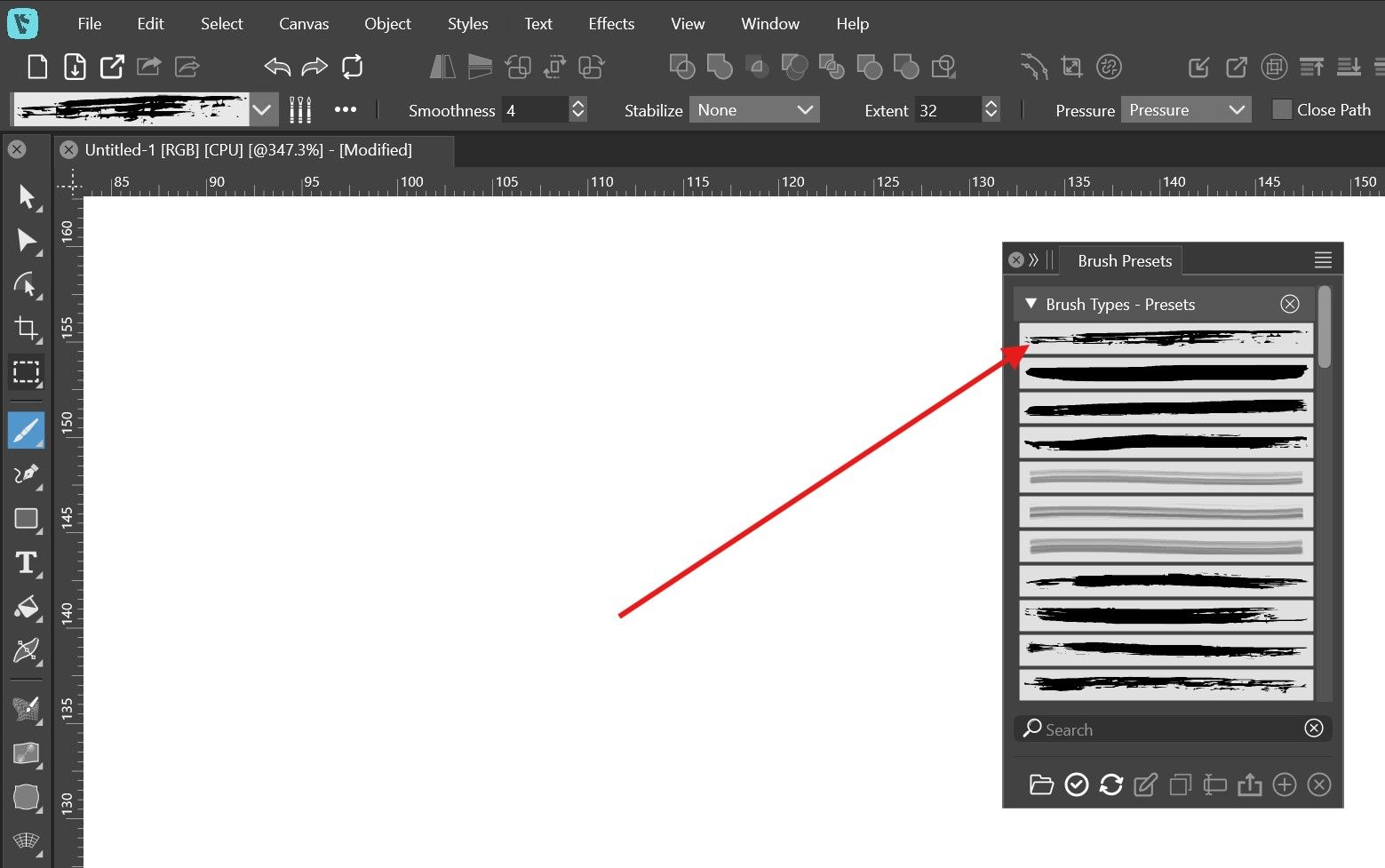
@Boldline Open the Brush Presets panel and drag and drop the brush you want into the first row.
-
@Boldline There is not default in this sense. The brush used in drawing should be the brush that was on the last selected object.
-
In this tutorial, I have shown a very fast and somewhat unusual way
for selecting a brush. It requires some preparation.If you work with solid strokes you need to use the Pencil.
Here the Link to the part of the Tutorial.
https://www.vectorstyler.com/forum/topic/5850/some-basics-regarding-the-creation-and-use-of-artistic-brushes-as-well-as-a-fast-way-for-selecting-such-a-brush./3

