"View using GPU" option appears to runs better with lower screen resolution setting
-
I was cleaning up and editing a complex design in VS and the program was starting to lag. I had tried to select a large grouping of object to change their color with the color picker and it took forever to catch up. I turned on the "View using GPU" option and things were faster for about ten minutes until VS crashed on me as I was editing nodes in the complex art. I also noticed that VS was struggling to quickly show a clear non-pixelated image on screen when I would zoom in and out.

I wondered if it would help things if I changed the resolution of the document. I had always had it set to 300. I reduced it down to 100 and made sure "View using GPU" option was still on. Zooming in and out of the image as I worked was snappy and there was no struggle to display clear sharp imaging like before.
I have also not seen VS crash with "View using GPU" option turned on with the display view set to 100 - yet! fingers crossed.
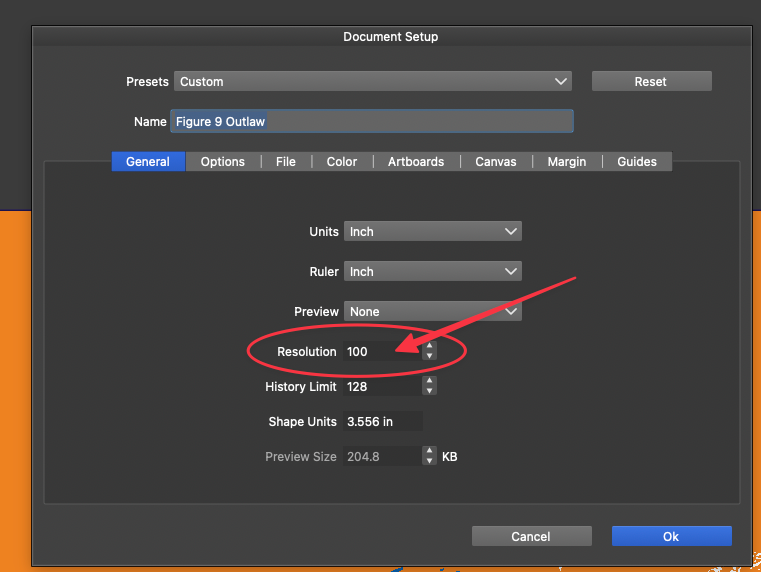
-
@Boldline I will check the crash reports

