VectorStyler
    • Categories
    • Unread
    • Recent
    • Tags
    • Popular
    • Register
    • Login

    how do I create a new object or path in a selected sub layer?

    Scheduled Pinned Locked Moved Questions and Support
    2 Posts 2 Posters 8 Views 2 Watching
    Loading More Posts
    • Oldest to Newest
    • Newest to Oldest
    • Most Votes
    Reply
    • Reply as topic
    Log in to reply
    This topic has been deleted. Only users with topic management privileges can see it.
    • RaaskotR Offline
      Raaskot
      last edited by

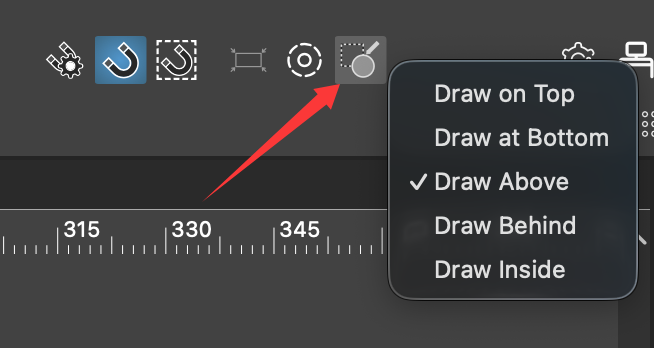
      I want to control exactly where I create new shapes and objects in VectorStyler.

      The software alway draw on top in the main layer by default, but I want to create a new object or path in a selected layer below. How?
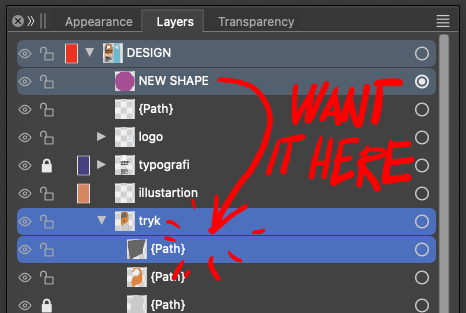
      bea6e4f5-30dd-4444-a466-7c2b9f091fd4-image.png

      VectorStylerV 1 Reply Last reply Reply Quote 1
      • VectorStylerV Offline
        VectorStyler @Raaskot
        last edited by

        @Raaskot First select the layer in the Layers panel and then draw the shape

        1 Reply Last reply Reply Quote 0
        • First post
          Last post