VectorStyler
    • Categories
    • Unread
    • Recent
    • Tags
    • Popular
    • Register
    • Login

    vertical text

    Scheduled Pinned Locked Moved Questions and Support
    9 Posts 2 Posters 33 Views 2 Watching
    Loading More Posts
    • Oldest to Newest
    • Newest to Oldest
    • Most Votes
    Reply
    • Reply as topic
    Log in to reply
    This topic has been deleted. Only users with topic management privileges can see it.
    • M Offline
      macos
      last edited by

      The text processing function needs to be strengthened. After converting to vertical text, it has changed. It is recommended to refer to Inkspace. Normal in inkspace.

      VectorStylerV 3 Replies Last reply Reply Quote 1
      • VectorStylerV Offline
        VectorStyler @macos
        last edited by

        @macos Can you send me an example

        M 1 Reply Last reply Reply Quote 0
        • M Offline
          macos @VectorStyler
          last edited by

          @VectorStyler
          1.vstyler

          M 1 Reply Last reply Reply Quote 0
          • M Offline
            macos @macos
            last edited by

            Another issue: it seems that rounded corners and outlines cannot be scaled.

            VectorStylerV 1 Reply Last reply Reply Quote 1
            • VectorStylerV Offline
              VectorStyler @macos
              last edited by

              @macos said in vertical text:

              Another issue: it seems that rounded corners and outlines cannot be scaled.

              Outline scaling is off by default, can be turned on with the Transformed Stroke option in Document Setup, or individually for objects in Object Options.
              Please note that stroke scaling is non-destructive, and it is using the current transform on objects to scale the stroke. If turned off, strokes revert to non-scaled state

              About corners: here the default scaling (for some shapes) changes the shape width/height, which will not change the corner (by design, so scaled rectangle corners remain rounded).
              This can be changed by scaling rectangles as objects, by disabling the "Direct Shape Transformation" in Settings -> Editing

              1 Reply Last reply Reply Quote 0
              • VectorStylerV Offline
                VectorStyler @macos
                last edited by

                @macos said in vertical text:

                The text processing function needs to be strengthened. After converting to vertical text, it has changed. It is recommended to refer to Inkspace. Normal in inkspace.

                Can you send me an Inkscape file with vertical text. The screenshot seems to contain a rotated text.

                M 1 Reply Last reply Reply Quote 0
                • M Offline
                  macos @VectorStyler
                  last edited by

                  @VectorStyler
                  text.svg

                  VectorStylerV 1 Reply Last reply Reply Quote 1
                  • VectorStylerV Offline
                    VectorStyler @macos
                    last edited by

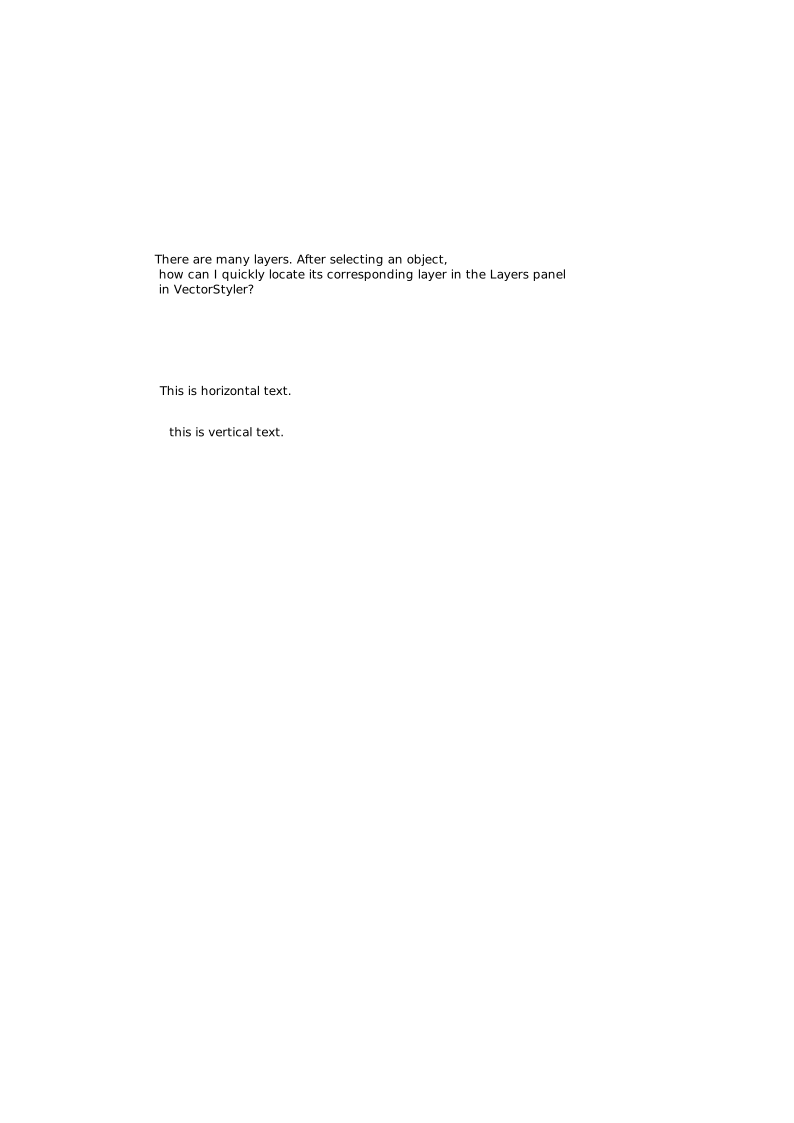
                    @macos Selected objects in the Layers panel can be located using the "Locate Selection" command in the panel menu.

                    1 Reply Last reply Reply Quote 0
                    • VectorStylerV Offline
                      VectorStyler @macos
                      last edited by

                      @macos The vertical text issue is identified, and the fix will be in the next build.

                      The issue is with the new text engine. If you set the "Text Shaper" option in Paragraph Styles to "OpenType" and then in Character Options enable the "Automatic Vertical Roman" then it should work.
                      BTW: you need to set the "Enable East-Asian Options" in Settings

                      1 Reply Last reply Reply Quote 0
                      • First post
                        Last post