Magnetic Selection



-
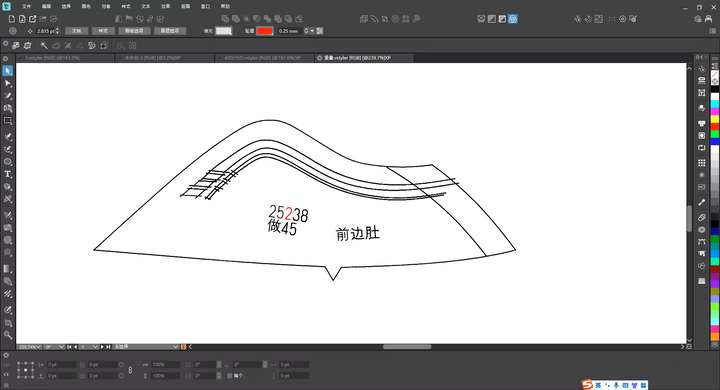
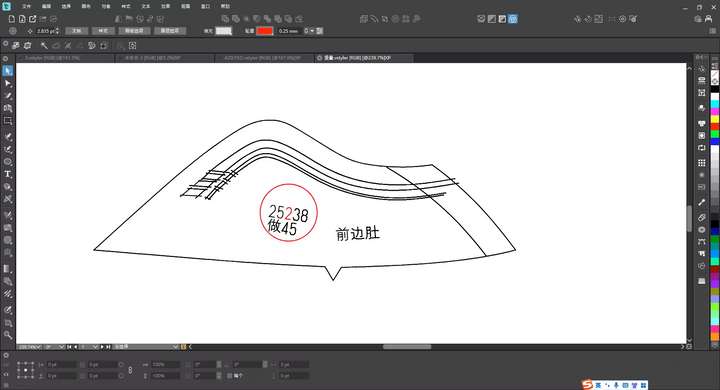
There are several text paths in the sample image. When you set the magnetic field distance and click on the number "2", all elements within the magnetic field diameter of the number "2" will be selected. Meanwhile, the path surrounded by the magnetic field will have the same magnetic field parameters. Thus, clicking on the number "2" will select all paths in that area. (It might be easier to understand if we use the concept of an electric field: when you click on the number "2", the surrounding paths can be regarded as conductors, and all of them will be within the range affected by the electric field.) We hope this function can be added. -
@monsterfox I added this to the backlog. Should this work as a magic wand tool option?
-
@VectorStyler Yes, the magnetic field distance can be set.
