Question about the Intertwine Tool
-
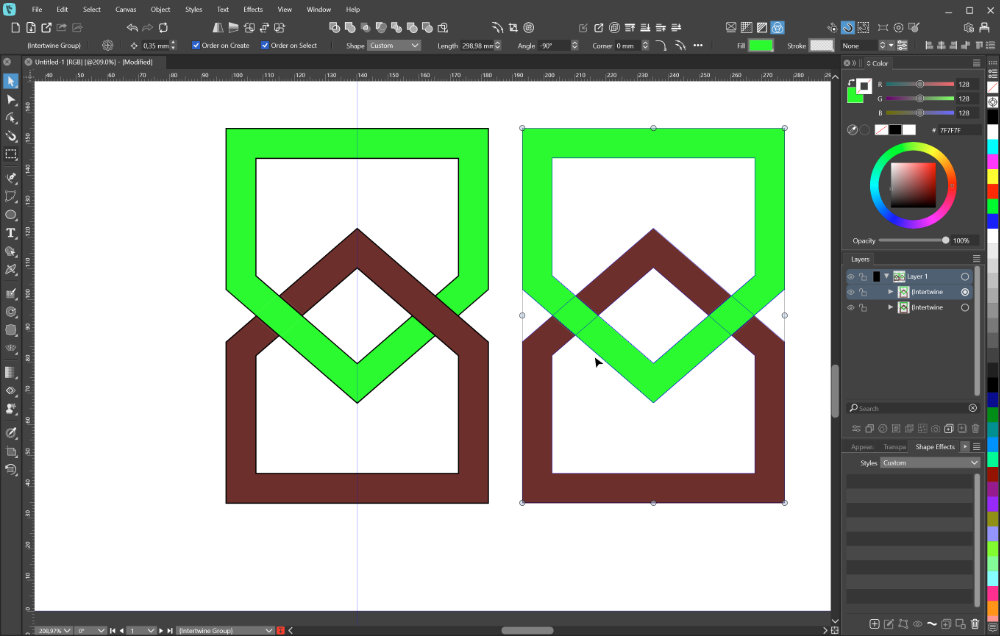
I made a shape, applied an Outline to it, and converted it to curves. Then I duplicated it, rotated it, moved it down a little. The shapes have a black line attribute, and I gave them two separate colors. Selected them both, and put them in an Intertwine group, and made one side overlap the other.
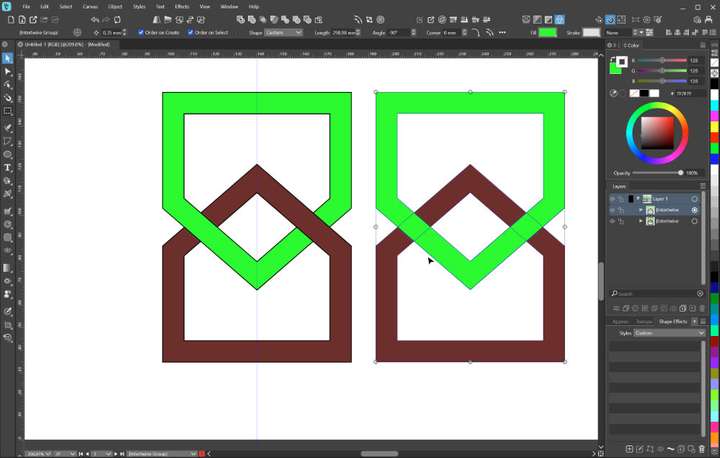
That works as expected. But then I removed the line attribute, which also removes the intertwine effect. The two shapes are still in an intertwine group, as indicated in the status bar, but now clicking on the intersection does nothing. It just cycles through the shapes being on top of each other (alternating).
Is that intended behavior?
-
@Gremriel Send me that file by email, not clear what could cause this.
-
@VectorStyler Sent the file.
-
I tried it out and discovered something interesting.
Firstly, I had the same problem as you: the intertwining effect
disappeared when I deleted the outline.After that, the intertwining effect couldn't be created again. The reason
for this could be that when you ungroup the objects, there are now four
copies of the red object.I think this has something to do with the effect itself. If you delete three
of the four objects, you can apply the effect again.