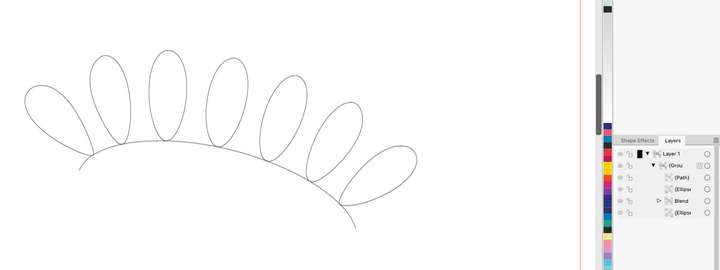
Blend along a path : can objects be shifted vs path ?
-
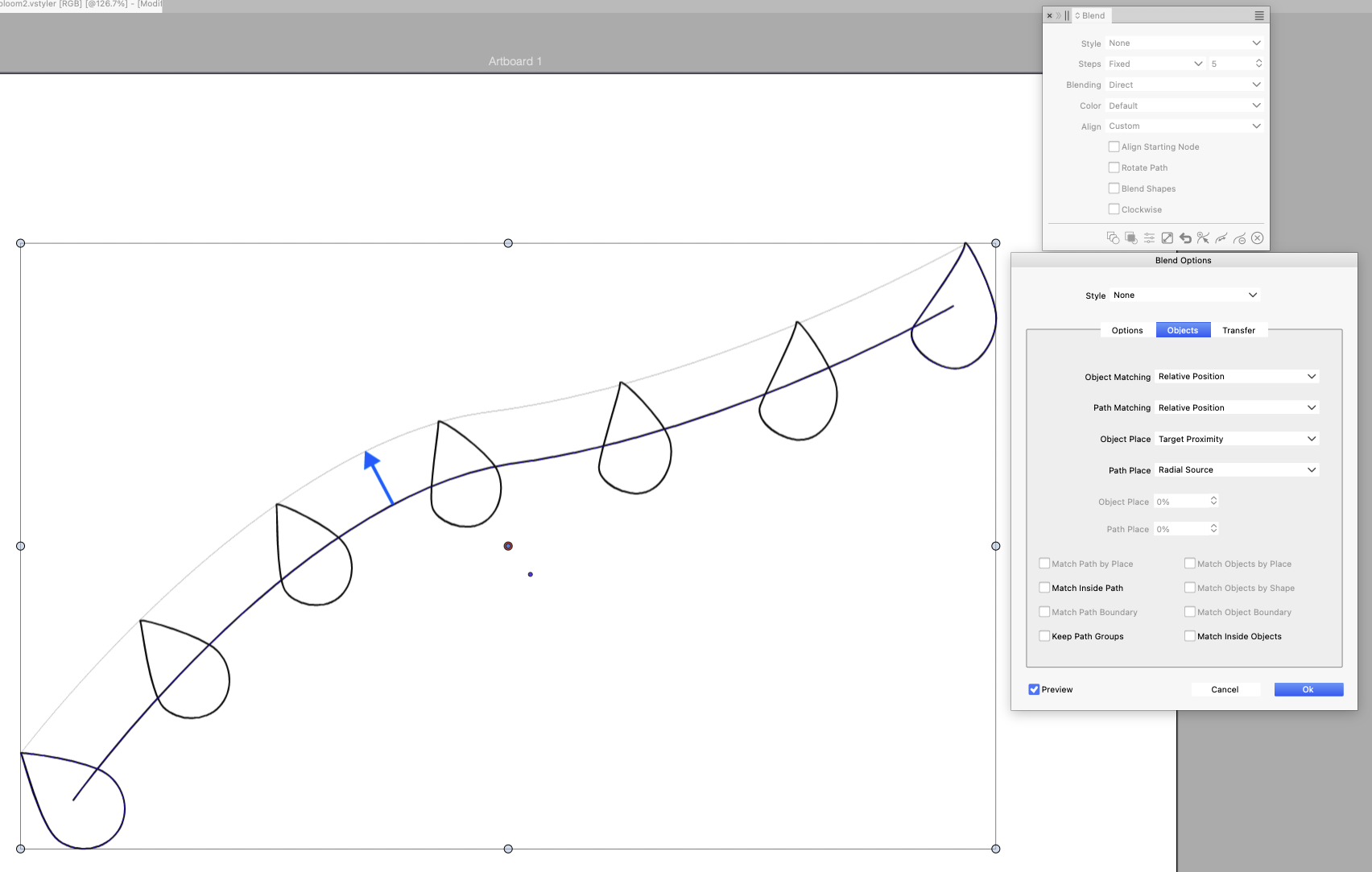
Is there a way we could shift shapes of a blended group so they stay at a distance from the blend path instead of being centered on the path ?
There looks to be some settings Object Place and Path Place that potentially could do this but they always seem greyed out (or maybe they don't work like this at all)
Alternatively, I was hoping each shape pivot point could be used to determine where the shape sits on the path but it looks it has no effect
-
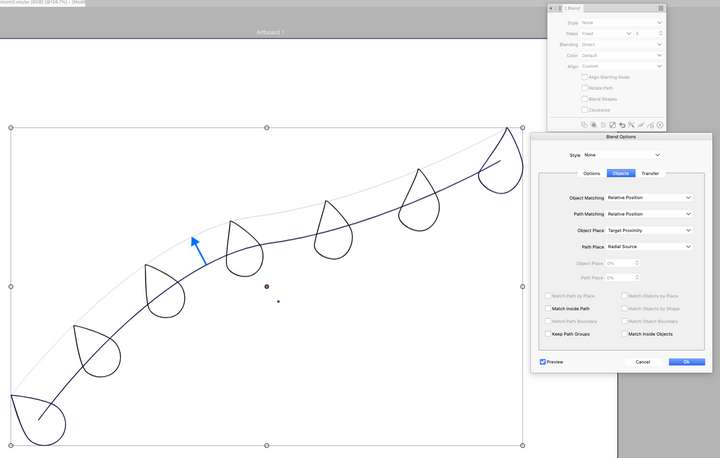
Object Place and Path Place that potentially
These are something else.
No such option, I will try to add one in the future.
-
@VectorStyler ok. Thank you
if you are touching the blend panel in the future, there are a couple things worth considering :
- an option to keep the path visible and selectable for edit in layer panel (like repeater shapes)
- a setting to set an offset for shapes to the path
- an option to flip shapes on each or both sides of the path (mirror symetry), or alternate
- an option to use shape pivot point for shape position and rotation (eg tree leaves pivoting on their stem extremity)
-
@EricP You can use the Bending effect to control alignment and shift along the path. Unfortunately, the precision is still a bit off, but it’s worth a try if your accuracy requirements aren’t too high.
I forgot to record the part where it moves parallel to the path.@VectorStyler Why is the shape used for the Bend Distortion effect not consistent with the actual size?
-
@Li-Xiao said in Blend along a path : can objects be shifted vs path ?:
Why is the shape used for the Bend Distortion effect not consistent with the actual size?
The shape in the bend effect is aligned to the original object size
-
The shape in the bend effect is aligned to the original object size
When the shape is a straight line at 0 degrees, the original object size becomes enormous.
0_1763821071730_Bending size.vstyler -
@Li-Xiao I will try to fix this issue as soon as possible
-
@Li-Xiao thanks for the tip. Yes bending is actually a good idea. I found it easy to control by grouping the path and blended shapes together before applying blending shape effect. Everything stays well connected