VectorStyler
    • Categories
    • Unread
    • Recent
    • Tags
    • Popular
    • Register
    • Login

    Liquify Tool needs much better smoothing
    Scheduled Pinned Locked Moved Features and Ideas
    4 Posts 2 Posters 3.4k Views 2 Watching
    Loading More Posts
    • Oldest to Newest
    • Newest to Oldest
    • Most Votes
    Reply
    • Reply as topic
    Log in to reply
    This topic has been deleted. Only users with topic management privileges can see it.
    • S Offline
      Subpath
      last edited by Subpath

      Unfortunately, I find the results with the Liquify tool unsatisfactory
      and not really great. A much better smoothing would make this
      tool more usable.

      Even though the Liquify tool would be more important to me,
      I would also argue that all of these tools would benefit from
      much better smoothing options.
      .
      .

      0_1741606537454_Liquify tool.png
      .
      .
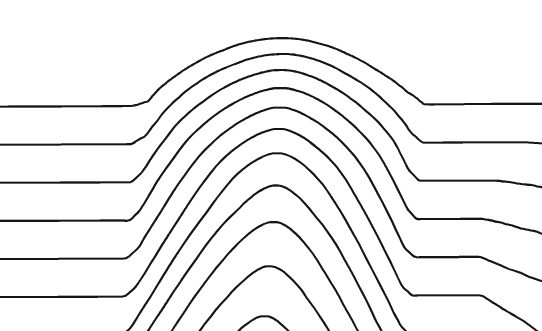
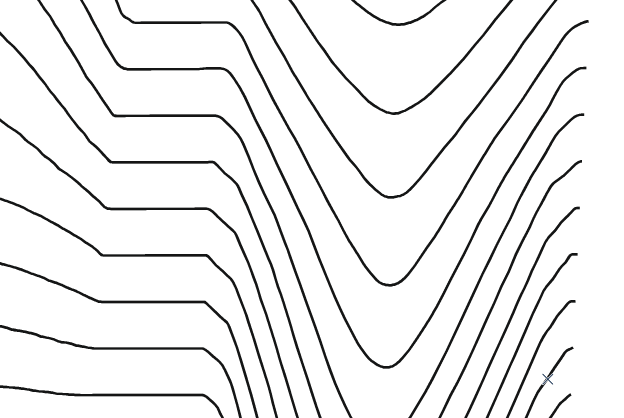
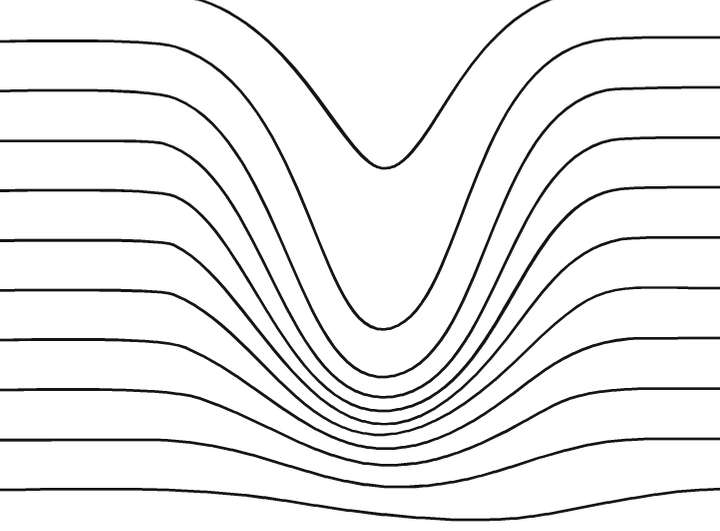
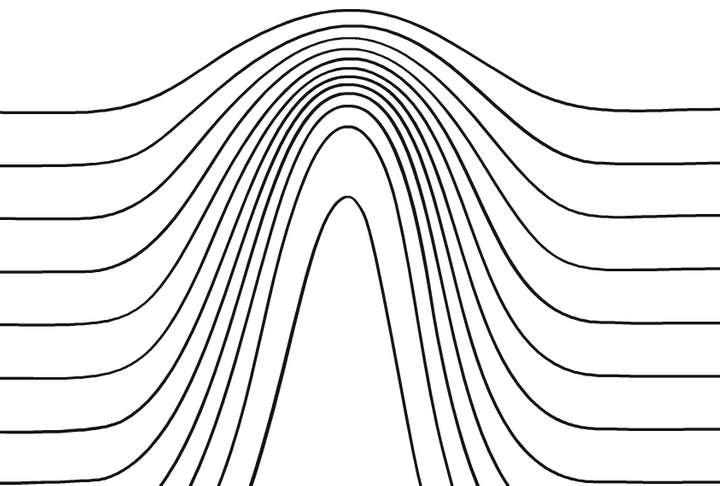
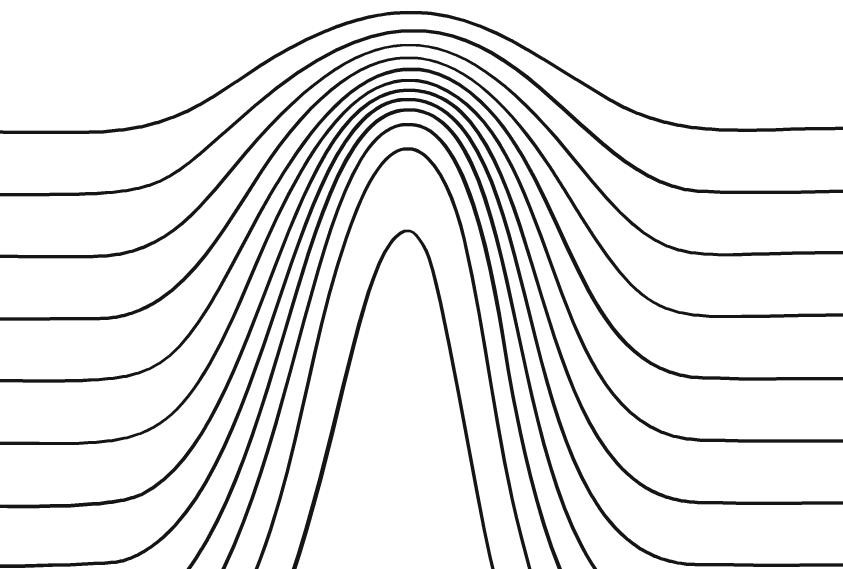
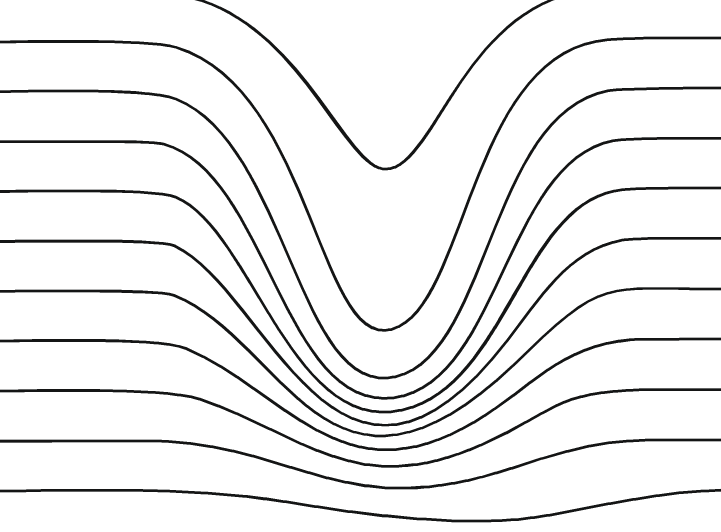
      Here the difference CorelDraw and VectorStyler.
      I know its not really the same Tool but i think you get what i mean.
      The transitions in Vectorstyle are much too harsh
      and lines are unsteady.

      VectorStyler

      0_1741606329292_VectorStyler-Liquid-1.png
      .
      .
      0_1741606338588_VectorStyler-Liquid-2.png
      .
      .
      CorelDraw

      0_1741606375801_CorelDraw-Smear-1.png
      .
      .
      0_1741606388545_CorelDraw-Smear-2.png

      Win 11
      CPU: AMD Ryzen 5 9600X, 6-core.
      GPU: Nvidia Geforce RTX 5070.

      VectorStylerV 1 Reply Last reply Reply Quote 1
      • VectorStylerV Offline
        VectorStyler @Subpath
        last edited by

        @Subpath Smoothing can be adjusted in the tool options (double click tool icon, then Options button).

        I will find better defaults.

        1 Reply Last reply Reply Quote 0
        • S Offline
          Subpath
          last edited by Subpath

          @VectorStyler

          Ok, played a bit with the Liquify Tool Settings and found out
          that "S-Curve 5" will do a somewhat better job.

          But I also find out that using these settings is no fun.
          For every small change to the settings you have to double click
          on the tool to access them again. I find that very tedious.

          Will try out a few settings and then get back to you

          Win 11
          CPU: AMD Ryzen 5 9600X, 6-core.
          GPU: Nvidia Geforce RTX 5070.

          VectorStylerV 1 Reply Last reply Reply Quote 1
          • VectorStylerV Offline
            VectorStyler @Subpath
            last edited by

            @Subpath I opened a bug on this. The default settings must produce better results.

            1 Reply Last reply Reply Quote 1
            • First post
              Last post