VectorStyler
    • Categories
    • Unread
    • Recent
    • Tags
    • Popular
    • Register
    • Login

    How do I unlock a specific vector or vector group without unlocking all layers?
    Scheduled Pinned Locked Moved Questions and Support
    2 Posts 1 Posters 2.0k Views
    Loading More Posts
    • Oldest to Newest
    • Newest to Oldest
    • Most Votes
    Reply
    • Reply as topic
    Log in to reply
    This topic has been deleted. Only users with topic management privileges can see it.
    • BoldlineB Offline
      Boldline
      last edited by

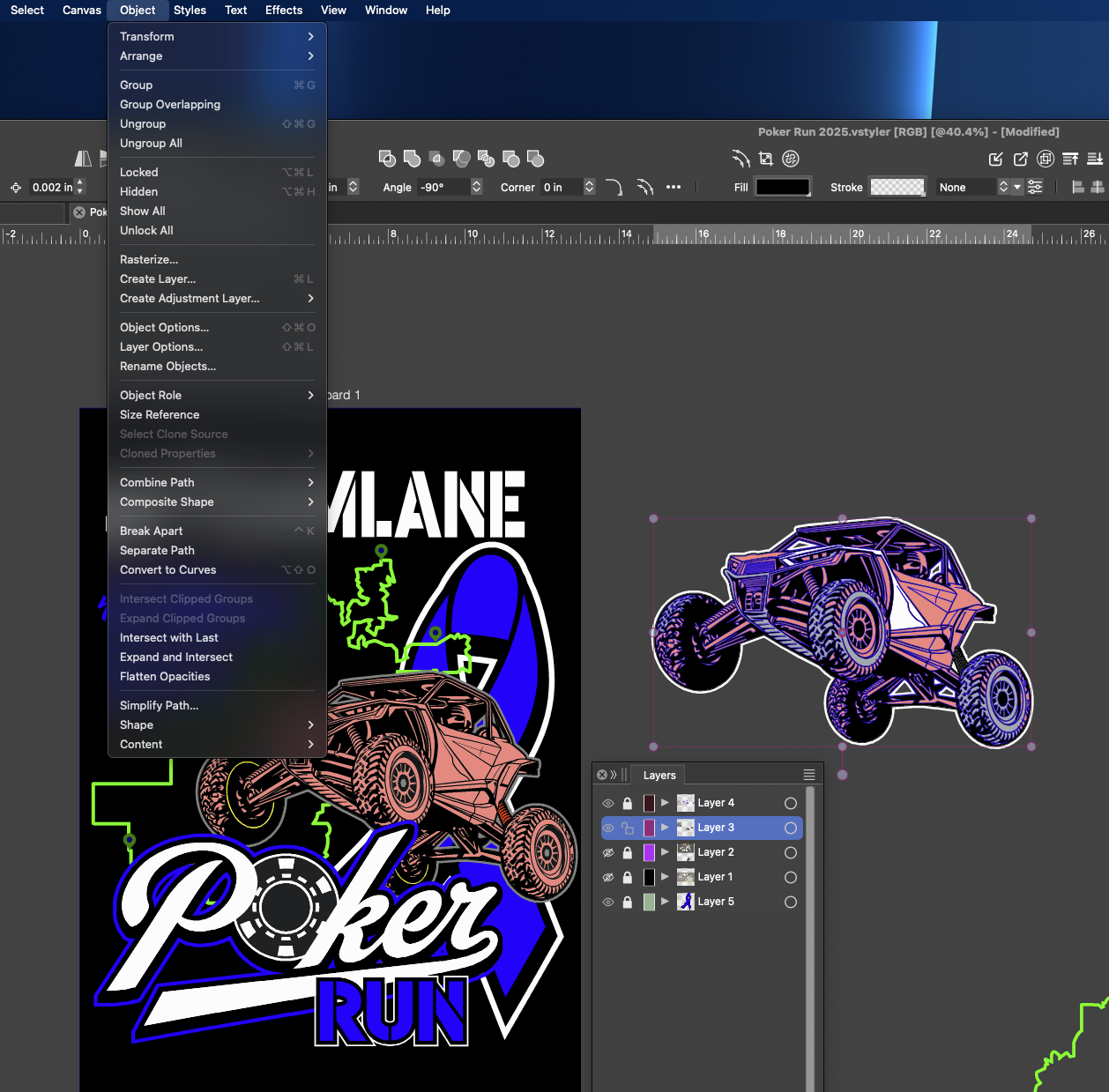
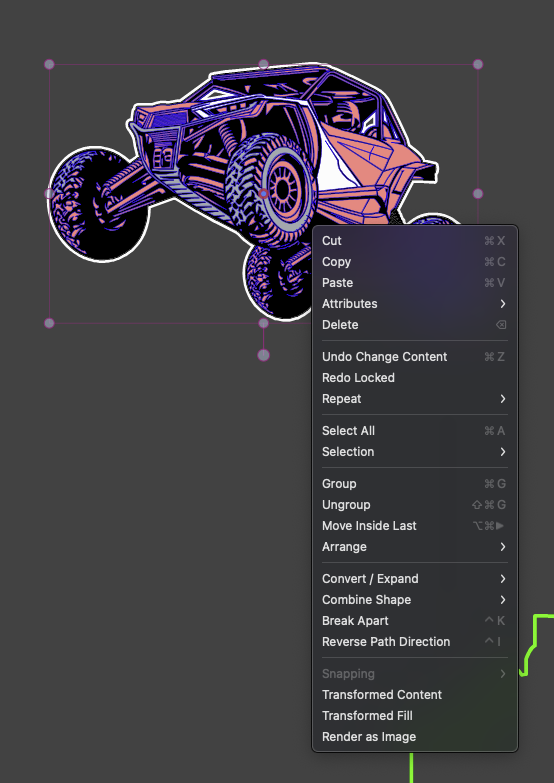
      I have number of vector shapes that make up a vehicle. The back outline of the vehicle is locked and the rest is not. I want to unlock the background shape of the vehicle but not literally unlock all the layers and all the shapes. I dont see a way to do this. The only option I see to unlock anything is the "unlock all"
      I was thinking there would be an option to unlock just the layer selected. Am I missing that option somewhere?
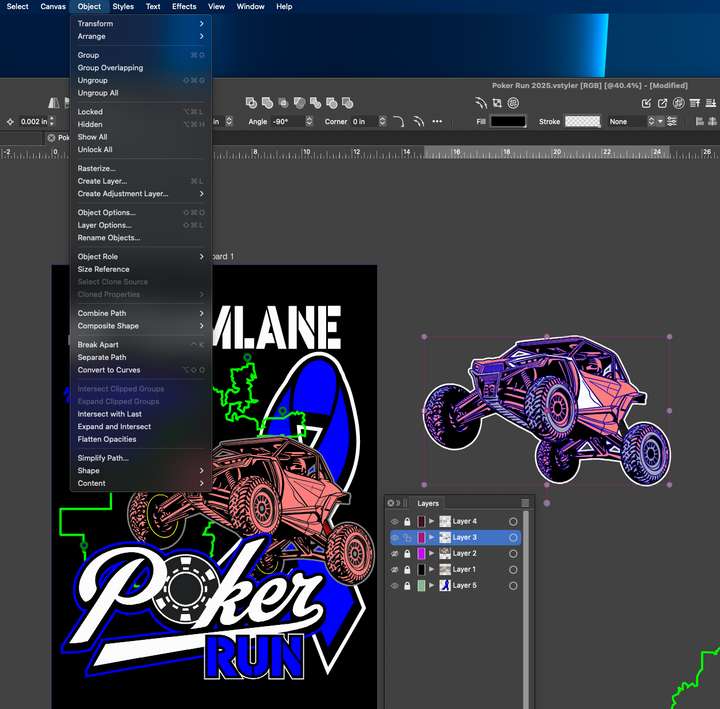
      0_1740889978788_85781c0a-3630-48e2-83c2-0fcc5e1e0479-CleanShot 2025-03-01 at 23.21.03.png

      0_1740890164961_c5b785a3-de20-409b-9b0d-244cceeb8ee2-CleanShot 2025-03-01 at 23.35.56.png

      🍎 macOS Tahoe 26.2, Mac mini (M1, 2020), Chip Apple M1, Memory 16 GB
      Cintiq 27QHD Display and LG Ultra HD Display

      BoldlineB 1 Reply Last reply Reply Quote 1
      • BoldlineB Offline
        Boldline @Boldline
        last edited by

        Update - I realized I could just go to the layer and select the individual parts there... in my head I was looking for a layer-level option to do this from the menus I showed in the screen shots.

        🍎 macOS Tahoe 26.2, Mac mini (M1, 2020), Chip Apple M1, Memory 16 GB
        Cintiq 27QHD Display and LG Ultra HD Display

        1 Reply Last reply Reply Quote 1
        • First post
          Last post